Video translation now returns a finished video
Upload a clip and get the same video with the speech in another language, in the speaker's own voice. The separate audio track and SRT subtitles come at the same price, at no extra cost.
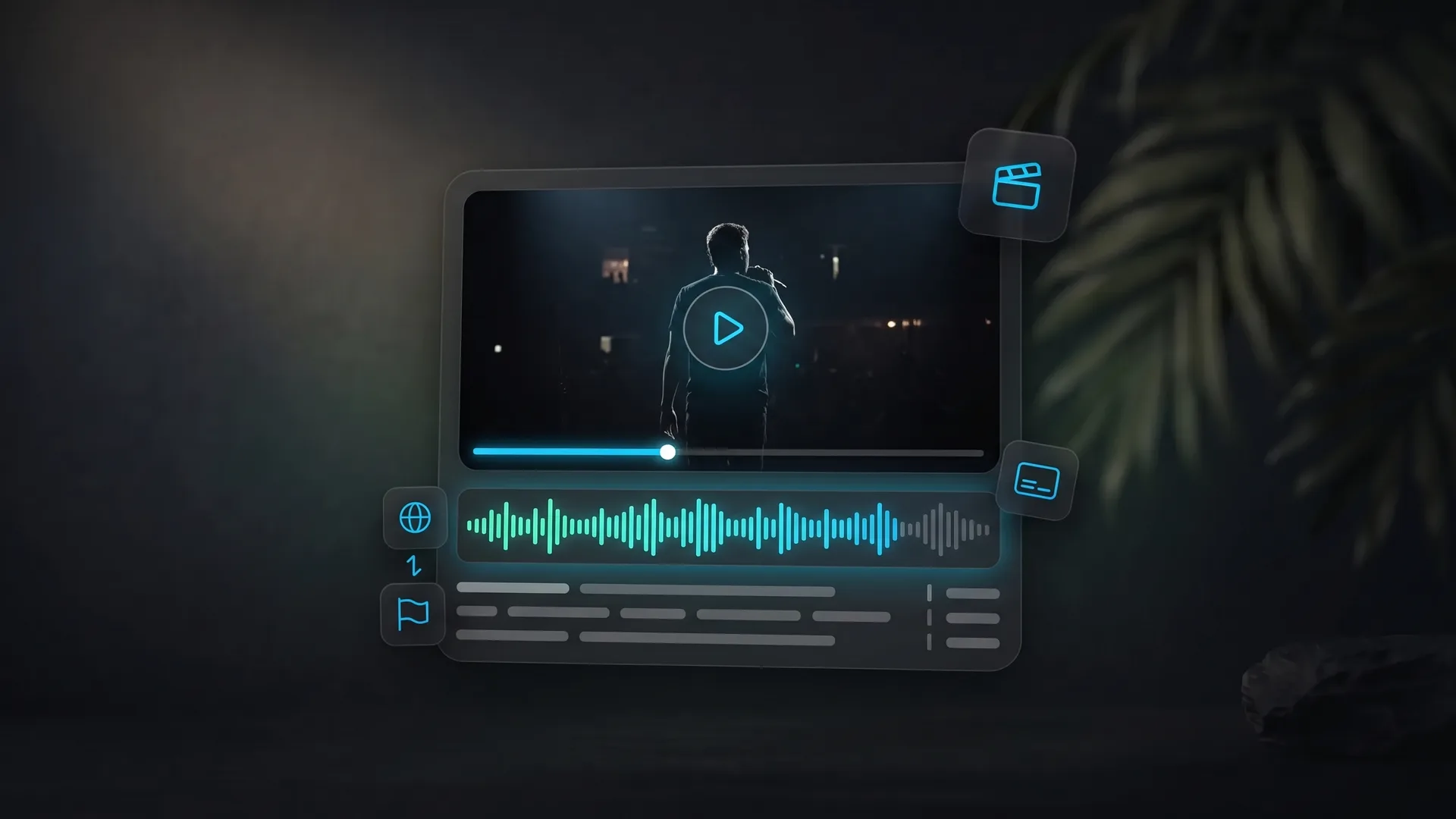
The Translation tab of the audio studio is no longer limited to sound. If you upload a video, the result is a finished MP4 with the translated speech: no need to lay a track over it in an editor.
What changed
- A finished video. The picture stays the same and is not re-encoded; the speech is replaced with the translation in the original speaker's voice.
- Track and subtitles included. You can also download the translated audio track and SRT subtitles separately. It is all one price, at no extra cost.
- In My Works. The translated video is saved as a video, with a poster and a player you can seek.
- Earlier translations too. For videos translated before, the finished clip is assembled automatically and appears in My Works.
- Audio as before. If you upload an audio file, the result is the translated track.
A video or recording up to 15 minutes long works. If the length of the translation differs too much from the clip, no video is built, and the track and subtitles stay available. The price depends on the recording length and is shown on the button.
How to start
Open the Translation tab, upload a video, choose the target language and select Translate. Finished translations are in My Works.