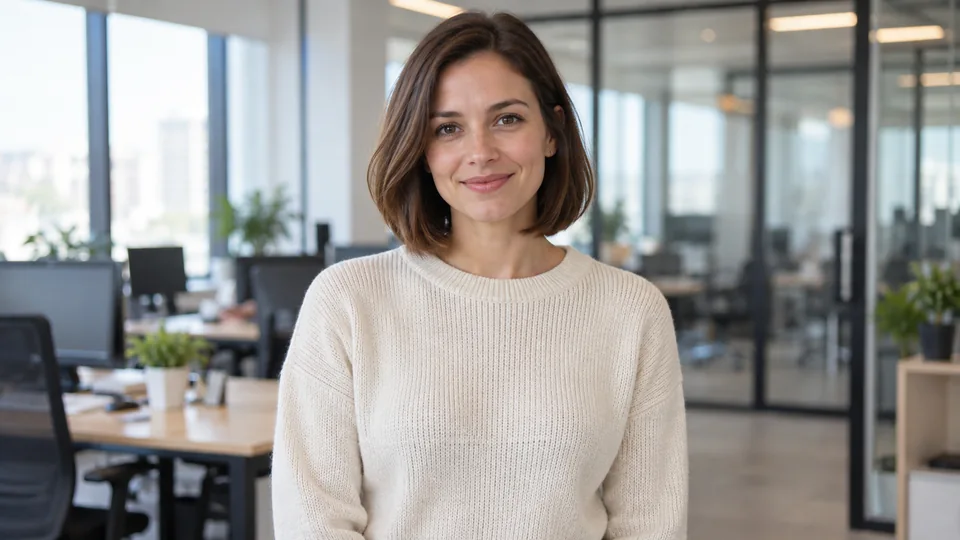
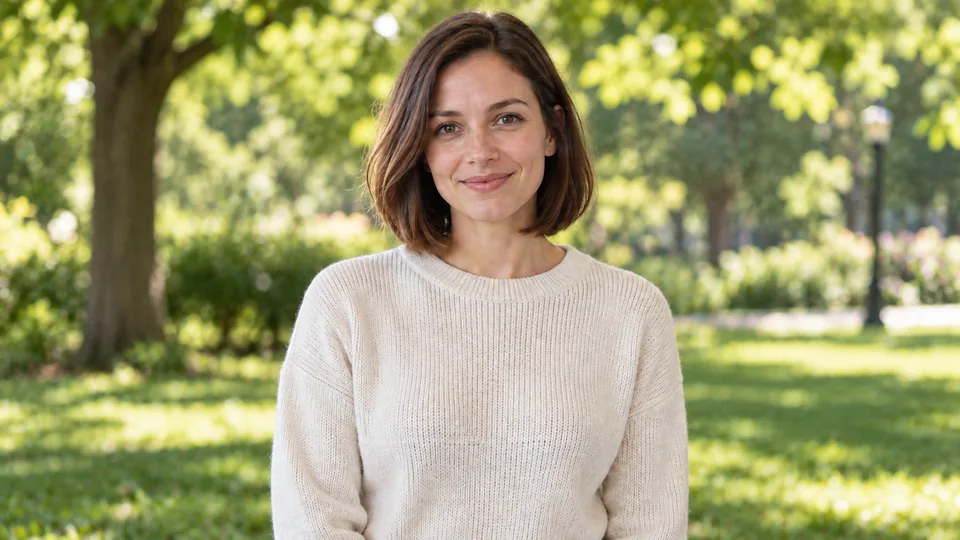
AI Age Filter
Upload a portrait and pick a preset: the AI age filter shows how you might look in 20 years or in old age, makes you look younger or turns the photo into you as a child — and the face stays recognisable.
Age filter presets
Each preset puts a ready prompt into the “What to change” field. Upload a sharp front-facing photo, press a preset and click Edit photo; you can change the number of years in the text.
20 years older
Make the person look about 20 years older: natural wrinkles around the eyes and mouth, a few grey hairs, slightly less firm skin. Keep the identity, facial features, expression, clothes and background unchanged.
In old age
Show the person at about 80 years old: deep natural wrinkles, grey thinning hair, age spots, softer facial contours. Keep the person recognisable, with the same eyes, expression, clothes and background.
10 years younger
Make the person look about 10 years younger: smoother skin, fewer wrinkles, a fuller face, natural hair colour. Keep the identity, facial features, expression, clothes and background unchanged.
As a child
Show the same person as a child of about six: a child’s face shape and proportions with the same eye colour, hair colour and recognisable features. Keep the pose, lighting and background similar.
How does the AI age filter work?
It is the Edit photo tab of the Clipia.ai image studio with age presets. You upload a portrait up to 10 MB, the preset puts a prompt into the “What to change” field, and the editing model redraws the face older or younger: wrinkles, skin, hair colour and face shape change, while the eyes, features and expression stay recognisable. It is an artistic age progression, not a forecast: the model shows a plausible version, not how you will really age. The editor starts on Nano Banana by Google; Nano Banana Pro, GPT Image 2 by OpenAI and FLUX Kontext by Black Forest Labs are in the model picker too.
What people use the age filter for
“What will I look like when I’m older?”
See yourself in 20, 30 or 50 years — for fun or for a post about the passage of time.
A younger version of yourself
Take a few years off and compare the result with your old photos.
Me as a child
Turn today’s photo into a childhood portrait and put the two side by side.
Characters and stories
Show a character at different ages for a comic, a game or a video.
How to do it
Upload a portrait
Choose a sharp front-facing photo up to 10 MB with the face well lit and not covered.
Pick an age
Press 20 years older, In old age, 10 years younger or As a child: the prompt appears in the “What to change” field.
Adjust the years
Change the number in the text, for example “about 40 years older”, or add details such as “with glasses”.
Run and compare
Click Edit photo. The result appears in My works; run another preset on the same photo to build a series.
Tips for better results
- A front-facing photo without sunglasses gives the most recognisable result.
- Change one thing at a time: the age first, then the background or style on the result.
- Keep “keep the identity and facial features” in the prompt so the face stays yours.
- Only upload photos of people with their consent; for photos of children, use your own family photos.
Which AI models change age in a photo
The model picker of the Edit photo tab lists these models first. The full list of editing models and the price of each in credits are shown there before you start.
Nano Banana 2.1
Best to startGoogle
The latest Nano Banana for any task
- Up to 14 input photos, renders text
- 14 aspect ratios plus auto, up to 4K
FLUX Kontext Pro
Precise editsBlack Forest Labs
Targeted photo edits by description
- Changes only what you asked
- Can keep the photo proportions
GPT Image 2
Text in frameOpenAI
Posters, lettering and edits by description
- Neat text in the frame
- Up to 16 input photos
How much does the AI age filter cost?
The price in credits is shown on the button before you start. Plans start from $10 per month. Try it free — 5 credits on sign-up.
Frequently asked questions
How much does the AI age filter cost, and what do I get at sign-up?
New accounts get 5 welcome credits at sign-up. After that, plans start from $10 per month. The exact price of each edit in credits is shown on the button before you start and depends on the model and quality.
Do I need to sign up to use the age filter?
Yes. Without an account you can open the editor and pick a preset; uploading a photo and running the edit need an account, which holds your credits and keeps your results. You can sign in with email or with a Google or Yandex account.
Does Clipia add a watermark to the photo?
No. Clipia does not add its own watermark: the edited image downloads in its original quality.
What will I look like when I’m older?
Upload a portrait and press 20 years older or In old age: the model adds wrinkles, grey hair and other signs of age while keeping your features. It shows a plausible version, not a forecast of how you will actually age.
How do I make myself look older in a photo?
Press a preset or write your own prompt, for example “make me look 60 years old, keep my features”. Name the details you want: a grey beard, glasses, thinning hair.
What is age progression?
Age progression shows how a person might look later in life. Here an AI editing model does it from a single photo: an artistic estimate for fun and creative work, not a forensic tool.
Can the filter make me look younger?
Yes: press 10 years younger or write the number of years yourself. The model smooths the skin and reduces wrinkles but keeps the face recognisable.
How does the baby filter work?
Press As a child: the model redraws your face with a child’s proportions and keeps your eye colour, hair colour and recognisable features. The pose and background stay close to the original.
Do I need an app for the age filter?
No. The age filter works in the browser on a phone or a computer: upload a photo from your gallery and run the edit.
Will the face stay recognisable?
The model tries to keep the eyes, features and expression, but with a big change of age details can shift. A sharp front-facing photo and the words “keep the identity” help; if the result drifts, run it again or try Nano Banana Pro.