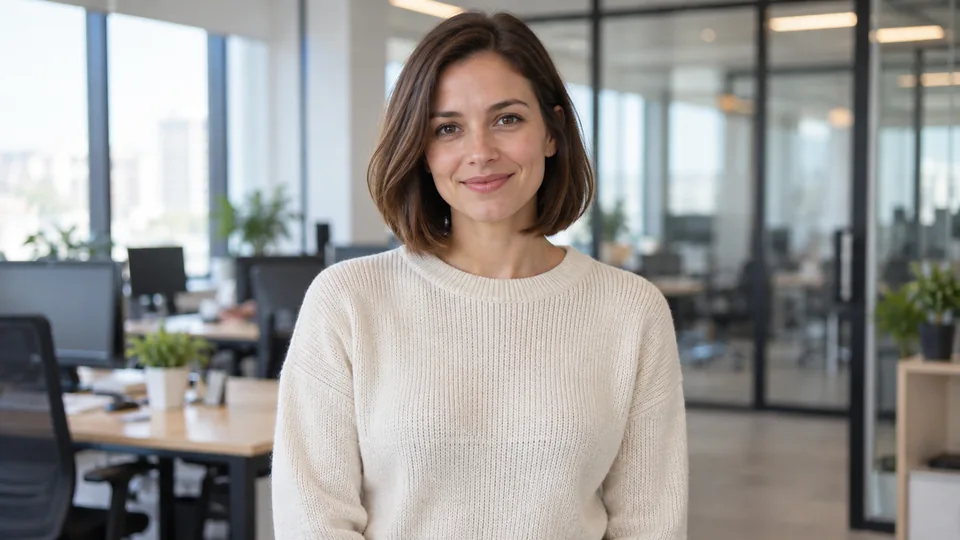
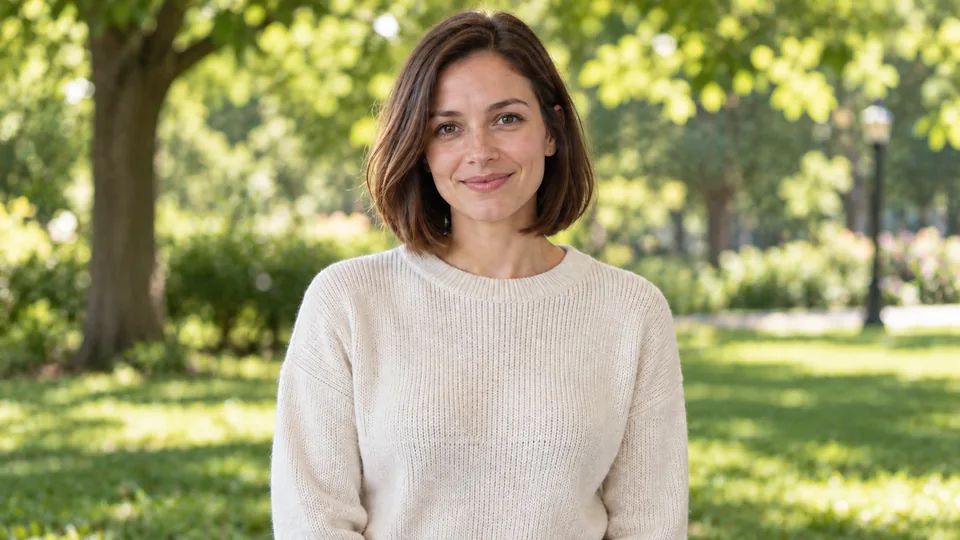
Edit photos with AI using a text prompt
The Clipia.ai photo editor changes a picture from a text prompt: upload a photo, describe the edit, and the model changes only what you named. Swap the background, remove an object or change an outfit without a graphics editor.
What can the AI photo editor do?
The Edit photo tab takes a picture up to 10 MB, including HEIC from an iPhone, and a prompt such as “replace the background with a summer park, keep everything else”. The model changes the background, lighting, clothes, details or style and tries to keep everything you did not mention. Editing models include Nano Banana 2 and Nano Banana Pro by Google, GPT Image 2 by OpenAI, Seedream 5.0 by ByteDance, FLUX Kontext by Black Forest Labs and Qwen Image 2 by Alibaba. Some models accept extra reference photos of a background, outfit or style to transfer onto the picture. The “Same as photo” format keeps the original aspect ratio.
How to do it
Upload a photo
Choose a picture up to 10 MB; HEIC photos from an iPhone work too.
Describe the edit
In the “What to change” field, write what to replace or remove. Add “keep everything else” if the rest of the shot matters.
Pick a model
A starting model is already selected. FLUX Kontext suits precise local edits, GPT Image 2 suits text in the image.
Run and save
Click Edit photo. The result appears in My works, and you can send it on to combining or quality enhancement.
Tips for better results
- Ask for one change at a time so the model can keep the rest of the shot intact.
- Name the object precisely: “remove the red car on the left”, not “remove the clutter”.
- To copy a background or outfit, attach a reference photo with a model that accepts several images.
- For text in the image, choose GPT Image 2 and put the exact words in quotes.
- Only upload photos of people with their consent.
How much does AI photo editing cost?
The price in credits is shown on the button before you start. Plans start from $10 per month. Try it free — 5 credits on sign-up.
Frequently asked questions
Can AI edit photos?
Yes. Upload a photo, describe the change in plain words, and the model returns an edited version while the original stays untouched.
How do I edit a photo with AI?
Open the Edit photo tab, upload a picture, write what to change and click Edit photo. The price in credits is shown on the button before you start.
How do I change the background of a photo with AI?
Write a prompt such as “replace the background with a summer park, keep everything else”. For a specific background, attach its photo as a reference with a model that accepts several images.
How do I remove objects from a photo?
Name the object and where it is, for example “remove the person on the right in the background”. The model removes it and fills in the background.
Which AI can edit a photo from a description?
On Clipia.ai, photos are edited by Nano Banana 2 and Nano Banana Pro, GPT Image 2, Seedream 5.0, FLUX Kontext and Qwen Image 2. FLUX Kontext changes only what you ask for, while GPT Image 2 is stronger with text.