
Repeat a trend
GTA AI trend: a GTA-style video starring you
The GTA trend is a viral GTA-style video where you replace the original hero. On Clipia, pick one of the 8 trends below, upload one photo or use a ready avatar: AI puts you in the frame and keeps the original sound and setting. A video costs from 143 credits and is usually ready in 3–6 minutes.
- from 143 credits per video
- ready in 3–6 minutes
- 720p · 1080p
GTA trends you can recreate
8 trends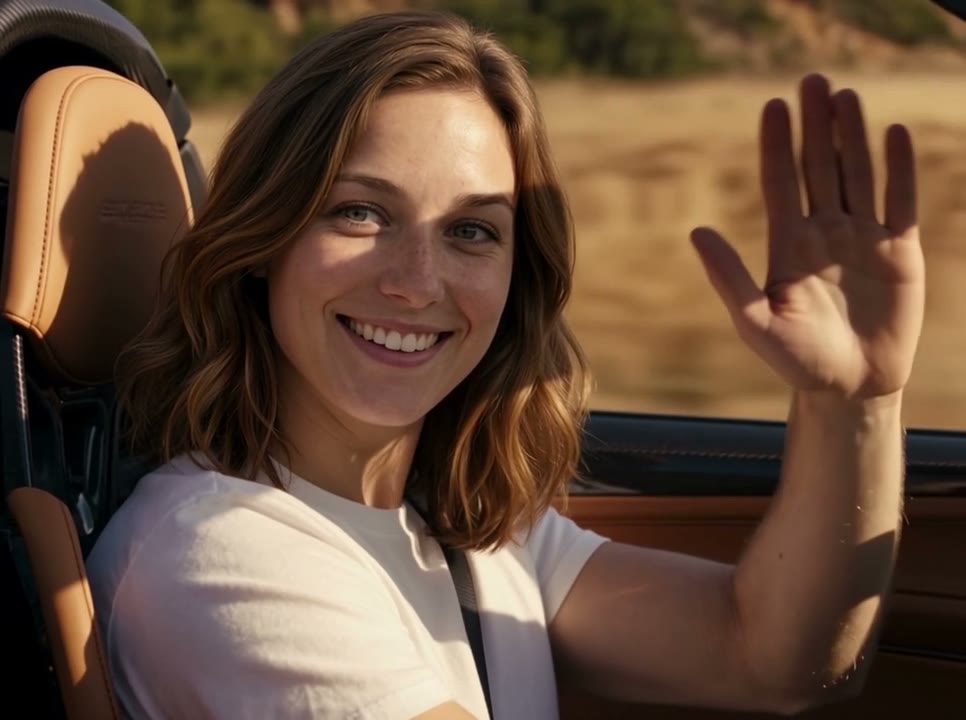
GTA-Style Road Trip
You are at the wheel of a convertible on a deserted highway, with three characters greeting you along the way.
from 154 credits
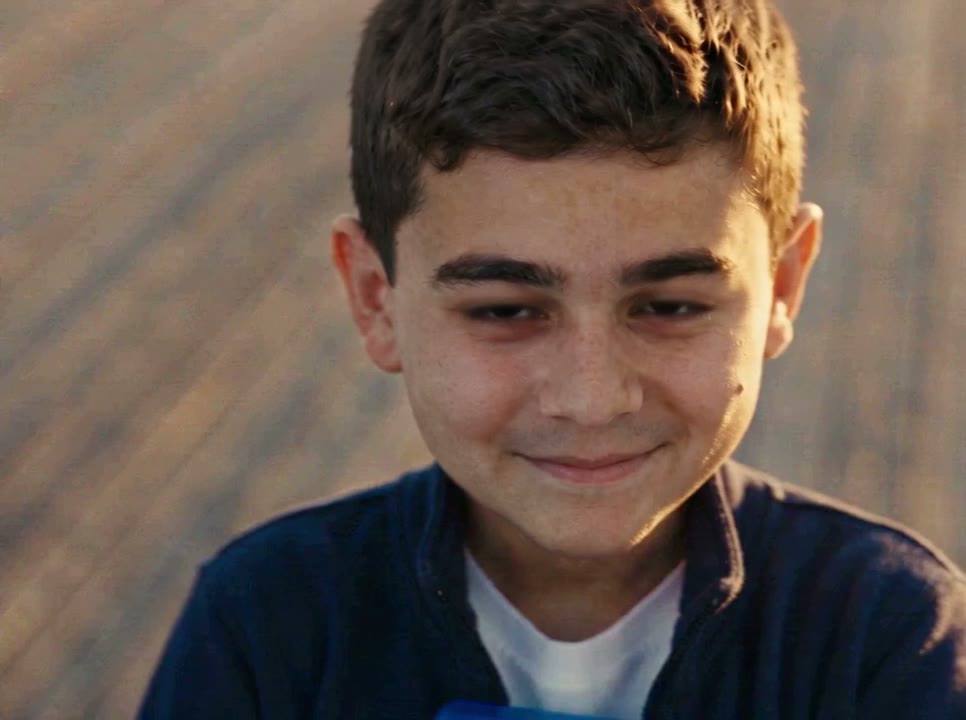
GTA: You as a kid and now
First you're a child, then an adult — with the three heroes by your side at both ages.
from 143 credits
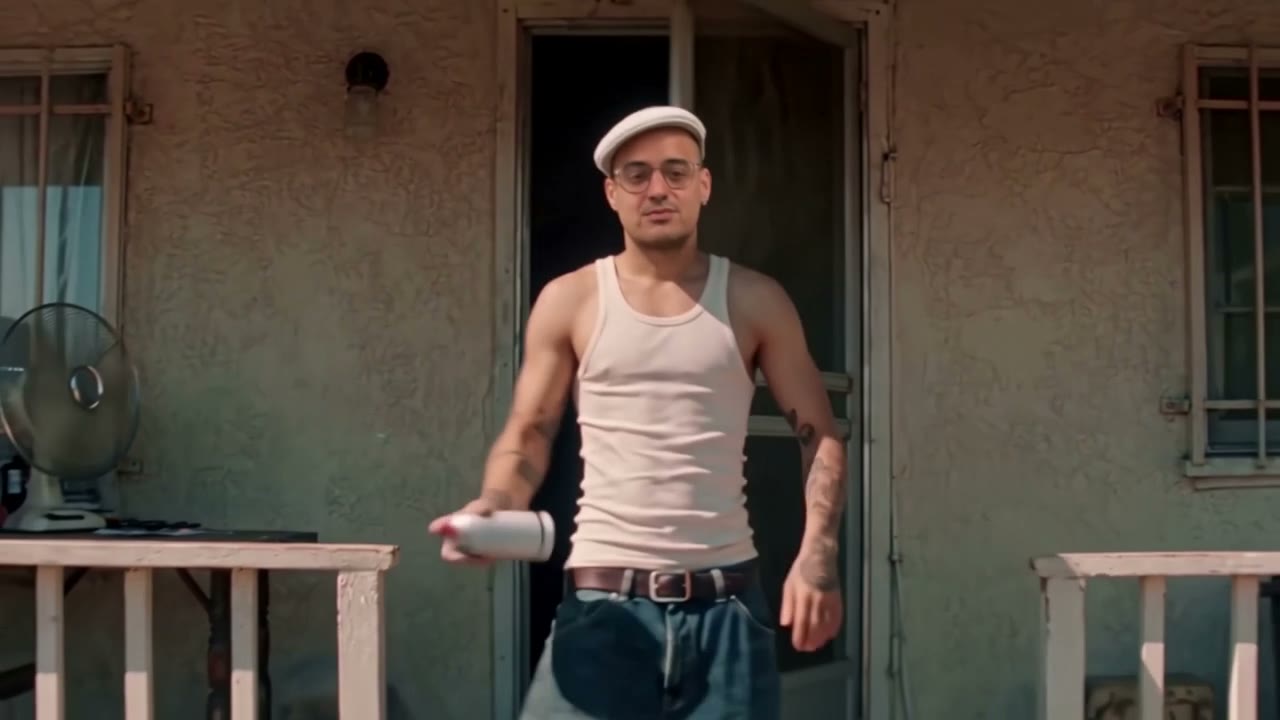
GTA-Style Neighborhood
You step out of your house in a white tank top and walk through a sunny neighborhood past mechanics, a garden hose, and a female cyclist, finishing by spraying graffiti with a can.
from 398 credits
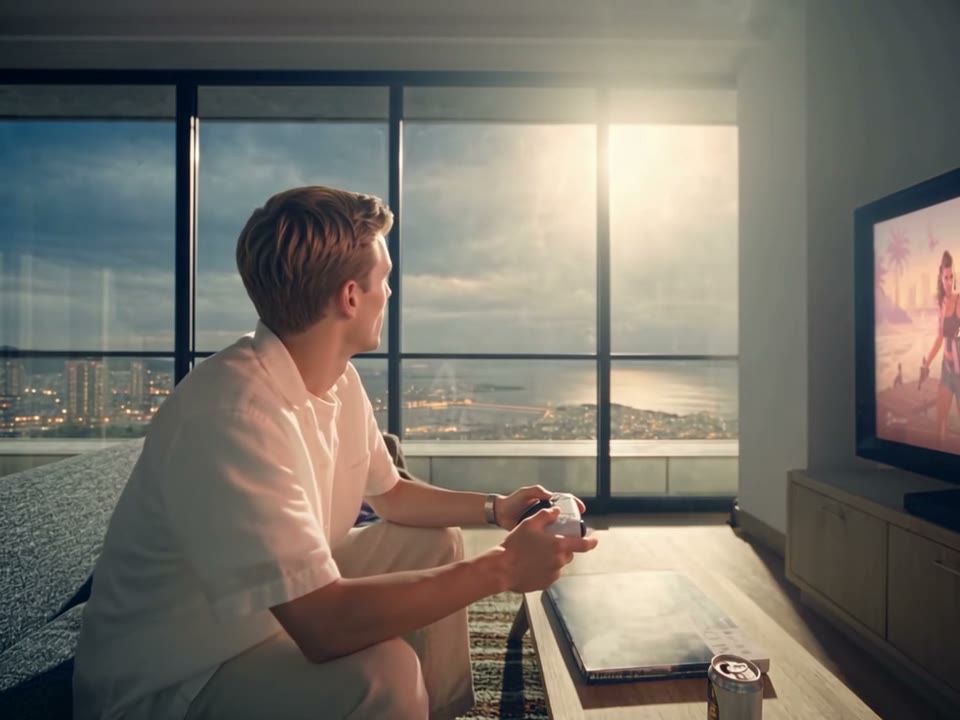
GTA-Style World's End
You're so absorbed in the new game that you don't notice the apocalypse outside the window: an explosion over the city, a tornado, and a tsunami smashing through the glass.
from 251 credits
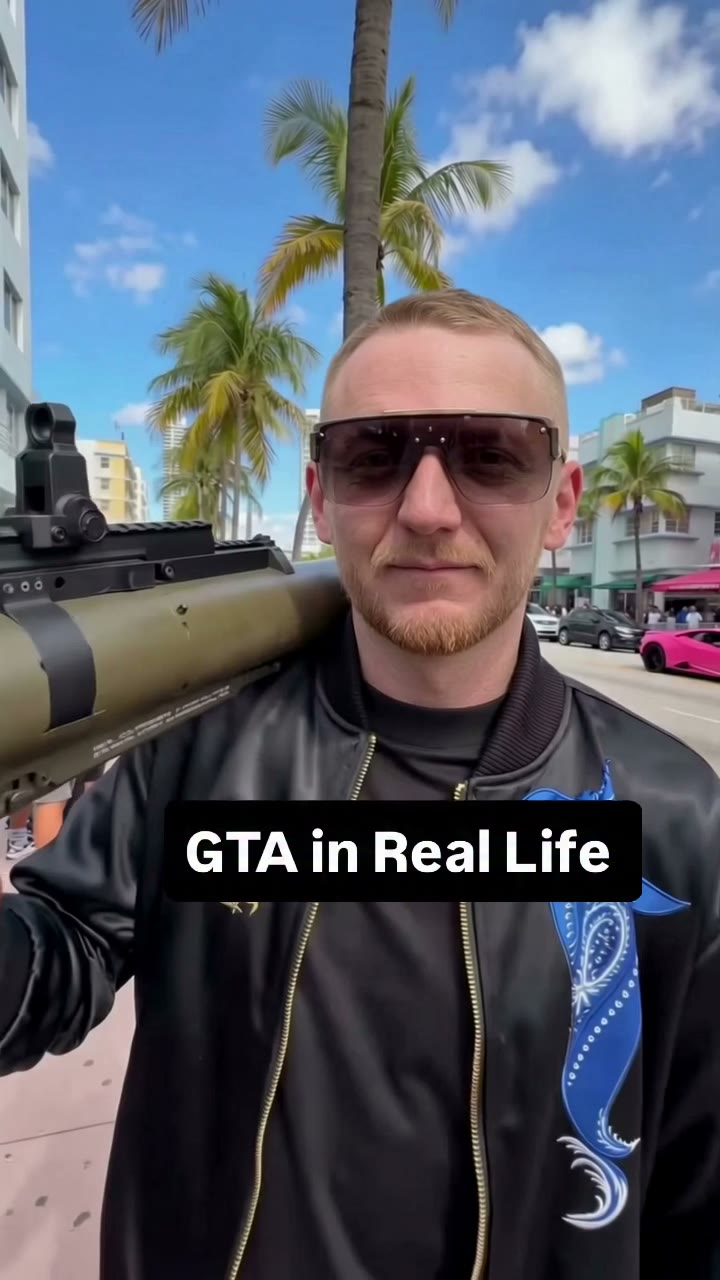
GTA in Real Life
A hero with a rocket launcher in Miami: a street explosion, a convertible, shooting at a boat by the sea, and a monster truck.
from 449 credits
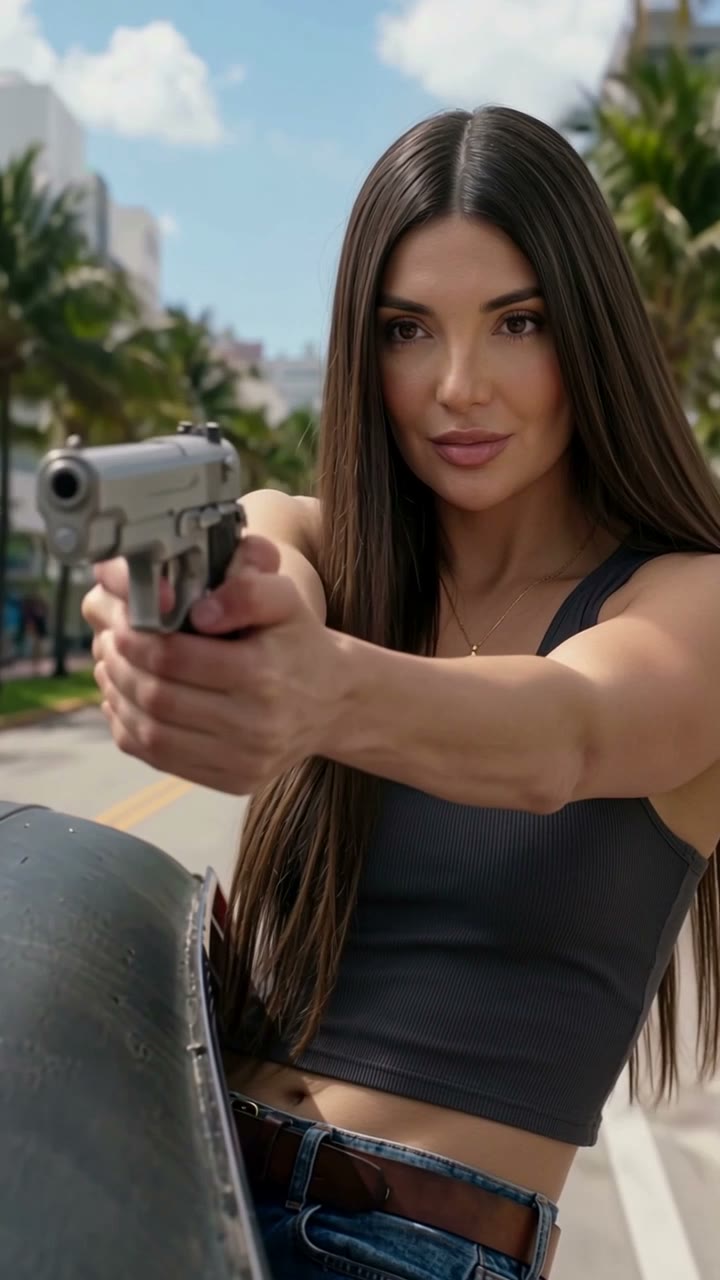
GTA-Style Heist & Chase
A heroine with a shotgun robs a beachside store, jumps into a red muscle car with her partner, and fights off the police on the streets of Miami.
from 386 credits
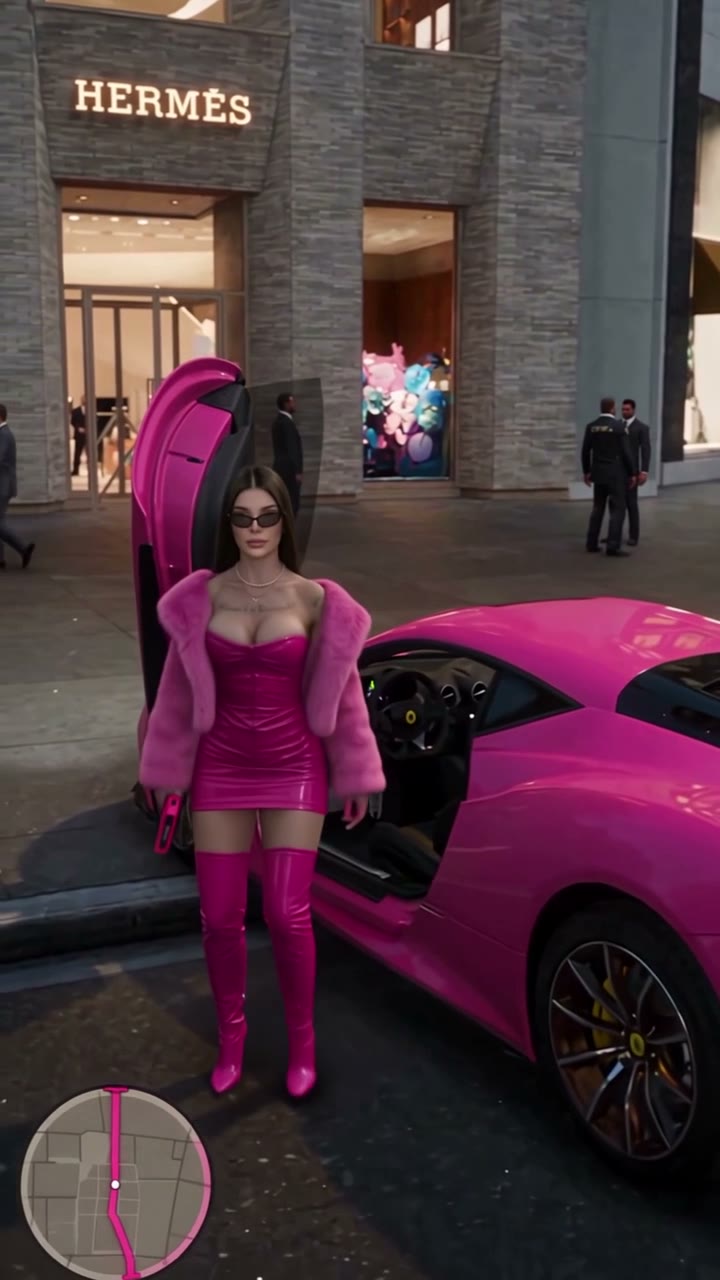
GTA-Style Shopping
A heroine in pink arrives at a boutique in a sports car, takes down the guards, grabs armfuls of shopping bags, and flees from the police.
from 321 credits
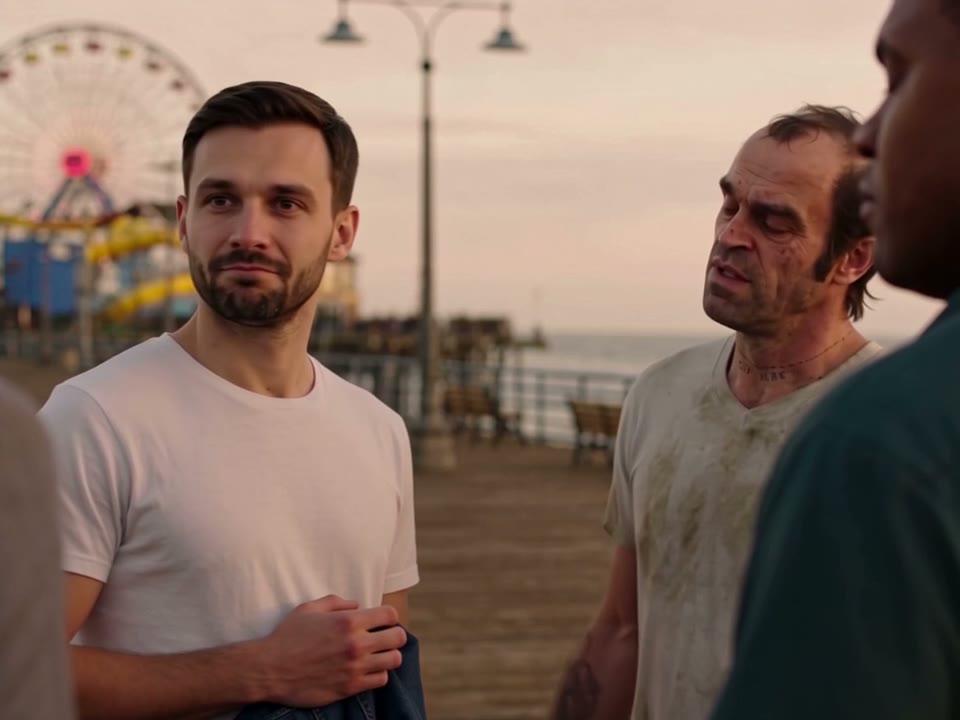
New GTA-style hero
Three characters meet you on the pier at sunset, handing you a disc and the keys to a pink car.
from 155 credits
How to make a GTA-style video of yourself
Pick a trend
Open any GTA trend from the list. Its page shows a sample video, the length and the price in credits.
Cast yourself
Upload one photo — a close-up face, looking at the camera, in good light — or choose an avatar from Avatars. If the video has several heroes, replace all of them or just one.
Start and download the video
Choose the quality and start. In about 3–6 minutes the video appears in My works, where you can watch and download it.
What you get
The original sound
The music and lines of the trend stay in place, so the video is recognizable from the first seconds.
720p or 1080p
You choose the quality before you start. The price in credits covers the whole video.
A hero from one photo
One good photo or a ready avatar is enough. The motion, the setting and the editing stay as in the original.
GTA trend: questions and answers
Open a GTA trend in the Repeat a trend section on Clipia, upload one photo or choose your avatar and start the video. AI replaces the original hero with you and keeps the sound, the motion and the setting of the source video. There is no prompt to write and nothing to edit.
The GTA trend is made by the Repeat a trend section on Clipia. The video models and settings for every clip are chosen in advance, so you do not pick an AI model or write a prompt: you choose a trend and a hero, and the service does the rest.
A video costs from 143 credits. The price depends on the trend and the quality and is shown on the trend page before you start — it covers the whole video. Credits come with a Clipia subscription and can be topped up with packs: see the pricing page.
One sharp photo: a close-up face, looking at the camera, in good light, without glasses or a mask, one person in the frame. The photo is checked right after upload — if it does not fit, the service tells you what to fix. The photo must show you or a person who agreed to appear in the video.
Yes. Clipia works in a mobile browser: pick a trend, upload a photo from your gallery and start the video. The finished video is saved to My works, and you can download it to your phone from there.
Usually 3–6 minutes. You do not have to wait on the page: the finished video is saved to My works.
Yes. The finished video downloads as a video file that you can post to Reels, TikTok or Shorts. Check the platform rules before posting: some ask you to label AI-generated videos.
If the video cannot be made — for example, it does not pass moderation or the face does not match the photo closely enough — the credits return to your balance automatically.
Clipia is not affiliated with Rockstar Games or Take-Two Interactive. GTA and Grand Theft Auto are their trademarks. The videos on this page are AI-made stylizations.