Repeat a trend: trends on the home page, a GTA collection and your choice of format
The home page now opens with trends. Pick a clip, upload one photo and get the same video starring you — in the original format, 9:16 or 16:9.
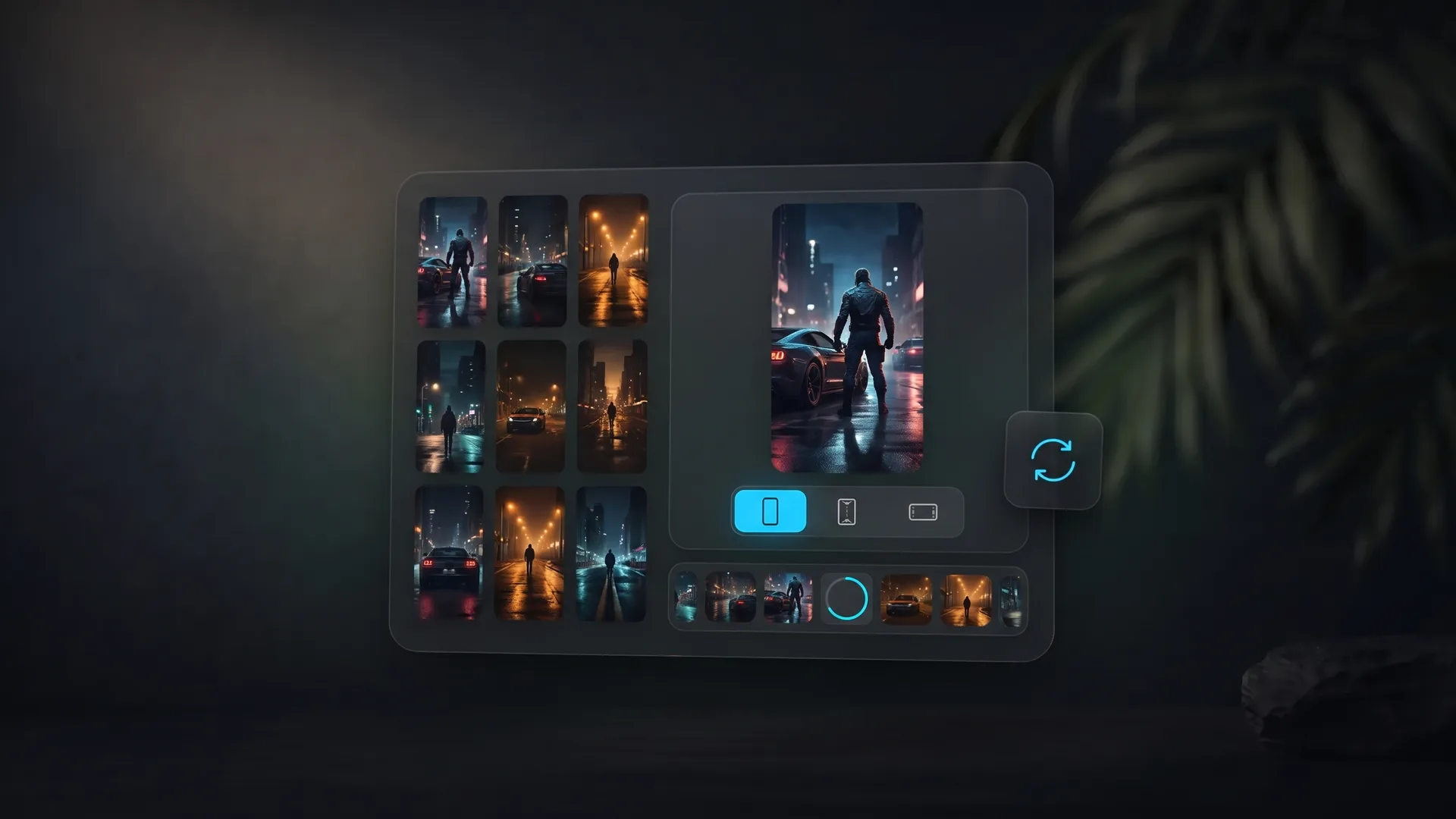
The Repeat a trend section has grown: trends greet you on the home page, GTA trends have their own page, and you can get your video in the format you need.
What's new
- Trends on the first screen. The home page opens with a wall of trending clips: entries to Repeat a trend and the GTA collection on the left, columns of trend videos on the right, studios and the agent below.
- GTA trends collection. All GTA-style clips are gathered on one page, with steps and answers to common questions.
- Video format. Before you start, choose the format: Original, 9:16 or 16:9. If it differs from the source, you can fill the frame by cropping the edges or fit the whole video. The preview shows how the clip will look, and the format doesn't affect the price.
- My videos. A strip at the bottom of the catalog shows what is being made and how far along it is; finished videos come with a download button.
- Redo. Not happy with the result? Press Redo and write what to fix. A redo costs the same as a new video, and the price is on the button before you press it.
How to start
Open the trends catalog, choose a clip and upload an avatar or one photo for each role. The sound and setting stay as in the original. GTA-style trends are on a separate page.