Presentations are open to everyone: from a topic to finished slides
A new Image Studio tab builds a presentation from a topic, a document or a link. Outlining, building, editing and downloading as PowerPoint, PDF and PNG do not spend credits; credits are only needed for slide images.
On the Presentations tab of Image Studio, Clipia builds slides on your topic, and then you refine them in the editor: text, layouts, images and order. The section is open to everyone.
From a topic to slides
- Source. A topic or ready text up to 6000 characters, a document (PDF, DOCX, PPTX, XLSX, CSV, TXT, MD up to 20 MB) or a link to a web page.
- Outline. The AI suggests 5 to 15 slides: a title, key points and a layout for each. Before the build you can edit the outline: wording, order, layouts and slides you do not need.
- Design. Eleven layouts (cover, section, bullets, two columns, figures, comparison, steps, quote, image slides and closing) and ten themes. For a quick start there are twelve ready-made sample decks: open any of them and replace the text with your own.
The editor
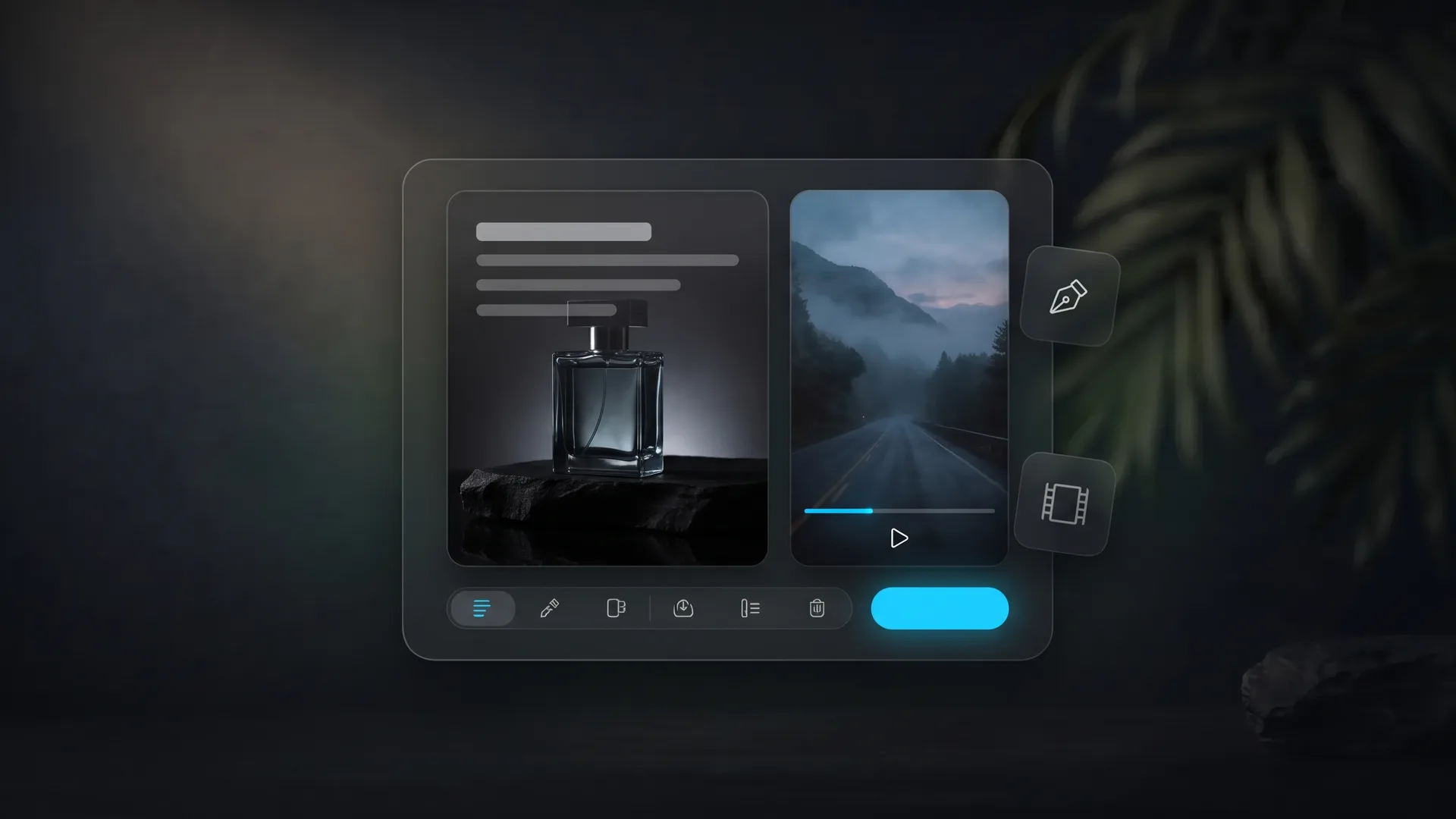
- Text right on the slide. Double-click and type. On request, AI makes the text shorter, simpler or more persuasive, or fixes typos, on one slide or across the whole deck.
- Images and video. Generate an image for a slide, one at a time or with the Images for all slides button. Your own images and MP4 clips go on a slide with a button, by drag and drop or from My Works.
- Speaker notes are visible only to you and go into PowerPoint as notes.
Export and sharing
- PowerPoint with editable text or with slides as images, PDF, and PNG slide by slide in an archive.
- A presentation link. The deck opens in the browser, and viewers do not need an account. You can turn the link off at any time.
- Everything saves on its own. Presentations are in My Works on the Presentations tab. A deck the AI Agent built in chat opens in the same editor with Open in editor.
Pricing
Outlining, building, AI text edits and downloading do not spend credits, within a daily limit. Credits are only needed for slide images: the price depends on the model and is shown before you start.
How to start
Open the Presentations tab and describe the topic and the audience: the slide outline is ready in about half a minute. Finished presentations are in My Works.