Image, video and audio studios built around tasks
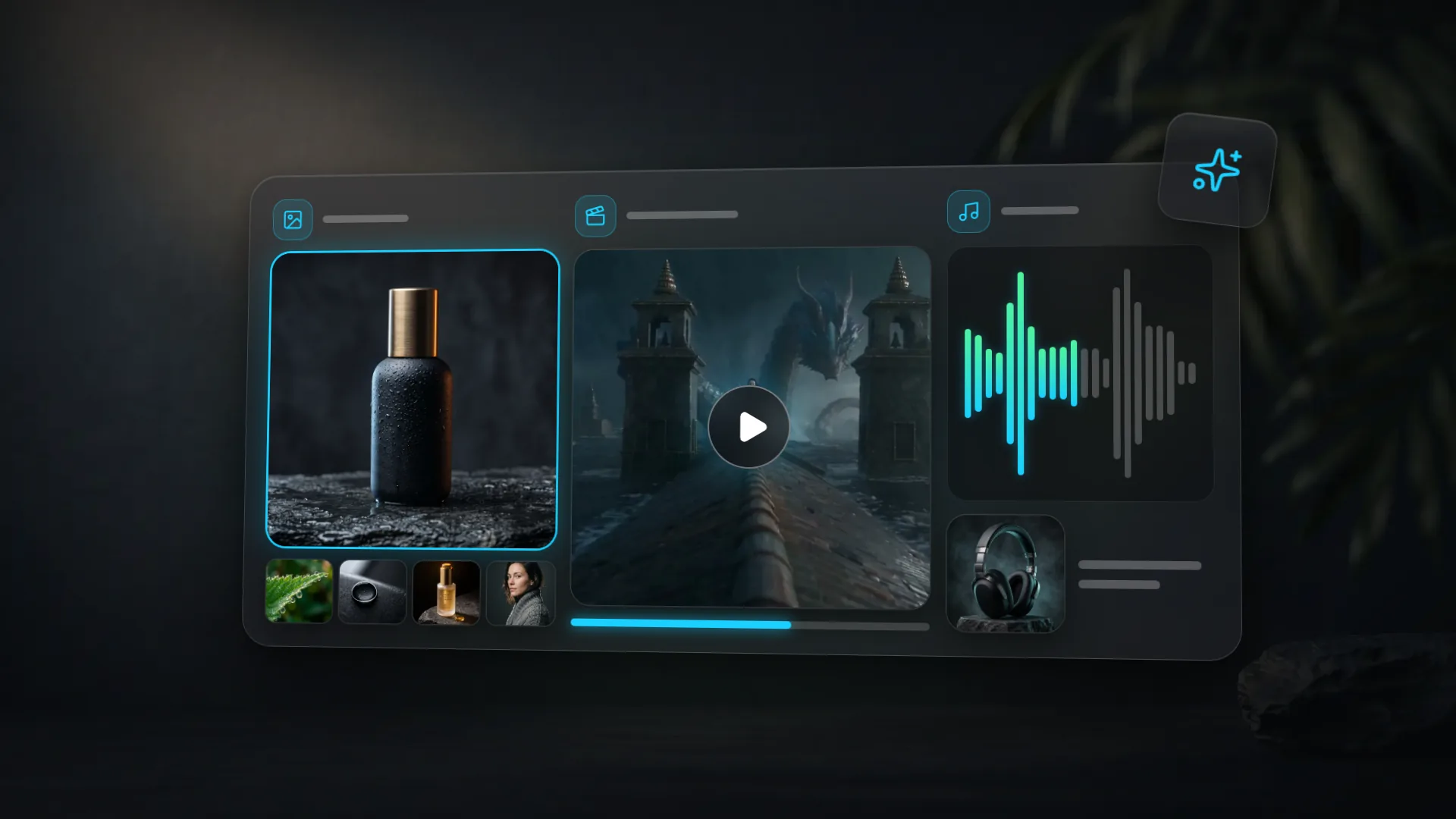
All three studios are rebuilt around tasks: 19 tabs instead of six modes, each with its own form, a ready example and the price on the button before you start.
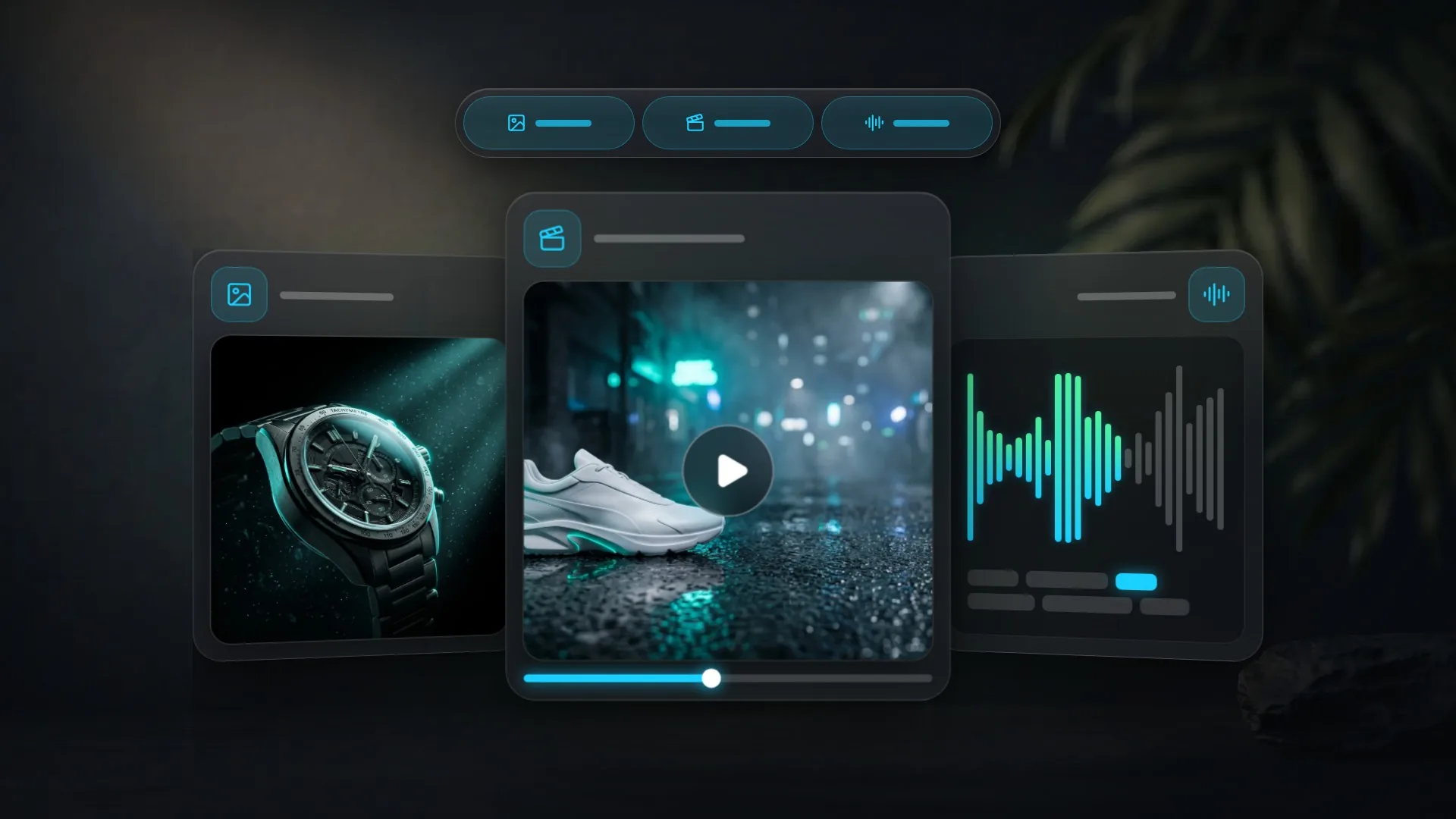
We rebuilt the image, video and audio studios. Instead of two generic modes per studio, there are now tabs for specific tasks: open Animate Photo or Subtitles and you only see the fields that task needs.
What is new
- Images: Text to Image, Edit Photo, Combine Photos, Upscale and Carousel for social posts.
- Video: Text to Video, Photo to Video, Animate Photo with a talking portrait, Edit Video, Upscale up to 4K and Motion Control.
- Audio: voice-over and music are joined by transcription, translation, subtitles, long-form text, voices and audio cleanup.
Shared across studios
- Every empty tab shows a ready example you can load into the form with one click.
- The price in credits is on the button and updates as you change the model, duration or quality.
- Send a finished result to another studio with Use in…, no download needed.
- Every tab has its own URL, so you can bookmark it or share it with a colleague.
Learn more
See the full walkthrough in Clipia studios: image, video and audio and the guides to the image studio, video studio and audio studio.