Sign in with an SSO key: Touch ID, Face ID or PIN instead of a password
You can now sign in to Clipia with an SSO key (passkey). After you sign in with a password, Google or Yandex, the site offers to save one right away.
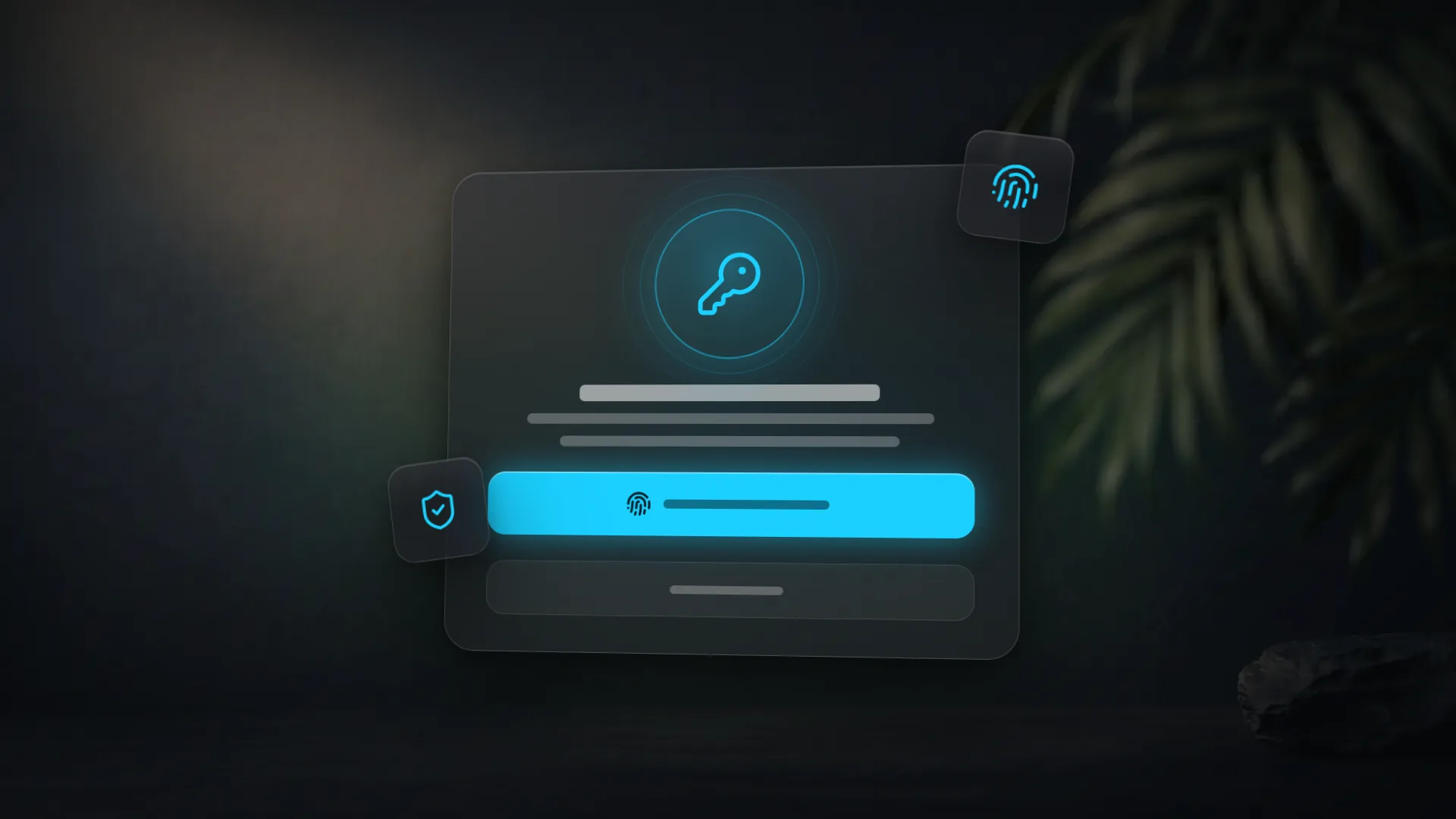
You can now sign in to Clipia with an SSO key, also known as a passkey: no password, just Touch ID, Face ID or your device PIN. The key stays on your device or in your password manager, and the site only receives proof that it is you.
How it works
- Offered right away. After you sign in with email and password, Google or Yandex, a dialog offers to save a sign-in key. Confirm once with your fingerprint, face or PIN and the key is ready.
- One-tap sign-in. On the sign-in page, choose Sign in with an SSO key and confirm on your device.
- Not now is fine. Not now closes the dialog, and it will not appear again on that device for a week.
- You stay in control. Rename or delete saved keys in your account security settings.
Why it matters
An SSO key cannot be guessed, overheard or phished on a fake site: it only works on the Clipia address, and its secret part is never sent to the server. Signing in is faster, and there is no password to remember.
How to try it
Sign in on the sign-in page the usual way and save a key in the dialog that appears.