Clipia update: three task-based studios for images, video and audio
Six generic modes became 19 working tabs: what changed on October 12, 2026 and where each tool lives now
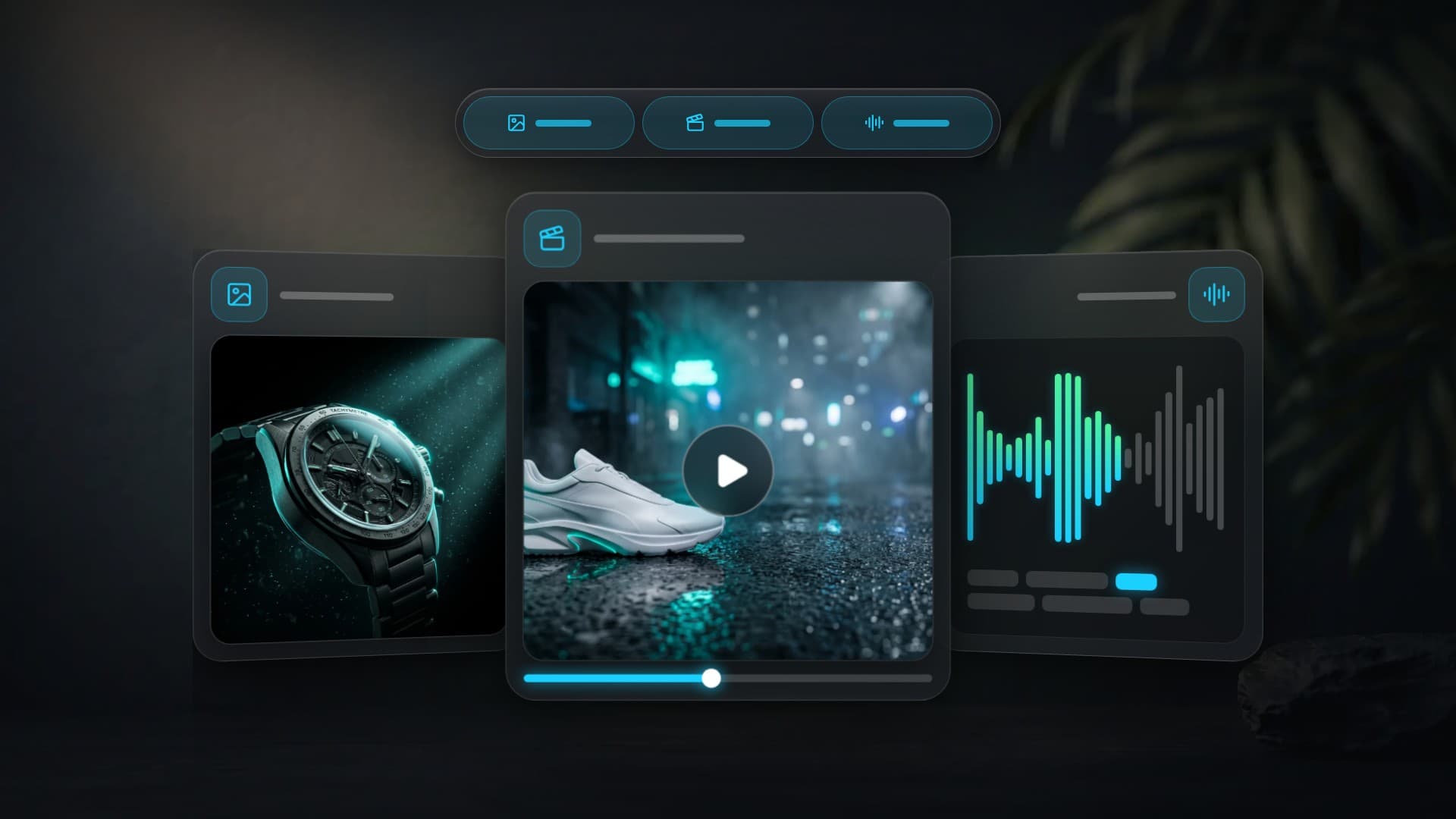
In short: on October 12, 2026 Clipia rebuilt its three studios — image, video and audio. Six generic modes became 19 working tabs. Each task now has its own form, its own URL, a built-in example and a price on the button. Here is what changed, where to find things, and how to go from a still image to a voiced clip.
What changed: before and after
Each studio used to have two modes, and everything else had to be explained in the prompt. Wanted a portrait to smile? You wrote a paragraph. Needed subtitles? You opened another service. Now you pick the task with a tab, and the form is already set up for it.
| Studio | Before | After |
|---|---|---|
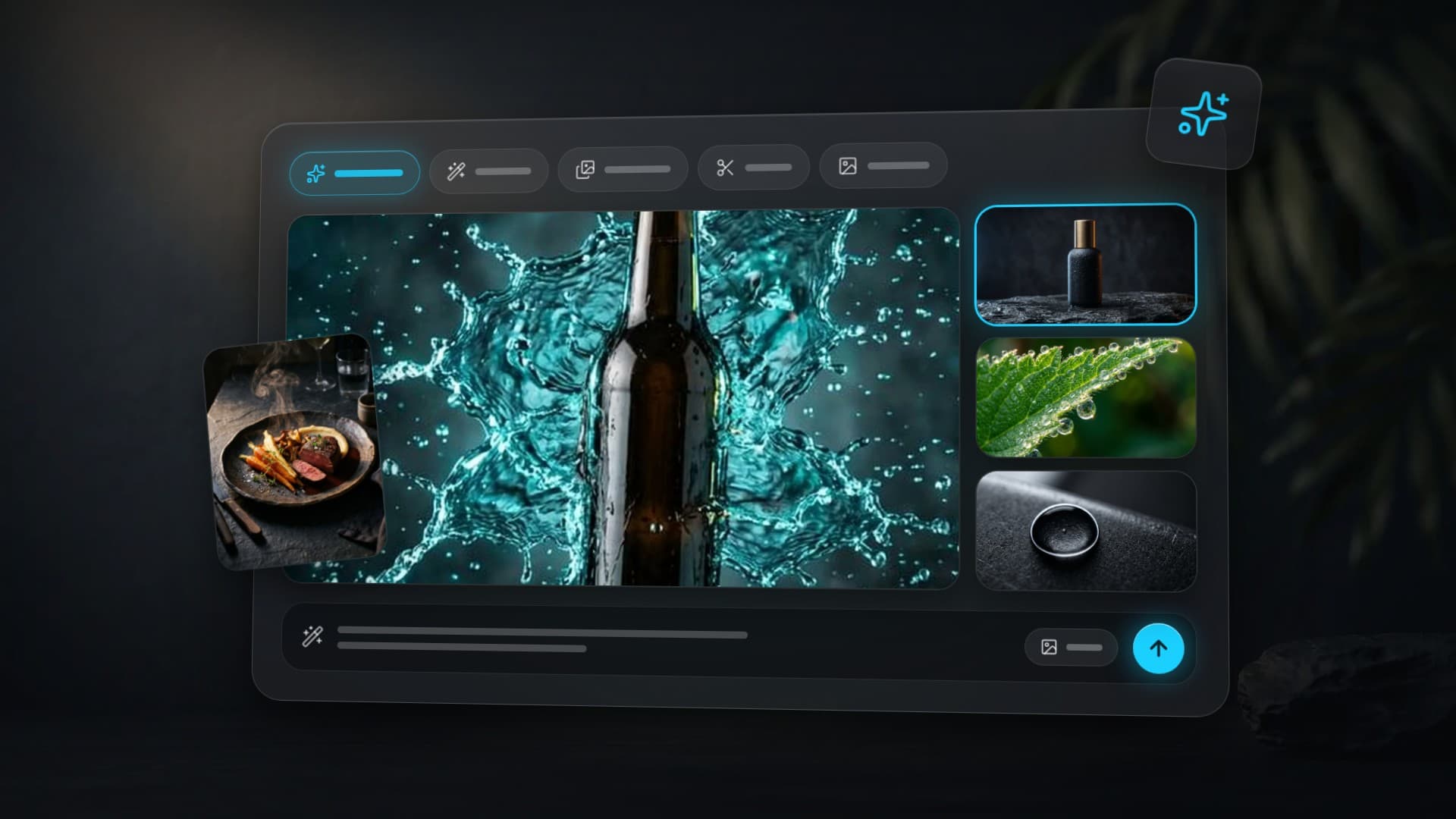
| Image | 2 modes: Text to Image and Image to Image | 5 working tabs: Text to image, Edit photo, Combine photos, Enhance quality, Carousel. A sixth, Marketplace photo, is marked “Soon” |
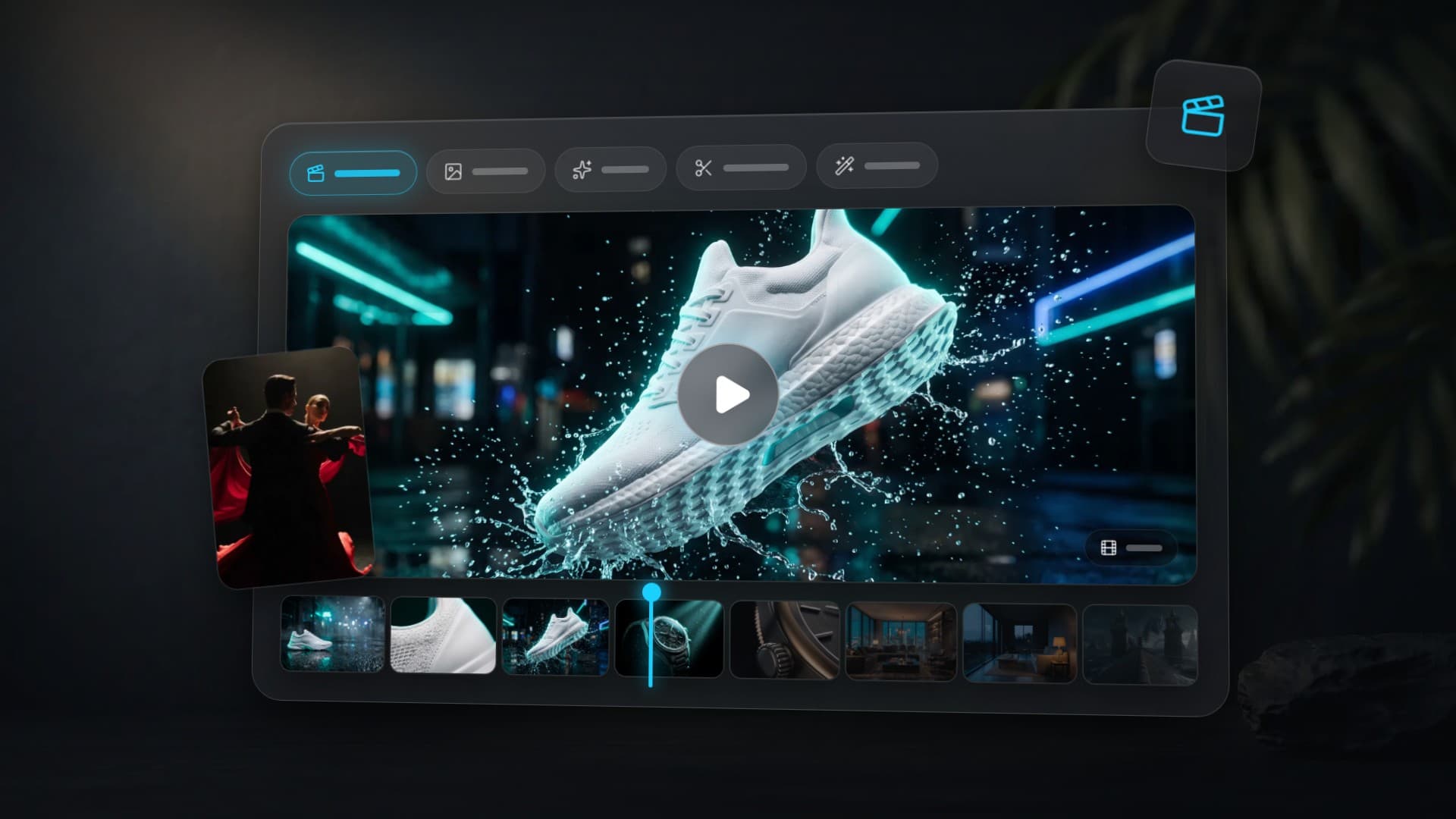
| Video | 2 modes: Text to Video and Image to Video | 6 tabs: Text to video, Image to video, Animate a photo, Edit video, Upscale video, Motion control |
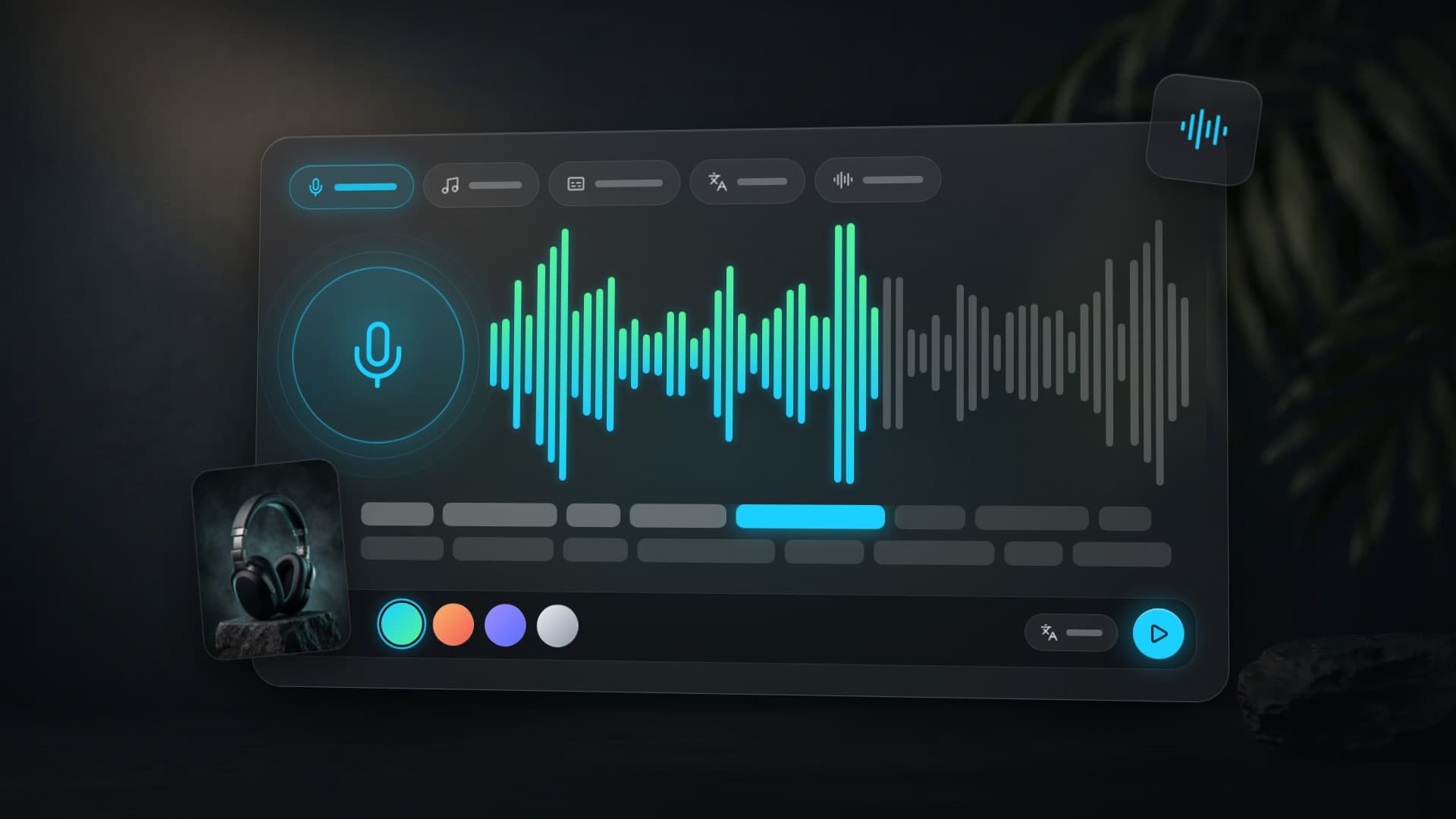
| Audio | 2 tabs: Voiceover and Music | 8 tabs: Voiceover, Music, Transcription, Translation, Subtitles, Long-form, Voices, Cleanup |
| Total | 6 modes | 19 working tabs, plus one marked “Soon” |
Six rules every studio now follows
- A tab is a task. Animate a photo, not “image-to-video mode”. The form shows only the fields that task needs.
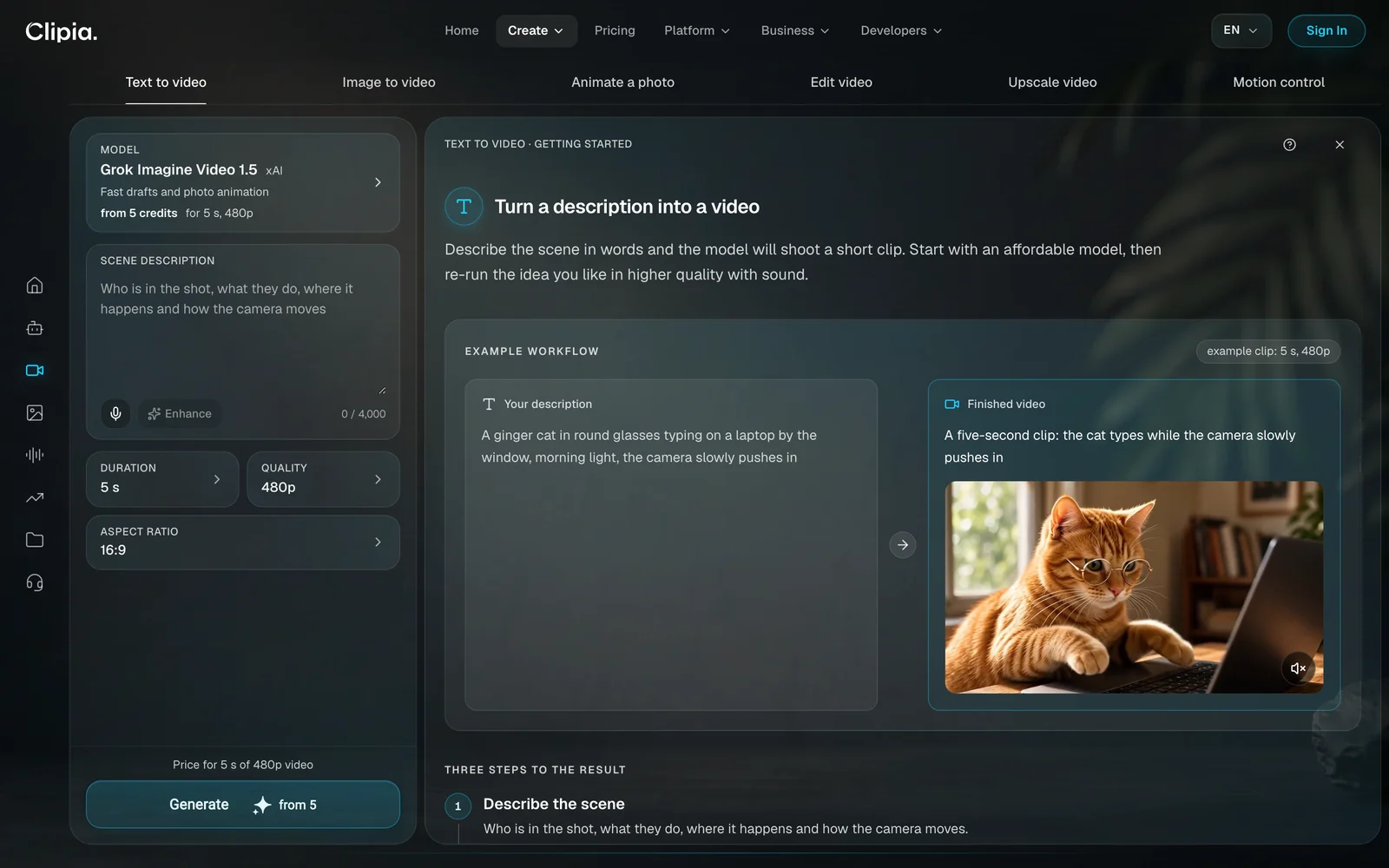
- An empty screen shows an example and three steps. Every tab has a worked scenario, and one button drops it into the form.
- You see the price before you start. The credit amount is on the button and updates as you switch model, duration or quality.
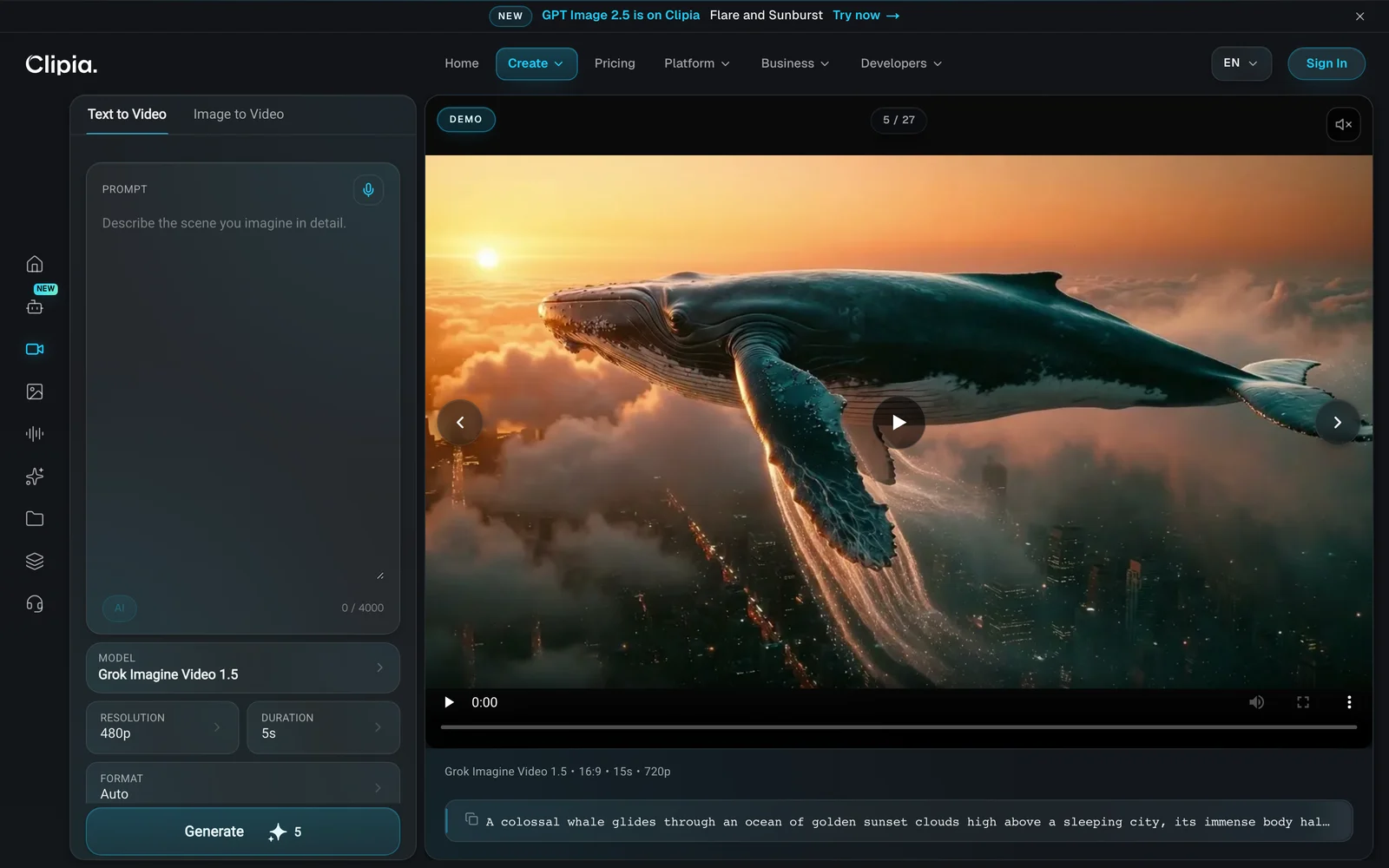
- Models are labelled in plain words. The card names the developer, what the model is good at and what a run costs: “Grok Imagine Video 1.5, xAI — fast drafts and photo animation, from 5 credits for 5 s”.
- Results travel. The “Use in…” menu sends a finished image to the video studio, or a voiceover to Talking photo.
- Every tab has its own URL. A link to Subtitles or Carousel opens that form, not the studio's front door.
Image studio: edits, merges, upscaling and carousels
The image studio now has five working tabs:
- Text to image. The default model is Google's Nano Banana 2.1 at 4 credits per 2K image. The description can run to 20,000 characters.
- Edit photo. Up to 14 photos and a “What to change” field. Ask for one thing: “replace the background with a summer park, keep everything else”.
- Combine photos. Two to eight photos become one scene: the person from the first, the jacket from the second, the street from the third.
- Enhance quality. Clipia Photo Enhance upscales a shot up to 4× for 3 credits. There is nothing to configure.
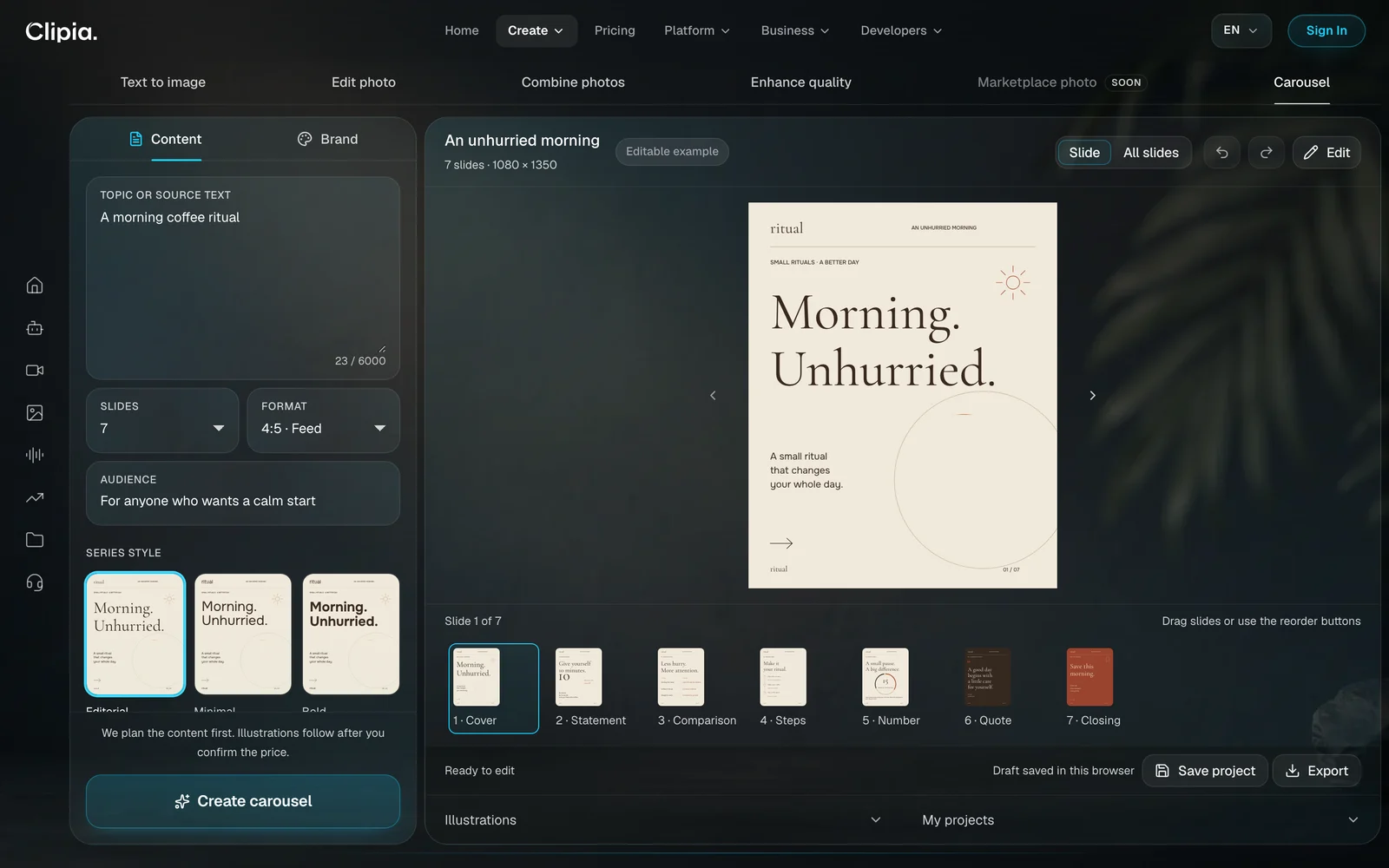
- Carousel. An editor for social media slide series: 4 to 12 slides, seven layouts, your own palette, font and logo. Illustrations are ordered separately, after you have seen the price.
How to choose a tab and a model for the job is covered in the image studio guide.
Video studio: six ways to get a clip
The big shift in the video studio is that video can now be edited, not just generated.
- Text to video — a scene from a description. The default is Grok Imagine Video 1.5: from 5 credits for 5 seconds at 480p.
- Image to video — three methods: Single image, First & last frame, and References, where several images define the character, the object and the style.
- Animate a photo — a portrait starts moving with no prompt at all: pick Smile, Blink or Nod. Inside is the Talking photo sub-mode: a portrait plus 3 to 15 seconds of recorded speech.
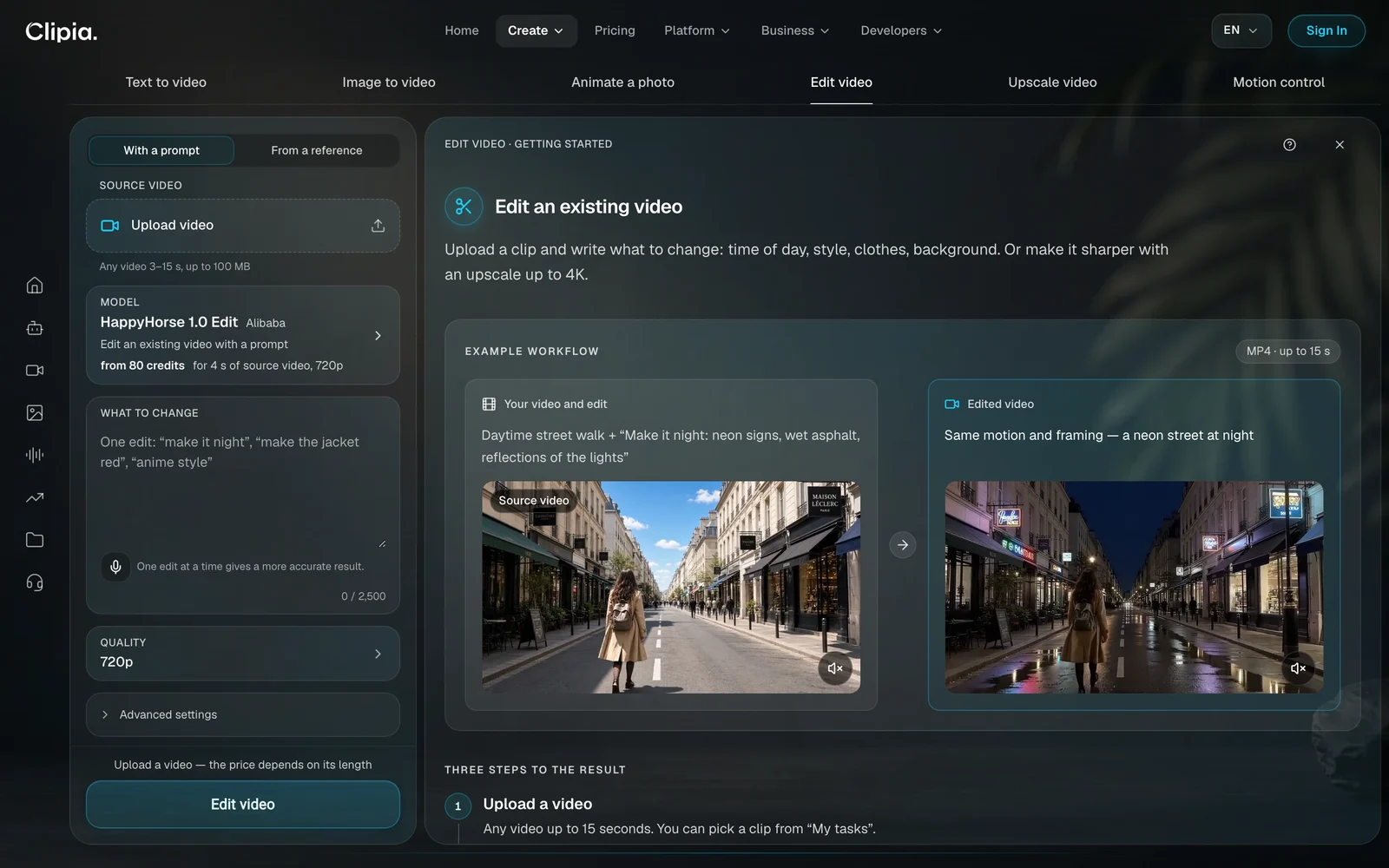
- Edit video — change a finished clip with words (“make it night, neon signs”) or shoot a new one that borrows motion and camera from a reference.
- Upscale video — enlarge the frame 2× or 4×, up to 4K. Content and motion stay the same.
- Motion control — the movement in your video is transferred to the character in your photo.
All six tabs, with prompts and limits, are in the video studio guide.
Audio studio: from two tabs to eight
The largest expansion is in the audio studio. Voiceover and Music are joined by six tools for speech that already exists.
- Transcription — text from audio or video with timestamps and speaker labels, from 12 credits per hour of recording.
- Translation — a dubbed translation in the speaker's own voice, from 35 credits per minute. The result is a separate audio track.
- Subtitles — an SRT or VTT file for your clip, with timing you can adjust by hand.
- Long-form — a book, course or story narrated chapter by chapter: up to 20 chapters and 50,000 characters, joined into one MP3.
- Voices — a private voice built from a sample of your speech, from 30 credits. Your own voice only.
- Cleanup — removes wind, hum and echo from recorded speech, from 9 credits per minute.
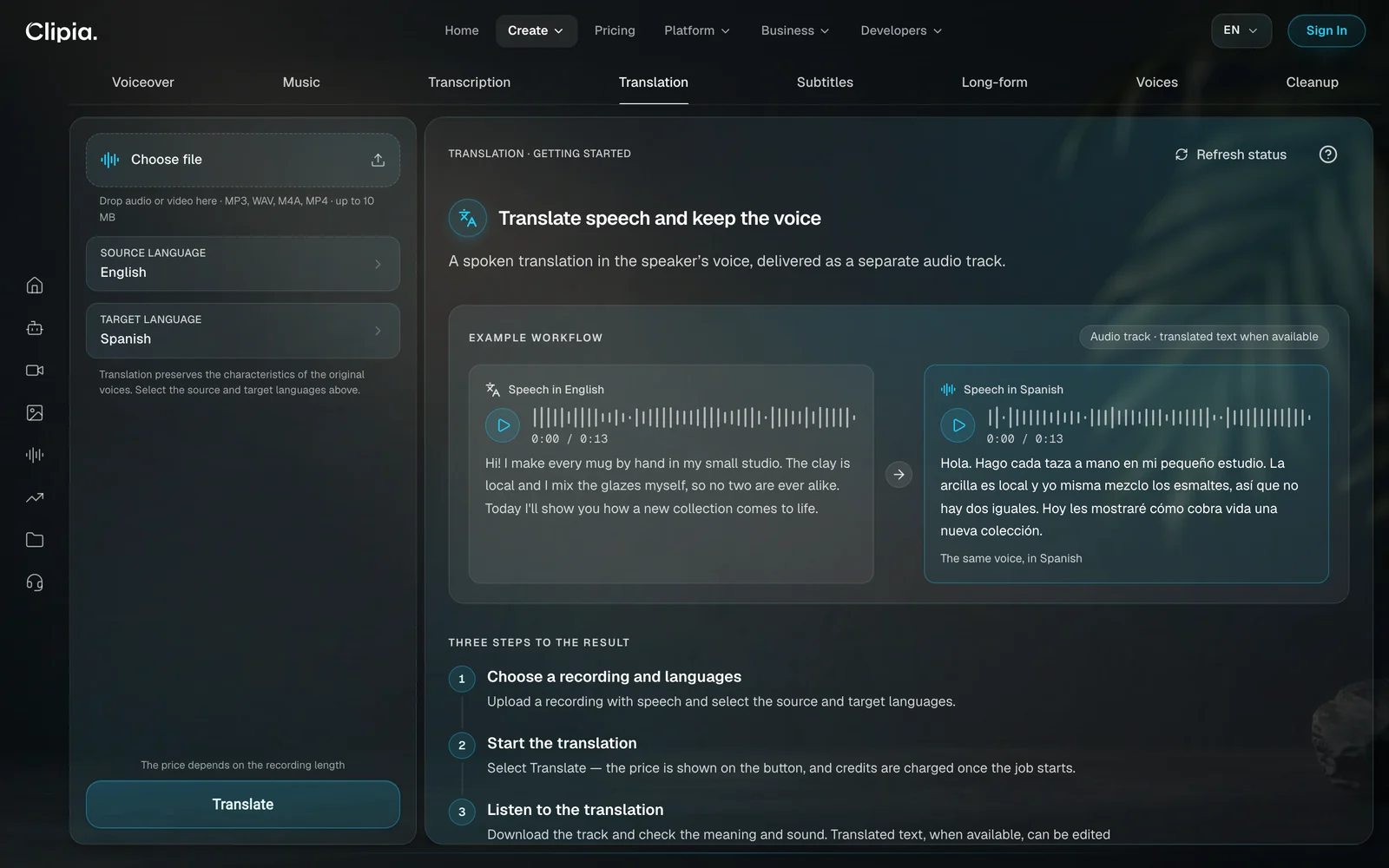
Which tab fits which job, and what it costs, is in the audio studio guide.
One route through three studios: a coffee shop clip
The brief: a ten-second social clip for a coffee shop, built tab by tab.
Step 1. The frame — Text to image
A cup of cappuccino on a wooden table by a coffee shop window, morning light, a little steam above the cup, a blurred street in the background, warm tones, photorealistic
16:9, 2K, Nano Banana 2.1 — 4 credits.
Step 2. The motion — Image to video
On the finished image, open “Use in…” and send it to the video studio. In “What happens”, describe the motion only:
Steam slowly rises from the cup while the camera glides around it from left to right
Grok Imagine Video 1.5, 5 seconds, 480p — from 5 credits. If the motion is off, change the description, not the image.
Step 3. The voice — Voiceover
Sometimes a good morning starts with a small pause. Come in — the coffee is ready.
Gemini 3.1 Flash TTS: 30 voices, 4 credits per 1,000 characters.
Step 4. The music — Music
A warm instrumental bed for a morning clip: electric piano, a soft beat, an easy tempo, no vocals
Suno v6 with Composition set to Instrumental — from 5 credits per track, whatever its length.
Step 5. The subtitles — Subtitles
Upload the voice track and download SRT or VTT. The price follows the recording length — from 12 credits per hour.
You join the video, voice, music and subtitles in any video editor: Clipia hands you finished files.
What did not change
- Credits and plans. Plans start from $10 per month; Basic includes 240 credits.
- 5 welcome credits at sign-up. Enough for one 2K image or one five-second 480p clip.
- The models. Nano Banana, GPT Image, FLUX, Midjourney, Kling, Veo, Seedance, Wan, Hailuo, Suno, ElevenLabs — all still here.
- My Works. Your earlier generations are where you left them.
- No Clipia watermark on images, and files download at full resolution.
What is still to come
In the image studio, the Marketplace photo tab is inactive and marked “Soon”. The other 19 tabs work today.
A guide for each studio
- Image studio: five tools, from text to image to carousels
- Video studio: six ways to make and rework a clip
- Audio studio: voiceover, music, translation, subtitles and your own voice
Questions and answers
Do I need to switch anything on to see the new studios?
No. The new tabs are open to everyone: you can look at the form, the example and the price before you register. You sign in to run a job.
Where did Text to Video and Image to Video go?
They are now the Text to video and Image to video tabs. The second has three methods: a single image, a first and last frame, or several references.
What does it cost to try?
You get 5 welcome credits at sign-up. A 2K image on Nano Banana 2.1 costs 4 credits; a five-second 480p clip on Grok Imagine Video 1.5 starts at 5 credits.
Can I build a clip with voice and music entirely in Clipia?
Every part of it, yes. The final assembly happens in a video editor, because the studios return separate files.
What happens to my credits if a generation fails?
If a job fails for a technical reason — a timeout, a model refusal or a service error — the credits go back to your balance. “Not the style I wanted” is not grounds for a refund.
Try it yourself on Clipia
60+ models for video and image generation. One account, transparent pricing.