Skip to content
Clipia.
Home
What are we creating?

Pick a mode — Studio opens with the right prompt ready

All trends
Text
AI AgentChat, ideas and scripts
Images
Text to imageDescribe what to drawEdit photoBackground, details and style by promptMerge photosOne scene from several shotsEnhance qualitySharper and larger, details intactRemove backgroundTransparent background in one stepCarouselOn-brand slides and export
Video
Text to videoDescribe a scene, get a clipImage to videoYour photo sets the hero, style and shotAnimate photoBring a still to life, no prompt neededEdit videoRestyle a finished clipMotion controlMoves from a video on your character
Audio
VoiceoverText in a natural voiceMusicA song from a descriptionTranscriptionAudio and video to textTranslationDub a video in the speaker's voiceSubtitlesSubtitle file with timecodesVoicesYour own voice from a speech sampleCleanupRemove noise from a recording
Pricing
AboutTeam, mission and contactsWhat's NewLatest features and updatesBlogGuides, cases and newsModelsAI model catalogSupportTech help and contacts
For BusinessAPI, MCP and transparent billingSolutions by industryAI for interiors, ads, restaurants and more nichesFor PartnersReferral program
MCP & CLINewGenerate in Claude, Cursor & CLIAI GatewayOpenAI-compatible LLM APIDocumentationAPI reference and guidesDeveloper APIREST API and SDK
Sign In
  • Home

  • Agent

  • Create Video

  • Create Image

  • Create Audio

  • Trends

  • My Works

  • Support

  1. Home/
  2. Blog
CLIPIA · BLOG

Guides and ideas for AI generation

Model comparisons, working prompts, and practice for AI video and images.
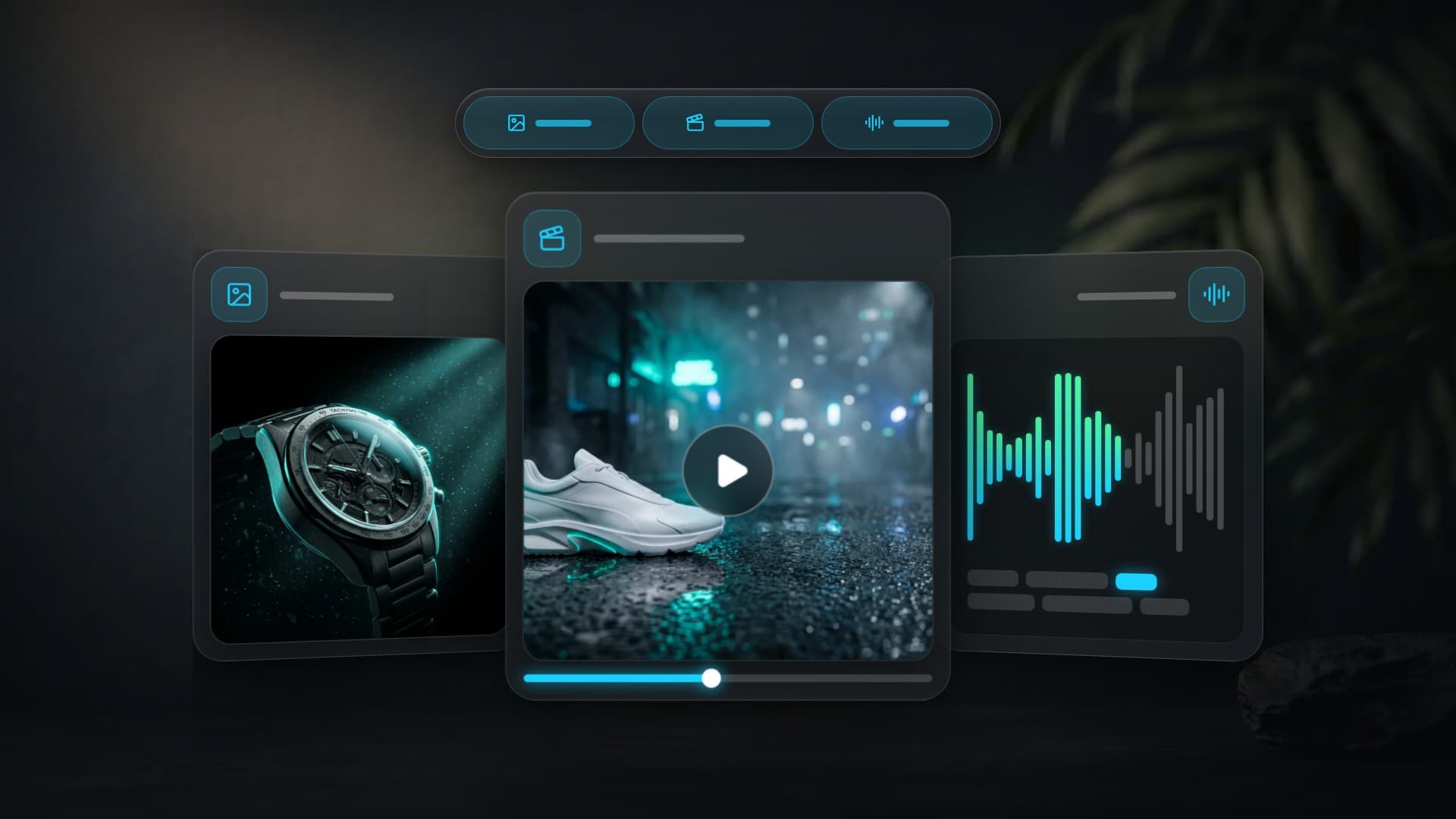
Three glass cards on a dark backdrop: a watch shot for the image studio, a frame with a play button for the video studio and a sound wave for the audio studio, under a bar of three tabs10 min
UpdatesOct 16, 2026

Clipia update: three task-based studios for images, video and audio

On October 12, 2026 Clipia rebuilt its creation pages. Six generic modes became three studios with 19 working tabs: each task has its own form, its own URL, a built-in example and the price on the button before you start.
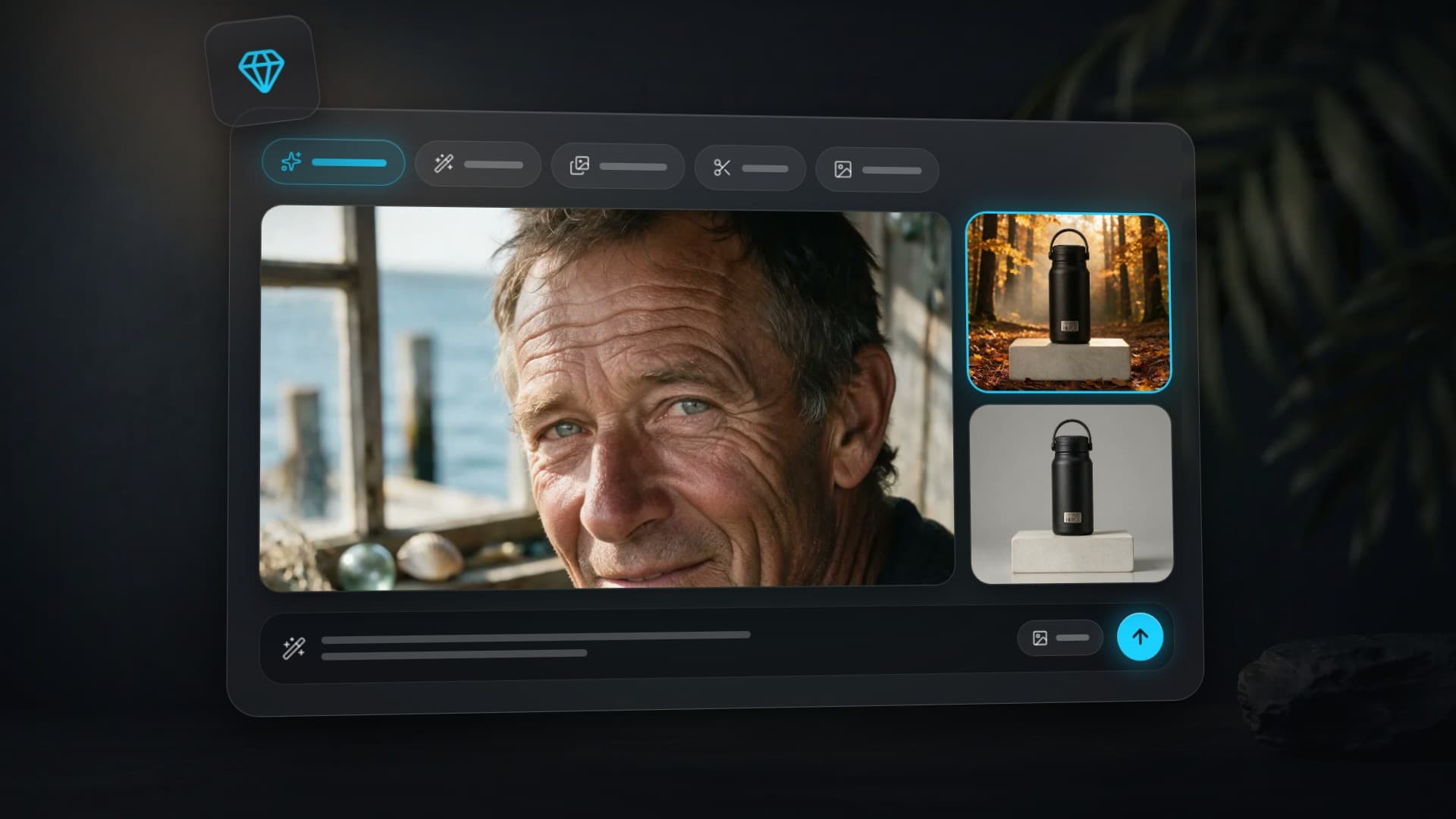
A realistic portrait of an older man by the sea and two product shots of a thermos — AI image examples16 min
GuidesJul 10, 2026

Seedream 5.0 Pro Review (2026): 4 Tests, Pricing, vs Lite and Nano Banana

Hands-on Seedream 5.0 Pro review: four tests (portrait, reference-based editing, in-image text, infographic), pricing of 4 credits at 1K and 8 at 2K, and a side-by-side table against Seedream 5.0 Lite, Seedream 4.5, Nano Banana 2, Nano Banana Pro and GPT Image 2.

Ready to create the impossible?

Welcome credits are already on your account — start creating.

Clipia.

Think differently — create the impossible.

All systems operational

Creation

  • Create Image
  • Create Video
  • Animate a Photo
  • AI Text to Speech
  • AI Video Generator
  • AI Image Generator
  • Photo to Video AI
  • GTA Trends
  • Templates

Solutions

  • For interiors
  • For advertising
  • For ad videos
  • For restaurants
  • For online schools
  • For game dev
  • For events
  • For presentations
  • All solutions

Models & resources

  • AI Models
  • Claude Opus 5
  • Gemini 3.6 Flash
  • Video Models
  • Image Models
  • Model Rankings
  • What's newNEW

Help

  • Guides
  • Documentation
  • About
  • Contact Us
  • Email Support

Legal

  • Terms of Service
  • Privacy Policy
  • Payment & Refund
  • Refund Policy
  • Content License
  • Cross-Border Transfers
  • Data Processing Consent
  • Partner Agreement
© 2026 Clipia.ai. All rights reserved.
CookiesAcceptable Use

Clipia is an independent platform. Third-party AI model names are used solely to identify integrations available through our interface and do not imply affiliation with or endorsement by their respective owners.