Skip to content
Clipia.
Home
What are we creating?

Pick a mode — Studio opens with the right prompt ready

All templates
Text
AI AssistantChat, ideas and scriptsPrompt EngineerCraft the perfect promptConcept DesignerVibe, palette, moodboard and refsTutorStep-by-step, explains the why
Images
Text → imageGenerate an image from a promptEditModify an existing photoImage templatesReady-made product shots and artAI Image GeneratorImages from text or photos
Video
Text → videoDescribe a scene and get a clipImage → videoBring a frame to life with motionVideo templatesReady-made scenes and stylesAI Video GeneratorText and image to finished videoPhoto → Video AIAnimate a frame with AIStudioVideo and images in one flow
Pricing
AboutTeam, mission and contactsWhat's NewLatest features and updatesBlogGuides, cases and newsModelsAI model catalogSupportTech help and contacts
For BusinessAPI, MCP and transparent billingSolutions by industryAI for interiors, ads, restaurants and more nichesFor PartnersReferral program
MCP & CLINewGenerate in Claude, Cursor & CLIAI GatewayOpenAI-compatible LLM APIDocumentationAPI reference and guidesDeveloper APIREST API and SDK
Sign In
  • Home

  • Assistant

    NEW
  • Create Video

  • Create Image

  • Studio

  • Turnkey video

  • My Works

  • Models

  • Support

Ready to create the impossible?

Welcome credits are already on your account — start creating.

Clipia.

Think differently — create the impossible.

All systems operational

Creation

  • Create Image
  • Create Video
  • AI Video Generator
  • AI Image Generator
  • Photo to Video AI
  • Templates

Solutions

  • For interiors
  • For advertising
  • For ad videos
  • For restaurants
  • For online schools
  • For game dev
  • For events
  • For presentations
  • All solutions

Models & resources

  • AI Models
  • Video Models
  • Image Models
  • Model Rankings
  • What's newNEW

Help

  • Guides
  • Documentation
  • About
  • Contact Us
  • Telegram Support

Legal

  • Terms of Service
  • Privacy Policy
  • Payment & Refund
  • Refund Policy
  • Content License
  • Cross-Border Transfers
  • Partner Agreement
© 2026 Clipia.ai. All rights reserved.
CookiesAcceptable Use
  1. Home/
  2. Image Models/
  3. FLUX 2 Pro
FLUX 2 Pro / flux.2-pro

FLUX 2 Pro online in Clipia.ai

FLUX 2 Pro (flux.2-pro) is built for realistic images, ad shots, posters and scenes with text. The model follows prompts closely, generates quickly and keeps consistent visual quality.

up to 2Kresolution
~10 secgeneration
4credits
Prompt

Aluminum soda can with neon glow design and water droplets, ice cubes, lime and lemon slices, mint leaves, glossy reflective surface, studio lighting, product photography

→
Generation
AI
→
Result
FLUX 2 Pro demo result

Features of FLUX 2 Pro

Professional-grade image generation with industry-leading prompt adherence and visual quality

Exceptional image quality

State-of-the-art diffusion model producing photorealistic and artistic images with remarkable detail and clarity

Fast generation

Optimized inference pipeline delivers high-quality results in approximately 10 seconds per image

Style consistency

Reliable output quality across diverse prompts — consistent lighting, composition and visual coherence

Versatile styles

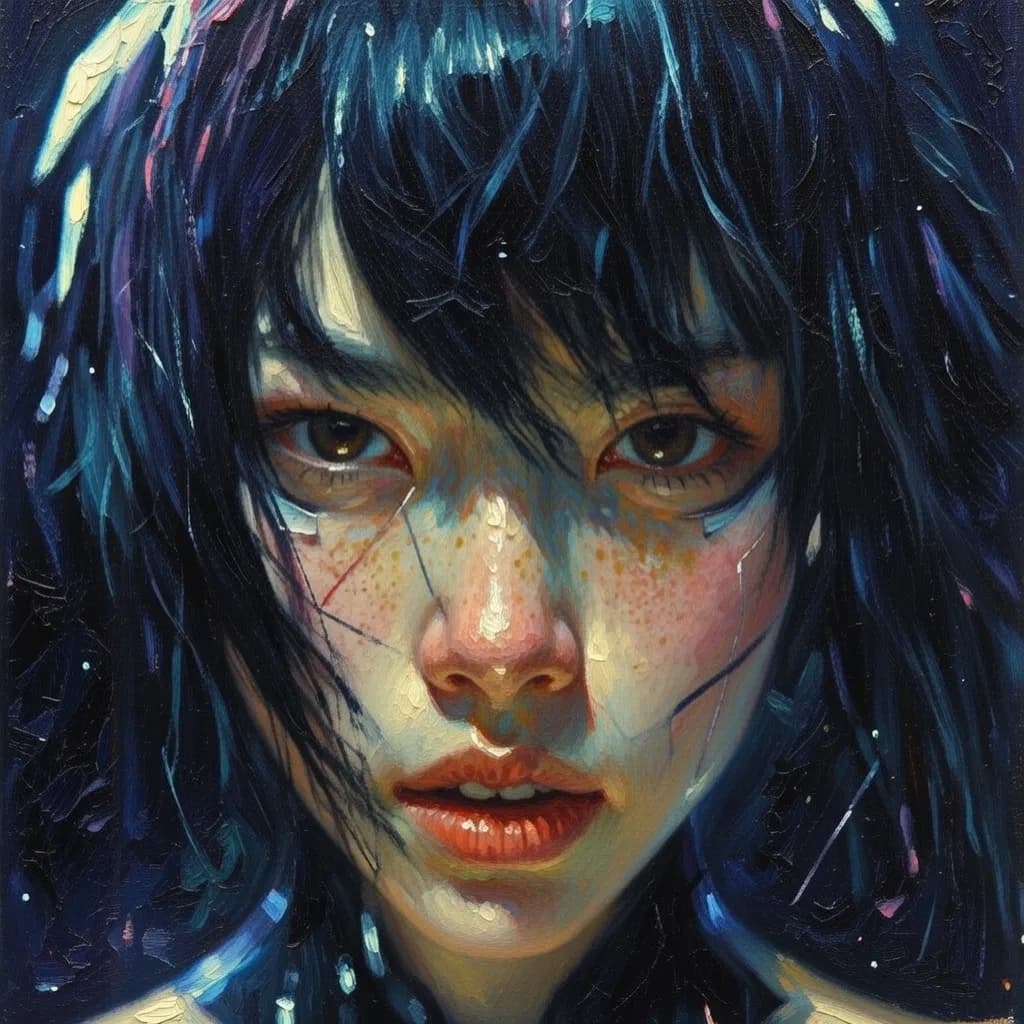
From photorealism to illustration, digital art to oil painting — handles any visual style with precision

Excellent text rendering

Industry-leading text-in-image capabilities — renders typography, signs and labels accurately

Multiple aspect ratios

Generate in 5 aspect ratios: 1:1, 4:3, 3:4, 16:9, 9:16 for any platform or use case

Create Images with FLUX 2 Pro

Run flux.2-pro online for realistic images, ad shots and posters with text

No subscription — pay only for generations

How it works

4 simple steps to run FLUX 2 Pro online and get an image

1

Write your prompt

Describe the image in detail — subject, style, lighting, composition. FLUX 2 Pro excels at following complex prompts.

2

Choose settings

Select aspect ratio from 5 options and configure generation parameters.

3

AI creates the image

FLUX 2 Pro generates a high-quality image in about 10 seconds with strong detail and close prompt following.

4

Download the result

Download the finished image in high resolution. Iterate and refine as needed.

Prompt tips

How to get the best results with FLUX 2 Pro

Prompt formula

Subject+Environment+Style+Lighting

Good examples

  • A vintage coffee shop interior with warm amber lighting, steam rising from espresso cups, worn leather chairs, moody cinematic atmosphere
  • Aerial view of a bioluminescent coral reef at night, deep blues and glowing turquoise, underwater photography style
  • Text poster reading 'HELLO WORLD' in neon lights against a dark brick wall, cyberpunk aesthetic, volumetric fog

Avoid

  • Nice picture — too generic, no specific details about subject, style or composition
  • Draw a cat — no details about breed, pose, setting, lighting or artistic style
  • Something cool — abstract and subjective, the model needs concrete visual descriptions

Best practices

Specify lighting conditions: golden hour, studio lighting, neon glow for precise atmosphere control
Include artistic style references: cinematic, watercolor, oil painting, photorealistic
Use FLUX 2 Pro for text-heavy designs — it excels at rendering typography
Describe composition explicitly: close-up, wide-angle, bird's eye view, rule of thirds

Use cases

What FLUX 2 Pro is perfect for

Digital illustration

Create stunning illustrations for books, games and presentations with consistent quality and style

Product visualization

Professional product images for e-commerce, catalogs and marketing materials

Social media content

Eye-catching visuals for posts, stories and ads across all social platforms

Concept art & design

Rapid concept exploration for creative projects, mood boards and art direction

Storyboards & comics

Sequential art and storyboard frames with consistent character and style rendering

Fashion & branding

Fashion concepts, brand visuals and typography-rich designs leveraging text rendering

Generation pricing

Professional-grade generation with clear credit pricing

FLUX 2 Pro

Standard4 creditsfast generation
High quality4 creditsmaximum detail

Resolution: up to 2K

4 credits per image

Cost depends on selected plan View plans

  • Exceptional prompt adherence
  • Text rendering support
  • 5 aspect ratios
  • Fast ~10s generation
  • Up to 2K resolution

Comparison with competitors

Why FLUX 2 Pro stands out for professional image generation

✨

FLUX 2 Pro

Best choice
  • 2K Max resolution
  • ~10 sec Generation speed
  • 4 credits per image
  • Style consistency
  • Aspect ratios

Imagen 4

  • 2K
  • 3 credits
  • Yes I2I

Nano Banana Pro

  • 4K
  • 1 credit
  • Yes I2I

Seedream 5.0 Lite

  • 3K
  • 5 credits
  • Yes I2I
ParameterFLUX 2 ProImagen 4Nano Banana ProSeedream 5.0 Lite
Max resolution2K2K4K3K
Reference imagesNo410Up to 14
Price4 credits315 credits
Generation speed~10 sec~15 sec~20 sec~15 sec
Style consistencyExcellentGoodGoodGood
Aspect ratios5 options5 options11 options8 options

Frequently asked questions

Answers to popular questions about FLUX 2 Pro

FLUX 2 Pro is a professional image generation model for realistic scenes, ad shots, posters and designs with text. Search queries often spell it as flux.2-pro or flux-2-pro.

Open the FLUX 2 Pro page in Clipia.ai, click Create Image, enter your prompt, choose an aspect ratio and launch generation.

FLUX 2 Pro generates images up to 2K resolution. 5 aspect ratios are supported: 1:1, 4:3, 3:4, 16:9, 9:16.

FLUX 2 Pro generates images in approximately 10 seconds, making it one of the fastest professional-grade image models available.

The base cost is 4 credits per image. The exact cost is shown in the interface before generation starts.

FLUX 2 Pro handles virtually any visual style — photorealism, digital art, watercolor, oil painting, anime, 3D rendering, and more. It excels at consistent style across generations.

Yes, images generated with FLUX 2 Pro on Clipia.ai can be used for commercial purposes including marketing, products, and publications.

Be specific in your prompts: describe subject, style, lighting, composition and any text inside the image. FLUX 2 Pro is especially strong with detailed prompts and typography rendering.

FLUX 2 Pro Online — AI Image Generation | Clipia.ai