


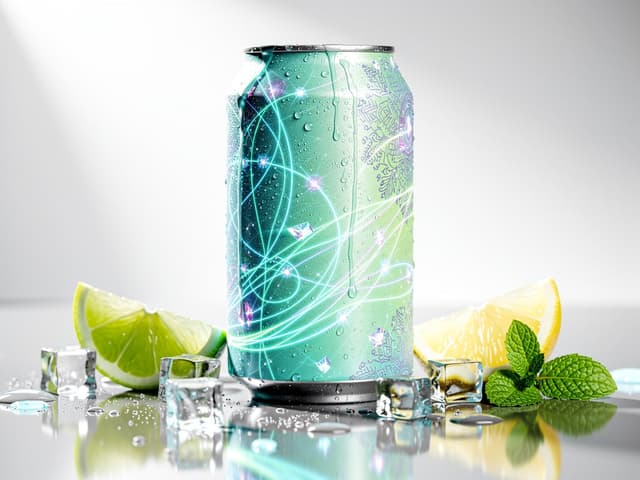
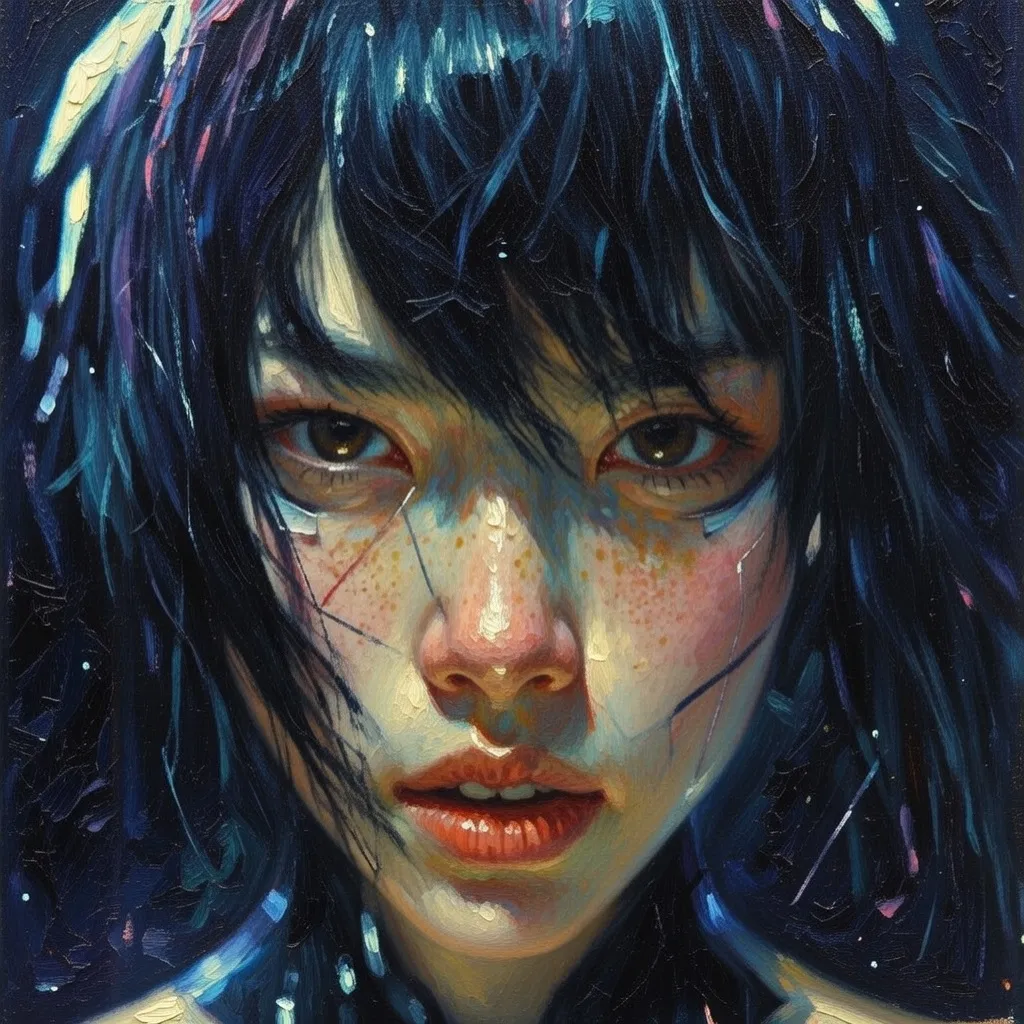
Campaign concepts
Generate visual directions for ads, social posts, and launch materials in the format the placement needs.
Grok Imagine Image 2.0 by xAI
Create a new frame from a prompt or revise an existing image without leaving Clipia.
Grok Imagine Image 2.0 is xAI's image generation and editing model. In Clipia it supports text-to-image and image-to-image workflows with up to three reference images.
Generated evidence
Start from words or bring an image into the process. These examples come from xAI's Image 2.0 documentation.
Text-to-image
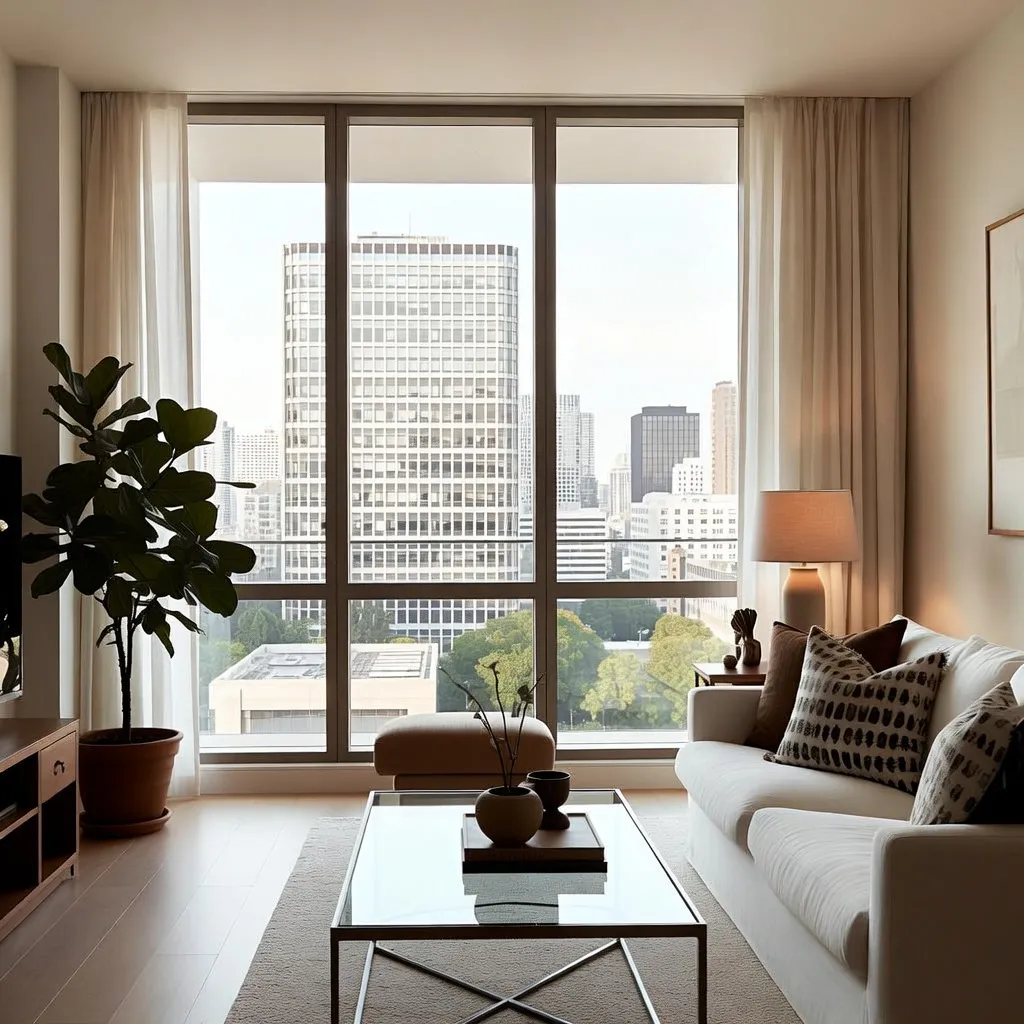
The model builds the composition from the text prompt, then Clipia lets you choose the available format and output settings before generation.
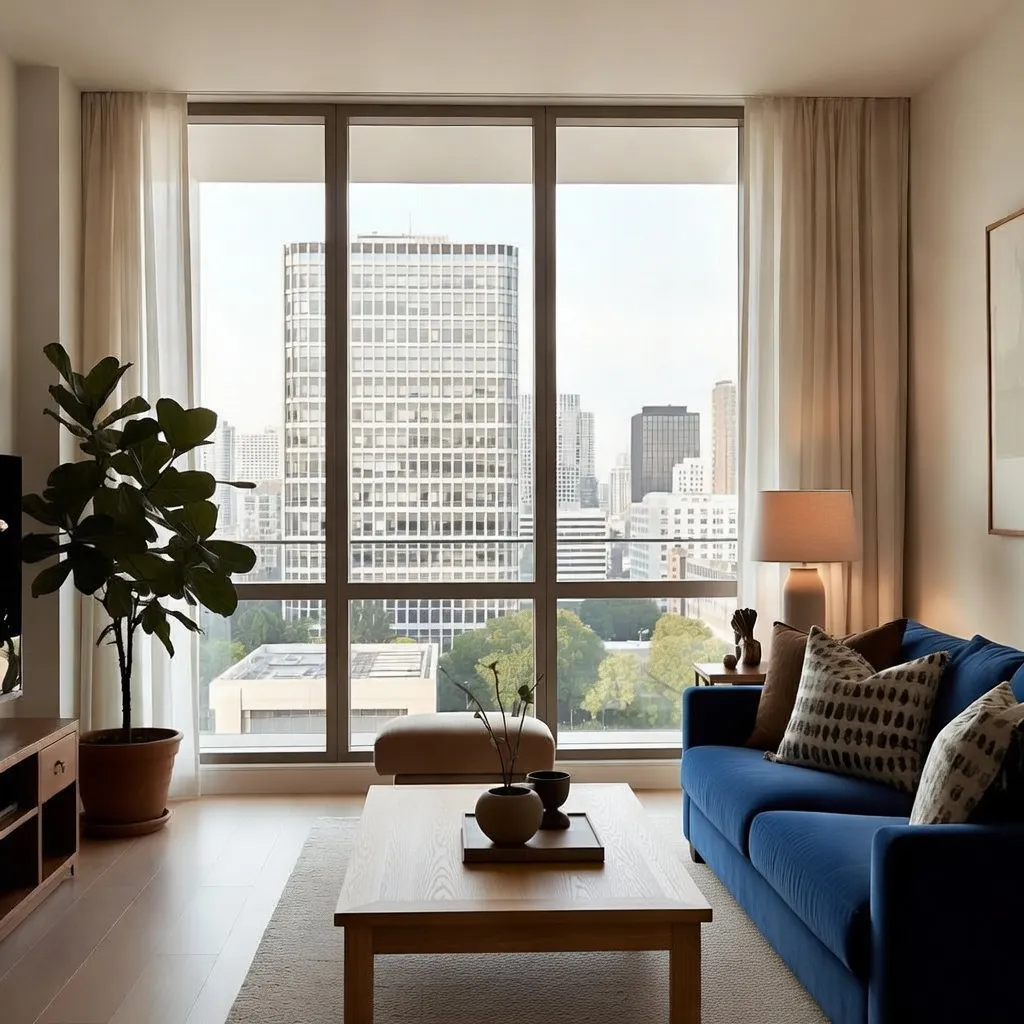
A modern living room with large windows overlooking the city
Official text-generation example from xAI documentation.
Image-to-image
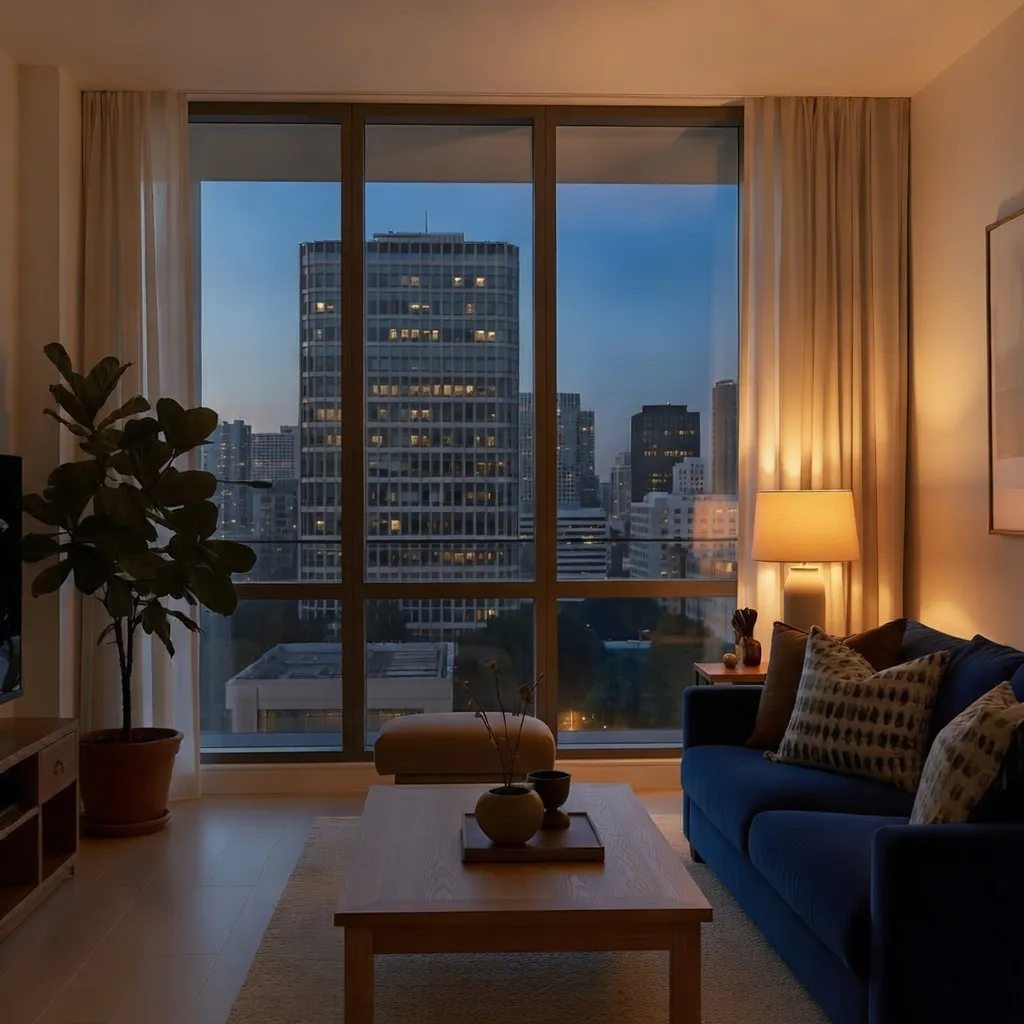
Use an existing image as context, describe the revision, and continue from the result. The sequence below preserves the room while changing furniture and lighting.
Controls
Use the same model for a fresh generation or a reference-led edit, then choose the output configuration that fits the composition.
The exact credit cost is calculated from the selected text-generation quality, resolution, and reference count and shown before generation.
Workflow
A short workflow for both generation modes.
Describe the subject, setting, composition, light, and visual treatment in one clear prompt.
Generate from text alone, or attach up to three images when you want to revise or visually guide the result.
Select 1K or 2K and one of fourteen aspect-ratio options. For text-to-image, also choose Low or Medium quality, then start the run.
Download the result or use it as the next reference when the scene needs another controlled revision.
Use cases
The two modes cover common visual work without forcing every change into a new prompt from scratch.
Generate visual directions for ads, social posts, and launch materials in the format the placement needs.
Explore a scene, mood, or style from text, then keep the strongest result for another pass.
Revise furniture, materials, or lighting while using the original room as visual context.
Combine up to three references when a revision needs more context than a single source image provides.
FAQ
Direct answers about modes, settings, cost, and usage rights.
Grok Imagine Image 2.0 is an xAI model for generating and editing images. Clipia provides it as one image tool with text-to-image and image-to-image workflows.
Yes. Enter a text prompt, choose the available resolution, aspect ratio, and quality settings, and start the generation.
Yes. Add one or more reference images and describe the change you want. The same model handles the image-to-image workflow.
The Clipia configuration for Grok Imagine Image 2.0 accepts up to three reference images.
Both workflows support 1K or 2K resolution and fourteen aspect-ratio options including Auto. Text-to-image generation also offers Low or Medium quality; image editing does not show a quality control.
The exact cost in credits is calculated from the selected text-generation quality, resolution, and reference count and shown in the creation interface before you start.
No. This page describes Grok Imagine Image 2.0. The earlier Grok Imagine release keeps its own model page while it remains available.
Usage rights depend on your Clipia plan and remain subject to the Content License, applicable law, and third-party rights.
Create or revise
Open Grok Imagine Image 2.0 in Clipia and choose the workflow that matches your starting point.
The exact credit cost is shown before generation.