Image generation powered by Aurora from xAI. Autoregressive architecture, photorealism, 6 variants per request, T2I and I2I modes
Cinematic portrait of a woman by a vinyl record player, retro living room, soft ambient lighting, warm tones, film grain

Next-generation autoregressive model from xAI with a unique MoE transformer architecture
Images look like real photographs — no typical AI look, with natural textures and lighting
Get 6 unique images per request — choose the best result at no extra cost
MoE transformer instead of diffusion provides better compositional accuracy and logical coherence
Image-to-Image mode: upload an image and describe changes — the model edits while preserving style
Average generation time of 5-15 seconds — faster than most competitors with high quality
Improved typography rendering — generate readable text, logos and inscriptions inside images
4 simple steps to create images with Grok Imagine
Write a detailed prompt in natural language for T2I or upload an image for I2I editing.
Choose aspect ratio (1:1, 2:3, 3:2, 9:16, 16:9) and generation mode (Normal, Fun or Spicy).
Aurora MoE transformer generates 6 unique images with photorealistic details in 5-15 seconds.
Select the best variant from 6 and download in high resolution. Use as a template for future generations.
How to get the best results with Grok Imagine
What Grok Imagine is perfect for
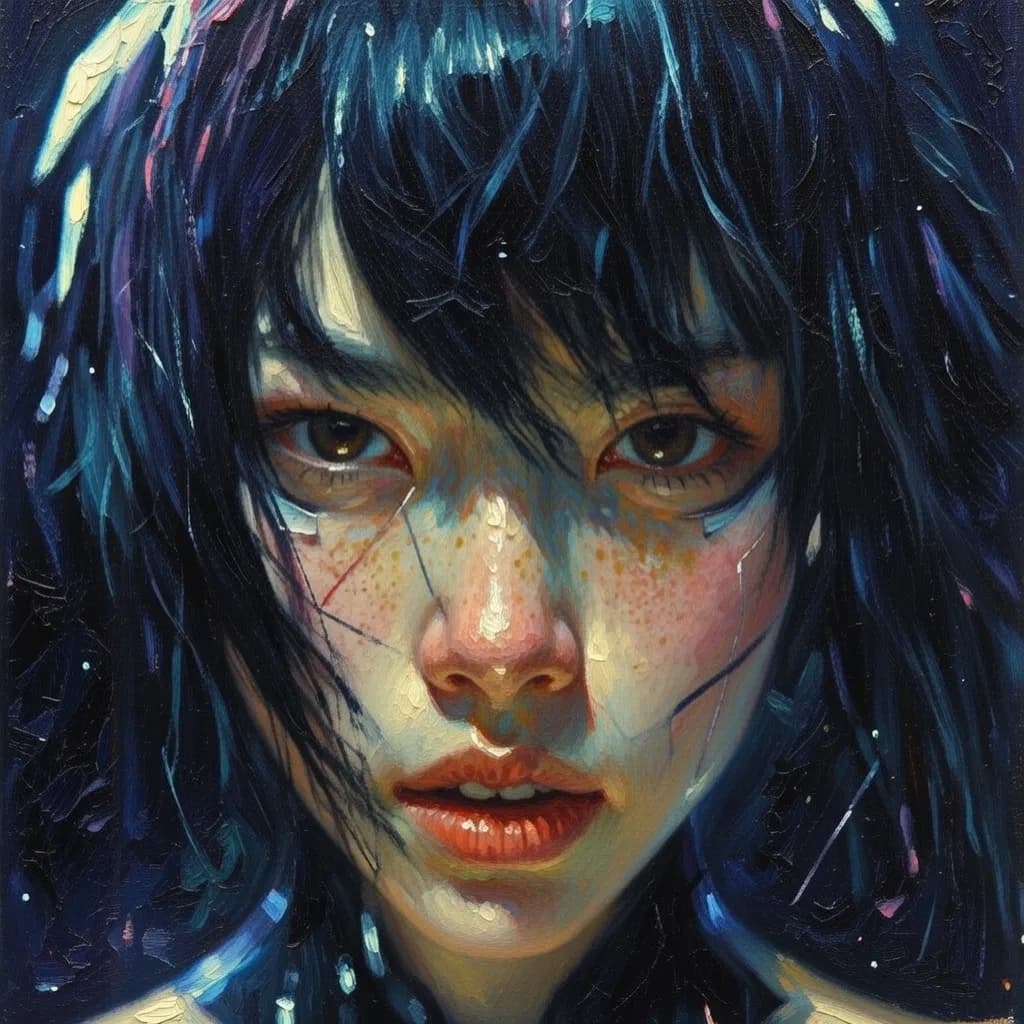
Artistic illustrations and concept art in any style — from photorealism to digital painting
Generate photorealistic human portraits with natural facial features and lighting
Visuals for ads, banners and social media creatives with high detail
Visualize interiors, exteriors, fantasy locations and architectural concepts
Photorealistic product images for catalogs, marketplaces and presentations
Idea visualization, moodboards and quick concepts for designers and creative teams
Top quality at an affordable price — 6 images for 2 credits
Resolution: up to 2048x2048 (2K)
T2I = 2 credits (6 images), I2I = 2 credits (2 variants)
Cost depends on selected plan View plans
Why Grok Imagine is the best choice for photorealistic images
| Parameter | Grok Imagine | FLUX 2 Pro | GPT Image 2 | Midjourney |
|---|---|---|---|---|
| Photorealism | Excellent | Excellent | Good | Good |
| Max resolution | 2K | 2K | 4K | 2K |
| Variants per request | 6 | 1 | 1 | 4 |
| Price | 2 credits | … | … | … |
| Speed | 5-15 sec | 4-5 sec | — | 30-60 sec |
| Image editing | Yes | No | Yes | No |
Answers to popular questions about Grok Imagine
Grok Imagine is an image generation model from xAI powered by the Aurora engine. It uses an autoregressive MoE transformer architecture instead of diffusion, providing photorealistic quality and compositional accuracy.
Grok Imagine generates 6 unique interpretations of your prompt per request. This lets you choose the best result at no extra cost — all 6 images cost just 2 credits.
Maximum resolution is 2048x2048 (2K). 5 aspect ratios: 1:1, 2:3, 3:2, 9:16, 16:9. Output formats: PNG, JPEG, WEBP.
Upload an image and describe desired changes. The model edits while preserving style — change background, add objects, adjust lighting. You get 2 editing variants.
Text-to-Image = 2 credits for 6 images. Image-to-Image = 2 credits for 2 variants. See the pricing page for details.
Average generation time is 5-15 seconds for 6 images. This is faster than most competitors: Midjourney takes 30-60 seconds, DALL-E takes 20-40 seconds.
The MoE transformer predicts the image token by token, providing better compositional accuracy and logical coherence of elements compared to diffusion models.
Grok Imagine understands natural language better — describe the scene as a narrative, not a tag list. Add photography terms: focal length, aperture, film grain for realistic results.