
AI Image Prompt Guide: The 5-Component Formula (2026)
How to write prompts that get the image you actually wanted — with copy-paste templates

A good AI image prompt is one clear sentence that names five things: subject, style, lighting, composition, and technical details. Instead of "a woman," write "a 35-year-old woman with short silver hair, cinematic portrait, soft window light from the left, shallow depth of field, 85mm lens, shot on film." Every word should add a decision the model would otherwise make randomly. Density beats length — a focused 20–40 word prompt usually outperforms a rambling 100-word one. You can write your first prompt and see the result in seconds on Clipia.
Open the image generator and paste any template from this guide to test it live.
What makes an AI image prompt effective
An AI image model turns text into pixels by filling in everything you leave unspecified with its own averages. Say "a dog" and you get the model's idea of an average dog: centered, eye-level, neutral background. Every detail you add replaces one of those averages with your decision. That is the whole game — a prompt is a list of choices you make so the model doesn't make them for you.
Microsoft's own image-prompting guide states it plainly: "the more detailed and specific you are about what output you want, the more likely you are to receive AI generated art you're happy with." Their guidance recommends at least six descriptive words tied directly to the image, and notes that image generators ignore stop words like "a," "for," and "from" — so spend your words on meaningful descriptors, not grammar.
There is no single magic phrasing, but the effective prompts share a structure. Below is a five-component formula that carries across every modern model.
The five-component prompt formula
1. Subject — say exactly what and who
The subject is the one thing the image is about. Vague subjects produce vague images. "A man" gives the model total freedom; "a 40-year-old man with a short beard wearing a charcoal wool coat" gives it a target. Name age, clothing, expression, pose, and count. If there are two people, say "two people" — models miscount when you leave it implicit.
2. Style — pick one and reference it
Choose a single dominant style and name a recognizable medium or genre: photograph, oil painting, 3D render, watercolor, anime, cinematic still, editorial fashion shot. Conflicting styles are the most common cause of muddy output — "photorealistic anime oil painting" asks the model to average three incompatible modes. Pick one lead style, then optionally add one modifier ("photograph, muted color grade").
3. Lighting — the fastest quality lever
Lighting changes an image more than almost any other word. Modern models understand a full cinematography vocabulary: rim light, fill light, Rembrandt lighting, chiaroscuro, high-key, low-key, golden hour, softbox, hard directional light. "Soft window light from the left" reads completely differently from "harsh overhead noon sun." If a generation looks flat or amateur, the lighting term is usually where you fix it.
4. Composition — override the model's defaults
Left to itself, a model defaults to a centered, eye-level, roughly 50mm-equivalent framing. To get anything else you have to say it: "low-angle three-quarter view," "subject in the left third," "35mm wide shot," "extreme close-up," "overhead flat-lay." Composition terms also carry a lens and distance implication, which is why "85mm portrait" and "24mm wide" produce different faces from the same subject.
5. Technical parameters — aspect ratio and resolution
These are the settings that actually move the result: aspect ratio (1:1 for avatars, 3:2 or 4:3 for product, 16:9 for scenes, 9:16 for mobile), resolution, and any quality flag your model exposes. Aspect ratio is not cosmetic — it changes how the model frames the subject, so choose it before you generate, not after. On Clipia these are picker controls next to the prompt box rather than something you type into the text.
Chain the five together and you get a prompt like: editorial product photo of a matte black ceramic coffee mug, on a raw concrete surface, soft diffused daylight from the right, shallow depth of field, 4:3, high detail. That single line makes five decisions the model would otherwise guess.
Paste that exact prompt into the generator and swap the mug for your own product — the structure holds for almost any object.
Copy-paste prompt templates by task
The fastest way to learn is to start from a working skeleton and change the nouns. Each template below is one sentence you can paste directly, then edit the bracketed parts.
Portrait / avatar
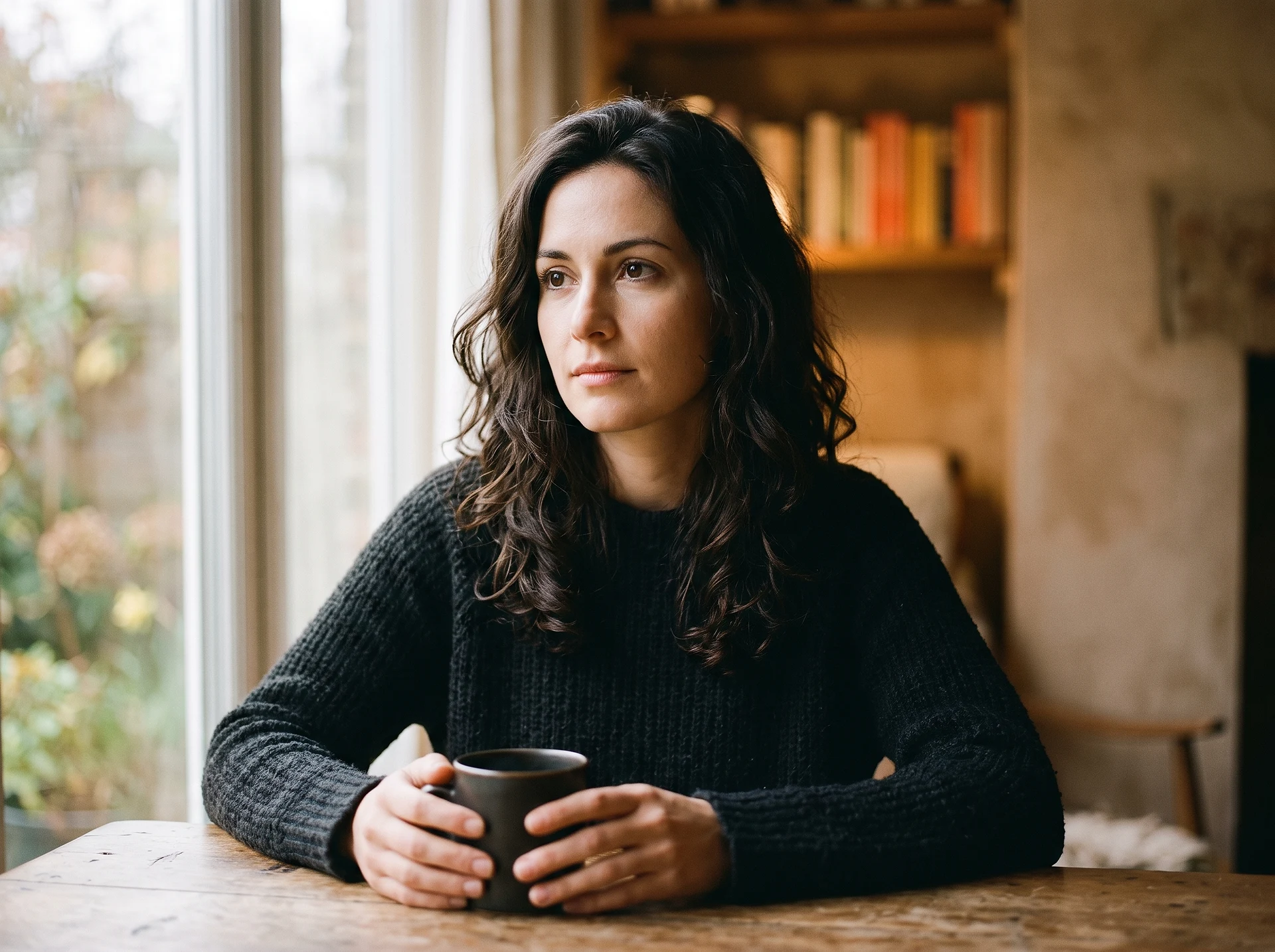
[age] [gender] with [hair], [expression], cinematic portrait, soft [direction] window light, shallow depth of field, 85mm lens, [1:1 or 4:5], high detail
Example: a 28-year-old woman with dark curly hair, calm confident expression, cinematic portrait, soft left window light, shallow depth of field, 85mm lens, 4:5, high detail. The 85mm lens and shallow depth of field are what make a portrait read as professional rather than snapshot.
Product photography
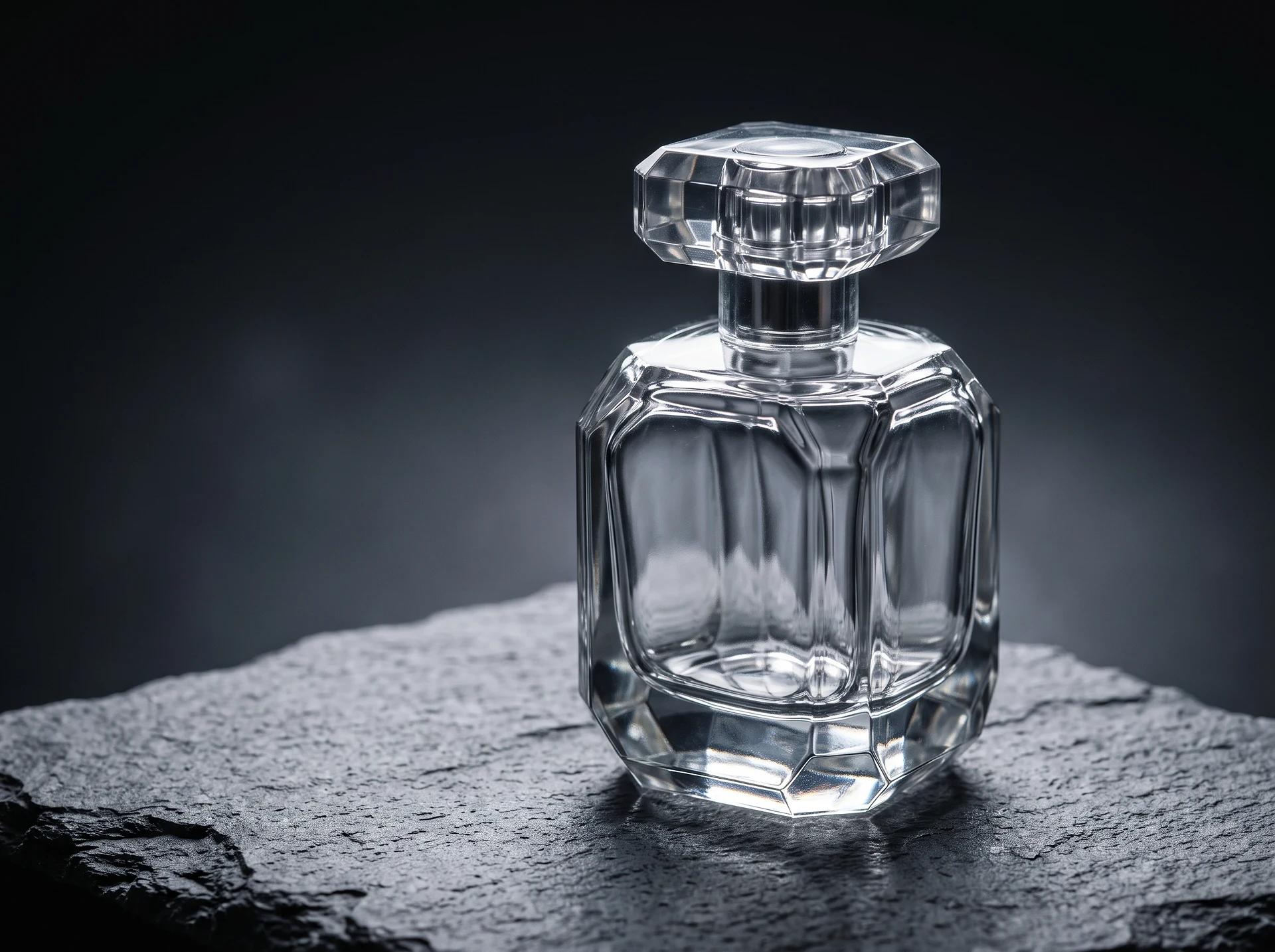
editorial product photo of [object], on [surface], [lighting], [angle], [background], 4:3, high detail, commercial quality
Example: editorial product photo of a glass perfume bottle, on white marble, soft diffused studio light, three-quarter angle, clean neutral background, 4:3, high detail, commercial quality. For e-commerce, keep the background simple and the lighting soft — busy backgrounds and hard shadows are what make AI product shots look fake.
Art / illustration in a set style
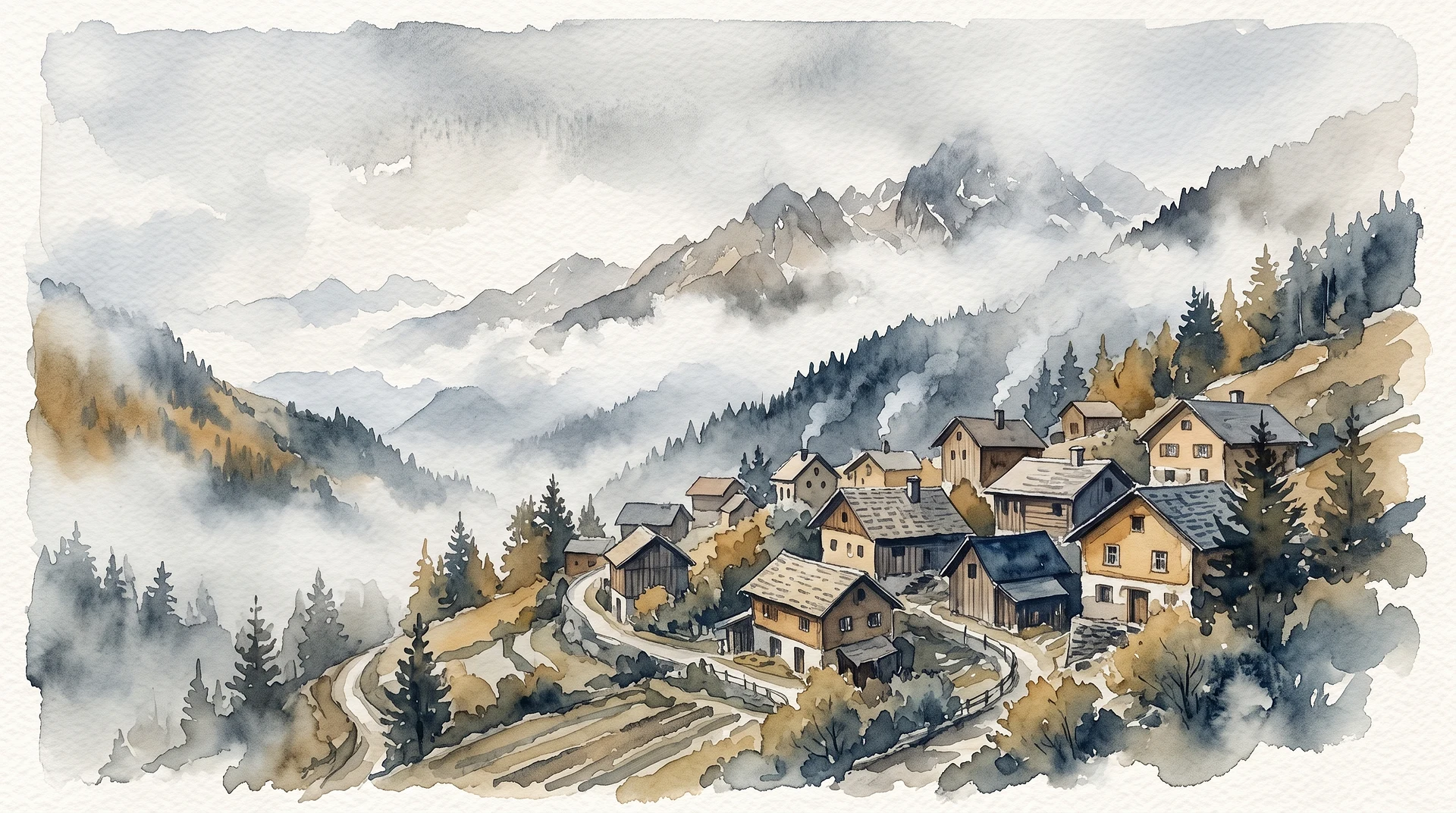
[scene], in the style of [medium/genre], [color palette], [mood], [composition], [aspect ratio]
Example: a quiet mountain village at dusk, in the style of a watercolor illustration, muted teal and amber palette, calm nostalgic mood, wide establishing composition, 16:9. Naming one medium and one palette keeps the style coherent; adding a second competing medium is where illustrations fall apart.
Browse the Clipia template library if you want ready-made prompts organized by category to remix instead of writing from scratch.
Negative prompts and the mistakes that ruin results
A negative prompt is the text describing what you do not want in the image. The regular prompt says what to draw; the negative prompt says what to avoid. Technically, on models that support it, the negative prompt is processed like a normal prompt but its influence is subtracted during the denoising steps — so listing "blurry" steers the output toward sharpness.
Negative prompts are most useful for the recurring failure modes: distorted hands, extra fingers, watermarks, text artifacts, low resolution, and over-stylization. A practical starter negative list is blurry, low resolution, extra fingers, deformed hands, watermark, text, jpeg artifacts. The rule that matters: keep it focused. A precise term like "deformed iris" outperforms a vague one like "bad," and a short targeted list beats a wall of unrelated words.
The three mistakes that ruin most prompts:
- Too long and overloaded. Past roughly 40–50 words, extra adjectives start diluting each other. Every word competes for the model's attention; a dense, structured 20–40 word prompt reliably beats a rambling 100-word paragraph.
- Conflicting style instructions. "Photorealistic cartoon," "vintage futuristic," "minimalist baroque" — the model averages the conflict into mush. One lead style, one optional modifier.
- Expecting one shot to be final. Prompting is iterative. Generate, read what went wrong, change one variable, regenerate.
Iterate: one change at a time
Here is a real refinement loop. Start with a weak prompt: a coffee shop. The result is a generic, flatly lit interior. Now change one thing at a time. Add subject detail: a small specialty coffee shop with a wooden counter and hanging plants. Add lighting: ...warm morning light through large windows. Add composition and technical: ...wide interior shot, 16:9, editorial photography, shallow depth of field. Four small edits turn a shrug into a usable image — and you learn which word did what, because you changed only one at a time.
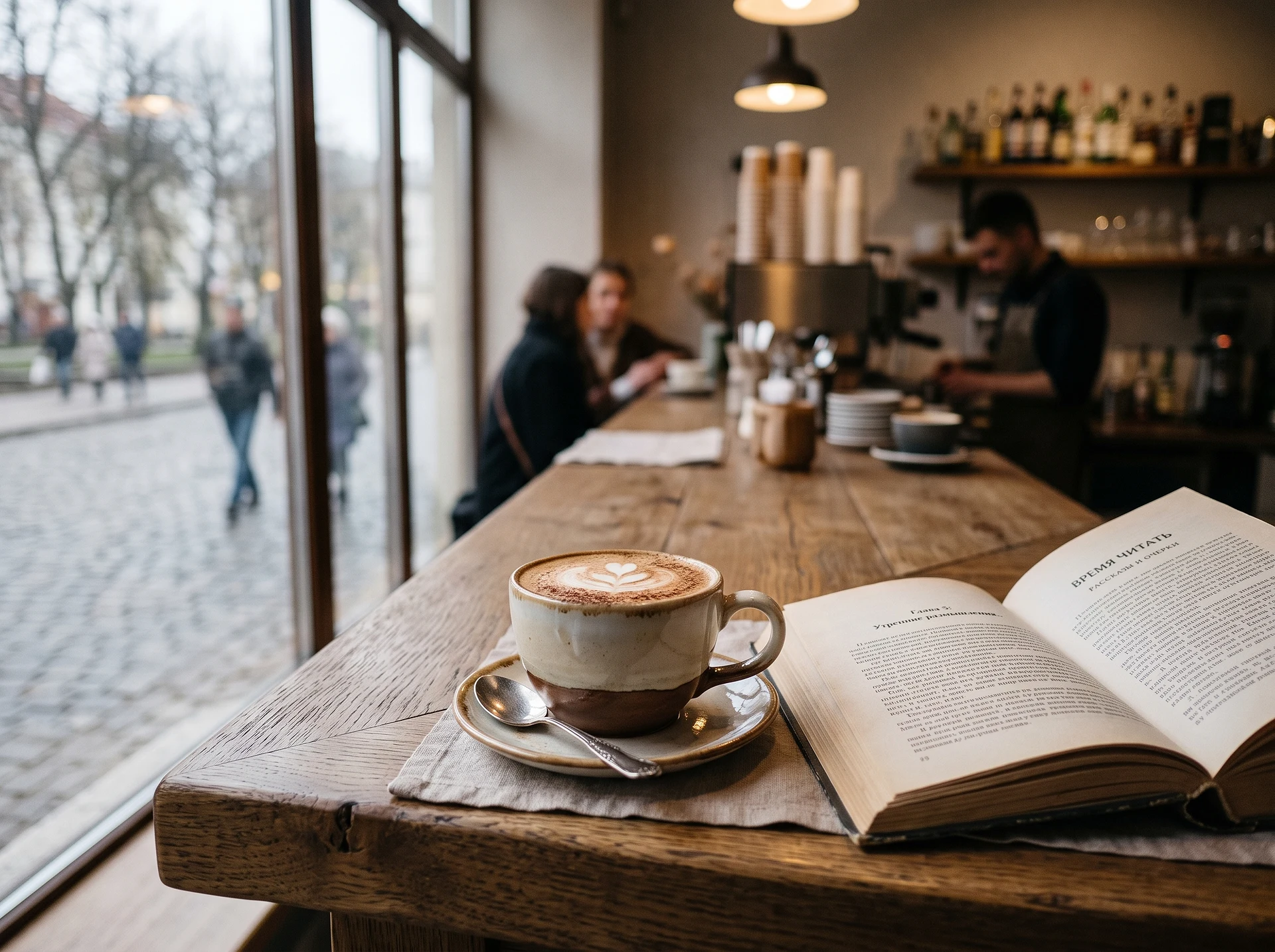
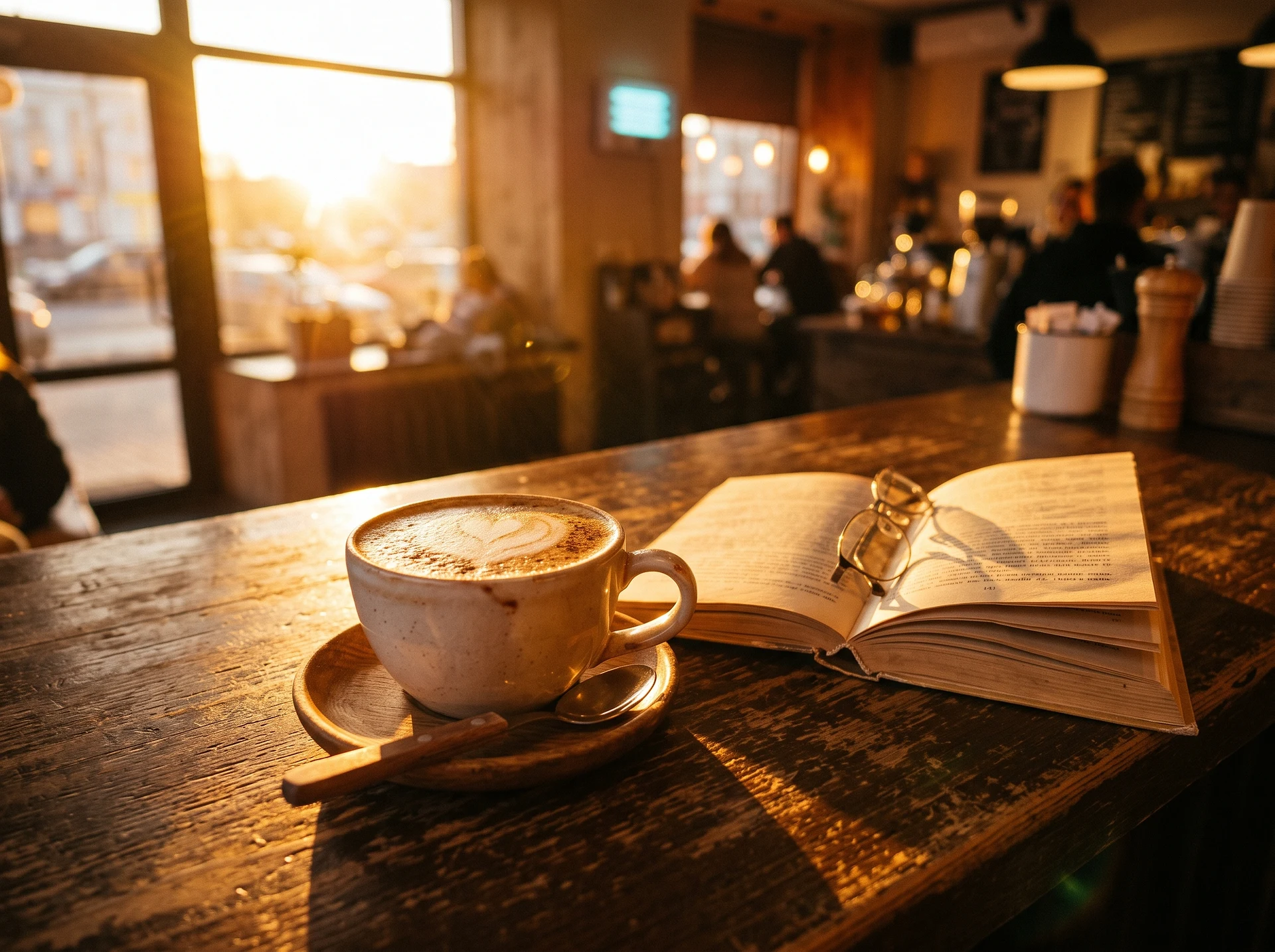
Both frames came from the same model with the same seed; only the lighting description differs. That is the point of changing one thing at a time: you can see exactly what a word did, and the technique carries over to the next job. Change lighting, angle and style at once and there is nothing left to learn from the result.
How much does an AI image cost on Clipia
Pricing is in credits and depends on the model — and, for some models, on resolution. Below is the cost of one image at standard resolution as of August 16, 2026. Dollar figures are converted from the monthly Standard and Pro plans.
| Model | One image | What it is good for |
|---|---|---|
| FLUX 2 Pro | 3 credits ≈ $0.12 | cheapest way to explore variants |
| Nano Banana 2 | 4 credits ≈ $0.16 | all-round default; 6 credits at 4K |
| Google Imagen 4 | 4 credits ≈ $0.16 | photoreal scenes with people |
| Seedream 5.0 Pro | 4 credits ≈ $0.16 | dense fine detail |
| Nano Banana Pro | 5 credits ≈ $0.20 | complex scenes; 7 credits at 4K |
| GPT Image 2 | 6 credits ≈ $0.24 | close adherence to a long prompt |
| Midjourney V7 | 8 credits ≈ $0.32 | pronounced house style |
The practical conclusion matters more than the table itself. A single attempt costs $0.12–$0.32, but prompting is iterative: finding the right wording usually takes three to five runs. So the real price of a finished image is roughly $0.40–$1.60 per series, and what lowers it is a structured prompt, not a cheaper model.
Hence the working order: find the wording on an inexpensive model at standard resolution, then repeat the proven prompt on a pricier model or at 4K. Exploring straight at maximum quality costs about twice as much and is rarely justified.
The exact price for your chosen model and resolution is always shown on the image generation page before you run it, and plan limits are on the pricing page.
Try it on Clipia
Open the Clipia image generator, pick a model, and paste one of the templates above. Change the bracketed parts to your subject, set the aspect ratio, and generate. If the first result isn't right, change one component and run it again — that single loop is how every good prompt gets written.
FAQ
What is a good AI image prompt?
A good AI image prompt is a single, specific sentence that names the subject, the style, the lighting, the composition, and the technical parameters (aspect ratio and resolution). It replaces the decisions the model would otherwise make at random with your explicit choices — for example, "cinematic portrait of a 30-year-old man, soft side lighting, 85mm lens, 4:5" instead of just "a man."
How do I write a prompt for AI-generated images?
Start with the subject in concrete terms, then add one dominant style, a lighting description, a composition or camera angle, and finally the technical settings. Keep it to roughly 20–40 words where every word adds a decision. Generate, look at what's wrong, change one variable, and regenerate until it matches your intent.
What makes an AI image prompt effective?
Specificity and coherence. Microsoft's prompting guide notes that the more detailed and specific you are, the more likely you are to get an image you're happy with, and recommends at least six meaningful descriptive words. Effective prompts also avoid internal conflicts — one lead style, not three — because models average conflicting instructions into muddy results.
Can you use negative prompts for AI image generation?
Yes, on models that support them. A negative prompt lists what you don't want — commonly "blurry, extra fingers, deformed hands, watermark, text, low resolution." Its influence is subtracted during generation, steering the output away from those traits. Keep the list short and precise; targeted negatives work better than long lists of unrelated terms.
How long should an AI image prompt be?
Aim for density over length. A focused 20–40 word prompt where every word adds a real decision typically outperforms a 100-word paragraph. Past roughly 40–50 words, extra adjectives start diluting each other and the model has to average competing signals, which usually lowers quality.


