Transfer movements from video to any character — dances, gestures, and facial expressions up to 30 sec in 1080p

Advanced motion transfer technology from Kuaishou
Full-body motion synchronization including hands, fingers, and facial expressions
Create long videos with continuous motion up to 30 seconds
Professional quality in 720p or 1080p Pro resolution
Works with realistic people, anime, 3D models, and stylized characters
Get your finished video in 2-5 minutes with cloud processing
720p — 3 credits/sec, 1080p — 5 credits/sec
What to prepare for generation
4 simple steps to create video
Upload a character image. The head, shoulders, and torso should be clearly visible.
Upload a video with movements (dance, gestures, presentation) from 3 to 30 seconds long.
Choose quality (720p/1080p) and character orientation mode.
Click 'Create' and receive video with motion transfer.
Hover over a card to see Motion Control result
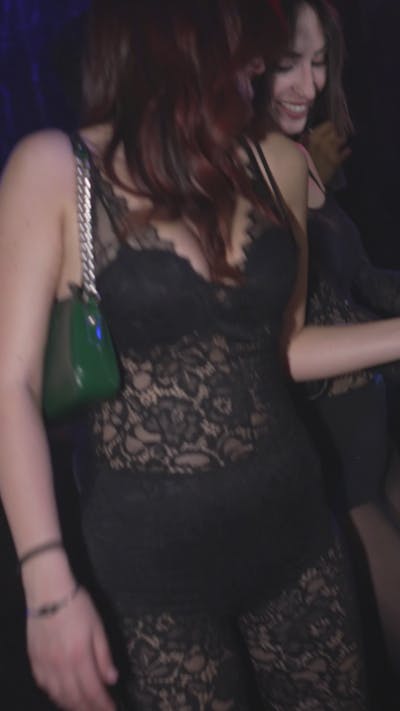 K-pop
K-popK-pop dance with precise hand movements, smooth transitions, preserving character appearance.
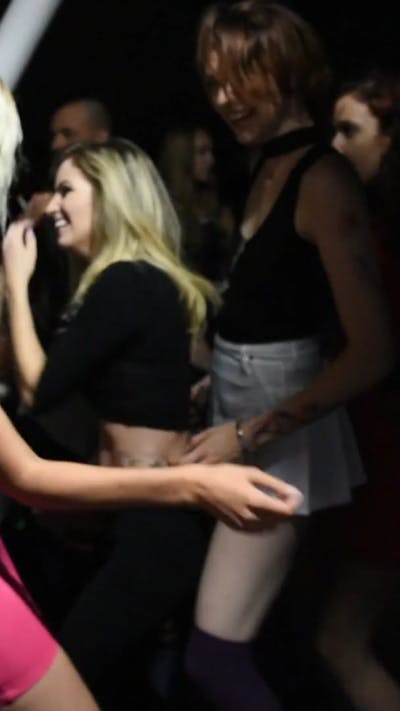 Bollywood
Energetic Bollywood dance with expressive hand gestures and hip movements.
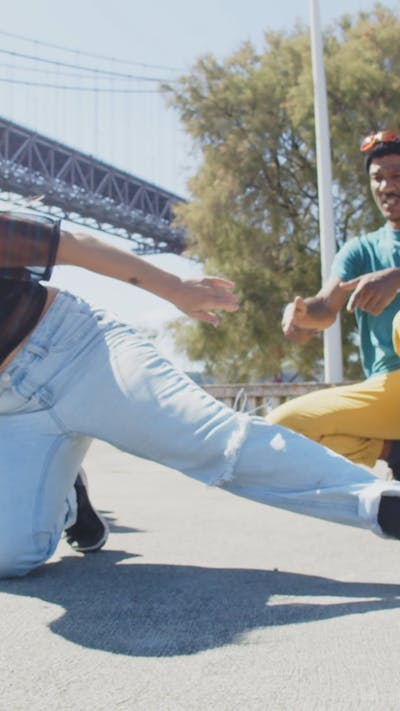 Business
Professional presenter explaining product features with confident gestures.
 TikTok
Viral TikTok dance with funny POV movements and natural flow.
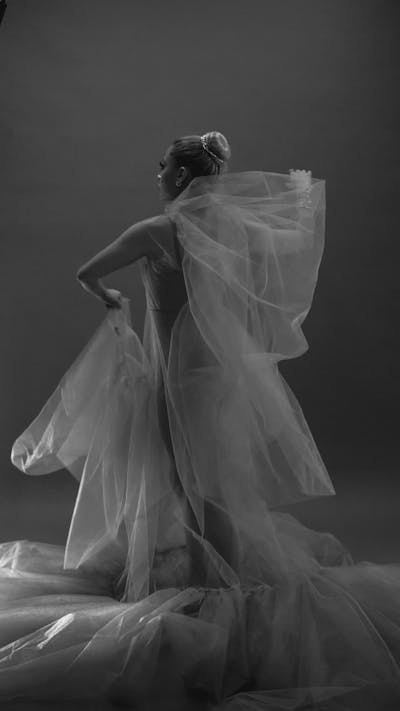 Social
AI influencer creating lifestyle content with natural gestures and expressions.
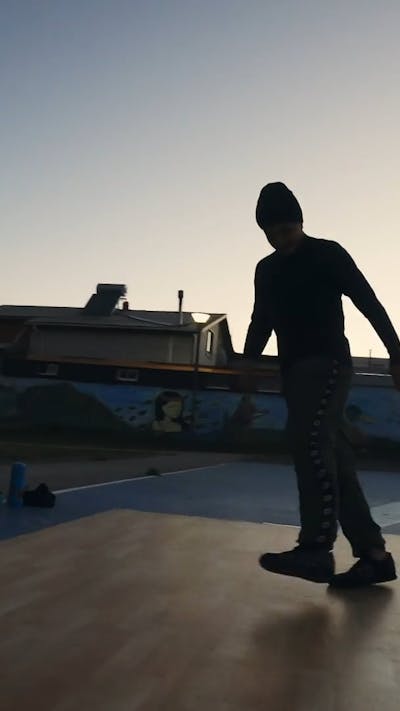 Russian
Energetic Russian folk dance with leg kicks and arm movements.
Choose from viral dance library — hover for preview
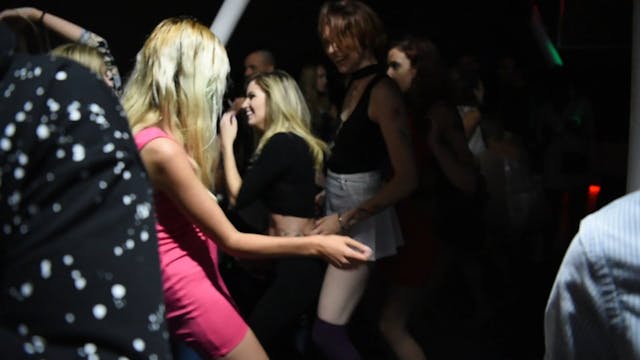
Popular Bollywood dance with vibrant movements
Trending K-pop dance from chorus
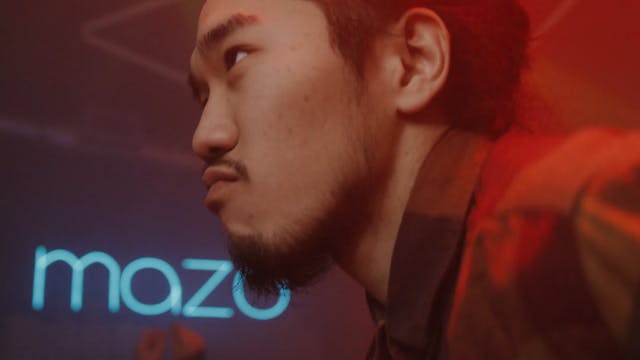
Viral dance from second verse
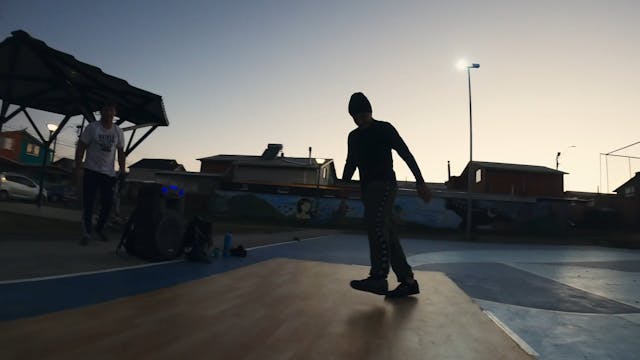
Energetic Russian folk dance
Mwah Mwah — viral Russian clip
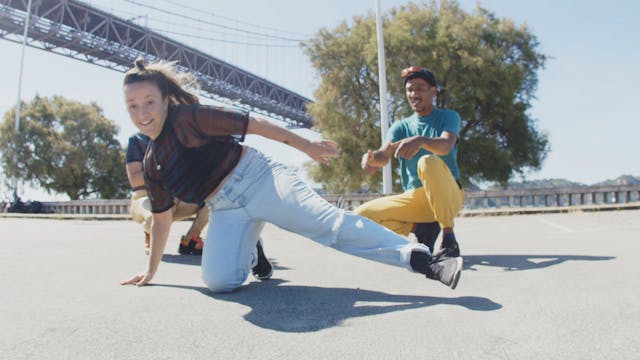
Comedy POV dance for TikTok
How to get the best results with Motion Control
What Kling Motion Control is suitable for
Create videos with virtual speakers for brands and products without filming
Generate content for virtual influencers and creators on social media
Create videos with virtual teachers for courses and online learning
Showcase products with virtual hosts and gestures
Internal videos, onboarding, and communications with unified virtual speaker
Dance videos, lip-sync, and music videos with AI characters
See what users are creating with Motion Control
Affordable pricing for everyone
10 sec video: 720p = 30 credits · 1080p = 51 credits
* Generation cost depends on your plan
Why Kling Motion Control is the best choice
| Parameter | Kling 2.6 | Runway | Pika | Hailuo 2.3 |
|---|---|---|---|---|
| Motion Control | Yes, full sync | Limited | No | No |
| Max Duration | 30 seconds | 16 seconds | 4 seconds | 10 seconds |
| Quality | 1080p | 1080p | 1080p | 1080p |
| Price per Video | from 9 credits | — | — | … |
| Hand Tracking | Yes | Partial | No | No |
| Stylized Characters | Yes | Yes | Yes | Yes |
Answers to popular questions about Kling Motion Control
Supported formats are MP4, QuickTime (MOV), and MKV. Reference video duration should be 3 to 30 seconds, maximum file size is 100 MB. It's recommended to use video with one person and static camera.
The image should clearly show the head, shoulders, and torso of the character. Supported formats are JPEG, PNG, WebP with maximum size of 10 MB. For best results, use half-body image for half-body video and full-body for full-body video.
1080p (Pro) mode provides higher rendering quality and detail clarity, but uses more credits. For quick tests and drafts, 720p (Standard) is recommended; for final results, use 1080p.
Yes! Kling Motion Control supports both realistic people and stylized characters, including humanoid animals, anime characters, 3D models, and any images with human body proportions.
Maximum duration depends on orientation mode: with 'Orientation as in video' — up to 30 seconds, with 'Orientation as in image' — up to 10 seconds. Result duration always equals reference video duration.
The model analyzes human movements in reference video (poses, gestures, facial expressions) and applies them to the character in the image, preserving its appearance. Motion transfer technology is used with full body tracking, including hands and fingers.
Currently, Kling Motion Control works with only one character. If there are multiple people in the reference video, the model uses movements of the one occupying the largest area in the frame.
Generation cost: 720p — 3 credits per second, 1080p — 5 credits per second. For example, a 10-second 720p video costs 30 credits.
