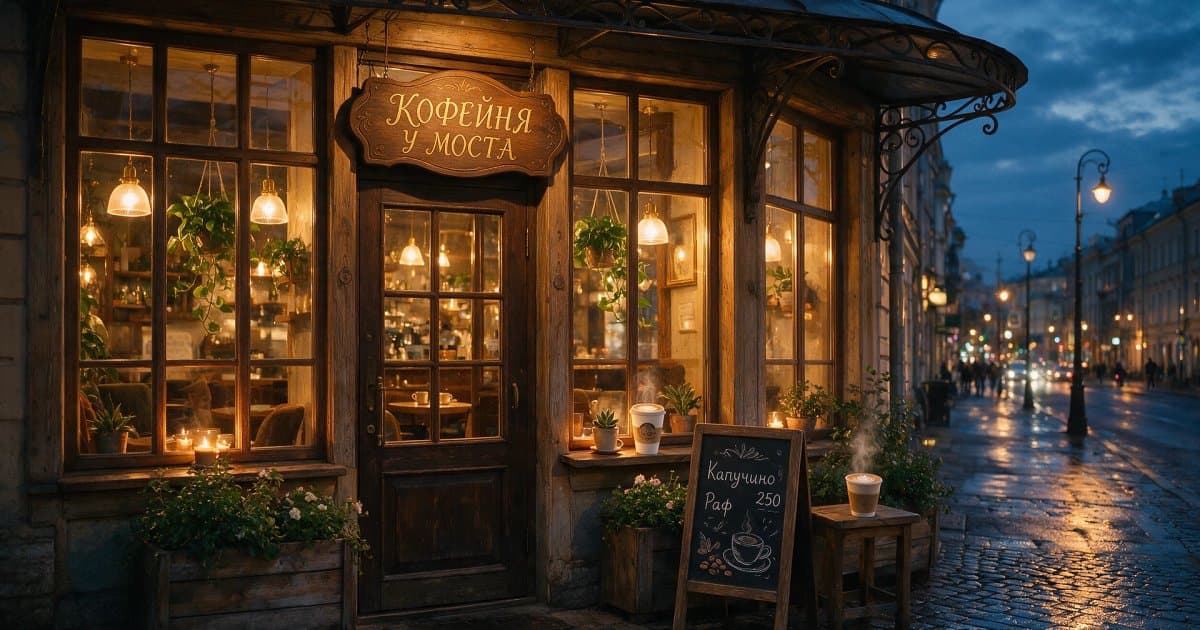
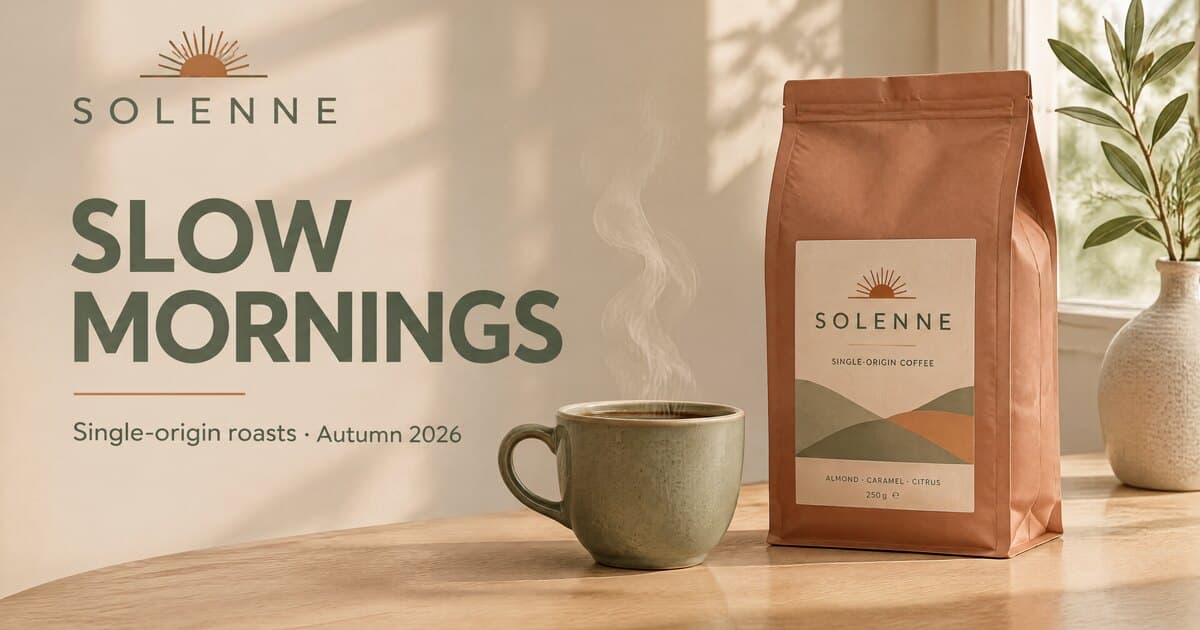
ByteDance’s new image model. Keep editing the same picture for up to 100 rounds: everything you didn’t touch stays pixel-perfect, with no color drift. Native transparent backgrounds in PNG, true-to-life light, materials and skin, and accurate text — even the small print. Text-to-image and edits with up to 6 photos, in 1K or 2K
Tall vertical travel poster of a night market in Saint Petersburg in winter, warm string lights, steam rising from food stalls, realistic skin and fabric textures on shoppers, crisp small print at the bottom reading “WINTER NIGHT MARKET · DEC 12–28 · PALACE SQUARE”

Seedream 5.5 parameters for text-to-image and photo editing
| Parameter | Text to image | Photo editing |
|---|---|---|
| Developer | ByteDance (Seed) | ByteDance (Seed) |
| Input images | Not needed | 1 to 6 photos |
| Resolution | 1K or 2K | 1K or 2K |
| Aspect ratios | 15 ratios, from 1:3 to 3:1 | 15 ratios, from 1:3 to 3:1 |
| Background | Auto or transparent (PNG) | Auto or transparent (PNG) |
| Sequential edits | Send the result on for editing | Up to 100 rounds in a row |
| Text in images | Yes, including small print | Yes, including small print |
From prompt to result in 5 steps
Open image generation and choose Seedream 5.5 from the model list.
Describe the scene, lighting and composition, and put any text for the image in quotes. To edit, upload up to 6 photos and say what to change and what to keep.
Choose one of 15 aspect ratios, 1K or 2K resolution, and the background: Auto, or Transparent for a PNG result.
Click Create — an image is usually ready in 20–25 seconds, and you can keep working while it renders.
Download the image, or upload it again as the source and describe the next edit — the model is built for long series of changes.
The easiest way to work with Seedream 5.5
Pay per generation, with no subscription to a separate service. From 3 credits per image; the price depends on resolution.
15 aspect ratios, 1K or 2K, transparent backgrounds and up to 6 photos for editing — no code or API required.
A generation queue, automatic retries on failures and CDN delivery — your result won’t get lost.
Generate a scene from a description or edit your own photos — all in the same image generator

Describe the scene and the model builds it with natural light, convincing materials and accurate text, including small, dense print. You can get a cut-out object on a transparent background right away.
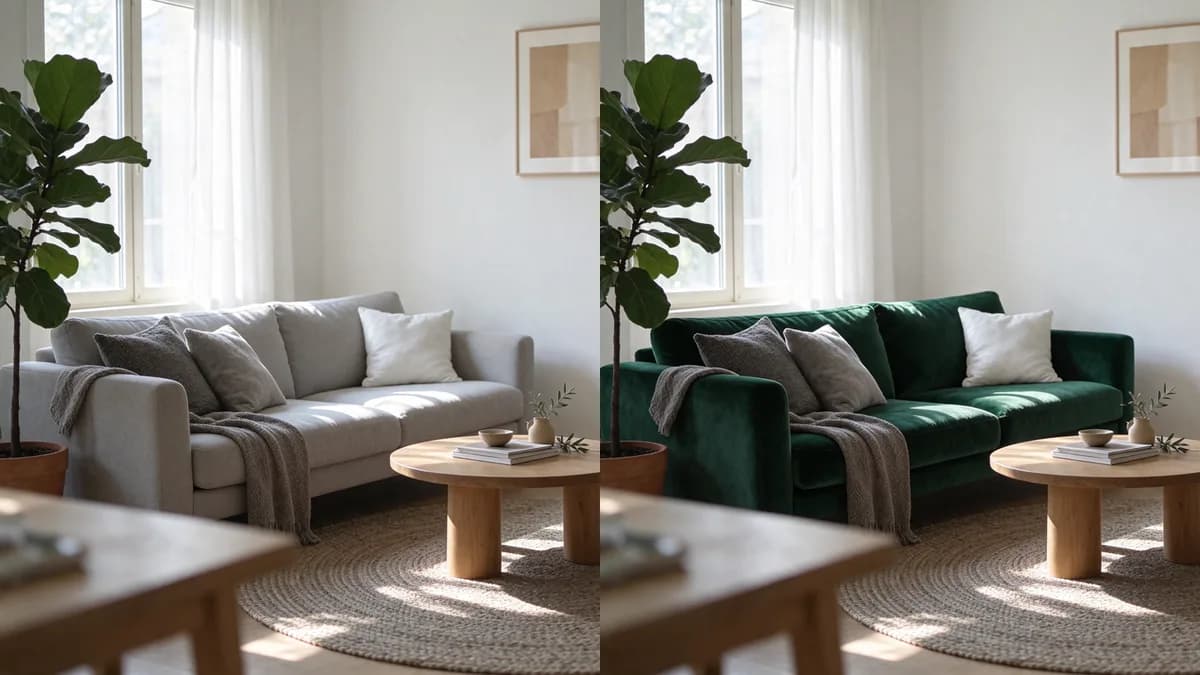
Upload up to 6 photos and say what to change. Then keep editing the result step by step: whatever you didn’t ask to change stays pixel-perfect and keeps its colors.
In our test, a 1K image was ready in 21 seconds — generation usually takes 20–25 seconds.
The biggest improvements ByteDance made in the new version
Change one image step by step: the background, the outfit, small details, the lettering. According to ByteDance, the model holds up for as many as 100 editing rounds — areas you didn’t touch are preserved down to the pixel, and colors don’t drift from one step to the next.
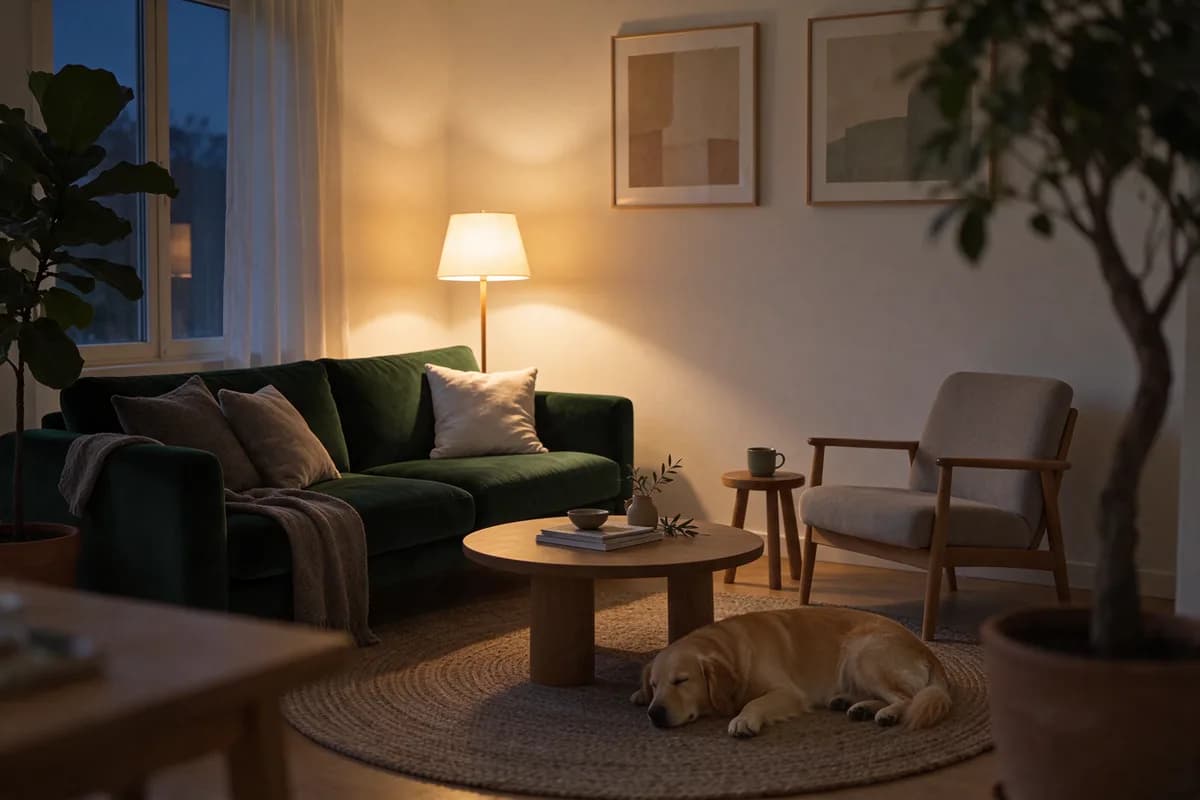
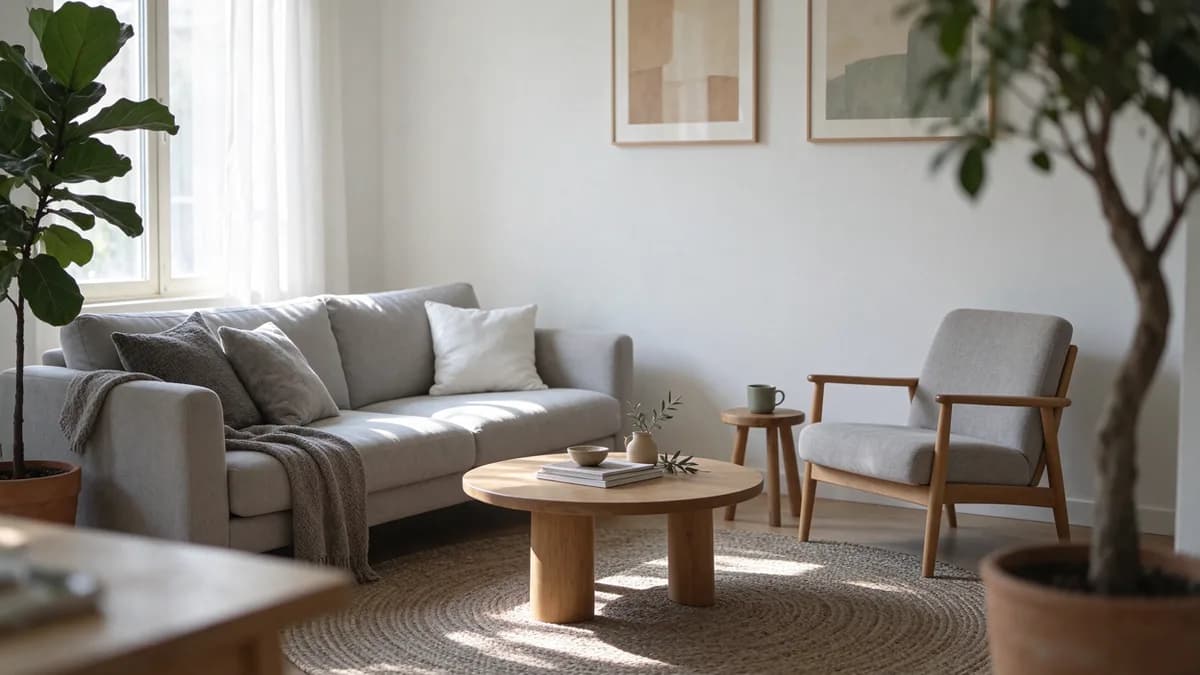
Set the background to Transparent and you get a PNG with an alpha channel — no manual masking. The model handles both full and partial transparency. Ask for an isolated object with no background in your prompt: if you describe a studio shot with a shadow, the background stays.

Light falls more naturally, metal, fabric and wood look like they were photographed, and skin loses the plastic sheen that gives AI images away.
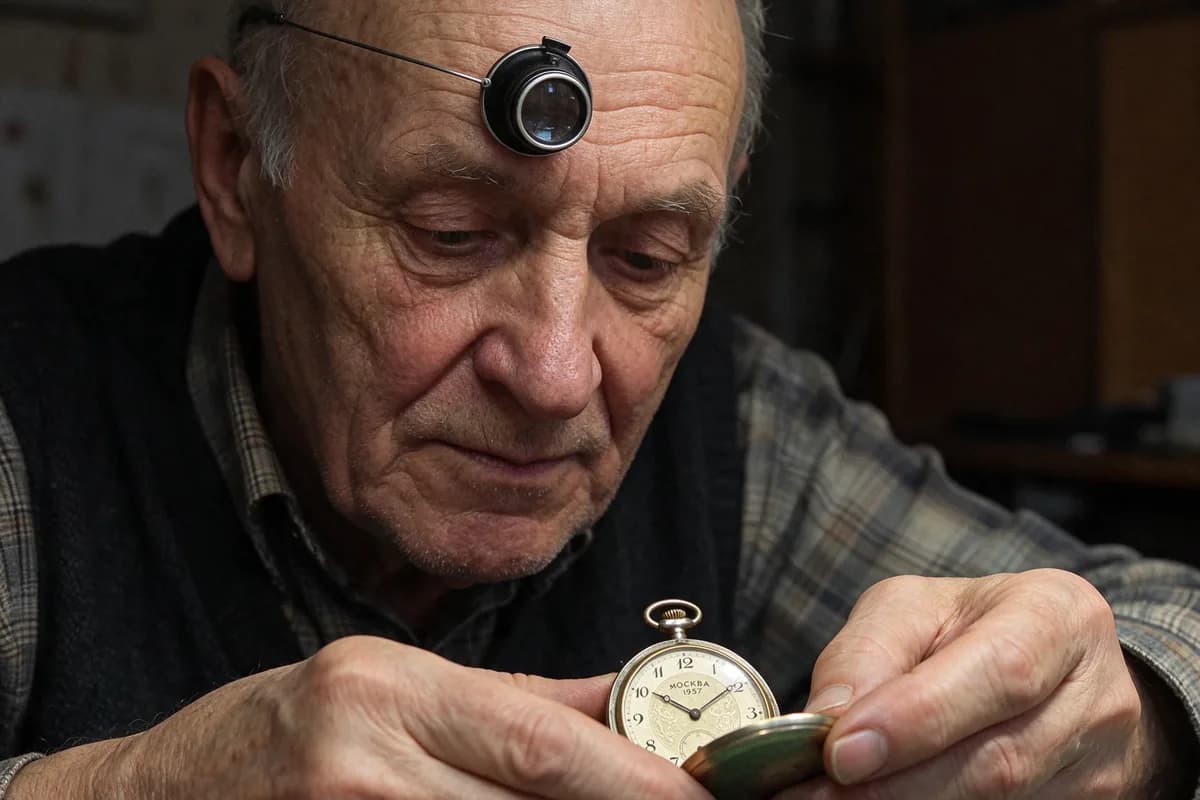
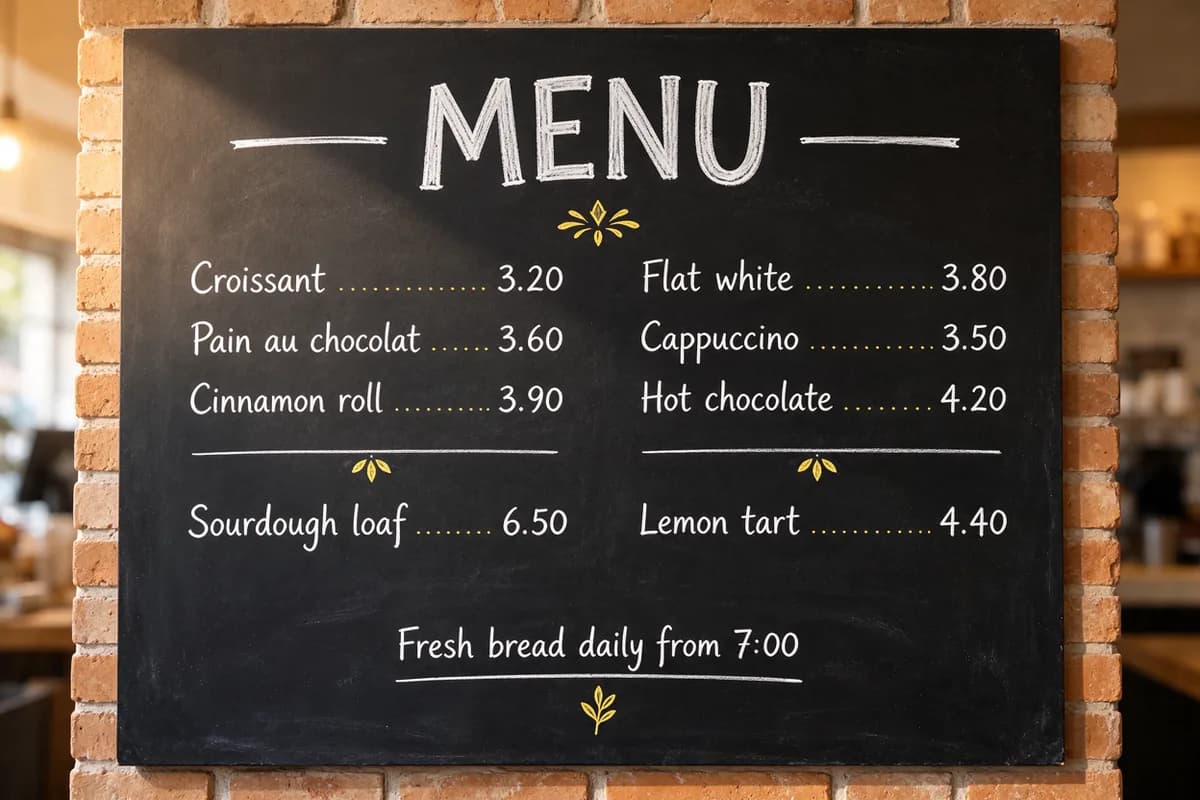
Headlines, captions and dense blocks of small text. According to ByteDance, major text distortions occur in 0.4% of cases and minor ones in 1.7%. Put the text you want in the image in quotes.
From square to 21:9 and 9:21, plus 3:1 and 1:3: stories, covers, banners, product cards and wide panoramas. Output in 1K or 2K.
Figures from ByteDance’s official announcement, as reported by the company
up to 100
Untouched areas are preserved down to the pixel, and colors don’t shift from step to step.
+55.62%
Pairwise GSB comparisons (good / same / bad) on MagicArena, ByteDance’s internal arena.
0.4%
Share of cases where lettering in the image is visibly broken.
1.7%
Share of cases with small flaws — small, dense text included.
According to ByteDance, Seedream 5.5 beat Seedream 5.0 Pro on quality and usability in all six MagicArena scenarios: e-commerce, marketing, film and TV, gaming, office work and fashion.
Source: ByteDance Seed blog, November 9, 2026
3 credits per image
Social posts, previews, prompt tuning and long editing series.
4 credits per image
Banners, product cards, websites and presentations.
For comparison, Seedream 5.0 Pro costs 8 credits at 2K. The generator shows the exact amount before you start.
Where Seedream 5.5 saves you time
Cut-out products on transparent backgrounds and product cards with clean small print — no manual masking.
Banners, posters and covers with headlines and captions that read correctly.
Change the background, outfit, colors and lettering step by step — everything else stays put.
Fabric, skin and light without the plastic gloss — for lookbooks and apparel ads.
Answers to common questions about Seedream 5.5
Seedream 5.5 is an image generation and editing model from ByteDance’s Seed team, released on November 9, 2026. It creates images from text and edits them from photos — up to 6 input images on Clipia. Its strengths are stable multi-round editing, native transparent backgrounds and accurate text in the image. Output is 1K or 2K in 15 aspect ratios.
Seedream 5.5 is newer. According to ByteDance, it’s more stable across multi-round edits, supports transparent backgrounds and renders text more accurately, and it outscored 5.0 Pro on quality in all six scenarios of the company’s internal MagicArena. At 2K, Seedream 5.5 costs 4 credits versus 8 credits for 5.0 Pro. Seedream 5.0 Pro stays in the catalog and accepts up to 10 references, compared with 6 for 5.5.
The price depends on resolution: 3 credits per image at 1K and 4 credits at 2K. No subscription to a separate service is needed, and the generator shows the exact amount before you start.
Set the background to Transparent in the settings and the result comes back as a PNG with an alpha channel. In your prompt, ask for an isolated object with no background, for example “sneaker, isolated object, no background”. If you describe a studio shot with a shadow, the model keeps the background. Both full and partial transparency are supported.
According to ByteDance, up to 100 rounds in a row. Areas you didn’t ask to change are preserved down to the pixel, and colors don’t shift from step to step. Each edit is a separate generation: upload the latest result and describe the next change.
Up to 6 images per request. Describe what to take from each photo and what to change — for example, move a product into a new scene, swap the background or build a collage.
15 aspect ratios: 1:1, 2:3, 3:2, 3:4, 4:3, 4:5, 5:4, 9:16, 16:9, 1:2, 2:1, 1:3, 3:1, 9:21 and 21:9. Resolution is 1K or 2K: 1K works well for social posts and prompt tuning, 2K for banners, product cards and presentations.
Usually 20–25 seconds: in our test, a 1K image was ready in 21 seconds. You can keep working while the image renders.
Yes — it’s one of Seedream 5.5’s strengths: headlines, captions and dense small print. According to ByteDance, major text distortions occur in 0.4% of cases and minor ones in 1.7%. Put the text in quotes and say where it should go.
ByteDance says a Pro version of Seedream 5.5 is coming later. For now, Clipia offers Seedream 5.5 alongside the previous Seedream 5.0 Pro.