OpenAI's new image model in two versions. Flare is faster and lays out posters, product cards and text-heavy designs with confidence; Sunburst renders finer detail and keeps it consistent across edits. Both take up to 16 references, output 1K, 2K and 4K, and support transparent backgrounds
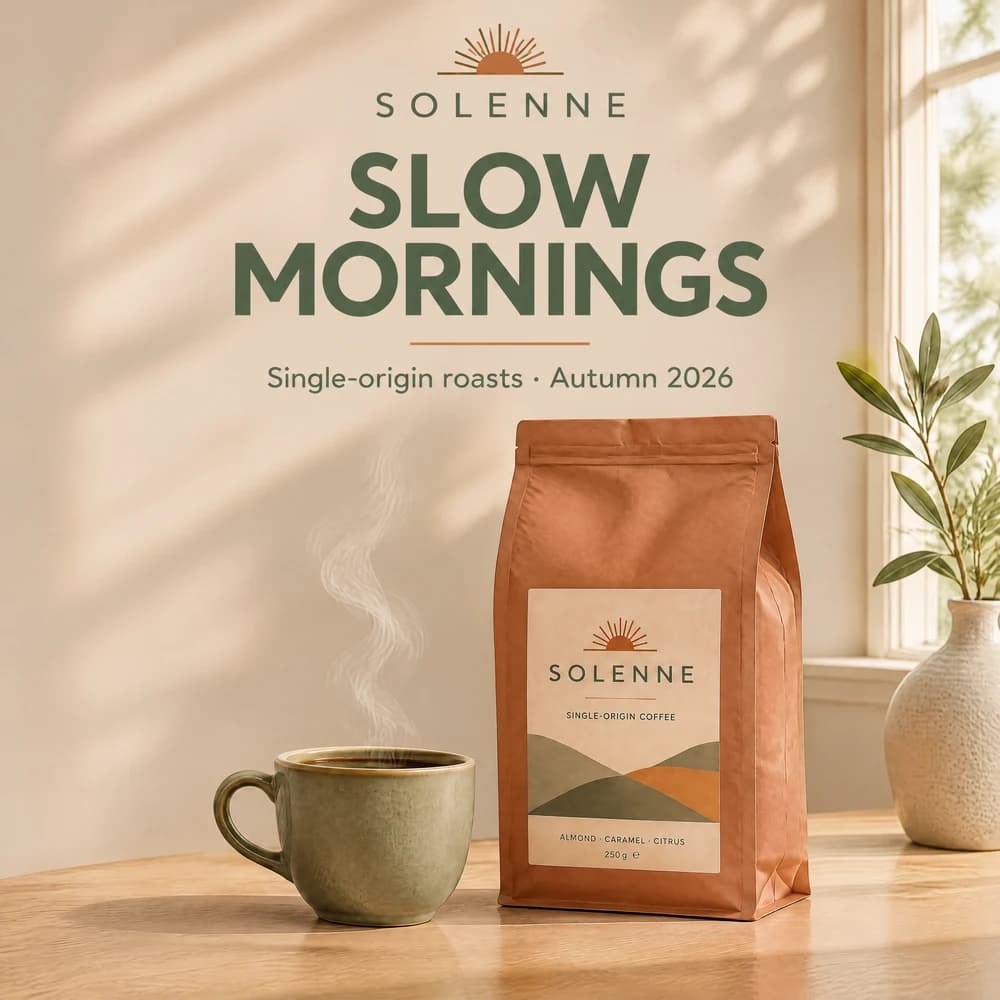
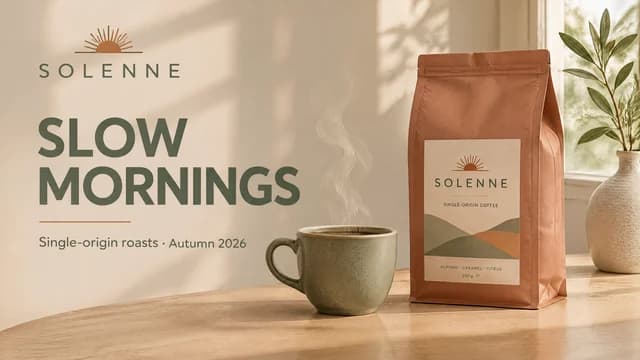
Clean editorial launch poster for a fictional specialty coffee brand "SOLENNE". Left third: the brand wordmark at the top, a large bold headline "SLOW MORNINGS" in a geometric sans-serif, and below it a small line "Single-origin roasts · Autumn 2026". Right two-thirds: a matte ceramic coffee bag with a minimal label "SOLENNE" and a steaming cup on a pale oak table, soft morning window light, muted terracotta and sage palette, generous negative space, crisp typography, professional product photography.
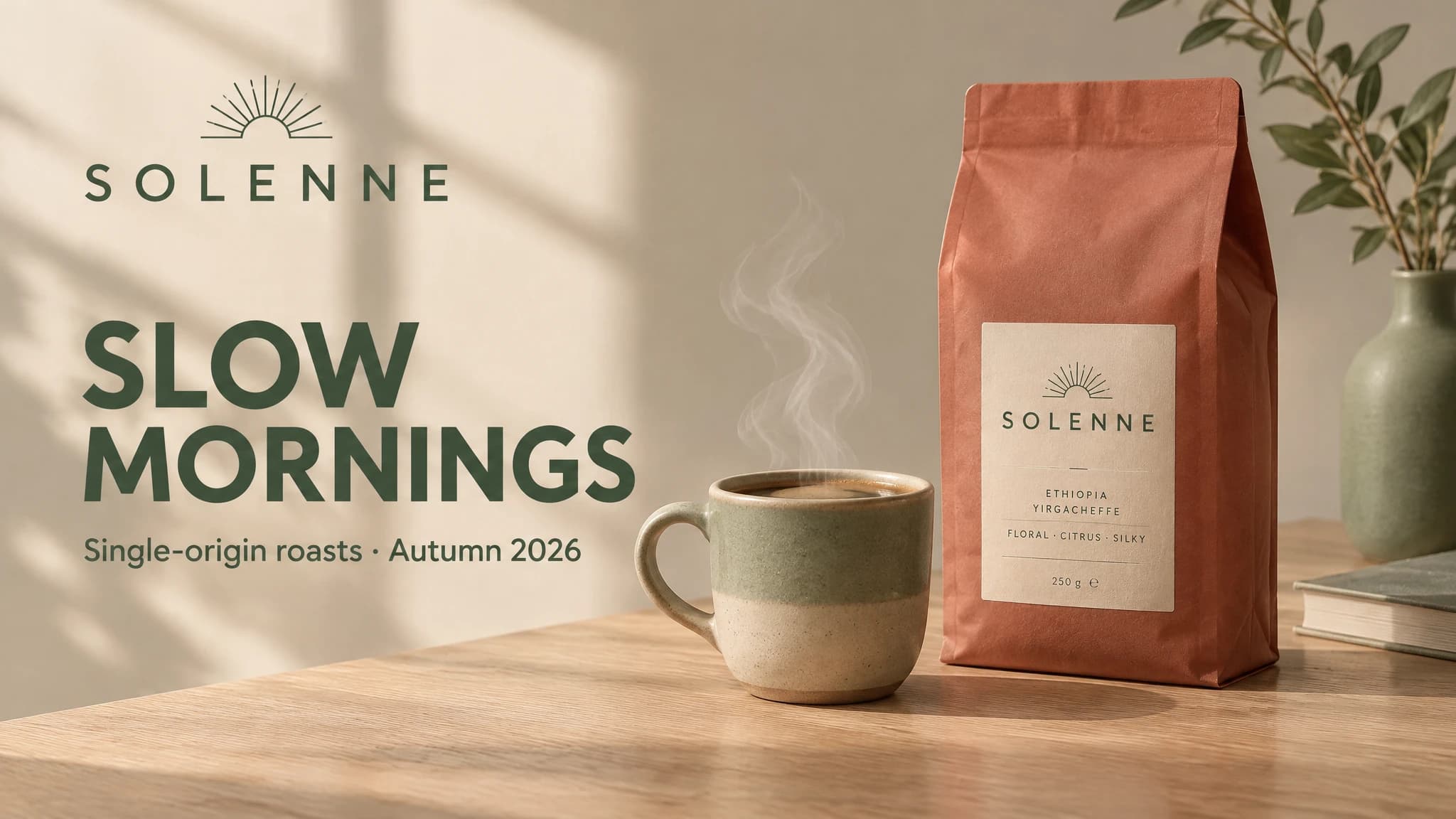
GPT Image 2.6 parameters for text-to-image and for photo edits
| Parameter | Text-to-image | Photo edit |
|---|---|---|
| Versions | Flare and Sunburst | Flare and Sunburst |
| Input images | Not needed | 1 to 16: JPEG, PNG, WEBP |
| Resolution | 1K / 2K / 4K | 1K / 2K / 4K |
| Aspect ratios | 16 ratios from 1:3 to 3:1, plus Auto | 16 ratios from 1:3 to 3:1, plus Auto |
| Prompt length | Up to 20,000 characters | Up to 20,000 characters |
| Transparent background | Yes, at 1K | Yes, at 1K |
| File format | PNG, JPEG, WEBP | PNG, JPEG, WEBP |
| Text in the image | Yes | Yes |
From prompt to result in 5 steps
Open image generation and pick GPT Image 2.6 Flare or Sunburst in the model list.
Describe the scene, light and composition, and put any text for the image in quotes. For an edit, upload up to 16 photos and say what to change and what to keep.
Choose 1K, 2K or 4K and an aspect ratio. Under Advanced you will find the background (transparent works at 1K) and the file format: PNG, JPEG or WEBP.
Click Create — the result appears in your feed, and you can keep working while it renders.
Download the image at full quality or send it back to the model as a reference for the next edit.
The same prompt in Flare and Sunburst. Both cost the same — pick the one that fits the task
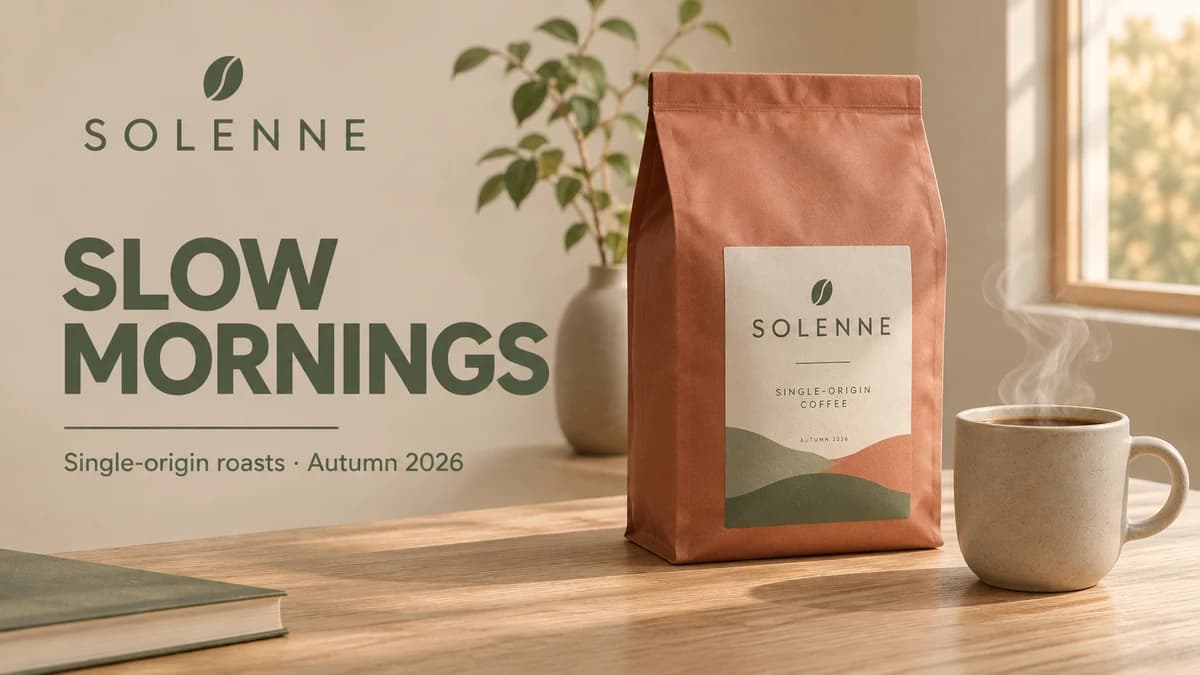
The fast version: in our runs a 1K image is ready in about 15–20 seconds. Strong layouts for posters, banners and product cards, with clean text in the image.
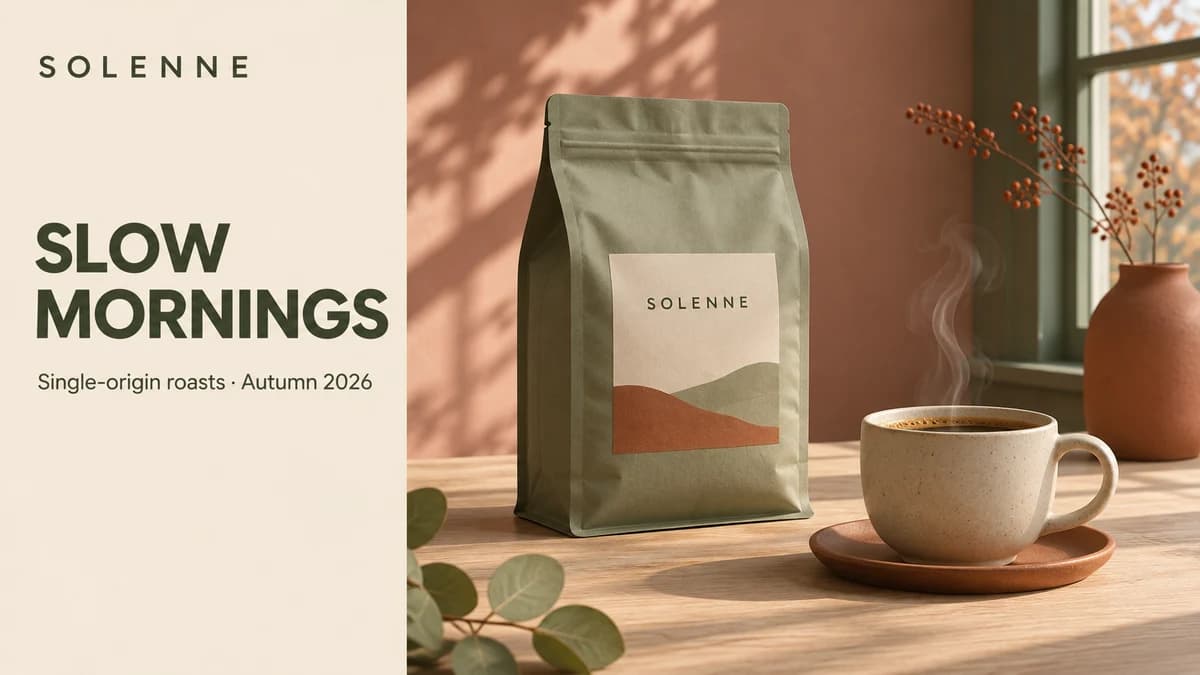
The version for refined work: richer detail in light and textures, and across a series of edits it keeps what you did not ask to change. A 1K image takes about 30–35 seconds in our runs.
Both images use the same prompt at 1K, 16:9. The two versions cost the same; the price depends only on resolution.
Real generations from both versions on Clipia, no retouching
Flare arranges the logo, headline, tagline and product on a grid like a designer would. Text you put in quotes is rendered word for word.
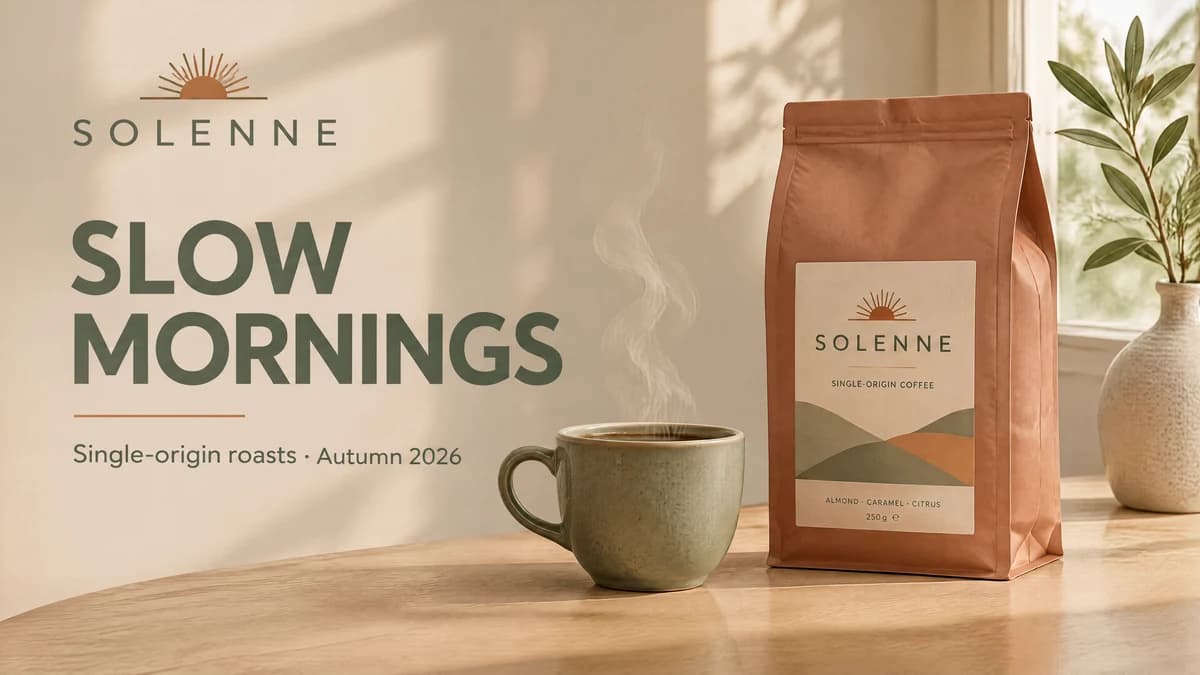
Sunburst handles light, skin, glaze and fabric carefully, so the image looks like a photo shoot rather than a render.
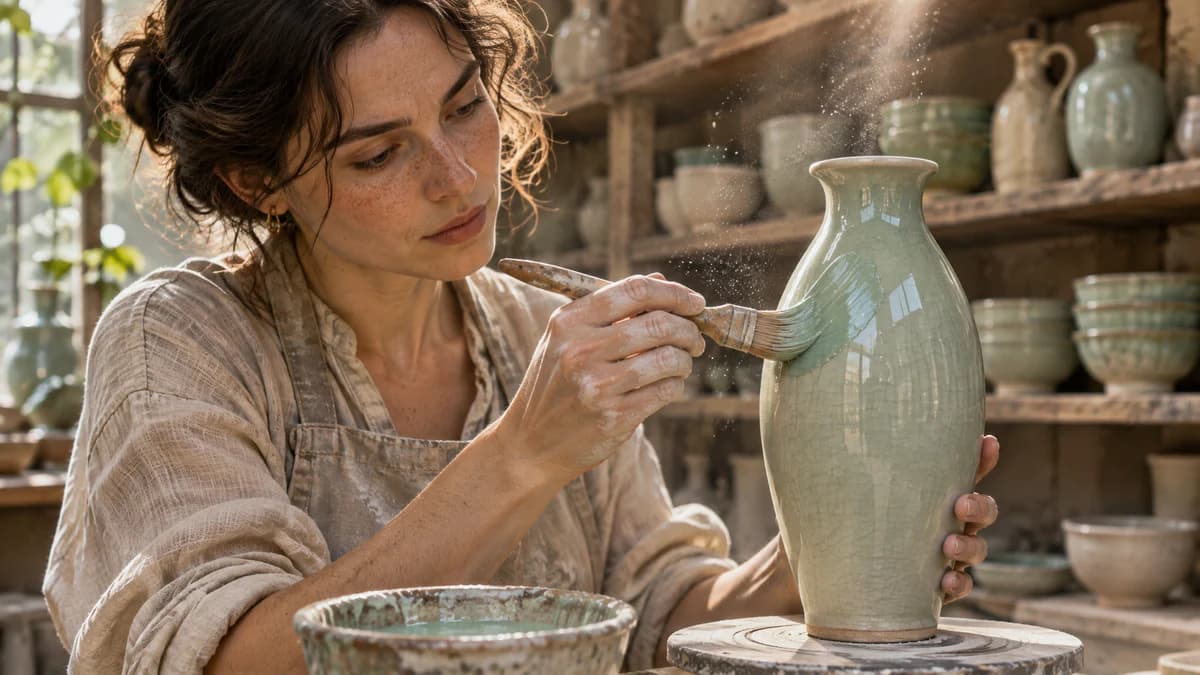
Upload an image and say what to change: the season, the headline, a color. Sunburst changes only what you name; the product, layout and lettering stay in place.
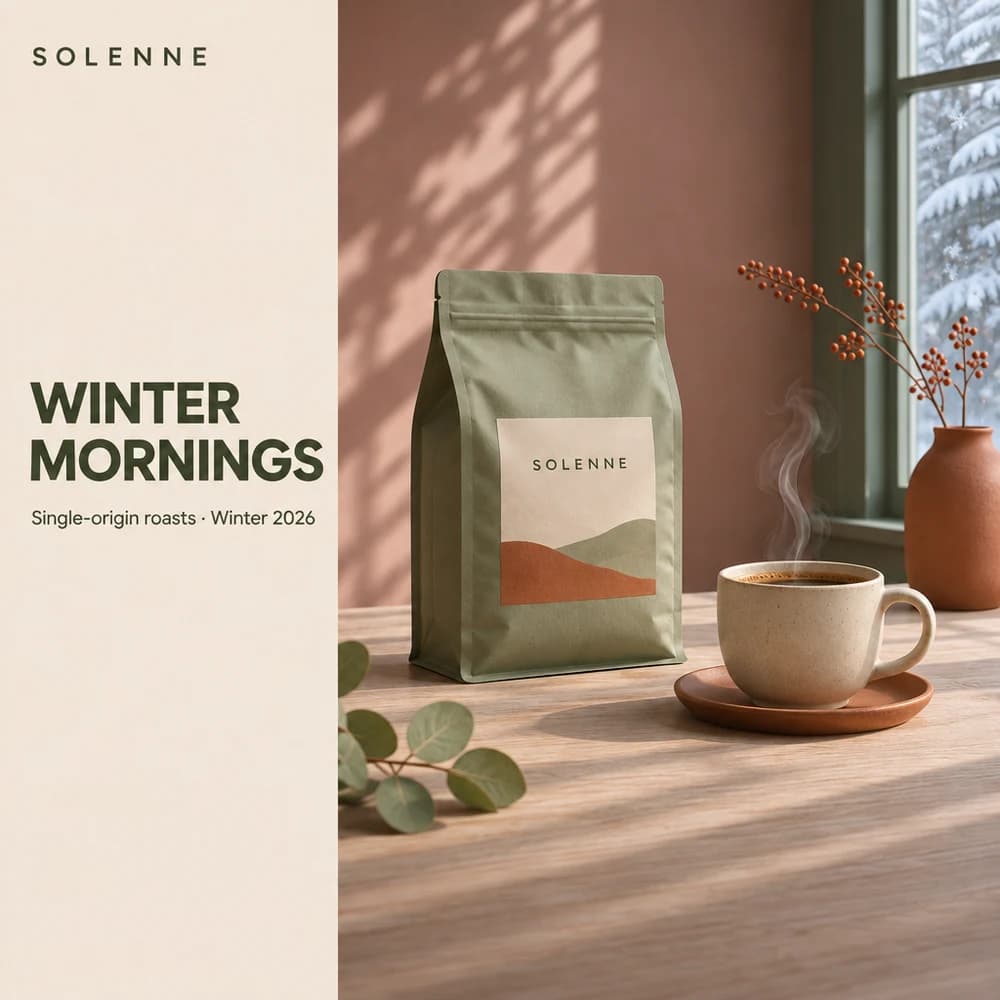
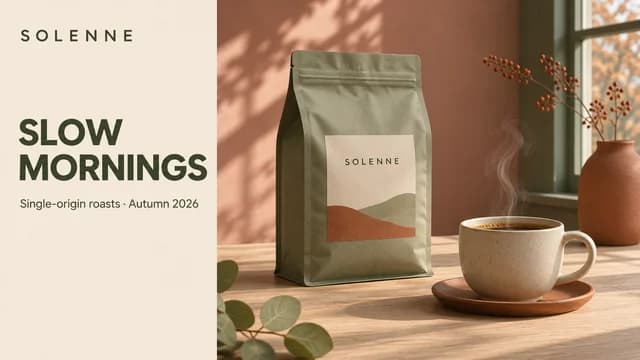
A landscape poster became a square social post: the model rearranged the blocks and kept the brand, product and lighting.
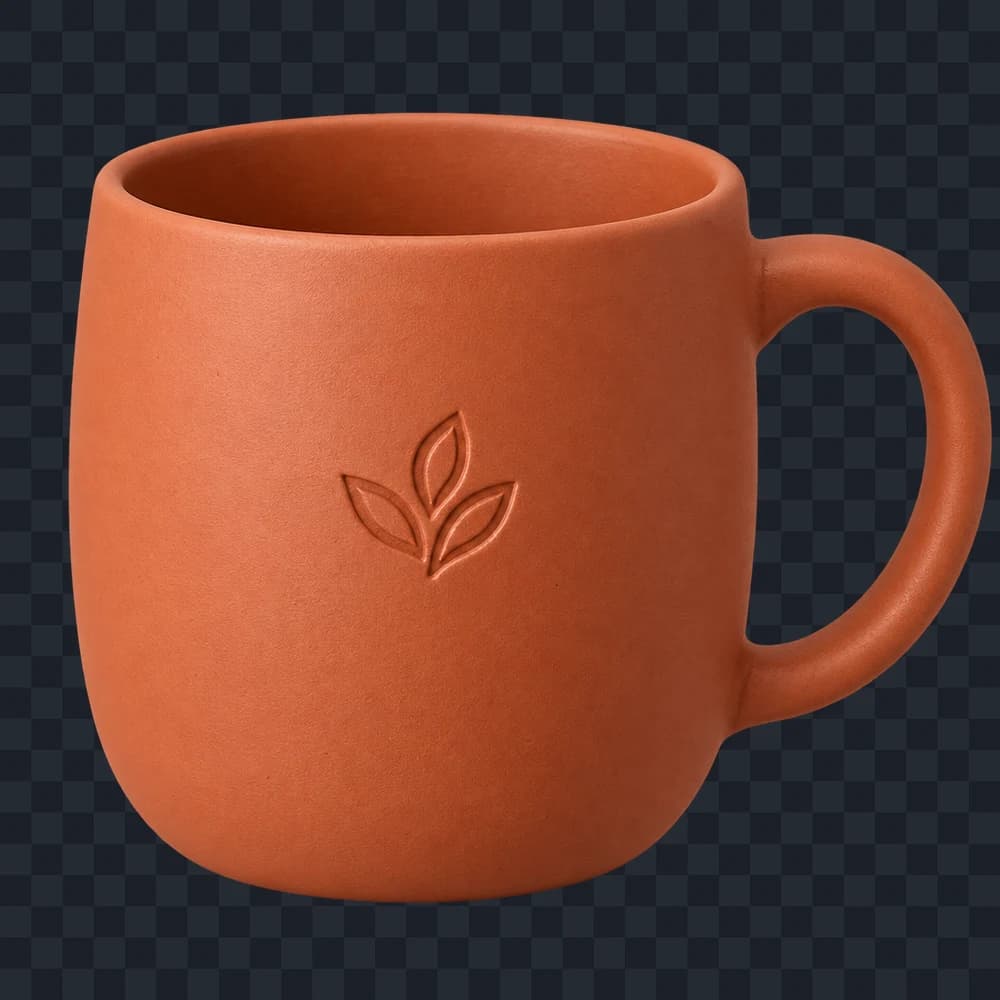
Product cut-outs, icons and stickers come without a background: a PNG with an alpha channel, ready for websites and slides. Transparent backgrounds work at 1K.
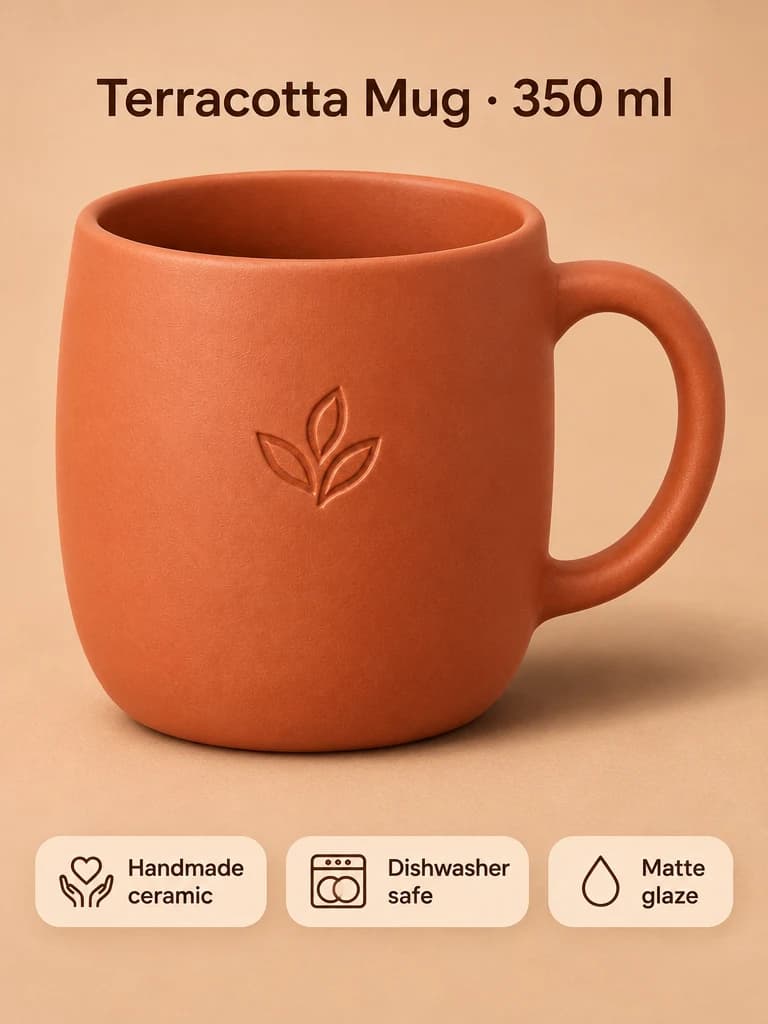
From a single product shot to a marketplace card with a title and feature badges. The product’s shape, color and logo stay the same.
GPT Image 2.6 pricing depends only on resolution — the same for Flare and Sunburst
4 credits per image
Social posts, previews, prompt drafts and transparent cut-outs.
6 credits per image
Websites, banners, product cards and slides.
9 credits per image
Print and large formats: up to 3840 pixels on the long side.
Text-to-image and photo edits cost the same. Before you run it, the generator shows the exact amount in credits.
Where GPT Image 2.6 saves time
Flyers, banners and covers with exact text and thoughtful layout — Flare builds them in seconds.
A product card from a single photo: background, title, benefits. The product itself stays the same.
Products, icons and stickers on a transparent background for websites, slides and print.
Change the season, colors, lettering and format one step at a time — Sunburst keeps everything else.
The easiest way to work with GPT Image 2.6
Pay per generation, with no separate subscription. From 4 credits per image; the price depends only on resolution.
Flare and Sunburst, resolution, 16 aspect ratios, references, background and file format — no code or API needed.
A generation queue, automatic retries on failures and CDN delivery — your result will not get lost.
Answers to common questions about GPT Image 2.6
GPT Image 2.6 is OpenAI's image generation and editing model. It comes in two versions: the fast Flare and Sunburst, built for finer quality and consistent multi-step edits. Both create images from text, edit them with 1–16 photos, output 1K, 2K and 4K, and support 16 aspect ratios.
Flare is the fast version: in our runs a 1K image is ready in about 15–20 seconds, and it is good at posters, banners and product cards. Sunburst takes longer, about 30–35 seconds, but renders light and textures more finely and preserves details more precisely across edits. Both cost the same.
2.6 offers more aspect ratios — 16 versus 13, including 3:1, 1:3, 2:1 and 1:2 — and on Clipia it supports transparent backgrounds at 1K. Both lines come as Flare and Sunburst and accept up to 16 references. GPT Image 2.5 stays in the catalog.
The price depends only on resolution: 1K — 4 credits, 2K — 6 credits, 4K — 9 credits per image. Flare and Sunburst cost the same, and so do text-to-image and photo edits.
Up to 16 JPEG, PNG or WEBP images per request. Describe in the prompt what to take from each photo and what to change — for example, place a product in a new scene or build a collage.
Choose 1K, set the background to Transparent under Advanced, and describe the object without a backdrop in your prompt. You will get a PNG with an alpha channel. At 2K and 4K the model does not support transparent backgrounds.
16 ratios: 1:1, 3:2, 2:3, 4:3, 3:4, 5:4, 4:5, 16:9, 9:16, 2:1, 1:2, 21:9, 9:21, 3:1 and 1:3, plus Auto, where the model picks the frame. In edits Auto may not match the source frame, so set the ratio explicitly if you want to keep it.
1K, 2K or 4K. The exact size depends on the aspect ratio: in our runs 16:9 was 1536×864 at 1K, 2048×1152 at 2K and 3840×2160 at 4K, while a square at 4K was 2880×2880.
Yes. Put the text in quotes and say where it should go: in our tests the model reproduced headlines and captions word for word. For posters with several text blocks, Flare is the better pick.