A compact FLUX 3 model by Black Forest Labs. It creates images from text, edits and composites scenes from 1–10 reference images, outputs 1K, 2K and 4K, and renders text right inside the picture
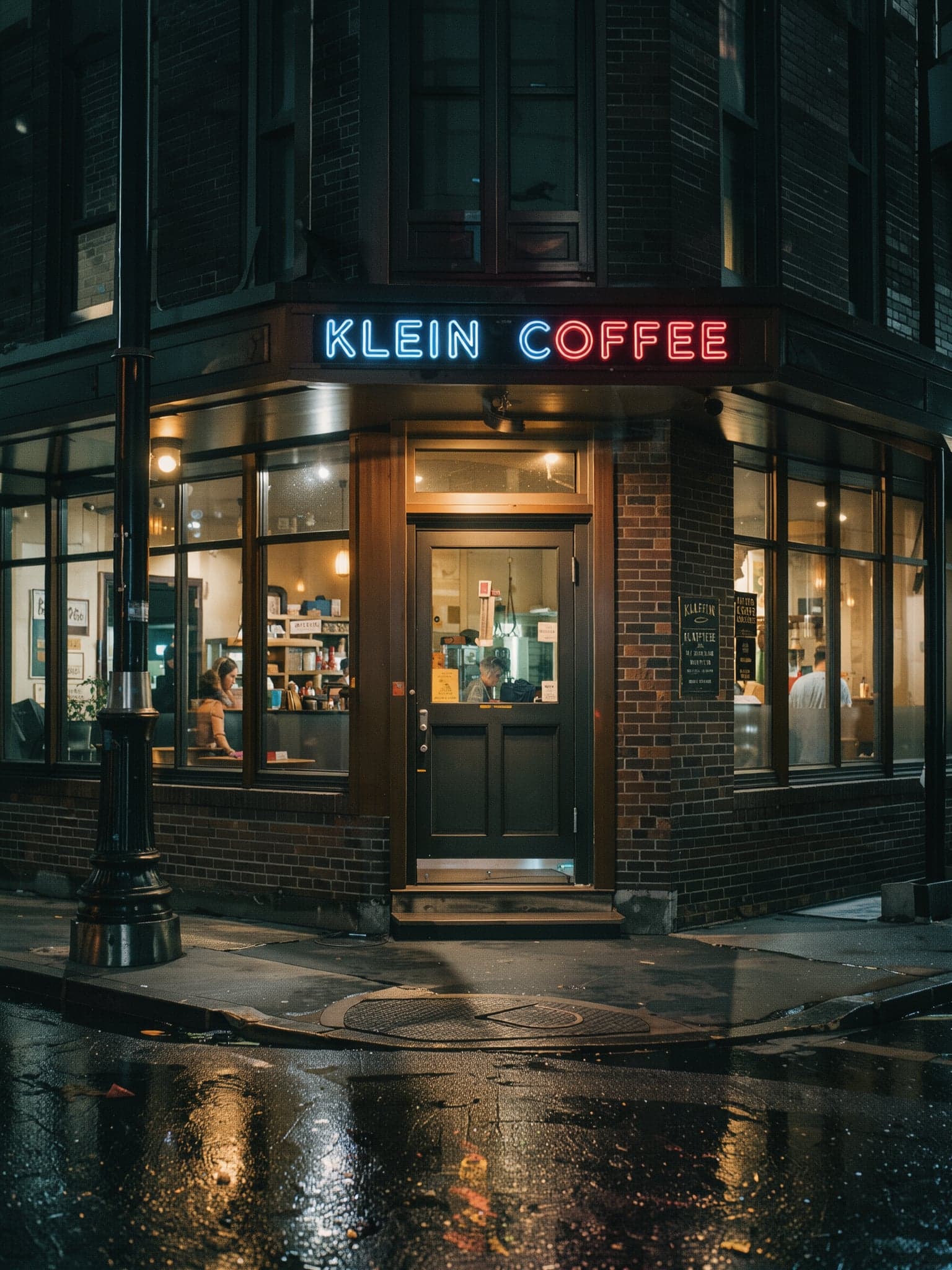
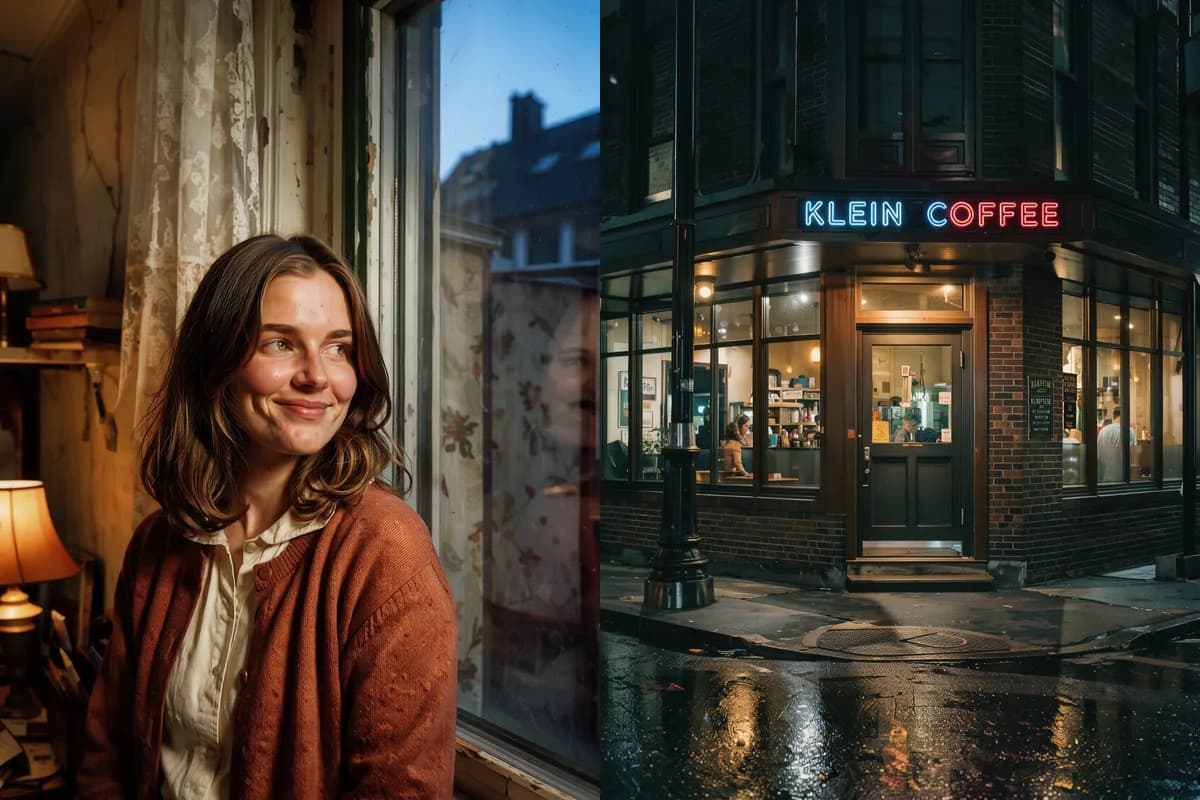
A corner coffee shop at night, a neon sign reading "KLEIN COFFEE" above the entrance, wet asphalt reflecting the lights, warm light from the windows, cinematic 35mm shot
Create an image from a description, or edit and composite a scene from your own references
Describe the scene in words and the model builds the frame in the aspect ratio and resolution you need. Great for illustrations, posters, concepts and visuals with lettering.
Upload 1 to 10 images and tell the model what to do: replace the background, move an object, combine details. Refer to the references as "image 1", "image 2".
FLUX 3 Klein parameters in both modes
| Parameter | Text to image | Editing |
|---|---|---|
| Input images | Not needed | 1 to 10 |
| Resolution | 1K / 2K / 4K | 1K / 2K / 4K |
| Aspect ratios | 9 ratios: 1:1 to 21:9 and 9:21 | 9 ratios plus auto from the first reference |
| Prompt length | Up to 5000 characters | Up to 5000 characters |
| Prompt language | Any | Any |
| Text in images | Yes | Yes |
| Seed | Yes | Yes |
| Prompt enhancement | On by default, can be turned off | On by default, can be turned off |
What FLUX 3 Klein can do and how to use it on Clipia
Klein is a lightweight distilled version of FLUX 3 with 5.6B parameters. It suits frequent iteration: try prompt variations and keep the best one.

Build a frame from several images: a character from one, clothing from another, a background from a third. Refer to them in the prompt as "image 1", "image 2" and so on.

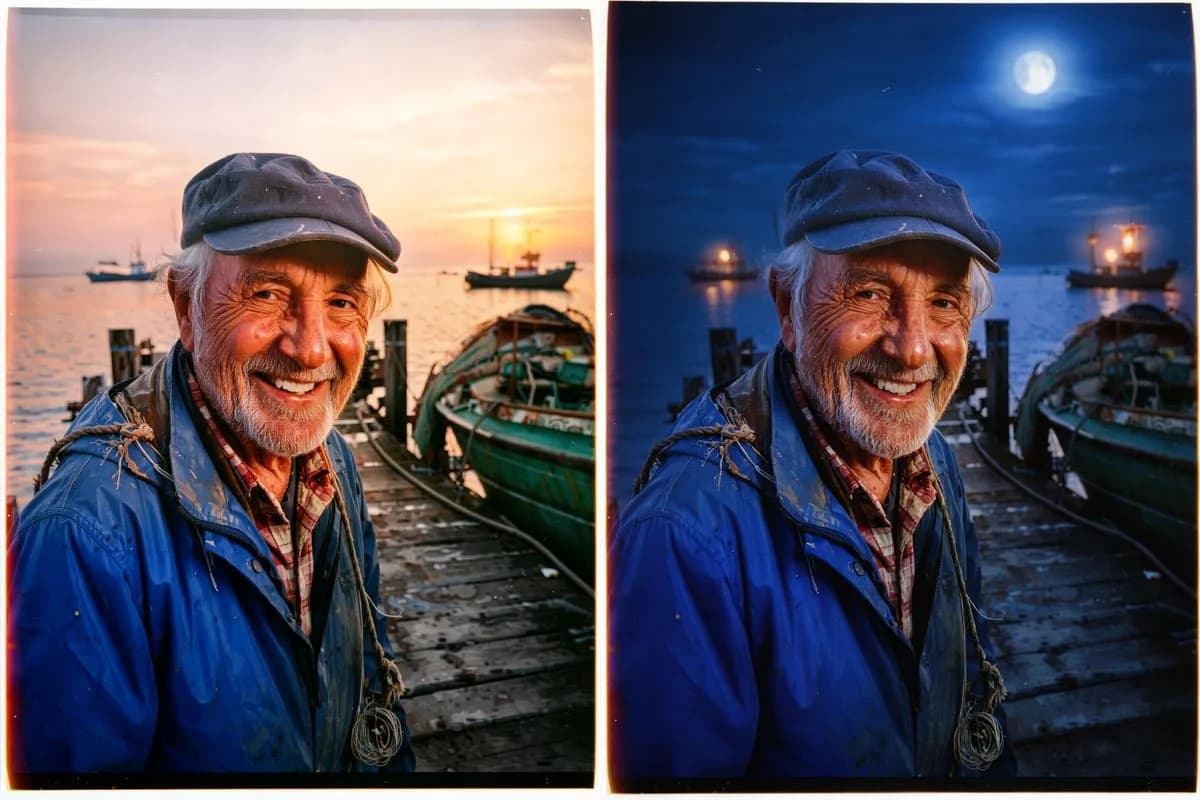
Change the background, lighting, color or a single object in a finished image without recreating it. The auto aspect ratio keeps the proportions of the first reference.
Pick the resolution for the job: 1K for drafts and social media, 2K for websites and decks, 4K for print and large formats. Nine aspect ratios, from 1:1 to 21:9 and 9:21.

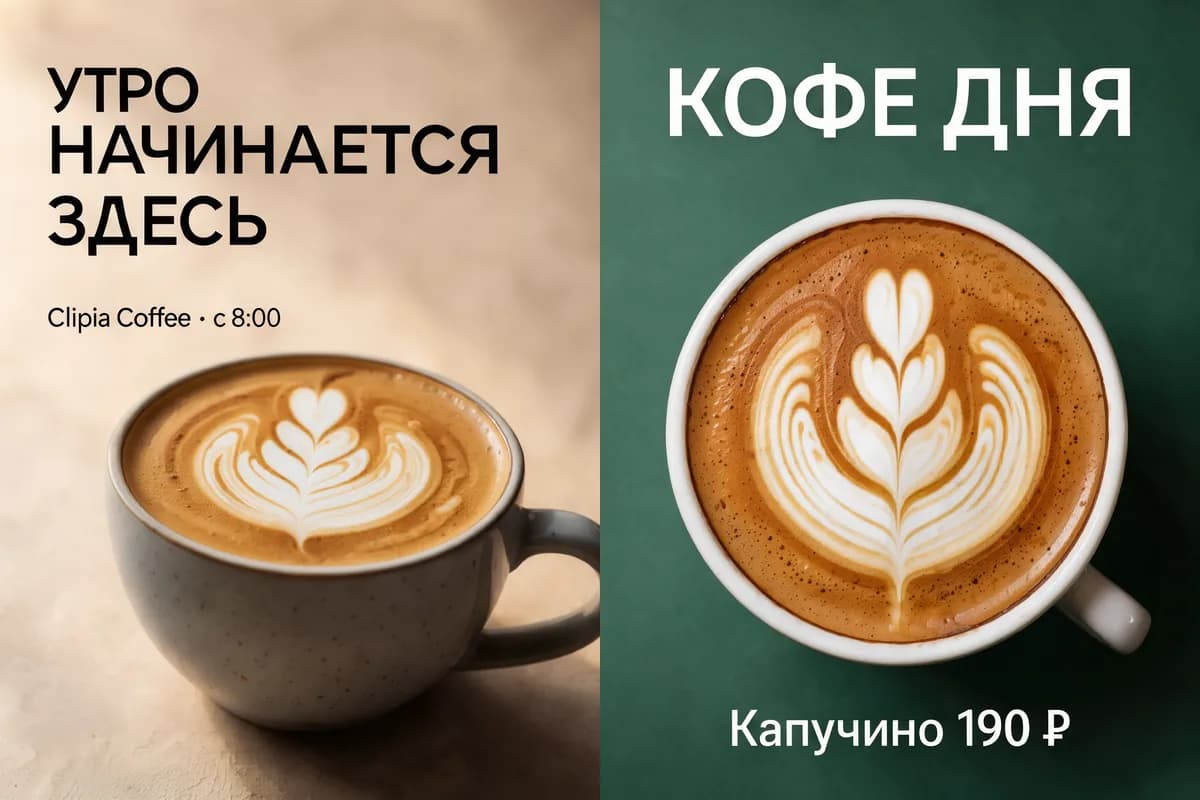
Signs, poster headlines, packaging labels. For exact wording, turn off prompt enhancement so the model uses your text verbatim.
Prompts up to 5000 characters in any language, a seed for repeatable results, and prompt enhancement you can switch off when every detail matters.
From prompt to result in 5 steps
Open image generation and select FLUX 3 Klein from the model list.
Describe the scene: subject, setting, style, lighting. For edits, upload 1 to 10 references and refer to them as "image 1", "image 2".
Pick 1K, 2K or 4K and an aspect ratio. Optionally set a seed or turn off prompt enhancement for exact text.
Click Create — the result appears in your feed, and you can keep working while it renders.
Download the image or send it back to the model as a reference for the next edit.
The price of FLUX 3 Klein depends only on the resolution you choose
1 credit per image
Drafts, prompt exploration, social media posts and previews.
2 credits per image
Websites, presentations, product cards and banners.
4 credits per image
Print, large formats and shots you plan to crop.
Text-to-image and reference-based edits cost the same. The generator shows the exact amount in credits before you start.
Where FLUX 3 Klein helps in everyday work
Place a product in a new scene, change the background or lighting, and produce several variants to test a listing.
Images with lettering: posters, covers, banners. Turn off prompt enhancement to keep the text verbatim.
Combine a character, clothing, objects and a background from different images — up to 10 references in one request.
Iterate on ideas for campaigns, interiors and characters, then take the best ones to 4K.
The easiest way to work with FLUX 3 Klein
Pay per generation, with no separate subscription. From 1 credit per image; the price depends only on resolution.
Resolution, aspect ratio, references, seed and prompt enhancement in one window — no code or API needed.
Generation queue, automatic retries on failures and CDN delivery — your result will not get lost.
Answers to common questions about FLUX 3 Klein
FLUX 3 Klein is an image generation and editing model by Black Forest Labs from the FLUX 3 generation. It creates images from text, edits and composites scenes from 1–10 references, and outputs 1K, 2K or 4K.
Klein is a compact distilled version of FLUX 3 with 5.6B parameters. It is lighter than the larger models in the family and built for frequent iteration: text-to-image and reference-based edits.
Upload 1 to 10 images and refer to them by number in the prompt: "image 1", "image 2" and so on. For example: "place the character from image 1 in the interior from image 2". The auto aspect ratio uses the proportions of the first reference.
Three resolutions — 1K, 2K and 4K — and nine aspect ratios: 1:1, 4:3, 3:4, 3:2, 2:3, 16:9, 9:16, 21:9 and 9:21. Edit mode also offers auto, based on the first reference.
The price depends only on resolution: 1K — 1 credit, 2K — 2 credits, 4K — 4 credits per image. Text-to-image and reference-based edits cost the same.
Yes. FLUX 3 Klein renders lettering on signs, posters and packaging. For exact wording, turn off prompt enhancement so the model does not rephrase your request.
Any language works. Prompts can be up to 5000 characters long.
Set a seed: with the same seed, prompt and parameters, the model returns a close result. This helps when you change one detail at a time and compare variants.