Alibaba's unified generation-and-editing model with native 2K output, professional typography rendering, and strong semantic adherence. Ranked #3 on AI Arena for text-to-image.
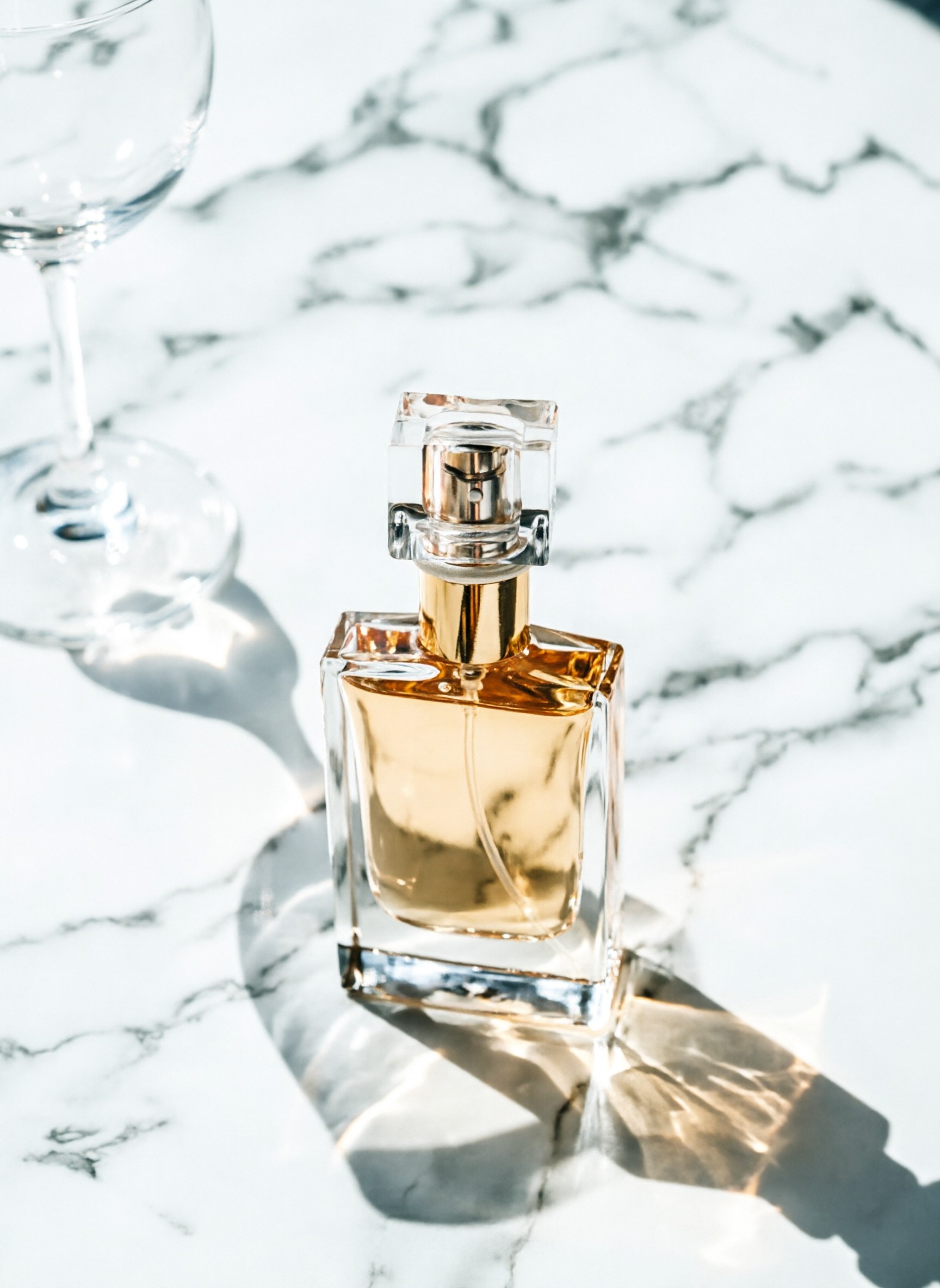
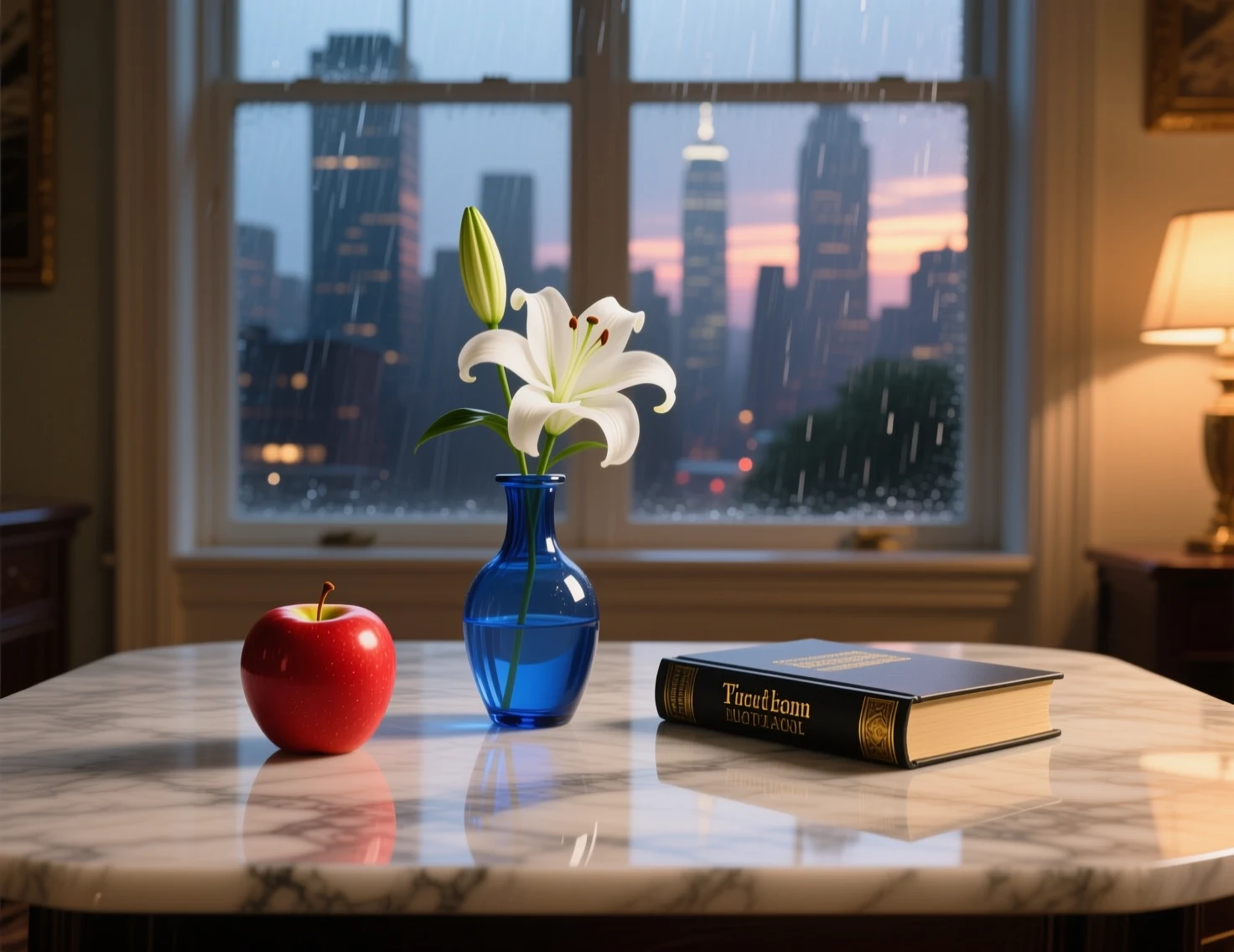
Minimalist perfume advertising composition on marble surface, reflections, warm golden light, magazine quality
Generate images from text or edit existing photos — one model handles both workflows seamlessly.
Create images from text descriptions with precise control over composition, style, and typography.
Transform existing images — change backgrounds, update objects, adjust styles, edit text overlays.
Qwen Image 2.0 excels where other models struggle — typography and prompt adherence.
Renders text on images with clarity and style — from neon signs and product labels to hand-lettered posters and UI mockups. No more garbled letters or broken fonts.
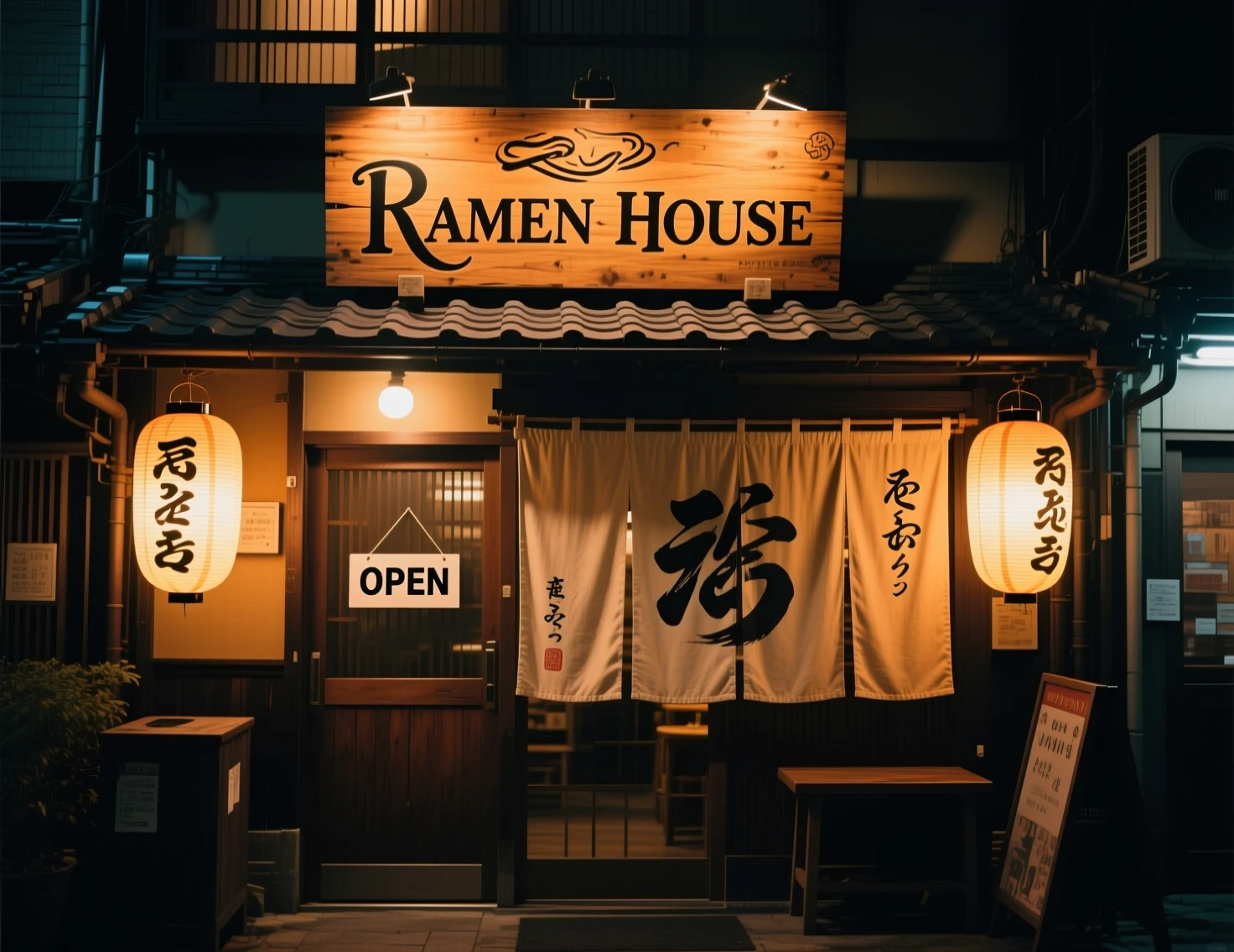
Precisely follows complex prompts with multiple subjects, spatial relationships, and specific attributes. What you describe is what you get — no creative reinterpretation.
Everything you need for professional AI image generation.
Generate images up to 2048x2048 pixels without upscaling artifacts. Sharp details at any size.
Accurate text rendering for signs, labels, UI mockups, and branded content. Legible at any size.
Square, portrait, landscape in standard and HD variants. Covers social media, print, and web.
Exclude unwanted elements from results. Fine-tune output by specifying what to avoid.
Same seed and prompt produce identical results. Iterate on compositions without starting over.
Edit existing images with text instructions — swap backgrounds, modify objects, change styles.
From text to image in under a minute.
Write a detailed prompt describing what you want to see. Add a negative prompt to exclude unwanted elements.
Select aspect ratio, output format (PNG or JPEG), and optionally set a seed for reproducible results.
Get your 2K image in seconds. Download in original format, iterate with seed, or switch to edit mode.
From marketing to product design — Qwen Image 2.0 handles real-world creative tasks.
Create ad creatives, social media banners, and promotional materials with accurate brand text and logos.
Generate UI mockups, poster concepts, and packaging designs with precise typography rendering.
Produce illustrations, diagrams, and educational visuals with readable annotations and labels.
Create product photos, lifestyle scenes, and catalog images. Edit backgrounds and styling in seconds.
The easiest way to use Alibaba's latest image model.
No API keys, no Python setup, no waitlists. Open the page, write a prompt, get your image.
Pay per generation with credits. No monthly commitments, no hidden fees.
All generated images are yours to use commercially. No restrictions, no royalties.
Common questions about Qwen Image 2.0 on Clipia.ai.
Qwen Image 2.0 is Alibaba's latest AI image generation model. It combines text-to-image generation and image editing in a single unified model with native 2K output, professional typography rendering, and strong semantic adherence. Ranked #3 on AI Arena for text-to-image quality.
Upload an existing image and describe the changes you want. Qwen Image 2.0 can change backgrounds, modify objects, adjust styles, and edit text overlays. It supports JPEG, PNG, and WebP formats up to 10 MB.
Qwen Image 2.0 generates images up to 2048x2048 pixels natively. The generator offers 7 aspect ratios: 1:1, 16:9, 9:16, 3:2, 2:3, 4:3 and 3:4 — square, wide, vertical for stories, and classic photo proportions in both orientations.
The exact price of a Qwen Image 2.0 generation is shown in the generator before you start, and credits are shared across every model — you only pay for what you generate.
Qwen Image 2.0 excels at rendering text on images — from neon signs and product labels to hand-lettered posters and UI mockups. It consistently produces legible, stylistically appropriate text, unlike most competing models.
A negative prompt tells the model what to exclude from the image. For example, 'blurry, low quality, watermark' will help produce cleaner results. Qwen Image 2.0 supports negative prompts up to 500 characters.
Yes. All images generated on Clipia.ai are licensed for commercial use — no restrictions, no royalties. Use them in ads, products, websites, or print materials.
Qwen Image 2.0 stands out for typography rendering and semantic adherence. It outperforms most models at text-in-image tasks and ranks in the top 3 on AI Arena. For pure photorealism, models like FLUX 2 Pro or Imagen 4 may be better suited.