Skip to content
Clipia.
Home
What are we creating?

Pick a mode — Studio opens with the right prompt ready

All templates
Text
AI AssistantChat, ideas and scriptsPrompt EngineerCraft the perfect promptConcept DesignerVibe, palette, moodboard and refsTutorStep-by-step, explains the why
Images
Text → imageGenerate an image from a promptEditModify an existing photoImage templatesReady-made product shots and artAI Image GeneratorImages from text or photos
Video
Text → videoDescribe a scene and get a clipImage → videoBring a frame to life with motionVideo templatesReady-made scenes and stylesAI Video GeneratorText and image to finished videoPhoto → Video AIAnimate a frame with AIStudioVideo and images in one flow
Pricing
AboutTeam, mission and contactsWhat's NewLatest features and updatesBlogGuides, cases and newsModelsAI model catalogSupportTech help and contacts
For BusinessAPI, MCP and ruble billingSolutions by industryAI for interiors, ads, restaurants and more nichesFor PartnersReferral program
MCP & CLINewGenerate in Claude, Cursor & CLIAI GatewayOpenAI-compatible LLM API in rublesDocumentationAPI reference and guidesDeveloper APIREST API and SDK
Sign In
  • Home

  • Assistant

    NEW
  • Create Video

  • Create Image

  • Studio

  • My Works

  • Models

  • Support

Ready to create the impossible?

Welcome credits are already on your account — start creating.

Clipia.

Think differently — create the impossible.

All systems operational

Creation

  • Create Image
  • Create Video
  • AI Video Generator
  • AI Image Generator
  • Photo to Video AI

Solutions

  • For interiors
  • For advertising
  • For restaurants
  • For online schools
  • For game dev
  • For events
  • All solutions

Models & resources

  • AI Models
  • Video Models
  • Image Models
  • Model Rankings
  • What's newNEW

Help

  • Guides
  • Documentation
  • About
  • Contact Us
  • Telegram Support

Legal

  • Terms of Service
  • Privacy Policy
  • Payment & Refund
  • Content License
  • Cross-Border Transfers
  • Partner Agreement
© 2026 Clipia.ai. All rights reserved.
CookiesAcceptable Use
All updates
ImprovementMay 11, 2026v2.7

Assistant Settings: Reasoning, Web Search, Length, Persona

Tune the AI chat behavior in 2 clicks: enable extended reasoning, web access, short-answer mode, and pick a "persona" for the task.
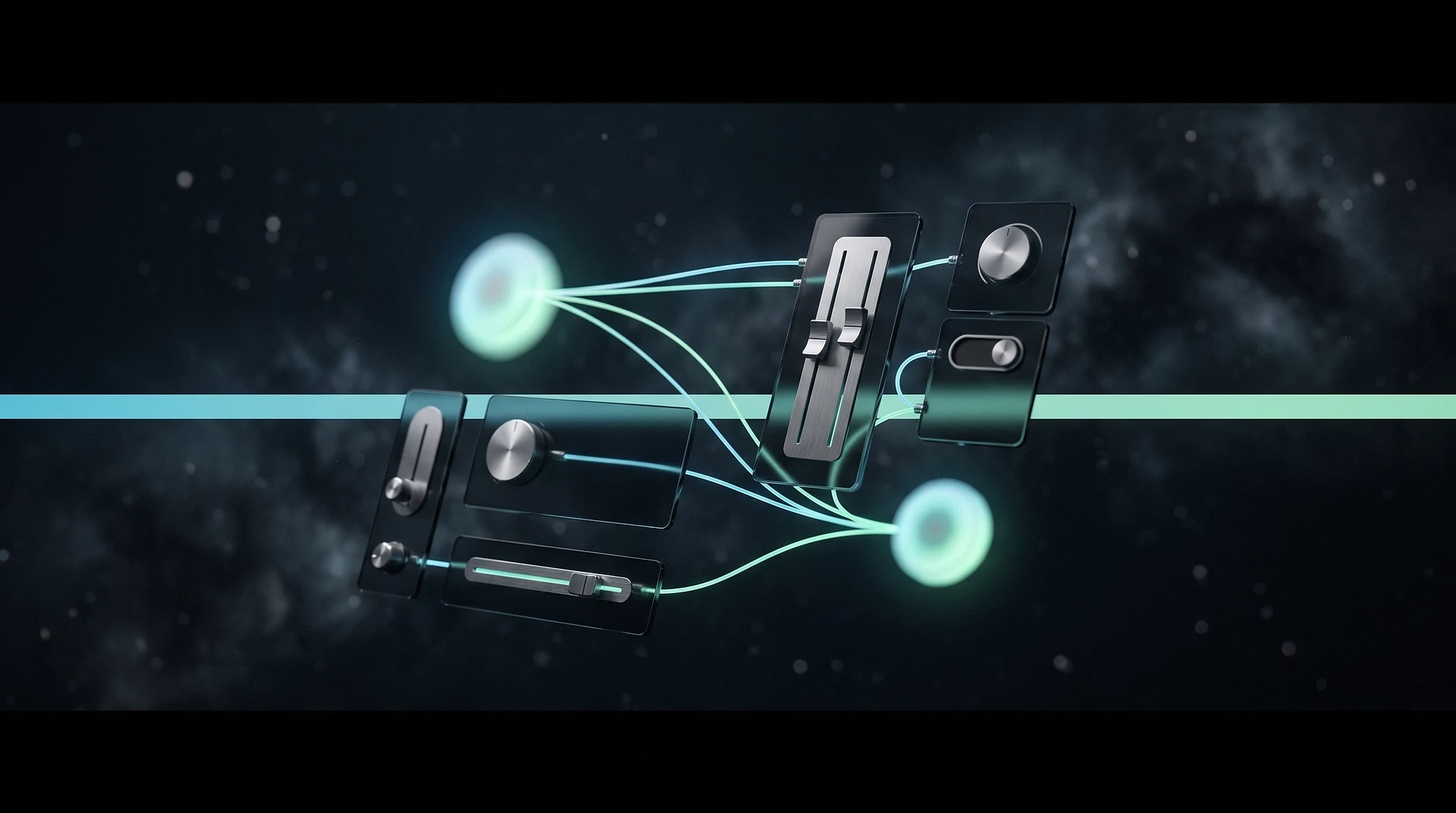
The AI assistant settings panel gives you two-click control over how the chat behaves right inside the conversation: turn on extended reasoning, internet access, short-answer mode, or pick a persona tuned to your task. One conversation adapts to different scenarios without a restart.

What it gives you

  • Extended reasoning: the assistant works through a task step by step and shows its thinking — useful for complex prompts, calculations, and multi-step requests.
  • Internet access: web search pulls fresh facts, figures, and links straight into the answer when the model's own knowledge isn't enough.
  • Short-answer mode: concise, no-filler replies for when you need a fast result rather than a detailed breakdown.
  • Persona selection: switch the assistant's role and tone per task — from copywriter to technical generation consultant.

How to use it

Open the AI assistant and click the settings icon above the input field. Toggles apply instantly to the current conversation — there's no need to start a new chat. Modes work together: enable extended reasoning alongside web search for a deep, up-to-date dive into a topic. By default the assistant replies in standard mode — extra capabilities turn on only when you actually need them.

Who it's for

The panel helps anyone who wants to control answer quality and speed: marketers fact-checking claims, writers refining ideas, developers walking through step-by-step breakdowns. Each task gets its own mix of modes, and you can switch at any point in the conversation. So a single dialogue can open with a short answer and continue with a detailed, fact-checked breakdown.

FAQ

Do the settings affect credit usage? The chat itself is available without a subscription within 100 messages per month; extended reasoning and web search run within your chosen model at no extra charge.

Are my selected modes saved? Yes, settings apply to the conversation and stay active until you change them manually. You can return to standard mode at any time with a single toggle.

Do I need a subscription? No, the AI assistant is available without a subscription — 100 messages per month for every registered user.


More updates

Abstract premium visual for Nano Banana 2
Announcement · July 01, 2026

Nano Banana 2: pricing update from June 1

A film strip and ribbons of sound waves made of light
Announcement · July 01, 2026

Gemini Omni Video: lower generation prices

AI Gateway — one gateway to language models, brand cyan-green portal
New Feature · June 27, 2026

AI Gateway: Claude, GPT, Gemini and DeepSeek via one API

Clipia AI Assistant Settings: Reasoning & Web Search