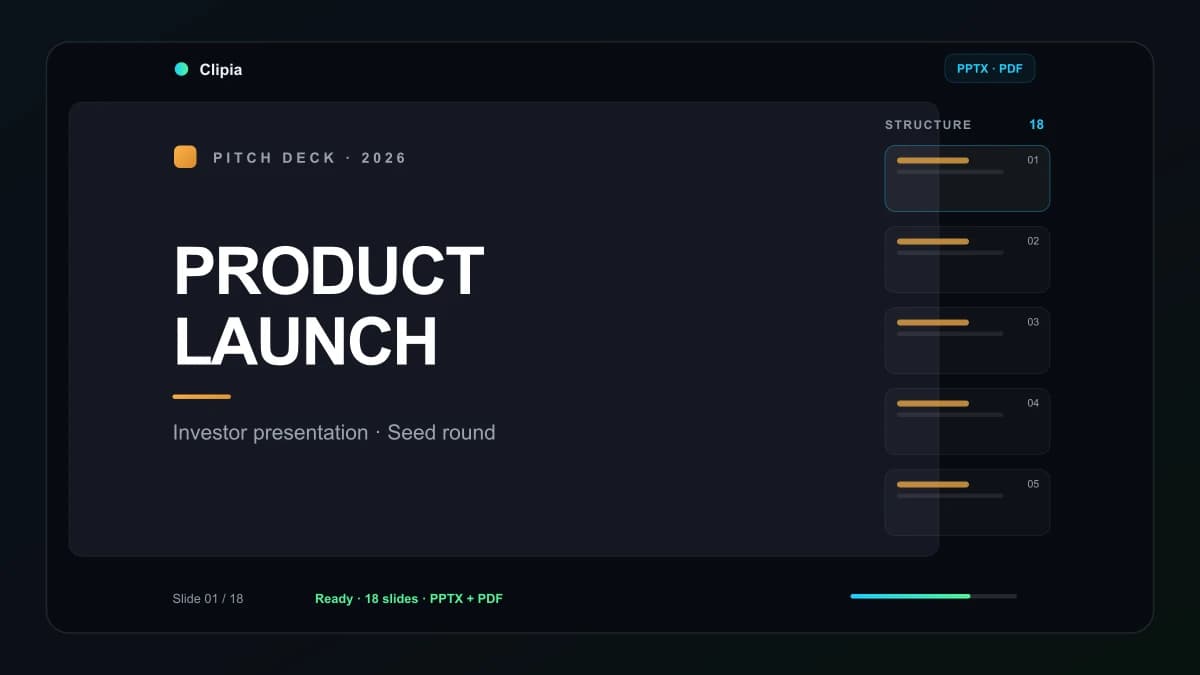
AI presentation maker: how to turn a brief into slides, visuals and PPTX
A practical guide to creating presentations with AI: brief, prompts, real slide previews, PPTX/PDF and a quality checklist.
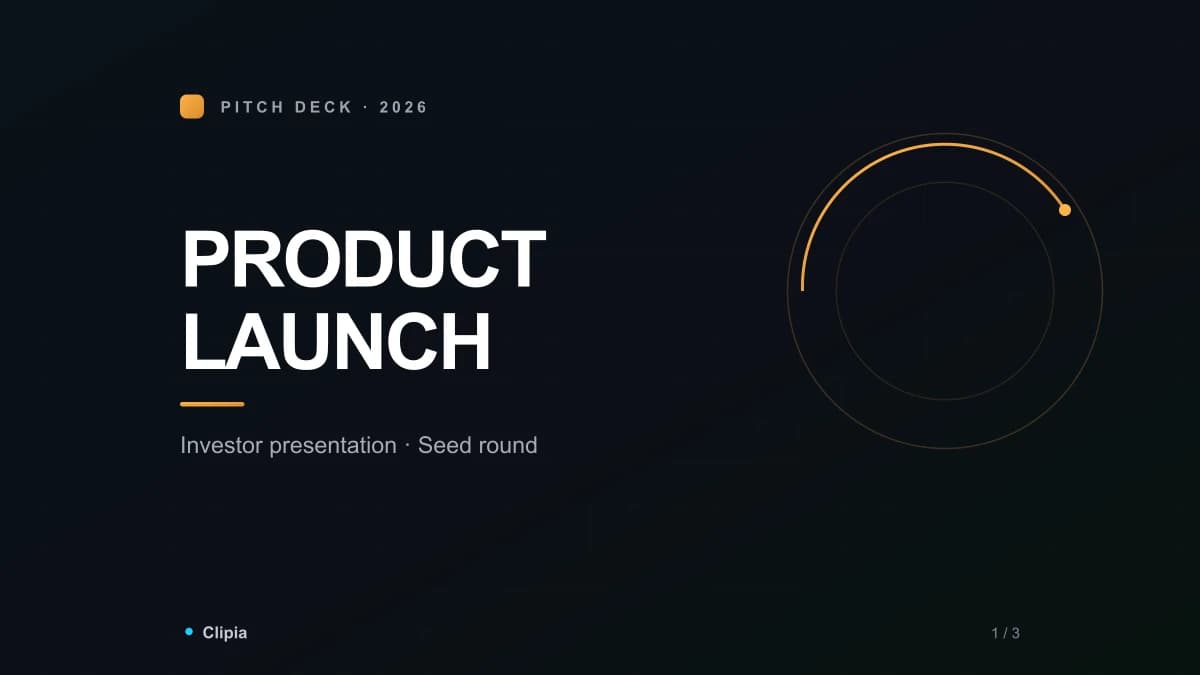
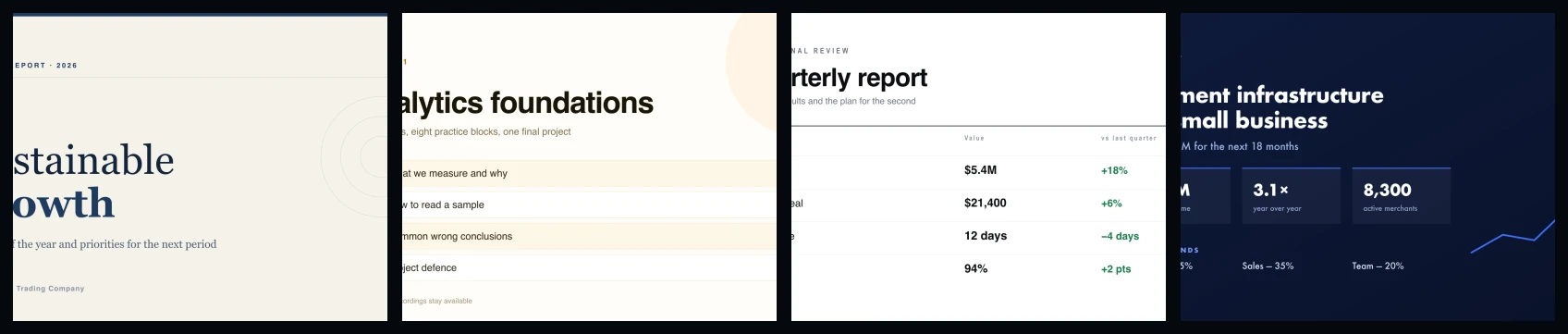
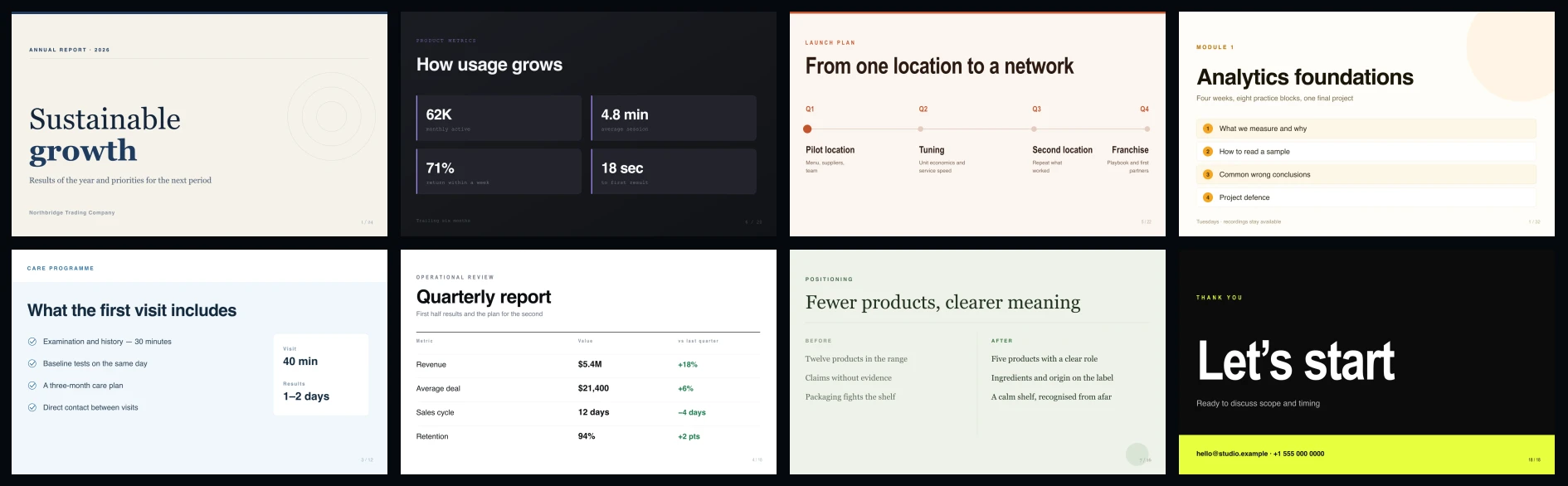
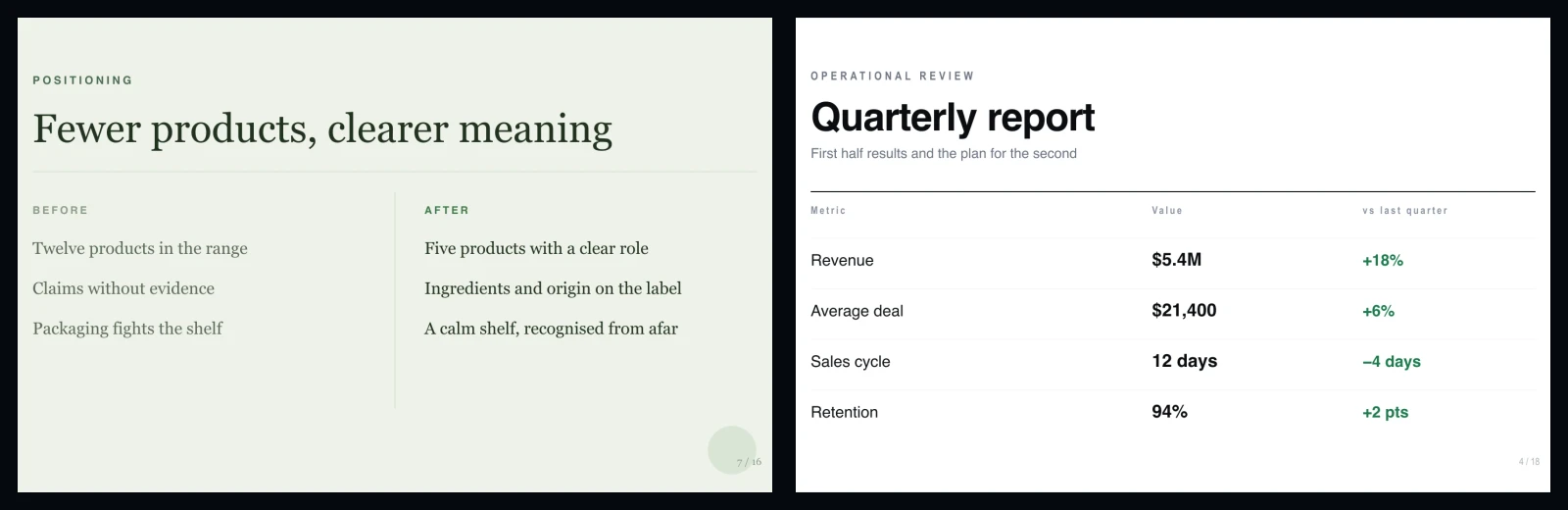
An AI presentation maker is useful when you do not want to start from a blank deck. It turns a topic, brief or rough notes into a clear slide structure, short headings, a visual direction and editable files. In Clipia, the AI Assistant can create a presentation from a plain-language request and return PPTX, PDF and PNG previews.
This guide shows when AI saves time, how to write a strong prompt, what a good generated deck should include, and how Clipia differs from a regular chat assistant or a template builder.
What AI can do for presentations
A good AI presentation workflow does more than decorate slides. It helps move from an idea to a first editable file:
- Build the structure: turn a topic into a logical sequence of slides.
- Write useful headings: replace generic section names with statements that move the story forward.
- Reduce text: keep slides readable and put extra detail into speaker notes.
- Shape the visual line: choose where you need text, images, stats, quotes or a closing call to action.
- Return files: editable PPTX, share-ready PDF and PNG previews for quick review.
Where AI saves the most time
- Education: lectures, lessons, internal training, course modules and webinar decks.
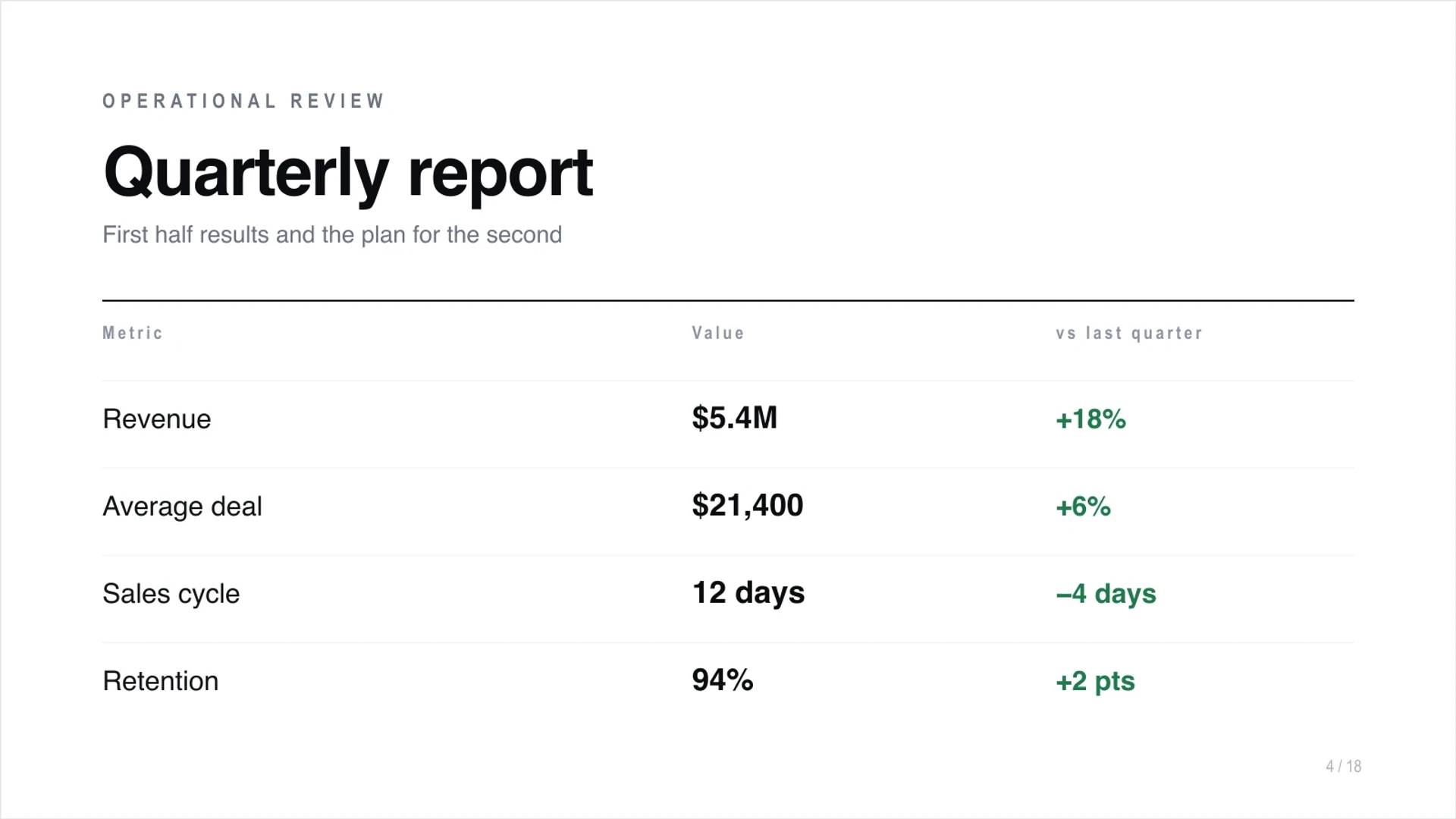
- Business: pitch decks, roadmaps, quarterly reports, launch plans and product presentations.
- Sales: proposals, service decks, meeting follow-ups and client-specific material.
- Marketing: campaign ideas, audience analysis, creative concepts and content plans.
- Agencies: fast first drafts for different clients and niches.
How to create a presentation in Clipia
- Write the brief. Include the topic, audience, goal and format: pitch deck, lesson, report, sales proposal or webinar.
- Set the slide count. A short pitch often needs 6-8 slides, a lesson 8-12, a report 10-15.
- Describe the tone. Business, educational, concise, premium, executive-friendly or beginner-friendly.
- Add visual direction. Ask for images only where they support the idea: cover, product slide, case slide or closing slide.
- Check the cost before launch. If rendering and visuals are used, the assistant shows the cost in credits before anything is deducted.
- Download the result. Edit PPTX, share PDF and use PNG previews for a fast review.
Prompt examples
:::prompt Create an 8-slide pitch deck for a new AI service. Audience: small business owners. Goal: explain the problem, solution, benefits, metrics, launch plan and next step. Style: confident, modern, concise. Include one statistics slide and a final call to action. :::Prepare a 10-slide learning deck about prompt engineering basics. Audience: teammates who are new to AI. Include definitions, a formula for a good prompt, strong and weak prompt examples, a mini quiz and a final checklist.
Build a 6-slide sales proposal for an e-commerce client. Structure: client problem, our solution, process, expected impact, timeline and next step. Style: premium, business-focused, short talking points and one visual slide.
Create a 9-slide product report for the team. Include quarterly goals, key metrics, wins, what did not work, risks, conclusions and next-month plan. Tone: honest, calm and practical.
Choosing the right approach
| Approach | Best for | Limitation |
|---|---|---|
| Regular AI chat | Outline, headings and talking points. | You usually still need to build the deck elsewhere. |
| Template builder | Fast visual layouts based on templates. | The brief, visuals and final deck can feel disconnected. |
| PowerPoint or Keynote | Final manual editing and exact brand work. | The first draft still takes time. |
| Clipia | Structure, visual direction, PPTX, PDF and PNG previews from one request. | Facts, numbers and final wording still need human review. |
Quality checklist
- Each slide has one main idea.
- Headings say something meaningful, not just a section name.
- Text is short enough to read during a presentation.
- Visuals support the message and share one style.
- Numbers, names, dates and claims are checked.
- The final slide has a clear next step.
- The PPTX opens and remains editable.
Common mistakes
- Too broad a prompt. "Make a deck about marketing" gives shallow output.
- No audience. Investors, students and clients need different arguments.
- Too much text. If a slide has three paragraphs, it should be split or shortened.
- Mixed image styles. Visual inconsistency makes the deck feel unfinished.
- No final action. The viewer should know what to do next.
- Unchecked facts. AI can help with the draft, but the author is responsible for accuracy.
After generation
- Read the deck as a story: beginning, development and conclusion.
- Shorten repeated headings and bullet points.
- Verify numbers, dates, names and claims.
- Add brand elements when sending the deck to clients or partners.
- Open PPTX and make sure key text is easy to edit.
- Export PDF for sharing and use PNG previews for quick approvals.
Why Clipia is useful
Clipia combines an AI Assistant, AI Studio, an AI image generator, an AI video generator and tools for teams. That means your brief, visuals and final presentation can stay in one workflow.
Choosing between tools? See our comparison: 10 Best AI Presentation Makers in 2026.
For automation, Clipia also supports MCP and developer tools, so teams can connect presentation creation to repeatable agent workflows.
FAQ
What is the best AI for presentations?
The best tool is one that creates structure, slide copy, visual direction and editable files. Clipia returns PPTX, PDF and PNG previews from the assistant workflow.
Can I create a presentation from one text?
Yes. Add the goal, audience, desired slide count and tone so the assistant can turn the text into a clear story.
Will the PPTX be editable?
Yes. The result includes a PPTX file that can be opened and edited in a regular presentation editor.
Can AI create a presentation in Russian?
Yes. Specify the language and style in the prompt.
How many slides should I request?
For a short pitch, 6-8 slides are usually enough. For lessons or webinars, 8-12 works well. For reports, 10-15 is often better.
Is an AI presentation suitable for business?
Yes, especially as a first draft for proposals, pitch decks, reports and product presentations. Always review facts and final wording before sending it externally.
Can I connect this to an AI agent?
Yes. Clipia provides the generate_presentation tool for agent workflows, returning PPTX, PDF and PNG previews.