Gemini Omni Explained: 5 Things Google's AI Video Model Does
What Google's "any-to-any" model actually does — demos, comparison with Veo and Sora, when it lands on Clipia
Gemini Omni is Google's multimodal "any-to-any" AI video model: it takes any mix of text, images, audio, and video as input and outputs a 4–10 second video with native sound at up to 4K. Google announced it on May 19, 2026 at I/O; its signature features are conversational editing, multi-reference input, and a built-in SynthID watermark. On Clipia.ai, Gemini Omni runs without a Google AI subscription — from 30 credits per video.
On May 19, 2026, Google announced Gemini Omni — a model that takes anything as input (text, images, audio, video) and outputs video with sound. "Create anything" sounds like a marketing line, but there's a real architectural decision behind it. Omni isn't three models hidden behind a single API. It's one neural network with native multimodality, and that changes the rules in AI video.
In this piece we'll lay it out: what Omni can actually do, how it differs from Veo 3.1, Kling 3.0, and Seedance 2.0, what demos Google ran, and whether you should migrate now.
Heads up: since this review was first published, Gemini Omni has gone live on Clipia — from 30 credits per video, no separate Google subscription. Try Gemini Omni on Clipia → Model releases land in our Telegram channel on day one. Below — the breakdown of what this thing actually is.
What "native multimodal" means in practice
The previous generation of AI video models (Veo 3, Kling 3, Seedance 1.5) works like this:
- You write a text prompt.
- You can attach one image (image-to-video).
- The model generates video — audio is added by a separate model.
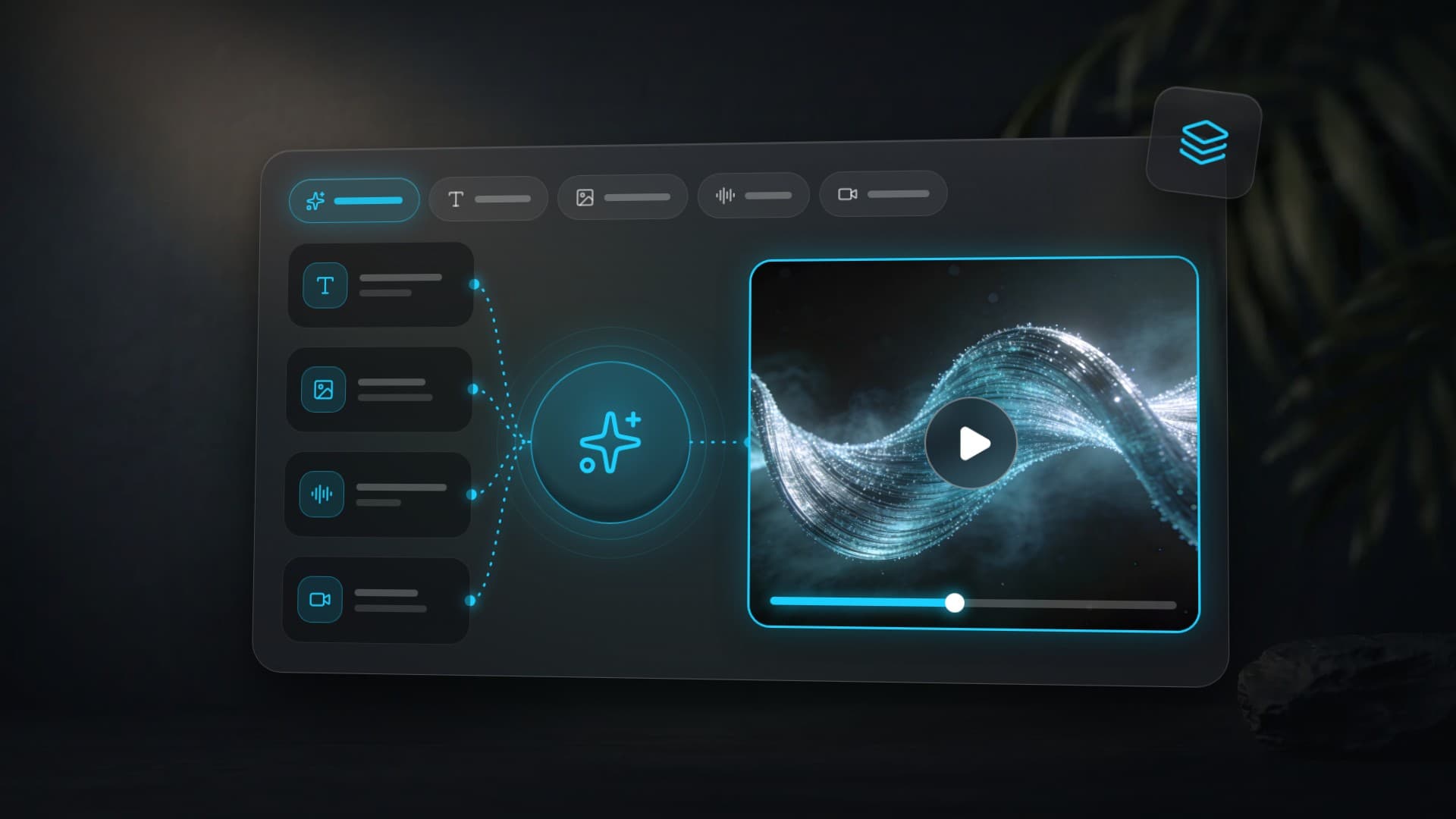
Omni works differently. A single neural network gets, simultaneously:
- A text description.
- Up to 5 images as references.
- Audio — voice, music, sound effects.
- Video — a clip to edit.
The model reasons across all inputs at once and outputs a video that respects all of them. It's not a stitch. It's a unified understanding of the scene.
Google's own framing: the model is "grounded in real-world knowledge." It knows physics, culture, history, and science — and it generates video with that knowledge baked in.
What can Gemini Omni do?
Pulling from Google's blog, the Gemini app docs, and breakdowns from 9to5Google and TechCrunch, here's the capability list.
1. Text-to-Video with native audio
Baseline: a text prompt → up to 10 seconds of video with automatically generated audio (voice, ambient, effects). No separate TTS step.
Useful for: short ads, explainers, Reels/Shorts content.
2. Image + Audio + Text → Video
Submit 1–5 photos, a voice recording, and a description — Omni assembles a coherent video. This is native multi-reference, and the only other model that exposes it openly is Seedance 2.0 (up to 9 references). Now Google's in that game too. On Clipia, Gemini Omni accepts up to 7 reference images per request.
Useful for: a character across multiple scenes, product videos, montages from existing assets.
Google's canonical demo. The grid below shows the four inputs you feed into Omni: a fern video, a fireflies image, a harp audio track, and a text prompt. Underneath — the single output Omni assembled:

Source: DeepMind — Gemini Omni. This is exactly the "any-to-any" Omni was designed for: not three models stitched in a pipeline, but one neural network holding all four sources in mind at once.
3. Conversational Editing — the killer feature
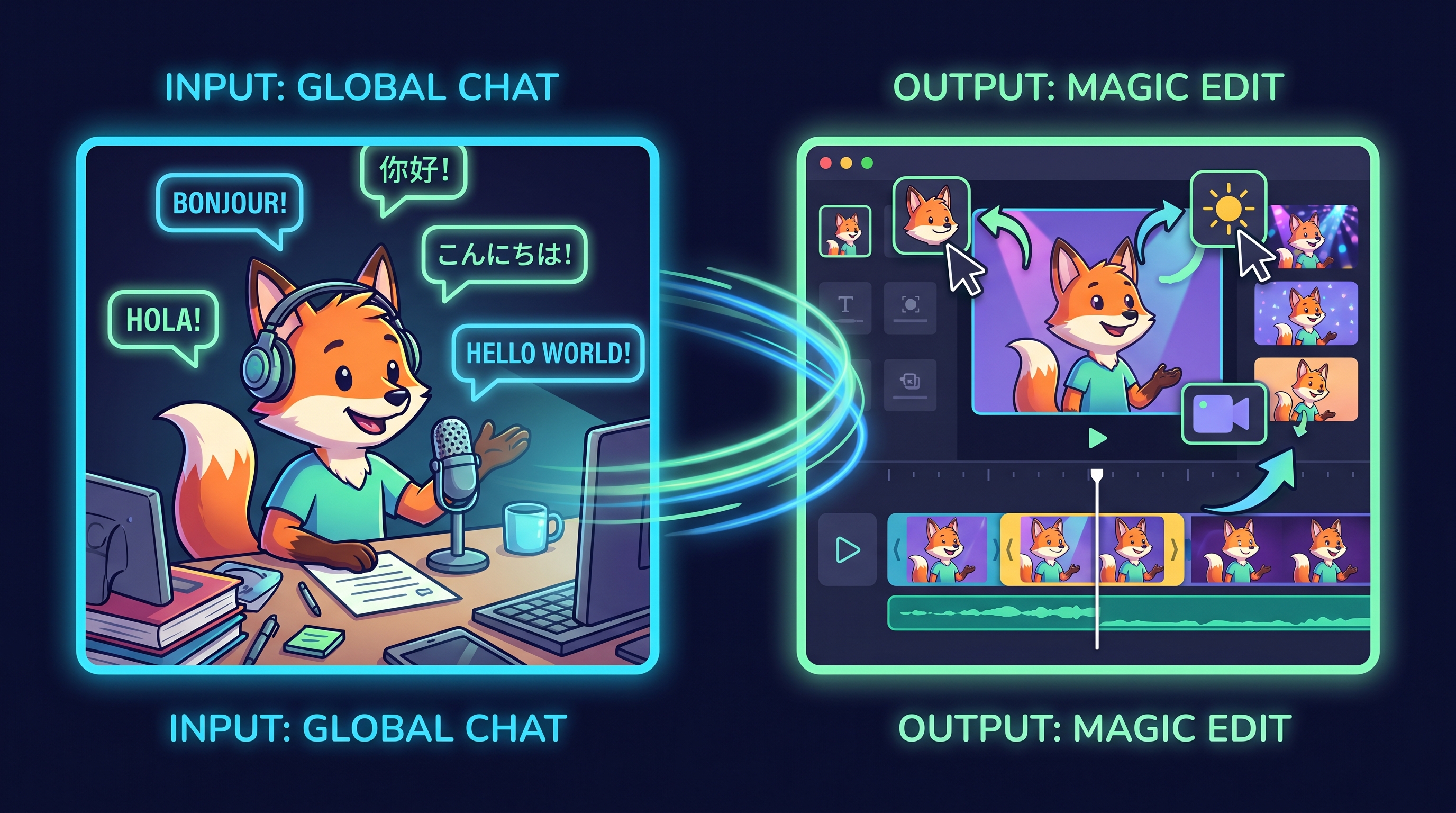
The most powerful thing in Omni. After generation (or on top of an uploaded video), you continue in chat:
— "Swap the character for a brunette." — "Change the background to a beach." — "Soften the lighting." — "Stabilize the camera."
The model holds the conversation context and updates only what changed, keeping faces, angles, and the scene's logic intact. This isn't Photoshop's magic wand — this is iterative, directorial dialogue.
Here's how it works in practice — take an original violin shot and walk it through three sequential edits. Top-left is the original; each next tile is the result of the next prompt in chat:
Source: DeepMind — Gemini Omni page. Across all three edits the violinist's face, dress, lighting, and the violin phrase's timing all stay intact. That's the consistency other models don't have: in them, an edit would mangle the face, the sound, and the scene.
Very few models in the industry do this. For most, "edit" = "regenerate from scratch," and the character drifts.
4. Video Remix — rewrite an existing clip
Upload a finished video and say:
— "Make it claymation style." — "Change the season to winter." — "Move the camera higher." — "Swap the car for a bicycle."
Omni understands the source clip's context and rewrites the scene without losing motion or timing. Object replacement works from a description, no masks needed.
Example — turning a real video into voxel art while keeping motion and physics intact:
Source: DeepMind. Prompt style: "Transform the scene into voxel art while keeping motion intact."
5. Native Audio Generation
Sound is generated by the same brain as the picture. That gives consistency: marble bounces — you hear the hit. Professor writes on the chalkboard — you hear the squeak. Not every model does this (Veo 3 — yes, Kling 3 — partially, Seedance 2 — yes).
Example — a solo violin part with bow motion natively synced to the audio:
Source: keynote. Native sync between audio and motion, no post-production.
The demos Google ran on stage
These aren't marketing teasers — they're concrete clips you can verify.
▶ All demos below are shown in the official Google I/O 2026 keynote and available on the Gemini Omni overview page.
Demo 1: Marble in a maze
A marble rolls through a complex path. The model correctly resolves bounce physics and audio: muted thuds on wood, bright pings on metal, a bell ringing at the finish. This is a serious stress test: physics plus audio-visual sync.
Source: official Google blog post "Introducing Gemini Omni". Prompt: "A marble rolling fast on a chain reaction style track, continuous smooth shot."
Demo 2: Claymation protein folding
An explainer in stop-motion clay aesthetics: molecules folding, labeled correctly at each step, motion smooth. Tests consistent style across a longer scene — most models drift out of style by the end.
Source: Google I/O 2026 keynote. Demonstrates scientific knowledge + style persistence.
Demo 3: Professor at a chalkboard
A person writes out a trigonometric identity and speaks it aloud. The hardest part: text on the board stays legible. Most video models, up through 2026, had near-zero odds of producing readable rendered text.
Here's Google's readable-text test — letters appearing synchronized with the on-screen action:
Source: DeepMind. The thing you've been waiting on for years — no more generating text separately and compositing it in After Effects.
These three aren't cherry-picked stunts. They're a public benchmark. Google set the bar; now competitors get measured against it.
SynthID — the invisible watermark
Every video out of Omni is marked with SynthID — Google's watermark, invisible to the eye but detectable by classifiers. It lets:
- Social platforms and media flag AI content.
- Moderation systems block deepfakes.
- Creators prove a video is AI-generated when that matters.
And the bigger story: in the same week, OpenAI, Kakao, and ElevenLabs all announced they're adopting SynthID. It's the first time the AI industry has picked a single transparency standard. If you work with clients, expect briefs to start including "SynthID tagging required."
How much does Gemini Omni cost?
What's live today: Omni Flash — the first model in the series. Top-tier Omni Pro is announced, no date yet.
| Tier | Price | Omni Flash access |
|---|---|---|
| Gemini (base tier) | $0 | No |
| AI Plus | $20/mo | Yes, with limits |
| AI Pro | ~$30/mo | Yes, higher limits |
| AI Ultra | $100/mo | Full access + Spark + 5× limits |
| AI Ultra Top | $200/mo | All above + early access |
Omni Flash is also included in YouTube Shorts and YouTube Create — but with a simplified UI and without conversational editing.
Regional caveats: some features (especially video-to-video and conversational editing) may be US-only at launch. AI Plus with baseline generation is broader.
Gemini Omni pricing on Clipia
You don't need a Google subscription to run the model: on Clipia.ai, Gemini Omni works on universal credits. Prices at the time of this update:
| Duration | 720p / 1080p | 4K |
|---|---|---|
| 4 sec | 30 credits | 70 credits |
| 6 sec | 40 credits | 80 credits |
| 8 sec | 50 credits | 90 credits |
| 10 sec | 60 credits | 100 credits |
Video-to-video (a source clip as input) costs a flat 80 credits at 720p/1080p or 120 credits at 4K, regardless of duration. Credits are universal — the same balance runs Gemini Omni, Seedance 2.0, and Kling 3.0.
Omni vs Veo 3.1 vs Kling 3 vs Seedance 2.0
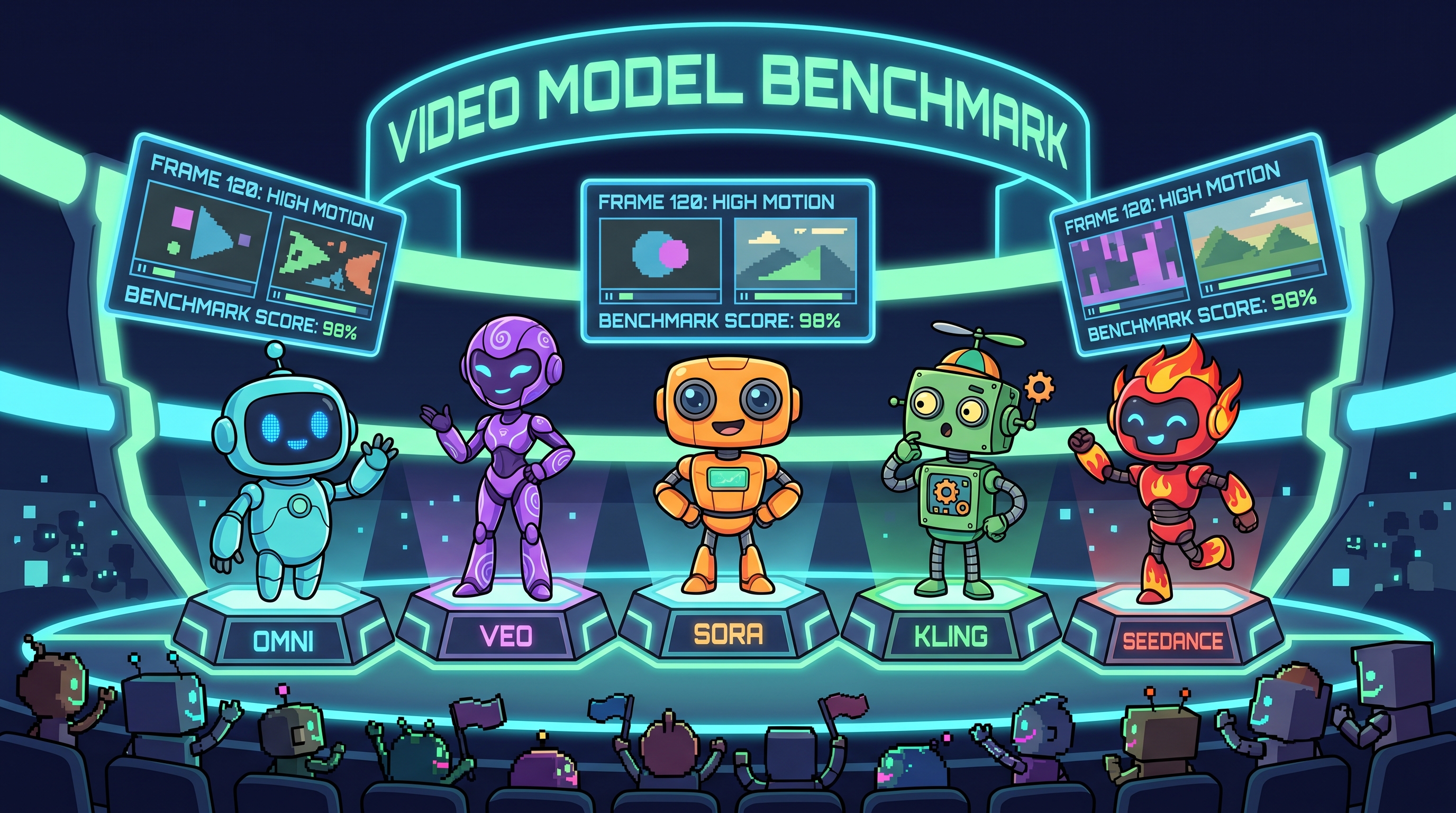
Honest side-by-side with the current market leaders.
| Feature | Gemini Omni Flash | Veo 3.1 | Kling 3.0 | Seedance 2.0 |
|---|---|---|---|---|
| Video length | up to 10 sec | 8 sec | 3–15 sec | 5–15 sec |
| Resolution | up to 4K (on Clipia) | 1080p | 1080p | up to 2K |
| Native audio | Yes | Yes | Partial | Yes |
| Multi-image input | up to 7 (on Clipia) | 1–3 | 1 | up to 9 |
| Conversational edit | Yes | No | No | No |
| Video-to-video | Yes | Limited | No | Limited |
| SynthID watermark | Yes | Yes | No | No |
| Access / price on Clipia | from 30 credits | from 17 credits | from 36 credits | from 34 credits |
When to pick Omni
- You need iterative voice editing. This is its core advantage.
- You're juggling modalities (photo + audio + text in one task).
- You're already in Google's ecosystem (AI Plus/Pro/Ultra).
- A client requires SynthID tagging.
When another model wins
- You need video longer than 10 sec — Kling 3.0 and Seedance 2.0 go up to 15.
- Multi-angle scene with one character — Kling 3.0 Multi-Shot or Seedance 2.0 multi-reference.
- Best-in-class physics and cinematography — Veo 3.1 is still the "cinematic" benchmark.
- You don't want to lock into one subscription — which is exactly what Clipia exists for.
How to try Gemini Omni on Clipia
In the new Clipia video studio, choose “Text to video” and Gemini Omni, then enter a prompt. For an existing frame, open “Image to video” and select “Single image” or “References”. To revise an existing clip, open “Edit video” → “With a prompt”. Review the settings and price on the action button. Finished clips appear in the studio and in “My tasks”, where you can download them.
Short answer: the model is already live on Clipia. When this review was first published, Omni was locked inside the Gemini app; since then access opened up, and we plugged the model in. What you get on Clipia's Gemini Omni:
- Text-to-Video and Image-to-Video — up to 7 reference images per request.
- Video-to-video — upload a source clip and rewrite the scene with a prompt.
- 4–10 seconds of output at 720p, 1080p, or 4K, in 16:9 or 9:16.
- From 30 credits per video — universal credits, no Google AI subscription.
What else runs alongside Omni
The same class of models — frontier video nets with native audio and multi-reference — runs on Clipia next to Omni:
- Veo 3.1 — cinematic physics from Google DeepMind, the same team that built Omni.
- Seedance 2.0 — up to 9 I2V references (Omni does 5), 2K resolution, up to 15 seconds.
- Kling 3.0 — Multi-Shot (multiple scenes in one request) and Motion Control.
- Nano Banana 2 — for static references you then feed into I2V.
Pay for output, not for a subscription. No "either Veo or Kling" tiers — credits are universal, you pick the model per task.
Start in two minutes
→ Generate a video with Gemini Omni — claim welcome credits and run your first prompt on Clipia.
→ Join Clipia's Telegram channel — we post the day any new model goes live. No spam. Just releases and reviews.
Three prompts to try right now
If you want to put Omni through its paces — on Clipia or in the Gemini app — here are three tasks that reveal what the model can really do.
Prompt 1: Physics and sound
A glass marble rolls through a wooden maze with metal bells
at corners. Each collision produces realistic sound: muted
thump on wood, bright ring on metal. Top-down camera, cinematic
lighting, slow-motion final 2 seconds.
After generation — ask the model: "Swap the marble for a steel ball. The sound should become metallic." That's how you test conversational editing.
Prompt 2: Style and consistency
Stop-motion claymation explainer: a tiny clay figure assembles
a smartphone from parts on a workbench. Soft natural light,
labels appear in handwritten chalk style above each part.
8 seconds total, 4 distinct steps.
Tests style persistence and readable text rendering.
Prompt 3: Multi-modal input
Upload a photo of your pet + a short voice clip + this prompt:
Generate a 10-second video where this pet (image 1) speaks
with the voice from the audio clip. Background: a sunlit
living room. Cinematic shallow depth of field. Lip-sync
to audio precisely.
Tests the native multimodality that's the whole point of Omni.
Bottom line: should you migrate to Omni
If you're a marketer or creator — don't drop your current stack. Seedance and Kling still have edges (length, multi-shot, physics). But you do need to try Omni — on Clipia it now takes one prompt and 30 credits, and it'll give you a new reference point for "what AI video feels like in 2026."
If you're an AI developer or agency — add Omni to your stack. Conversational editing is a new UX paradigm, and it'll spread to every other model over the next 6–12 months. Knowing how it works in practice matters now.
If you're planning a 2026 content strategy — assume that:
- Video will be edited by voice, not on a timeline.
- SynthID-style tagging will become platform-required.
- Multi-modal input (photo + audio + text in one task) will become normal.
Google didn't pull off a miracle. Google shipped to production what others demo in research papers. Long-term, that's more important than any ELO score on a leaderboard.
One last thing: you read this far — it matters to you. Gemini Omni is live on Clipia — run your first Omni video and put it side by side with Veo 3.1, Seedance 2.0, and Kling 3.0. One account, universal credits. New model releases — in our Telegram channel on day one.
Five more capabilities not shown above
The sections above covered Omni's five core modes. But the keynote and DeepMind's page revealed several extra capabilities worth calling out separately. One example per category — each demonstrating something not already shown.
Reimagine the action — change what happens, keep the scene
You can upload a video and say "there should be different activity here" — the model rebuilds the action without losing the character, the background, or the lighting. Not the same as Video Remix (section 4) — that's style, this is plot.
Audio-grounded explainer — scientific narration with sound
Omni holds the scientific concept's context and generates video with on-screen captions + voiceover synchronized to the action. Not to be confused with Demo 2 (that was about the claymation style) — here the emphasis is on factual content.
Style transfer with people preserved
This is a sub-feature of Video Remix (section 4 showed style swap without people). Here — a real scene with a person, new artistic style applied, but the subject's face and identity stay intact.
Surreal physics — unreal but internally consistent
Omni can generate scenes that don't exist in reality but whose physics is consistent within itself — objects interact by the rules of the made-up world. Useful for ads, concept art, music videos.
Cinematic dream-physics — hyperreal cinema-grade output
The top tier: quality indistinguishable from professional filming. Liquid chrome, reflections, angles — all working in sync. This is why Omni was built as a "production-grade" model, not a "toy."
All videos in this article are official Google and DeepMind assets published on May 19, 2026 with the Gemini Omni announcement. Mirrored to Clipia's CDN to keep the article stable against source changes.
More on Gemini Omni and AI video
- Google I/O 2026 recap: Gemini Omni, Spark, and Gemini 3.5
- Seedance 2.0 vs Gemini Omni: An Honest 9-Test Comparison
- AI Video Generation: Complete Guide to Models & Modes
What is Gemini Omni?
Gemini Omni is Google's multimodal AI video model announced on May 19, 2026 at Google I/O. It accepts any combination of text, images, audio, and video as input and outputs a 4–10 second video with native sound at up to 4K. Its signature features are conversational editing and multi-reference input. On Clipia.ai it's available from 30 credits per video, without a Google AI subscription.
How much does Gemini Omni cost?
In Google's ecosystem, Omni Flash requires an AI Plus subscription from $20/month. On Clipia.ai Gemini Omni costs 30–60 credits per video at 720p/1080p (4–10 seconds), 70–100 credits at 4K, and a flat 80–120 credits for video-to-video. The same Clipia balance works across the image, video and audio studios.
How long can a Gemini Omni video be?
4, 6, 8, or 10 seconds — 10 seconds is the maximum at the time of this update. If you need longer clips, Seedance 2.0 and Kling 3.0 on Clipia generate up to 15 seconds.
What is the difference between Gemini Omni and Veo 3.1?
Both come from Google DeepMind. Veo 3.1 generates video in 4, 6 or 8-second clips and benchmark-grade cinematic physics. Omni is an any-to-any model: it adds multi-reference input (up to 7 images on Clipia), video-to-video, and conversational editing in the Gemini app. On Clipia, Gemini Omni starts at 30 credits; Veo 3.1 is also available in the Clipia catalog: select the required variant through the Model field in the video studio.
Can I use Gemini Omni without a Google subscription?
Yes. Gemini Omni runs on Clipia.ai on universal credits — from 30 credits per video, with no Google AI Plus subscription. Sign up, claim welcome credits, pick Gemini Omni in the video generator, and run your first prompt.
Sources
- Google Blog: introducing Gemini Omni
- Gemini Omni overview (gemini.google)
- 9to5Google: Gemini Omni starts today with lifelike video
- TechCrunch: Gemini Omni turns images, audio, and text into video
- VentureBeat: Google unveils Gemini Omni 'any-to-any' AI model
- The Tech Portal: Gemini Omni, Gemini 3.5 Flash, AI Search
- SiliconANGLE: Gemini 3.5 Flash and Omni
Try it yourself on Clipia
60+ models for video and image generation. One account, transparent pricing.