
AI presentation maker — slides in a minute
Enter a topic or paste your text — AI builds the structure, writes the content and designs every slide in one consistent style with its own illustrations. Download an editable PPTX and PDF without watermarks.
- 1 topic
- as input
- PPTX + PDF
- as output
- ~ a minute
- for the whole deck
 Living cover
Why does a deck eat a whole evening?
Structure, copy, picking images and aligning slides by hand devour hours. AI walks the whole path in a minute, and you polish the result.
A deck in a minute
Describe a topic or paste text — AI assembles a full presentation: structure, headings, bullet points and design.
From a topic or text
Give one topic, paste an article, notes or bullet points — AI lays the material out across slides in a logical order.
Consistent design
Every slide follows one style: typography, spacing, accents and colors — no aligning each slide by hand.
Your own illustrations
Slide images are drawn by Clipia's AI models for your topic — not stock and not random pictures from the web.
Editable PPTX
Get a native PowerPoint file and PDF with no watermarks — edit text and slides in your usual editor.
Edit with words
Don't like a slide? Ask to rewrite, shorten or shift the accent. AI regenerates just that part without breaking the rest.
From a plain slide to a finished deck
On the left — an ordinary slide with bare text; on the right — the same meaning in Clipia's design. Drag the slider and see the difference.
Before: bare textAfter: Clipia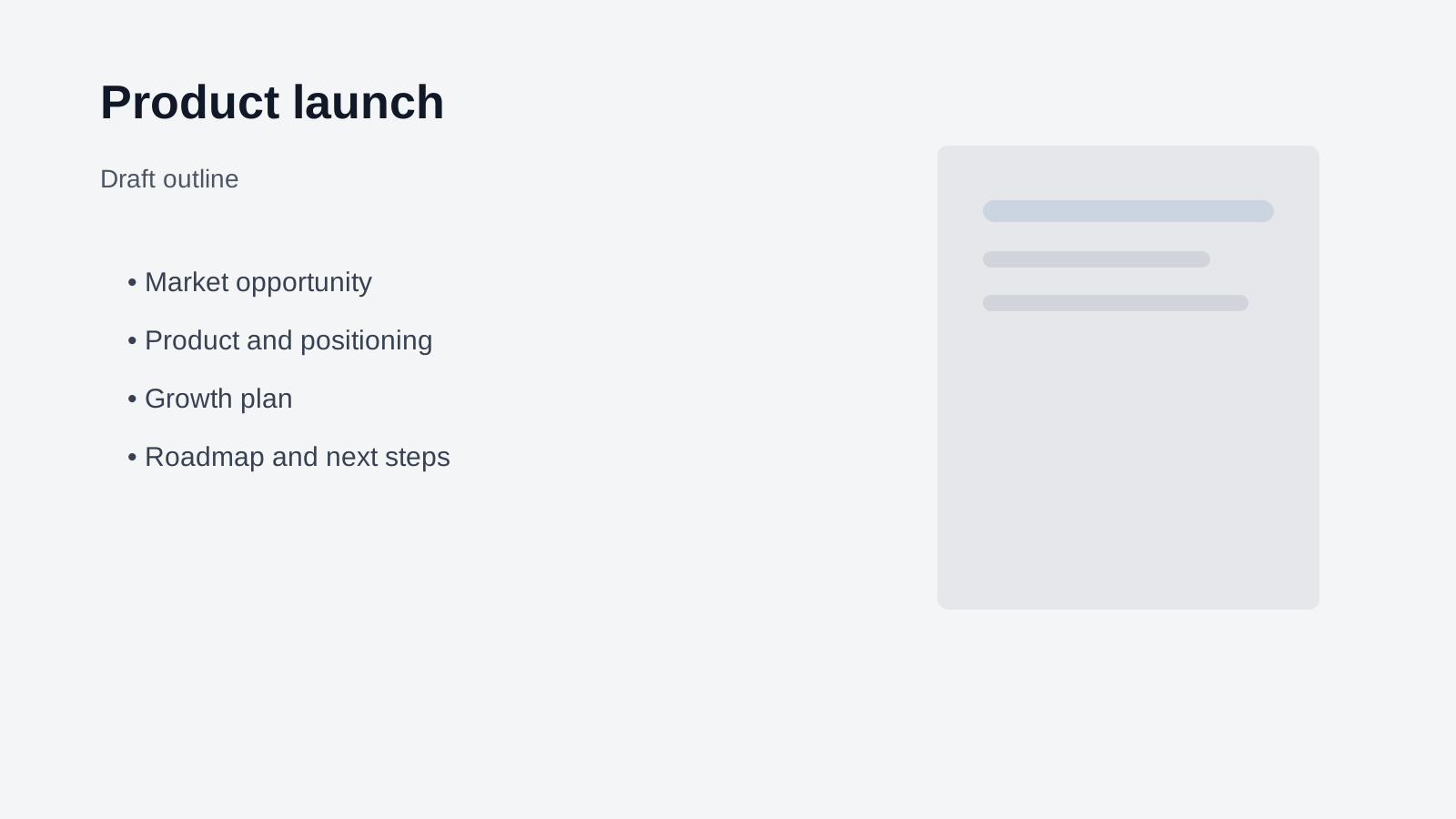
The title slide comes alive as a short video — for online defenses, social media and talk intros.
Create presentationStudy, business or pitch — for every case
One generator covers different presentation formats: from a class report to an investor pitch deck.
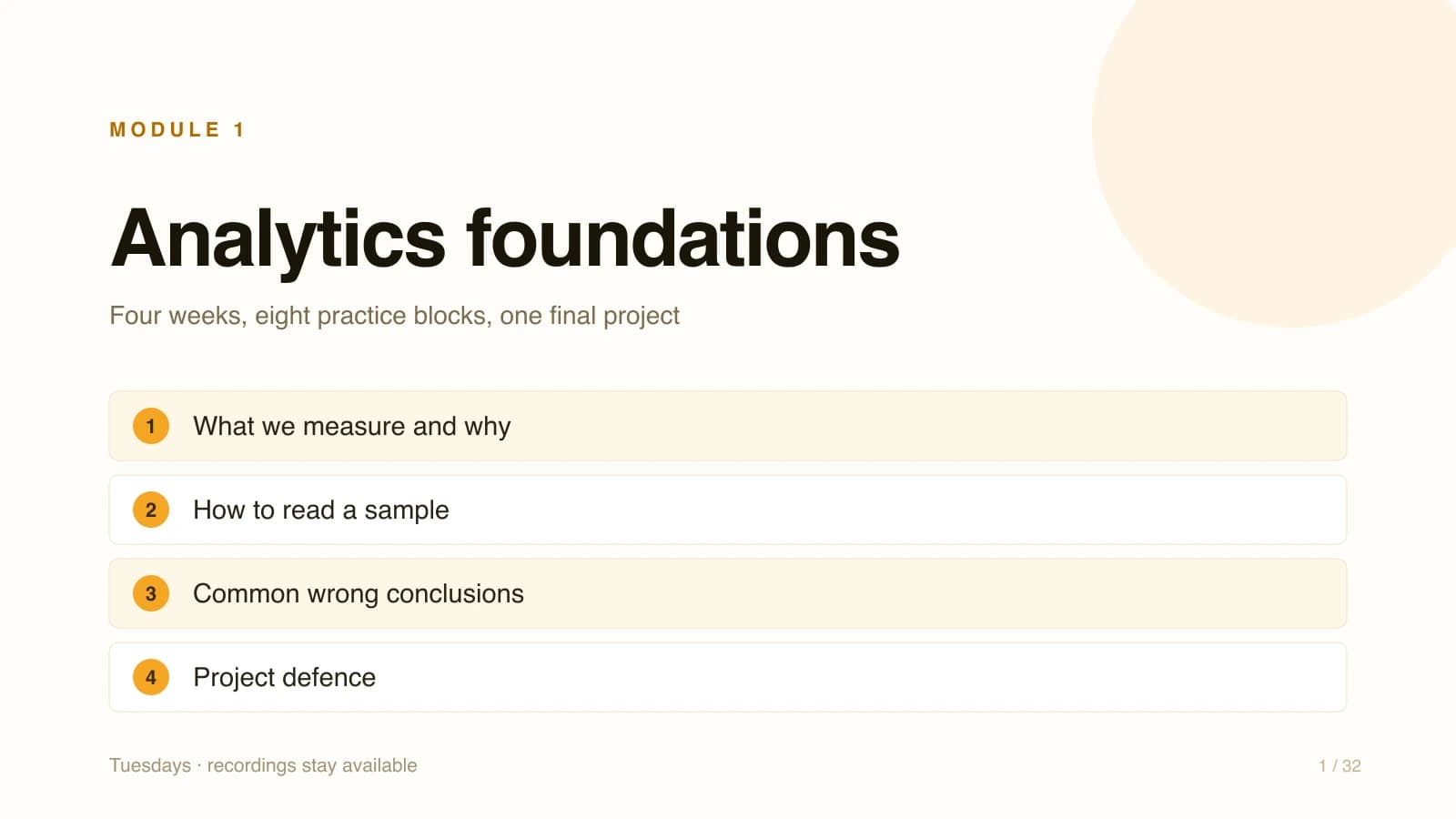
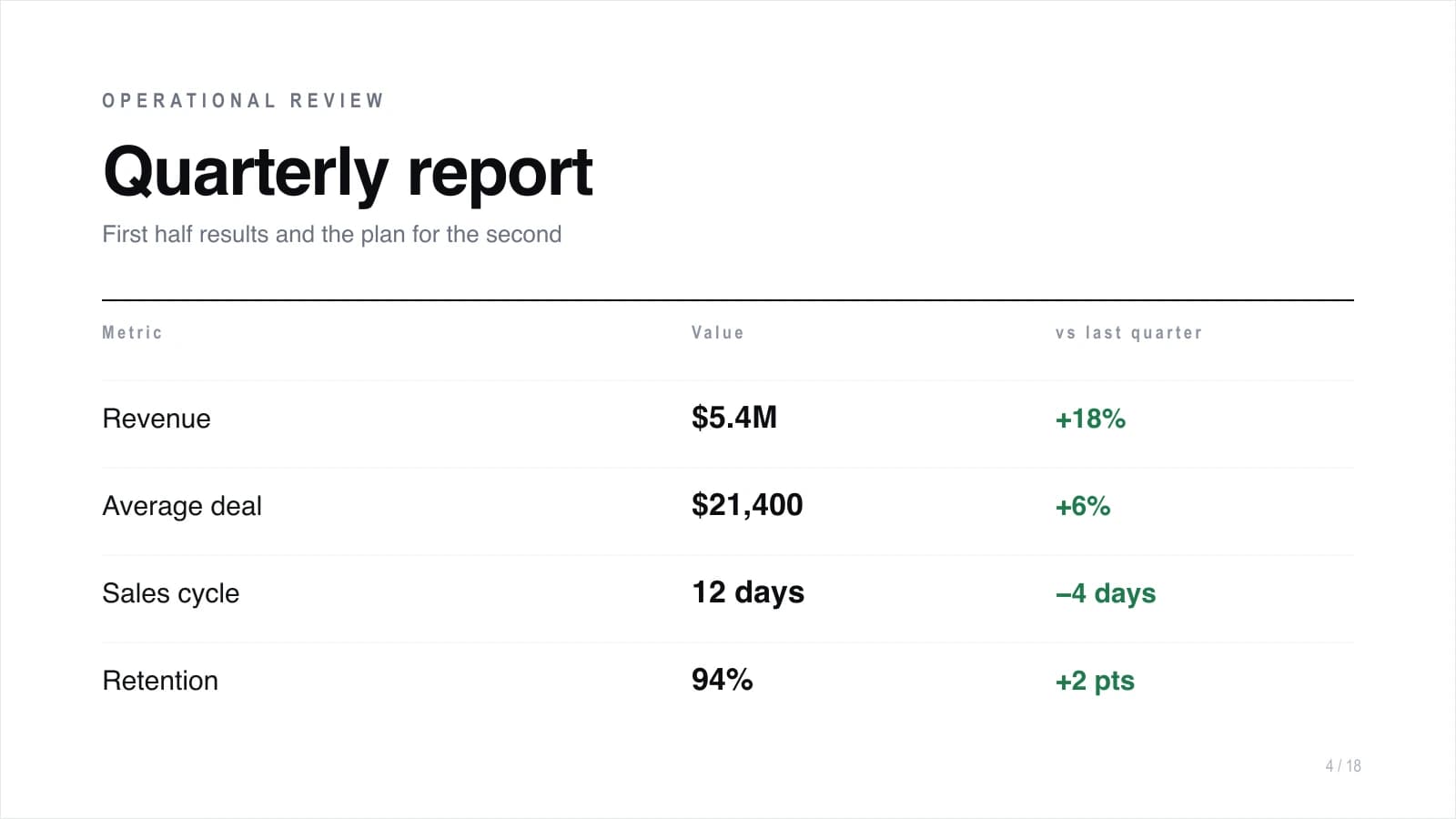
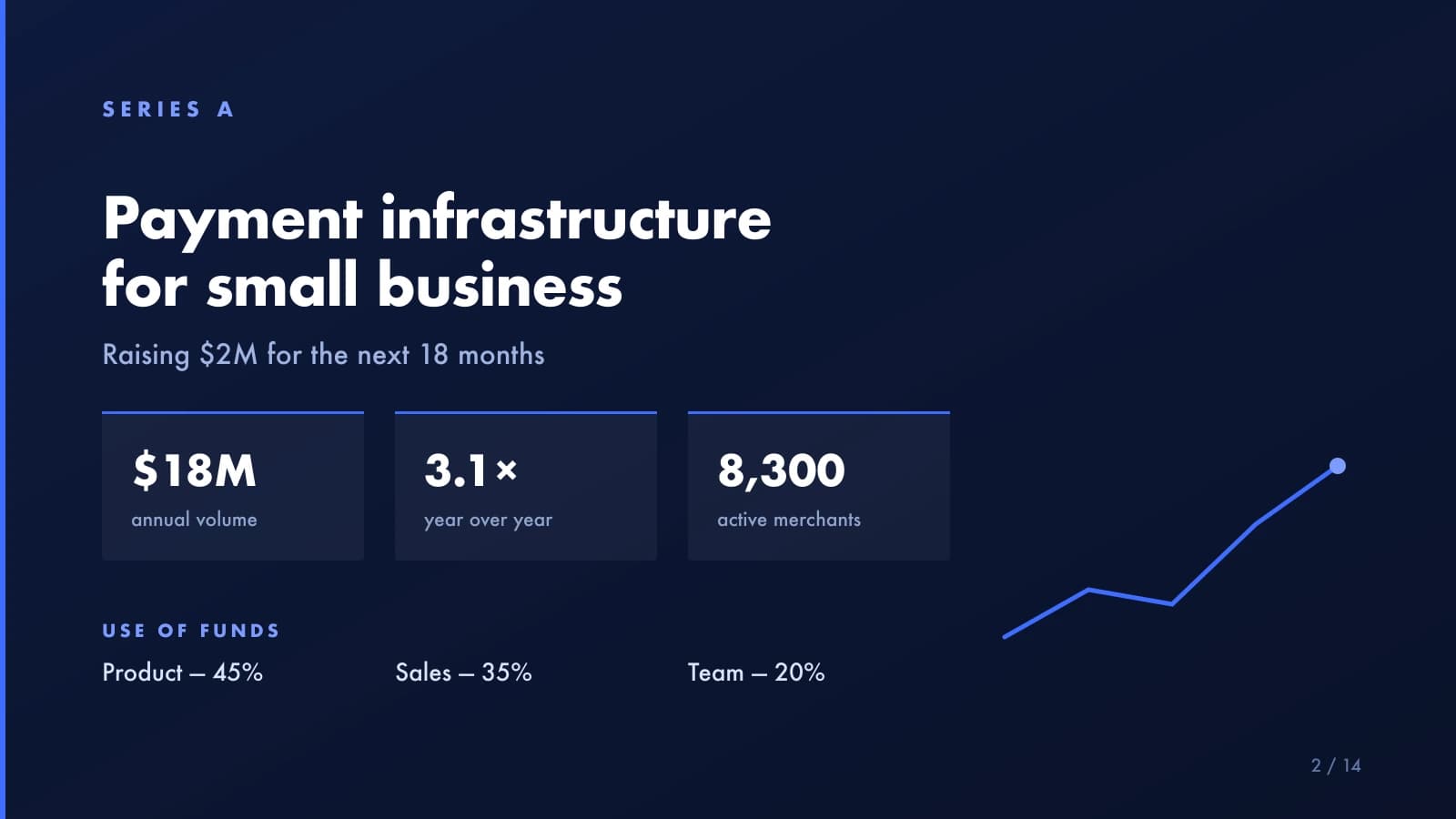
Everything for a presentation in one window
From the first topic to a ready PPTX file — no building slides by hand and no subscription to a separate service.
Generate from text and topic
Paste a topic, notes, an article or bullet points — AI builds the deck structure, writes headings and slide content itself.
Export to PPTX and PDF
Download a native PowerPoint presentation with editable text and slides, plus a PDF — with no watermarks.
Your own AI illustrations
Covers, backgrounds and slide images are drawn by Clipia models for your topic — not stock and not search results.
Design themes
A dark premium theme or a light business one — a single style, typography and accents across the whole deck automatically.
Edit in dialogue
Ask to rewrite a slide, shorten text, change the tone or order — AI regenerates just the fragment you need.
MCP automation
Generate presentations programmatically from a compatible MCP client or straight from an AI agent — a workflow for teams and products.
How to make a presentation with AI: three steps
No PowerPoint templates or design skills needed — a topic or ready text is enough.
- 01
Set a topic or text
Describe the presentation topic or paste ready text, notes or bullet points — right in the dialogue with the agent.
- 02
AI assembles the deck
AI builds the structure, writes the slides, designs them in one style and adds its own illustrations.
- 03
Grab PPTX and PDF
Download the editable presentation and, if needed, tweak slides with words or in PowerPoint.
Who is the AI presentation maker for?
One tool covers slides for study, work and talks — without a designer and hours of manual layout.
Students
A report, essay, coursework or thesis defense — a ready presentation on the topic in a minute instead of an evening in PowerPoint.
Teachers
Slides for a lesson, lecture or webinar from your notes — refresh materials for every group quickly.
Marketers
Strategies, reports and proposals in one branded style, ready to edit in PowerPoint.
Startups and founders
A pitch deck for investors and clients: structure, numbers and visuals — a deck draft you only need to polish.
Managers and analysts
Turn a report, document or bullet points into a clear presentation for a standup, project review or board.
Agencies and teams
Assemble presentations in batches in one style — for clients, tenders and internal materials, including through MCP.
A generator you can trust
Not a nameless one-task service, but presentations powered by strong text and image models — in a single Clipia window.
How the AI presentation maker works
Clipia is a presentation generator that assembles a finished deck from a single topic or text. AI builds the structure, writes the slide content, designs everything in one style and adds its own illustrations, while you download an editable PPTX and PDF without watermarks and edit the deck with words or in PowerPoint.
AI-powered presentation generator
An AI-powered presentation generator turns one topic into a finished slide deck. Describe what the presentation is about — and AI builds the structure, writes headings and bullet points, picks a layout for each slide and designs it all in one style.
How to make a presentation with AI from text
Making a presentation with AI from text is as simple as pasting the material into the dialogue. Drop in ready text, notes, an article or bullet points — AI lays them out across slides in a logical order, highlights the key points, trims the excess and picks headings.
Business presentation and pitch deck with AI
From a brief, AI can assemble the draft structure of a business presentation or pitch deck. Describe the product, market and numbers — AI lays the material out across slides for the problem, solution, metrics, roadmap and call to action.
Download a presentation in PPTX and PDF without watermarks
You can download an AI presentation in two formats at once — editable PPTX and PDF, both without watermarks. PPTX opens in PowerPoint and Google Slides for edits, while PDF is handy for sending, printing and viewing on any device.
Frequently asked questions
About generation, formats and working with slides
AI creates a presentation from text in three steps. First, you set a topic or paste ready material — notes, an article, bullet points or a report.
The finished presentation downloads in two formats — editable PPTX and PDF, both without watermarks. PPTX is a native PowerPoint file: text, headings and slides stay editable, so the deck opens in PowerPoint or Google Slides for manual work.
Yes, the presentation can be edited in two ways. First — right in the dialogue: ask AI to rewrite a specific slide, shorten the text, change the tone, reorder or add a section, and it regenerates just that fragment without breaking the rest of the deck.
Yes, AI creates presentations in different languages — the structure, the slide copy and the headings. You can set a topic, paste text or notes, and the deck comes together with correct wording and typography.
Generation is paid with credits from your Clipia account — you pay for a specific deck and its illustrations, not for a subscription to a separate presentation service. The cost combines assembling the presentation itself and the number of AI images in the slides, so a short deck is cheaper than a large one with an illustration on every slide.
It depends on your plan: Basic is for personal, non-commercial use, Standard covers publishing on websites, social media and in ads, while Pro and Ultima include an extended commercial license. You must also hold the necessary rights to source material, brands and identifiable people.
The images in the slides are generated by AI models available in Clipia for the topic and style of the presentation — the cover, background images and visual accents. These are not stock photos or pictures copied from a search engine, but generated illustrations kept in the deck's design.
Yes, you can pick a design theme for the deck — for example, a dark premium theme or a light business one. AI applies the chosen style to all slides at once: typography, spacing, accents and colors stay consistent across the whole presentation.
Yes. Clipia publishes the generate_presentation MCP tool, which can be called from a compatible MCP client, a script using an MCP SDK or an AI agent such as Claude.
Make a presentation with AI right now
Set a topic or paste text — and get a finished deck in PPTX and PDF with your own AI illustrations today.