macro → smooth orbit → hero finish
Put the product in the lead
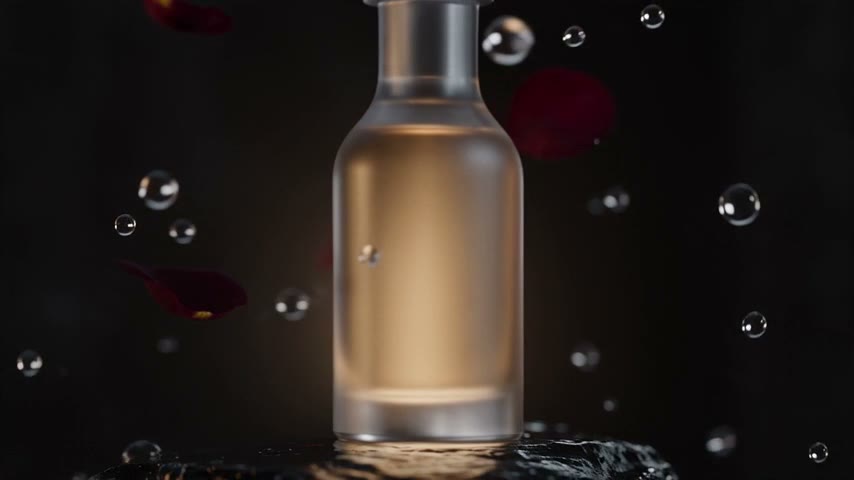
A smooth orbit reveals the shape, material and packaging details, while the final frame leaves clean space for the offer.
Watch the clip and explore its motion, detail, and camera work.
Up to 30 seconds in one generation with no scene-stitching, up to 30 reference images and precise reference-video following — intent, framing and camera language. Built for ads, Reels and short stories.
Seedance 2.5 is a text-to-video and image-to-video generation model in Clipia.ai. In one generation it creates clips up to 30 seconds long with no scene-stitching — twice the length of Seedance 2.0 — and accepts up to 30 reference images in one request, plus up to 10 video and 10 audio references through the API. Output reaches 1080p with native synchronous audio, and the model closely follows a reference video's intent, framing and camera language.
Watch the shot first, then see how it is built. Each example focuses on one cinematic device: product movement, a continuous camera move or believable physics.
A smooth orbit reveals the shape, material and packaging details, while the final frame leaves clean space for the offer.
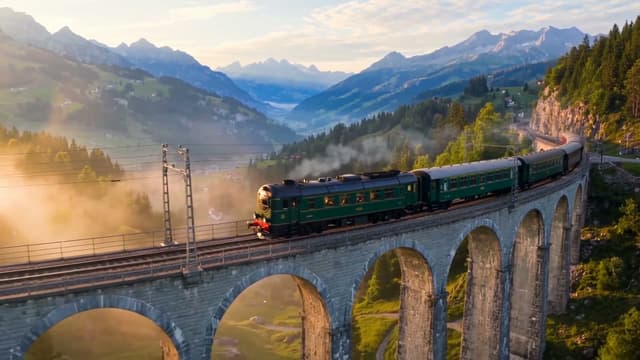
The camera enters the scene, arcs around the subject and rises into a wide reveal. Every transition happens inside the movement — smooth and controlled.
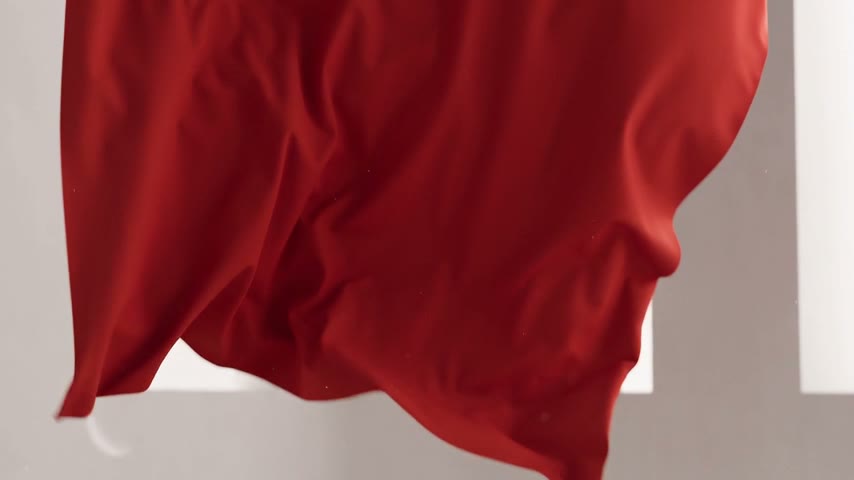
Fabric, hair and water respond to speed, air and inertia. The frame feels alive because the motion never looks weightless or synthetic.
Every generation parameter at a glance — no guessing what is available.
| Parameter | Value | Note |
|---|---|---|
| Duration | From 4 to 30 seconds | Up to 30 seconds in one generation with no stitching |
| Resolution | 480p, 720p and 1080p | 4K is not supported |
| Aspect ratio | 16:9, 9:16, 1:1, 4:3, 3:4, 21:9 and auto | Six fixed formats plus auto — the canvas is matched to the reference |
| Frame rate | 24 fps | Fixed value, not configurable |
| Audio | Native synchronous | Generated together with the video; supports multi-shot storytelling |
| References | Up to 30 images per request | Video and audio references (up to 10 each) are available through the API |
| Modes | Text-to-video and image-to-video | seedance-2-5-t2v and seedance-2-5-i2v |
| Prompt | Up to 30,000 characters | Enough for a timestamped scenario with detailed audio direction |
Build the clip in a clear sequence: idea, references, timeline and final export.
Guide the character, product, style, frame, motion and mood — up to 30 images in one request, each carrying its own detail.
Describe the opening, middle and final frame so the generation follows a sequence instead of one vague request.
Write campaign scenes for your audience without reshaping every brief into generic marketing English.
Plan a clean final frame with room for captions, then export the result for color, graphics and the final edit.
What actually changed between generations — facts, not adjectives.
| Parameter | Seedance 2.5 | Seedance 2.0 |
|---|---|---|
| Duration | Up to 30 seconds in one generation | Up to 15 seconds in one generation |
| References | Up to 30 images; video and audio through the API | Up to 9 images, 3 videos and 3 audio files |
| Resolution | 480p, 720p and 1080p | 480p and 720p |
| Reference video | Closely matches the reference's intent, framing and camera language | Accepts video as a reference, without exact framing match |
| Audio | Native synchronous audio and multi-shot storytelling | Native audio synchronized with motion |
| Price | Per-second pricing for 480p, 720p and 1080p | Separate pricing for Standard, Fast and Mini |
A practical pattern for product ads, Shorts, Reels and presentation videos.
Who is in frame, what happens, where the camera moves, what the light feels like and what should be remembered.
Product shots, style references, characters or frame examples help preserve shape and mood.
0-5 sec, 6-20 sec, final frame at 21-30 sec. This gives the model a clearer sense of scene progression.
Download the result, add captions or sound in your editor and prepare the version for each platform.
Price depends on duration and resolution. A comparable dollar rate per second appears next to the credit quote.
| Duration | 1080p | 720p | 480p |
|---|---|---|---|
| 4 seconds | 112 credits · ≈$1.12/sec | 70 credits · ≈$0.70/sec | 43 credits · ≈$0.43/sec |
| 5 seconds | 140 credits · ≈$1.12/sec | 88 credits · ≈$0.71/sec | 53 credits · ≈$0.43/sec |
| 10 seconds | 280 credits · ≈$1.12/sec | 166 credits · ≈$0.67/sec | 104 credits · ≈$0.42/sec |
| 15 seconds | 420 credits · ≈$1.12/sec | 199 credits · ≈$0.53/sec | 138 credits · ≈$0.37/sec |
| 20 seconds | 560 credits · ≈$1.12/sec | 265 credits · ≈$0.53/sec | 152 credits · ≈$0.30/sec |
| 30 seconds | 840 credits · ≈$1.12/sec | 397 credits · ≈$0.53/sec | 180 credits · ≈$0.24/sec |
The $/sec equivalent uses the average credit price on the monthly Standard and Pro plans. It can vary on another plan; the editor always shows the final credit cost before generation.
The model follows your request's structure closely — here is what matters when you build a longer clip.
For clips longer than 10 seconds, split your prompt into segments: what happens at the start, in the middle, and in the final frame. The model reads timestamps as a script rather than one flat request, and holds the scene's progression better from start to finish.
Use specific terms: push-in, orbit, pan, rack focus, static shot. Seedance 2.5 recognizes camera language and turns it into motion — vague phrases like “make it look nice” are harder for the model to interpret.
One reference for the character, another for the product, a third for lighting and mood. Up to 30 references per request — but each one should carry one specific detail, not duplicate the next.
Don't mix several unrelated ideas into one 30-second clip — the scene loses rhythm and coherence. Avoid vague phrasing like “make it beautiful”: the more specific the action, light and camera work, the more predictable the result.
Three clear directions instead of a wall of generic feature cards.
Show packaging, texture, use and a final brand frame without a full production shoot.
A quick hook, vertical format, motion in the first seconds and several variants from one idea.
A scene with a character, camera direction and a final moment that can grow into a series.
Connect video generation to your own code or AI agent, without the Clipia interface.
Create a key in the Clipia developer console — it works for both the REST API and the MCP server.
Submit a generation request with the model parameter set to seedance-2-5-t2v or seedance-2-5-i2v, depending on whether you start from text or an image.
Add the Clipia MCP server to Claude Code, Cursor or another MCP client and call generate_video directly from a conversation with your agent.
POST/models/seedance-2-5-t2v
{
  "input": {
    "prompt": "Cinematic tracking shot through rain",
    "duration": 10,
    "resolution": "1080p",
    "generate_audio": true
  }
}status: IN_QUEUE · request_id: 764cabcf-b745-4b3e-ae38-1200304cf45bYou need an API key from the Clipia developer console. Credits are billed from the same account balance.
Availability, settings, pricing and commercial use.
Yes, Seedance 2.5 is live in Clipia's catalog — open it directly in the video editor. Both modes are available, text-to-video and image-to-video, with clips up to 30 seconds in one generation and up to 30 references per request.
Seedance 2.5 doubles the maximum clip length — up to 30 seconds in one generation instead of 15 on Seedance 2.0 — and accepts up to 30 reference images instead of 9. It also follows a reference video more closely, matching the source's intent, framing and camera language.
From 4 to 30 seconds in one generation: the interface offers 4, 5, 6, 8, 10, 12, 15, 20, 25 and 30-second options.
Up to 30 images per request — against 9 on Seedance 2.0. Video and audio references (up to 10 each) are available through the API.
Clipia offers 480p, 720p and 1080p at a fixed 24 frames per second. 4K is not supported for this model.
Price depends on duration and resolution. The table above is loaded from Clipia's active pricing matrix, and the exact cost for your selected settings is always shown in the editor before generation.
Yes, audio is generated together with the video, natively and in sync, with no separate voiceover step needed. The model also supports multi-shot storytelling — several connected shots within one generation.
Yes, videos generated through Clipia can be used in commercial projects, subject to each platform's rules, ad labeling requirements and rights to the source files you upload.
Yes, the model is available through Clipia's public API and its MCP server for AI agents, using the seedance-2-5-t2v and seedance-2-5-i2v modes. You will need an API key from the developer console to connect.
Open the video editor, build your scenario, references and format — up to 30 seconds and up to 1080p.