Grok Imagine Video 1.5: text and image to video
Grok Imagine Video 1.5 now works in two modes: create a clip from text or animate a source image.
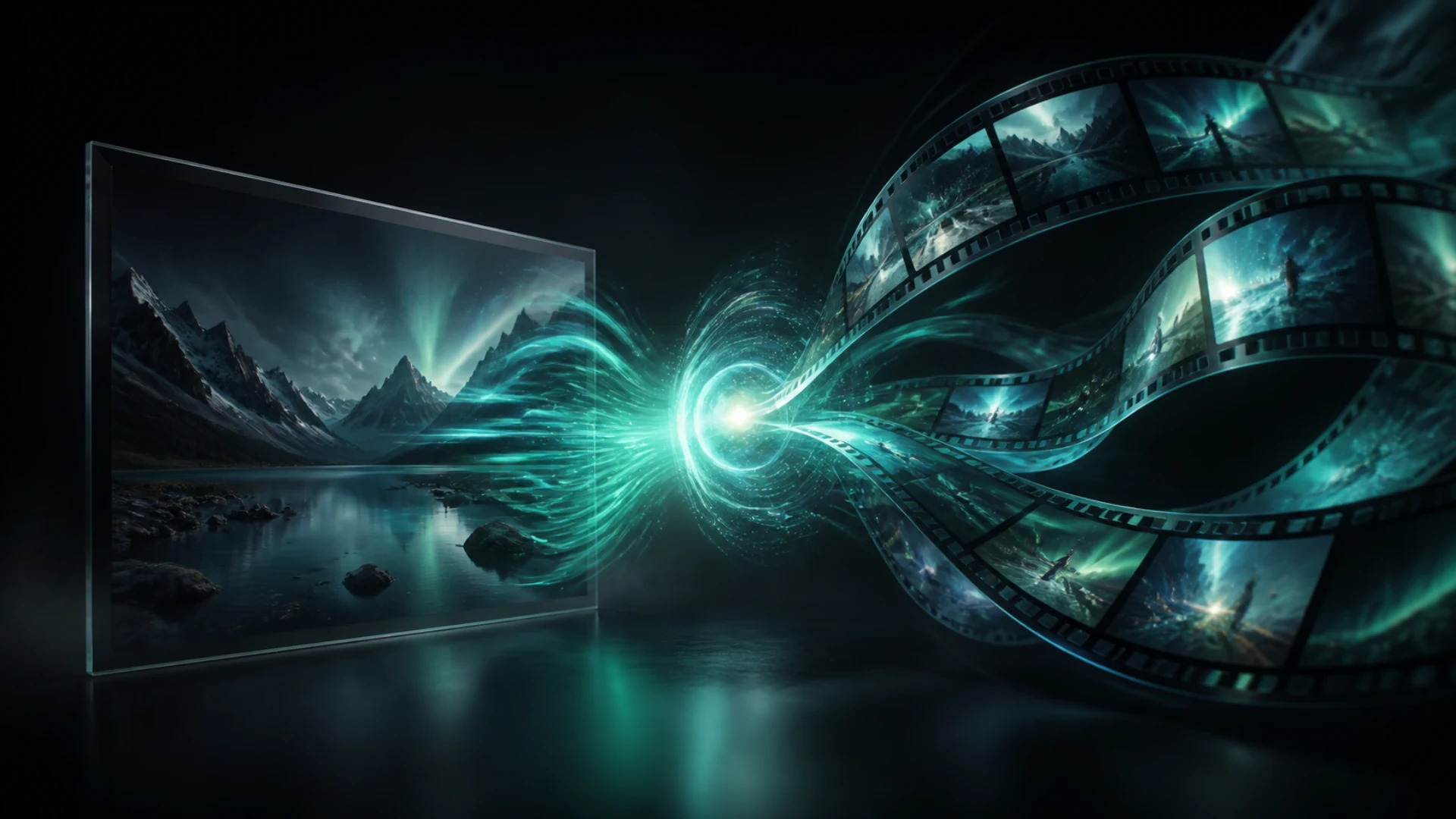
We updated Grok Imagine Video 1.5: the model is now available not only for animating images but also for generating video from scratch with a text description.
Two modes in one model
- Text to Video: describe the scene, camera movement and action without a source image.
- Image to Video: upload a starting frame and direct the motion.
- Fast start: five seconds is the default duration for the first iteration.
- Model choice: find Grok Imagine Video 1.5 in the video editor catalogue.
When to choose it
It is a useful choice for quick ad shots, product animation, atmospheric scenes and testing an idea before a longer render.
How to try it
Open Create Video and select Grok Imagine Video 1.5 from the model catalogue. Leave the image field empty for Text to Video, or upload a frame to animate it.