AI Assistant with 12 Models
A chat that understands context, remembers your preferences, and writes prompts using 12 models: Opus 4.7, GPT-5.5, Gemini 3.1 Pro, Sonnet 4.6, Grok 4.3 and more.
The Clipia AI assistant is a smart chat with 12 models in one window: it understands the conversation context, remembers your preferences, and helps you write strong prompts for image and video generation. It's a workspace where an idea becomes a ready prompt in a few messages.
What it can do
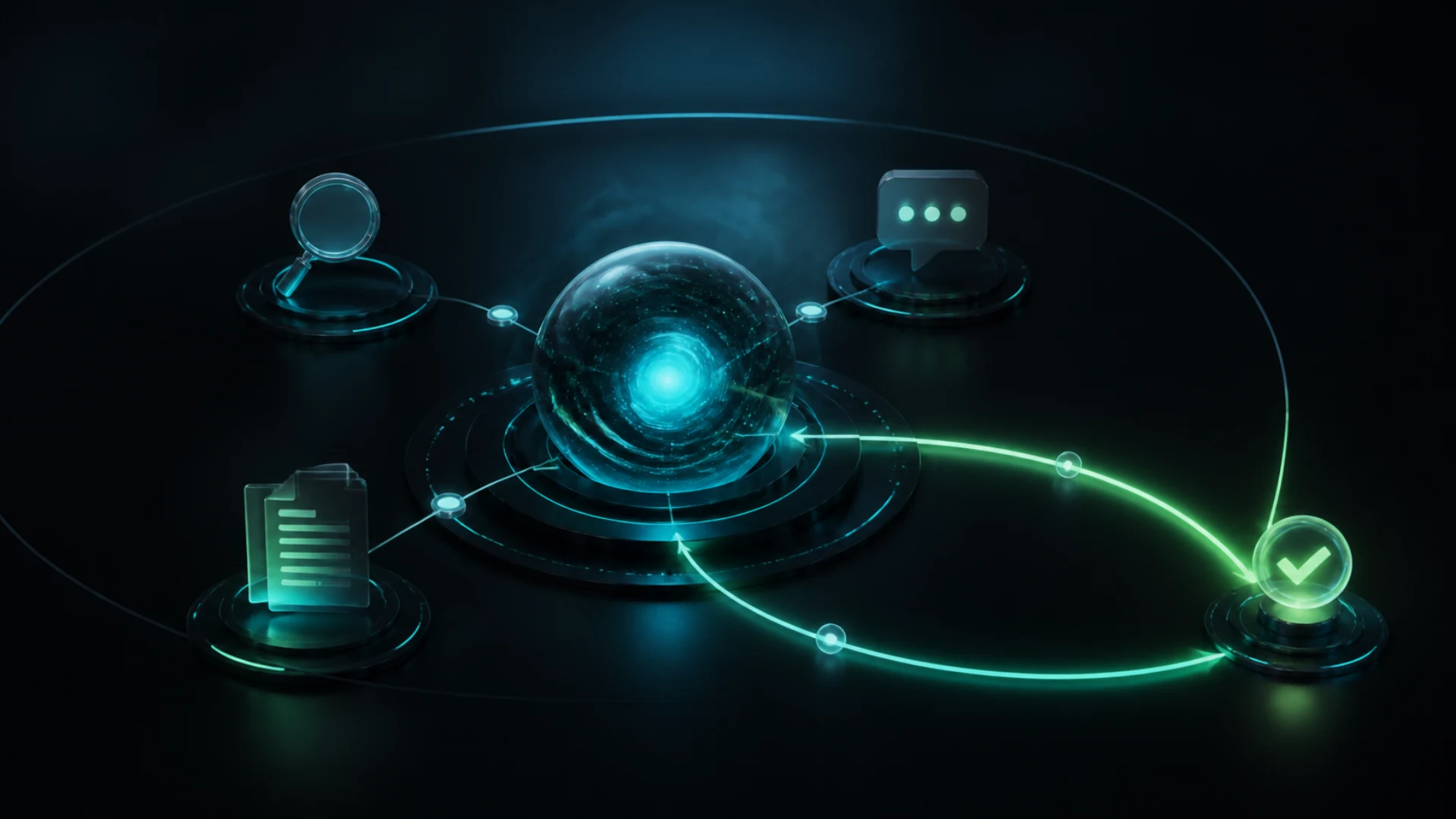
- 12 models to choose from: switch between models for the task — from quick replies to deep analysis — without leaving the chat.
- Multi-layer memory: the assistant remembers conversation context and your preferences, so you don't repeat the basics in every message.
- Prompt help: describe an idea in plain words and the assistant turns it into a detailed prompt for the model you picked.
- File attachments: attach images and documents to discuss them and build on them right in the chat.
How to start
Open the AI assistant and ask your first question. Registration is enough — the chat is available without a subscription within 100 messages per month. A finished prompt moves straight into image or video creation with one button, with no manual copy-paste. The full conversation history stays available, so you can come back to a chat later and pick up where you left off.
Who it's for
The assistant suits content creators, marketers, and anyone making images and video: it speeds up wording, helps with ideas, and answers questions about what the platform can do. For newcomers, it replaces a long study of prompting techniques, and for experienced users it saves time on routine wording and helps you cycle through options quickly.
FAQ
Do I need a subscription? No, the AI assistant is available without a subscription — 100 messages per month for every registered user.
Does the chat remember past conversations? Yes, multi-layer memory keeps context and preferences so answers stay accurate from one conversation to the next. This is especially helpful in long conversations where details matter.
Can I use the prompts right away? Yes, a prompt prepared by the assistant moves into image or video creation in one click.