AI Video Generator: Create Videos from Text and Photos
AI Video Generator Online
Clipia.ai is an online AI video generator. It turns a text description or a photo into a finished clip. Available models include Kling 3, Gemini Omni, Seedance 2.0 and 2.5, Wan 2.7, Hailuo 2.3 and Grok Video. One subscription covers every model, and Clipia.ai offers 60+ AI models in total.
Examples of AI-generated videos
The model made each clip below from the text prompt under it — no filming or editing. Tap a frame to watch the clip, or “Repeat in the studio” to open the generator with the same model and the same prompt, ready to adjust to your idea.
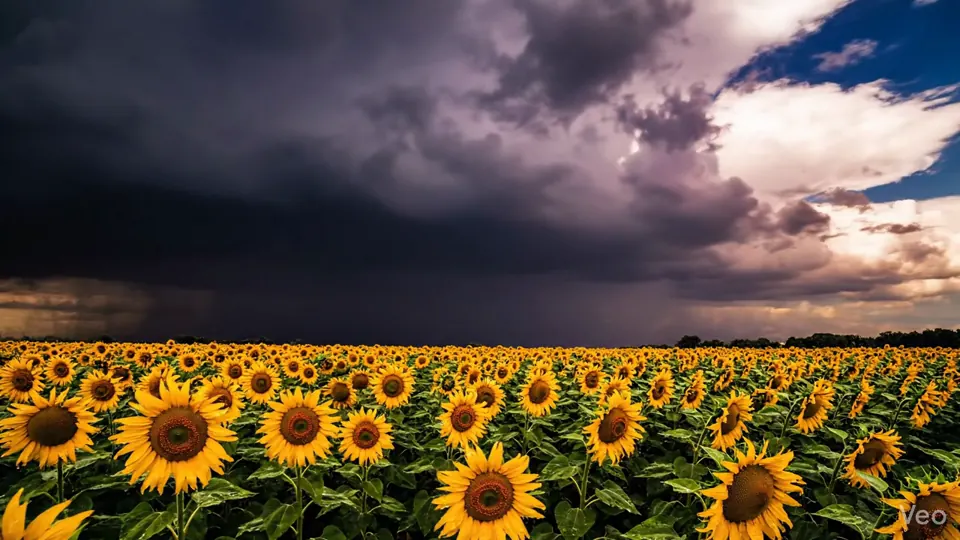
Watch the clipVeo 3.1 Fast8 sThunderstorm over a sunflower fieldA timelapse of a gathering thunderstorm over an endless sunflower field, dark dramatic clouds swirling and thickening, the first lightning bolt slicing across the sky, heavy rain beginning to fall on golden flowers swaying in the wind, the storm passing to reveal a vivid double rainbowRepeat in the studio
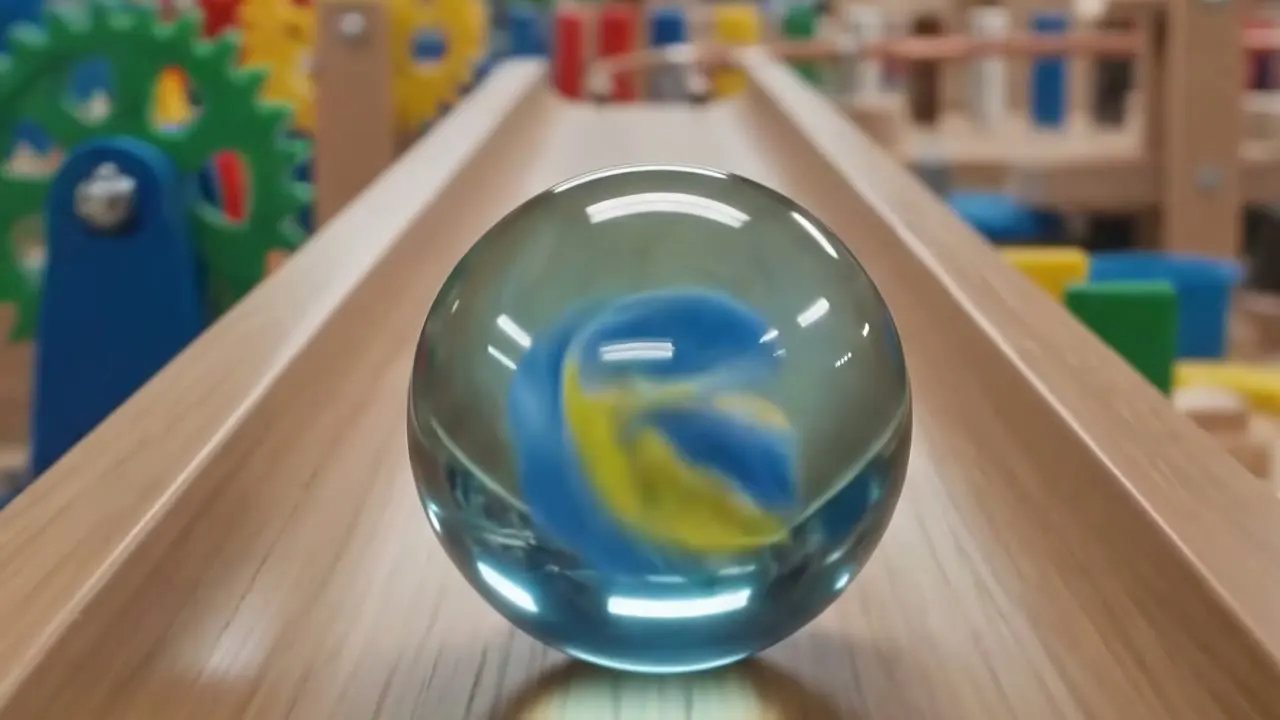
Watch the clipGemini Omni 1.210 sGlass marble in a contraption, with soundMacro camera follows a glass marble rolling down a wooden track through a toy contraption with collisions, gears and springs. Each impact has its own sound: a hard wooden click, a metallic gear ping, a soft elastic thump. Cinematic macro photography, warm studio lighting, colourful background of children's blocks.Repeat in the studio
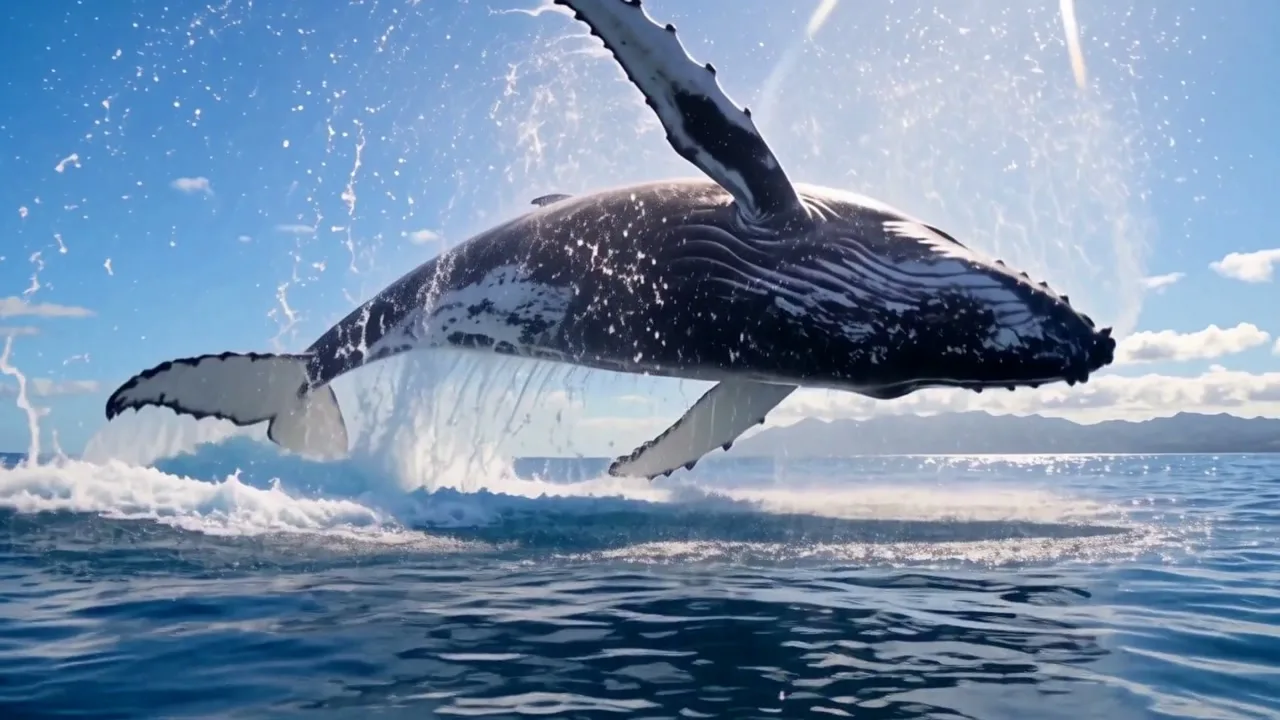
Watch the clipMAGI-212 sA whale in three shots with hard cutsEpic cinematic nature commercial, three shots joined by hard cuts, bright morning sun, vivid colors, sharp detail. Shot 1: underwater: a giant humpback whale glides past the camera through clear blue water, sunbeams dancing across its skin, tiny bubbles rising. Hard cut. Shot 2: low angle at the water surface: the whale bursts out of the ocean in a full breach in slow motion, tons of water cascading off its body and exploding into spray that sparkles in the sunlight. Hard cut. Shot 3: aerial drone shot pulling back and rising as the whale crashes back down, a huge ring of white foam spreading across the deep blue sea, a rocky green coastline in the distance. Sound: deep haunting whale song underwater, the roar of breaking water, a thunderous splash, wind and waves, a powerful orchestral swell with drums. No text, no logos, no boats, no people.Repeat in the studio
Watch the clipVeo 3.1 Quality8 sGlassblower in a Venetian workshopA master glassblower in a dimly lit Venetian workshop, molten glass glowing orange-red on the blowpipe, sparks flying with each breath, the artisan's weathered hands working with precise movements, dramatic warm side light revealing intense concentration on his face, the glass slowly taking the shape of an elegant swan, documentary cinematography, warm amber color gradingRepeat in the studio
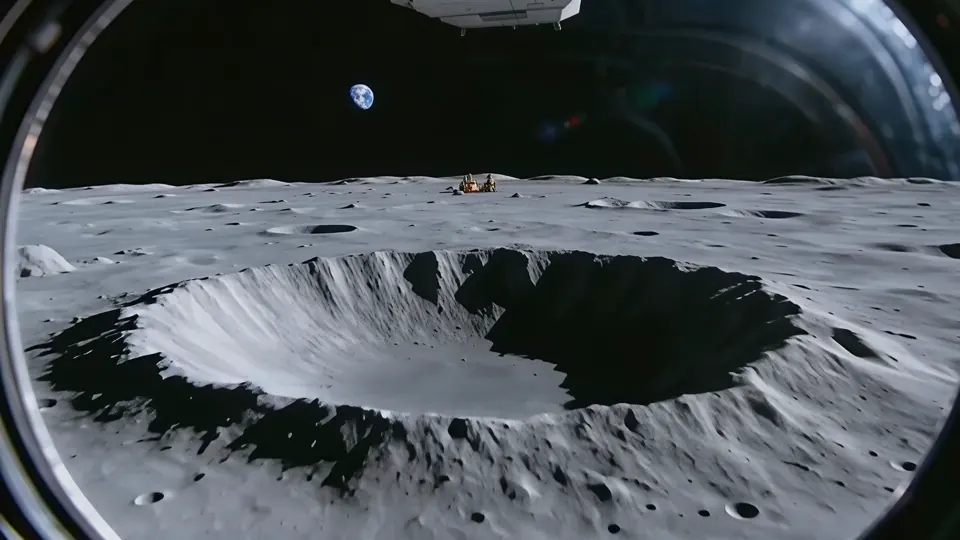
Watch the clipWan 2.710 sAliens by a campfire on the MoonPOV shot from inside a lunar lander cockpit, the spacecraft slowly crests over the far side of the Moon. The camera reveals an impossible sight: four green-skinned aliens casually sitting around a campfire on the lunar surface, drinking beer from Earth-brand bottles. No helmets, just Hawaiian shirts. One alien raises his bottle toward the camera in a friendly toast. Earth visible on the horizon. Warm orange campfire glow contrasting with cold blue moonlight. Steven Spielberg style, photorealistic.Repeat in the studio
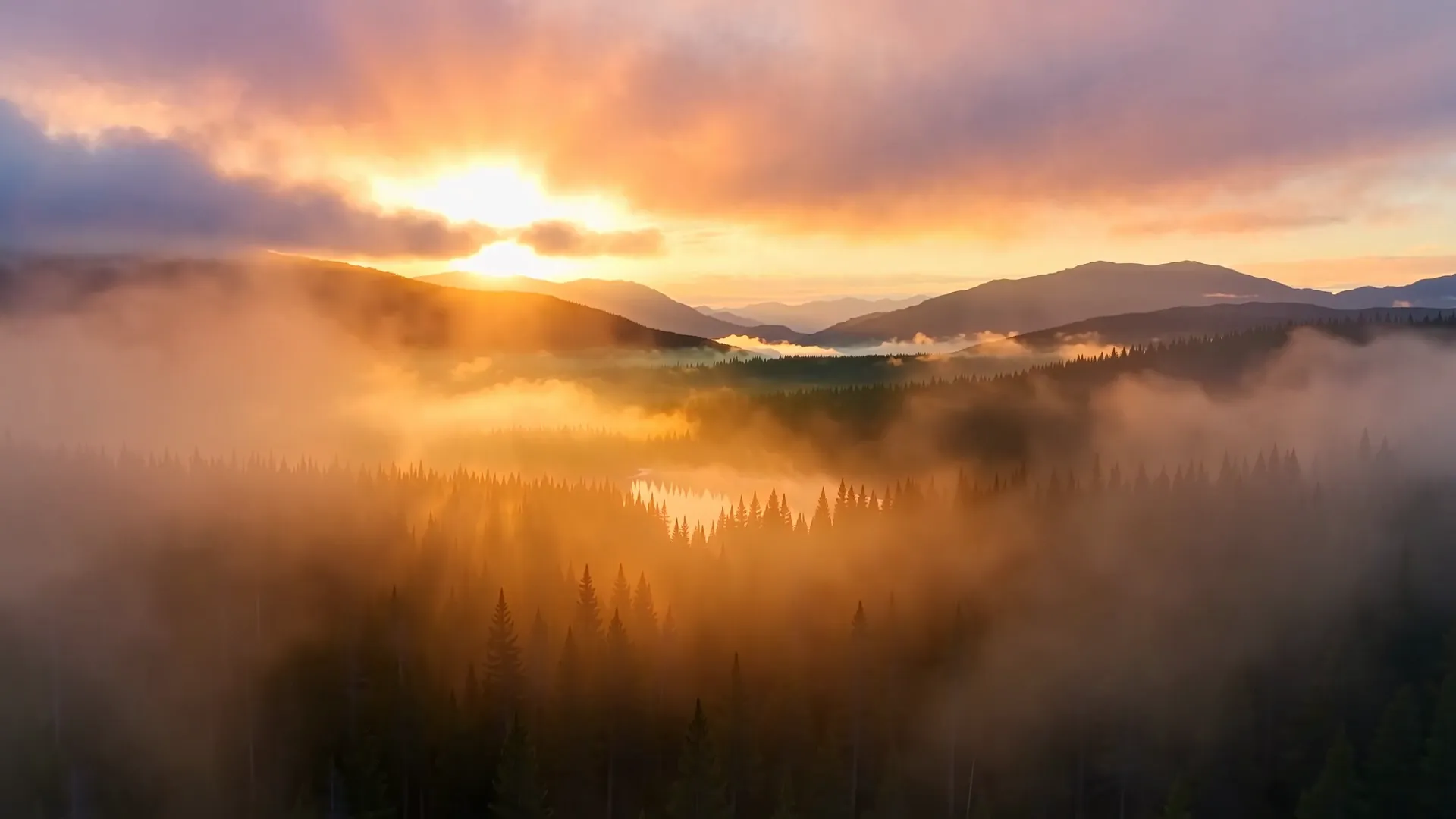
Watch the clipHappyHorse 1.08 sSunrise over a mountain valleyCinematic aerial drone shot soaring above a misty mountain valley at sunrise. Golden light pierces through low-hanging clouds, illuminating an ancient pine forest. The camera glides forward smoothly, descending toward a frozen lake reflecting the orange-pink sky. A lone elk stands at the water edge, breath visible in the cold air. Ambient wind through pines, distant bird calls, an orchestral cinematic score swells. Photorealistic, anamorphic lens, deep depth of field, hyper-detailed nature textures, 4K HDR cinematic quality.Repeat in the studio
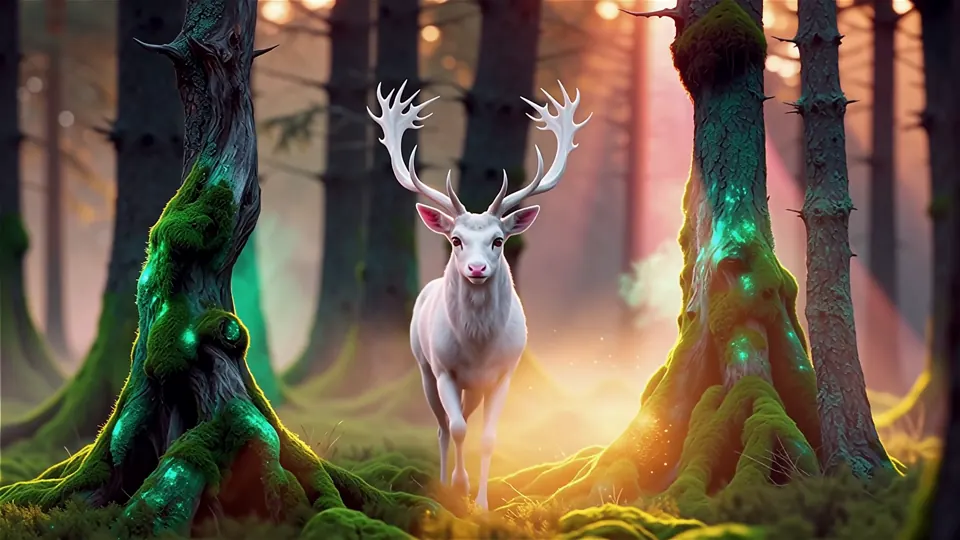
Watch the clipWan 2.510 sWhite stag in the morning mistA majestic white stag with branching antlers slowly emerging from morning mist in an enchanted forest, sunbeams piercing through ancient tree canopies, each step lifting a cloud of golden spores and luminous particles, moss on the trunks shimmering with emerald light, the stag turns its head toward the camera, dawn reflected in its eyes, cinematic camerawork, depth of fieldRepeat in the studio
How do I create a video from text?
To create a video from text, describe the scene in the prompt field, pick a model and aspect ratio, then press the generate button — the clip is usually ready in a few minutes. Specify the subject, action, environment and camera movement: the more concrete the description, the more accurate the result. The finished video can be downloaded and used in social media or ads.
Which AI model is best for video?
The best AI video model depends on the task: Gemini Omni and Seedance 2.0 generate clips with sound and realistic physics, Kling 3 excels at human motion, Wan 2.7 suits stylized scenes, and Hailuo 2.3 handles dynamic shots. Clipia.ai offers 60+ AI models for images and video, so you can run one prompt through several video models and compare the results.
How much does video generation cost?
A Clipia.ai subscription starts at $10 per month: the Basic plan includes 240 credits, and new accounts get 5 welcome credits to try the service. The final cost of a generation depends on the model, duration and resolution and is shown before generation. Payment is accepted by bank card.
AI video models: price, duration and quality
The table lists popular models in the Clipia video studio and what they offer in Text to video mode. The price is in credits for the shortest clip: longer clips and higher resolutions cost more.
Text-to-video models in Clipia
Model
Developer
Duration
Resolution
Sound
Clip price
Grok Imagine Video 1.5
xAI
5–15 s
480p, 720p, 1080p
Yes
from 5 credits
HeyGen Video
HeyGen
5–15 s
768p, 1080p
Yes
from 5 credits
Seedance 2.5
ByteDance
4–30 s
480p, 720p, 1080p
Yes
from 43 credits
Seedance 2.5 Flash
ByteDance
4–30 s
480p, 720p
Yes
from 28 credits
Gemini Omni 1.2
Google
3–15 s
360p, 720p, 1080p, 4K
Yes
from 5 credits
Seedance 2.0 Fast
ByteDance
4–15 s
480p, 720p
Yes
from 23 credits
Veo 3.1 Fast
Google
4–8 s
720p, 1080p, 4K
Yes
from 22 credits
Kling 3
Kuaishou
3–15 s
720p, 1080p, 4K
Optional
from 22 credits
MiniMax H3
MiniMax
5–15 s
480p, 768p
Yes
from 16 credits
Kling 4.0 Flash
Kuaishou
3–20 s
720p
Yes
from 27 credits
Wan 2.7
Alibaba
5–15 s
720p, 1080p
Yes
from 24 credits
The price is for the shortest clip at the lowest resolution without paid options. The studio shows the exact amount for your settings on the button before you start.
Video prompt examples
The model made each clip below from the prompt under it. Each card shows the model, duration, resolution and the price of such a clip in credits.
An atmospheric camera fly-through with soft light — for an intro, a music video or a social post.
Model
Grok Imagine Video 1.5
Duration
15 s
Resolution
720p
Format
16:9
Price
27 credits
Prompt
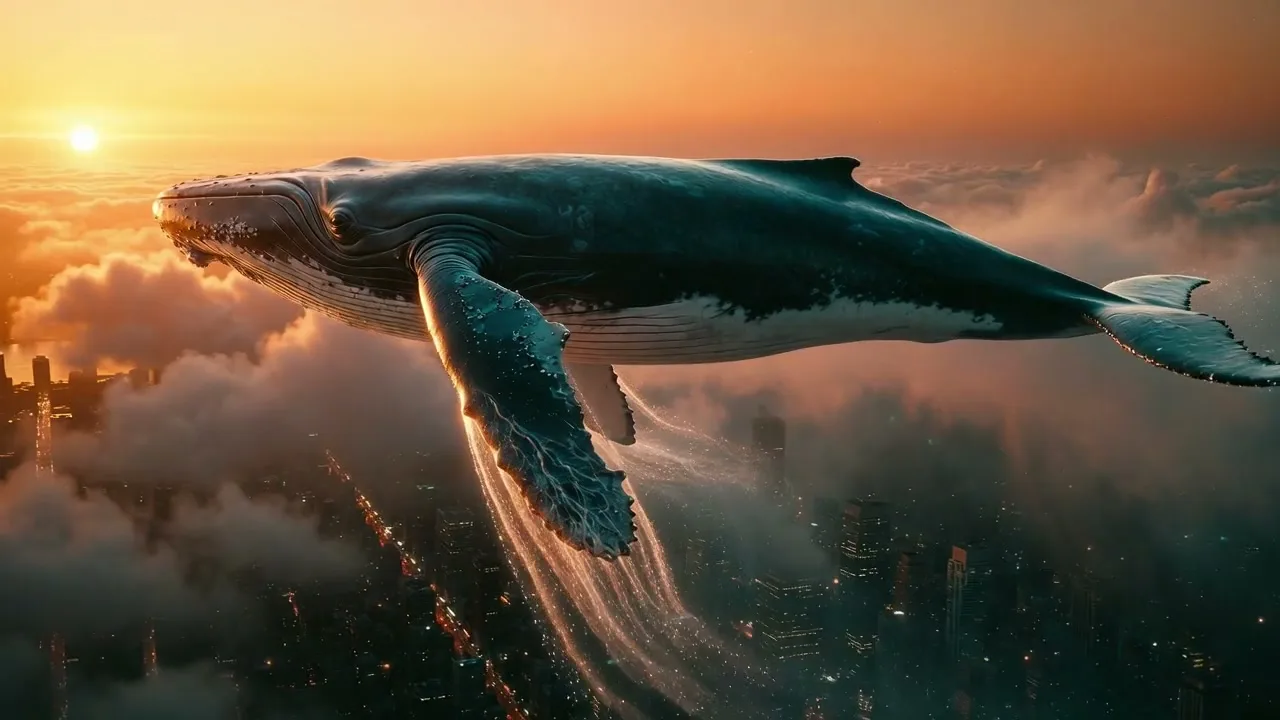
A colossal whale glides through an ocean of golden sunset clouds high above a sleeping city, its immense body half wrapped in mist, warm amber rim light tracing its back, streams of shimmering stardust pouring from its fins and falling like slow rain toward the distant skyscraper lights below, volumetric god rays piercing the cloud layer, the camera slowly orbiting from below and rising to reveal the endless cloud ocean and the skyline glowing through the haze, cinematic slow motion, epic sense of scale and wonder
The model writes sound together with the picture: describe the waves, the thunder and the music right in the prompt.
Model
MiniMax H3
Duration
6 s
Resolution
768p
Format
16:9
Price
38 credits
Prompt
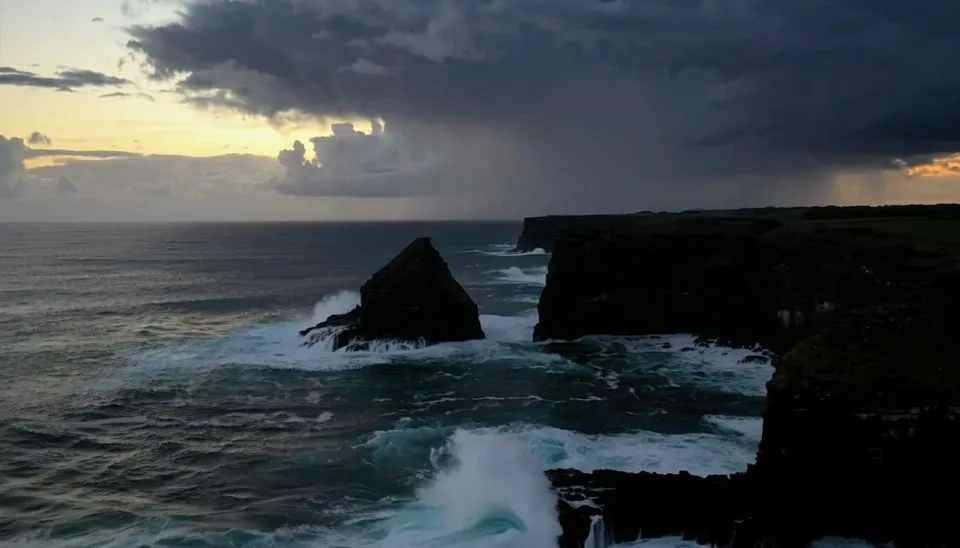
Cinematic aerial push-in over a stormy ocean at dusk, huge waves crashing against dark cliffs, lightning flashing on the horizon, rolling thunder and a deep orchestral score
A close-up of a product with an orbiting camera — a starting point for an ad, a product card or a brand clip.
Model
Hailuo 02
Duration
6 s
Resolution
1080p
Price
21 credits
Prompt
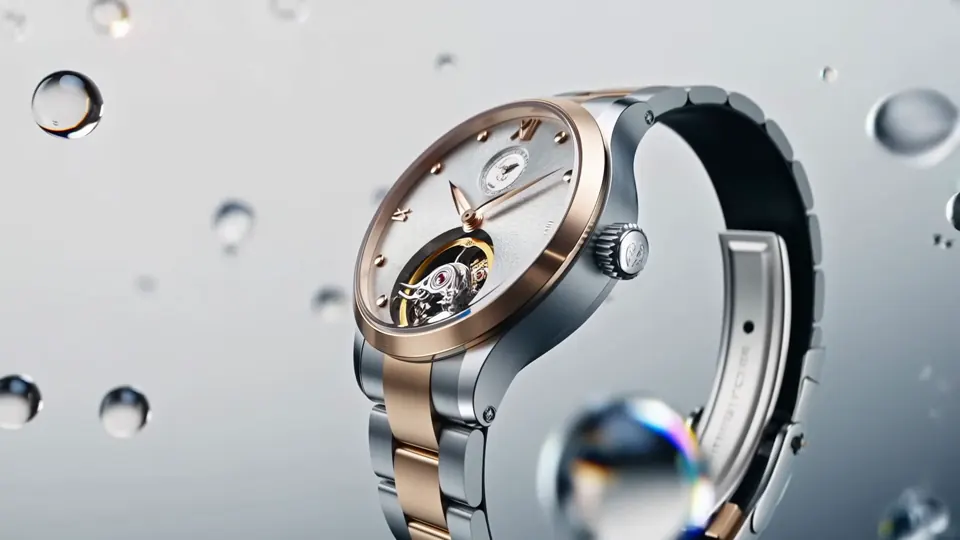
The camera slowly orbits a luxurious mechanical watch floating in zero gravity, water droplets drifting around it, each droplet catching the light and splitting into tiny prisms and rainbows, an extreme close-up reveals the intricate tourbillon, pulling back to a wider shot as the watch begins to rotate, cinematic studio lighting
Yes. New accounts get 5 credits at sign-up, and the shortest Grok Imagine Video 1.5 clip (5 s, 480p) costs 5 credits. The cost of each generation is shown on the button before you start and depends on the model, duration and resolution. After that, subscriptions start at $10 per month: the Basic plan includes 240 credits.
How does AI create a video from a text description?
The model parses your prompt and, step by step, turns noise into a sequence of frames that stay consistent in motion, lighting and scene physics. Some models, such as Seedance 2.5 and Veo 3.1 Fast, generate sound at the same time. In Clipia, one generation produces a clip of 3 to 30 seconds, depending on the model.
How many credits does one video cost?
The price depends on the model, duration and resolution and is shown on the button before you start. For example, the shortest Kling 3 clip (3 s, 720p) costs 22 credits, Veo 3.1 Fast starts at 22 credits and Seedance 2.5 at 43 credits. Prices for the other models are listed in the table above.
How many videos does a subscription cover?
It depends on the model: the Basic plan at $10 per month gives 240 credits, and Standard at $19 gives 480 credits. The shortest HeyGen Video clip (5 s, 768p) costs 5 credits, and Seedance 2.5 Flash (4 s, 480p) costs 28 credits. Subscription credits are shared across video, images and voiceover.
How long can a generated video be?
With the models in the table, a single generation produces a clip of 3 to 30 seconds: Kling 3 offers 3 to 15 seconds and Seedance 2.5 offers 4 to 30. Longer videos are assembled from several clips: the last frame of one clip becomes the starting image of the next.
What quality are the generated videos?
From 360p up to 4K, depending on the model and settings: Seedance 2.5 offers 480p, 720p, 1080p, and Gemini Omni 1.2 goes up to 4K. The finished clip downloads in its original quality and is ready for social media and ads.
Can I generate a video with sound?
Yes: 10 of the 11 models in the table write their own sound — dialogue, ambient noise and music synchronized with the picture — including Seedance 2.5, Gemini Omni 1.2, Veo 3.1 Fast and MiniMax H3. Kling 3 adds sound through a separate setting. Voiceover and music for a finished clip can be made in the Clipia Audio Studio.
Can I make a video from a photo?
Yes: in the Image to video tab, upload a picture and describe the motion — the model builds a clip from that frame. The mode is available in Kling 3, Seedance 2.5, Wan 2.7 and most other models; a Grok Imagine Video 1.5 clip from a photo starts at 5 credits.
How do I write a prompt for a video?
Describe 4 things: the subject, the action, the setting and the camera movement — and, for models with sound, the sounds too. For example: “a whale glides through sunset clouds above a sleeping city, the camera slowly circles it, warm amber light”. Three ready-made prompts with settings and prices are in the examples above.
Do prompts have to be in English?
No, you can write prompts in plain everyday language — descriptions in English, Spanish, Russian and other major languages are understood correctly. The Clipia interface is available in English and Spanish, and subscriptions start at $10 per month.
Can I keep the same character across several videos?
Yes: in the Image to video tab, upload a photo of your character as a reference — Seedance 2.5 accepts up to 30 images, Kling 4.0 Flash up to 10 and Gemini Omni 1.2 up to 6. The model follows the references and keeps the face, outfit and style consistent from clip to clip.
Can I edit a finished video?
Yes, in the Edit video tab: Gemini Omni 1.2 changes a clip of up to 15 seconds from a text instruction — for example, it turns day into night and keeps the motion. To raise the resolution of a finished clip, use the Upscale video tab.
Can I make a video on my phone?
Yes, Clipia works in the browser on a phone or a computer — there is no app to install. For short social clips, choose the vertical 9:16 format: Kling 3, Seedance 2.5, Grok Imagine Video 1.5 and most other models support it.
How long does video generation take?
Usually 1 to 5 minutes. Generation time depends on the model, duration, resolution and current load; the status is shown right in the studio, and the finished clip is saved in My Works.
Can I create a video without signing up?
No, generation is available after sign-up: an account is needed to add your 5 welcome credits and to keep finished clips in My Works. You can sign in with email or with a Google or Yandex account.
Does Clipia add a watermark to videos?
No. Clipia does not add its own watermark: the clip downloads in its original quality, up to 4K on models that support it. Credits are charged for the generation itself.
Can I use the videos in ads?
Yes, starting with the Standard plan at $19 per month: it allows publishing online, on social media and in ads, while Pro and Ultima add extended commercial rights. The Basic plan is for personal, non-commercial use; you must own the rights to source materials, brands and images of people.
What happens to my credits if a generation fails?
If a generation is not completed because of a technical failure — a timeout, a model refusal or a service error — or the result is not delivered, the credits for it are returned. This is set out in section 5B of the Terms of Service. A subjective judgement of the result ("wrong style") is not grounds for a refund.


 Watch the clip