HappyHorse-1.0 by Alibaba: April 2026 Video Arena Leader
Overview, real demos across eight scenarios, full spec, and the recipe for your first clip
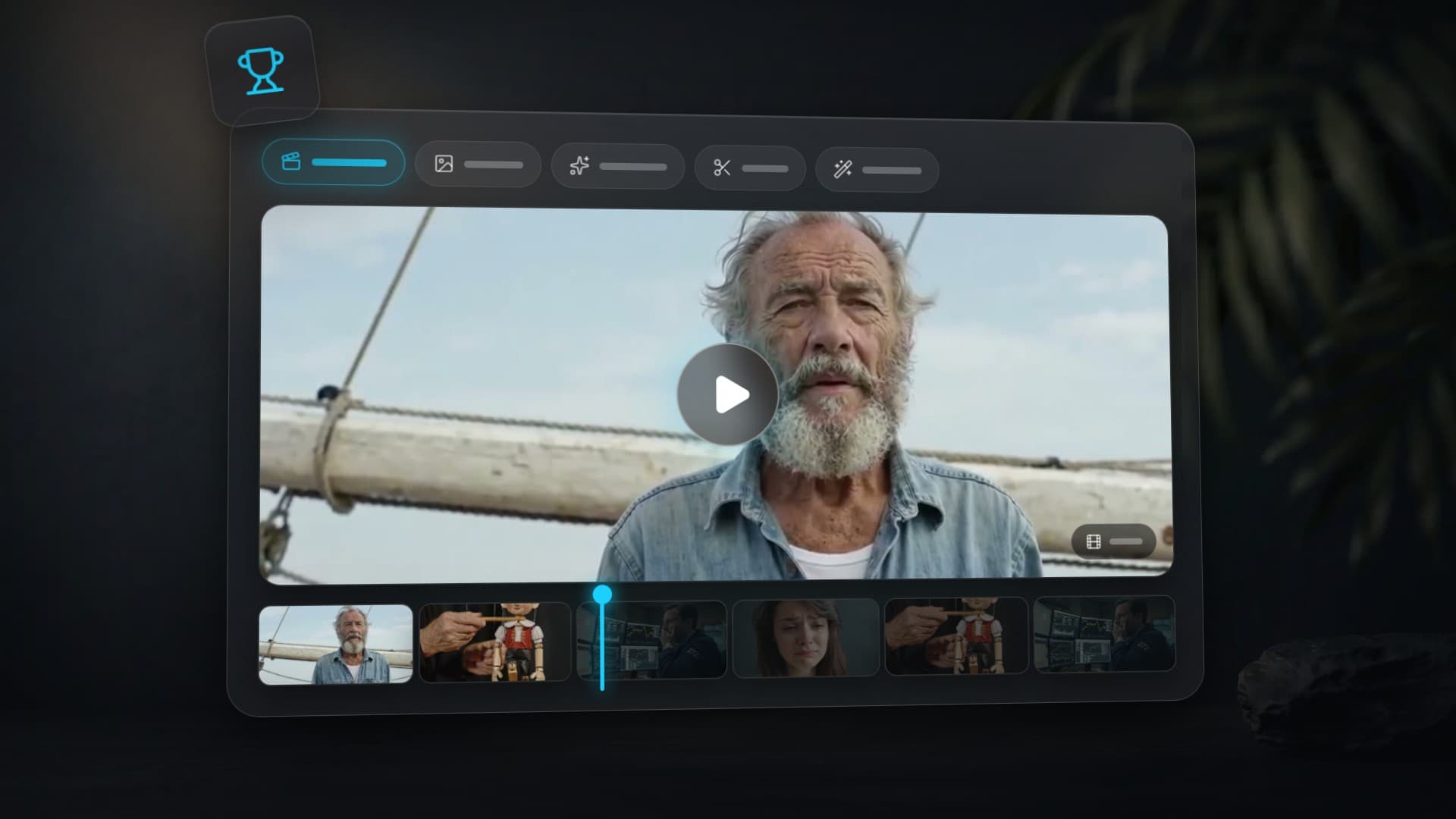
On April 27, 2026, Alibaba officially released HappyHorse-1.0 — the model that climbed to #1 on the Artificial Analysis Video Arena anonymously back in early April and held the top spot in both no-audio tracks as of April 28, 2026: T2V Elo 1,332 (no audio) and I2V Elo 1,391. On Clipia the model is now live in four modes — Text-to-Video, Image-to-Video, Reference-to-Video, and Video Edit.
This post covers the stealth-launch story, real demo clips from the public showcase, the full technical spec, and how to ship your first HappyHorse-1.0 clip in a few minutes.
Open HappyHorse-1.0 on Clipia →
From stealth release to public model: the HappyHorse-1.0 story
On April 7, 2026, an entry titled "HappyHorse-1.0" appeared on Artificial Analysis Video Arena — no developer logo, no whitepaper. Within 24 hours it claimed #1 in Text-to-Video and Image-to-Video with a record 74-Elo lead over the previous holder, Seedance 2.0. Caixin Global reported the model accumulated over 12,000 paired blind comparisons in the first 48 hours.
On April 10, Bloomberg and CNBC simultaneously confirmed: the author is Alibaba, developed inside DAMO Academy. Seventeen days later, on April 27, 2026, the public release went live. From that day, third-party platforms can integrate the model — and right out of the gate it is available in four use-case variants.
Why the anonymous launch? Alibaba was direct: to collect clean user votes without brand bias. A clip labelled "Alibaba" would have skewed votes both ways — some boosted, some downvoted by default. Anonymous testing yielded the most honest benchmark.
What Elo on Video Arena tells us
Artificial Analysis Video Arena is the industry standard for evaluating video models. The format is borrowed from LM Arena for language models: users see two clips generated by different models from the same prompt and vote "left wins / right wins / tie". An Elo score is computed across many comparisons — chess-style.
HappyHorse-1.0 standings as of April 28, 2026:
- Text-to-Video (no audio) — #1, Elo 1,332. 59-point lead over Seedance 2.0.
- Text-to-Video (with audio) — #2, Elo 1,204. Top spot belongs to Veo 3.1 Quality (native synchronized audio).
- Image-to-Video (no audio) — #1, Elo 1,391. 66-point lead over Seedance 2.0.
- Image-to-Video (with audio) — #2, Elo 1,159. Veo 3.1 leads again.
A 100-point Elo gap means the stronger model wins 64% of comparisons. HappyHorse 59-66-point lead translates to roughly 58% blind-test wins. For an industry where top models usually sit 10-25 Elo apart, that is a substantial gap.
What HappyHorse-1.0 can do: real generations
All eight clips below are real HappyHorse-1.0 generations from the public showcase. They show where the model actually shines — and why it overtook Seedance 2.0 on Arena.
1. Liquid physics
HappyHorse most visible advantage is correct physics for fluids and soft bodies — the area where older models drift fast: milk turns to mush, coffee freezes mid-air, water loses shape on impact.
2. Precise motion and impact
In scenes with fast, accurate actions, what matters is not just animation but preserving object geometry between frames. HappyHorse holds the shape of the club, ball, and shoes without blur even at the moment of contact.
3. Complex string and joint physics
A marionette on strings is a classic stress test for video models. The model has to simultaneously hold the puppet form, joint reactions, and the motion of strings in the puppeteer hands.
4. Long takes with high detail
HappyHorse delivers up to 15 seconds of coherent video without the "stitched" feeling. That unlocks long tracking shots and complex interior scenes that older models could only fake with explicit cuts.
5. Atmosphere, wind, location portraits
In outdoor scenes HappyHorse pulls noticeably ahead on liveliness — fabrics, hair, ambient light. What matters most: the portrait stays stable across the entire duration without facial drift.
6. Natural child motion
Child kinetics is a separate difficulty class: unpredictable movements, small proportions, frequent occlusions. The model has to keep an object in the hands while not "losing" the character through fast pose changes.
7. Humor and surreal scenes
HappyHorse handles realistic and lightly surreal scenes with equal confidence. The model does not break on unusual inputs — it carefully constructs physics inside an imagined situation.
8. Image-to-Video: emotional portrait
I2V is where HappyHorse shines hardest. Feed it a single photo, and the model brings it to life while preserving facial features, lighting, and composition. On portraits like this, competitors drift by the fourth second; HappyHorse holds identity for the full 10-15.
Animate your photo with HappyHorse I2V →
Technical specs and parameters
The table below describes the modes and current Clipia interface limits. For Video Edit, the studio accepts a 3–15-second source clip and up to 9 reference images; check the available settings in the form before starting.
| Parameter | T2V | I2V | R2V | Video Edit |
|---|---|---|---|---|
| Required input | prompt | image (1) | prompt + 1-9 ref images | video + prompt |
| Duration | 3-15 sec (default 5) | 3-15 sec | 3-15 sec | output up to 15 sec, input 3–15 sec |
| Resolution | 720p / 1080p | 720p / 1080p | 720p / 1080p | 720p / 1080p |
| Aspect ratio | 16:9, 9:16, 1:1, 4:3, 3:4 | inherited from image | 16:9, 9:16, 1:1, 4:3, 3:4 | inherited from video |
| Prompt length | up to 5,000 chars | up to 5,000 chars | up to 5,000 chars | up to 5,000 chars |
| Extra assets | — | 1 image (≥300px, 1:2.5-2.5:1) | 1-9 images (≥400px) | up to 9 reference images; audio settings in the form |
| Seed | 0 - 2³¹ | 0 - 2³¹ | 0 - 2³¹ | 0 - 2³¹ |
| Launch | T2V → | I2V → | R2V → | Edit → |
What to keep in mind when prepping inputs:
- I2V does not accept aspect ratio as a parameter — it is inherited from the input image. Need vertical video for Reels or TikTok? Feed a 9:16 image.
- Minimum 300 pixels on the short side for I2V, 400 pixels for R2V. Below that the provider rejects the input.
- Reference-to-Video with 9 images is the multi-character mode. Each subject in the prompt is addressed via
@character1,@character2, and so on. - Video Edit in the Clipia studio accepts up to 9 reference images — useful for restyling a scene while keeping the lead character identity locked.
HappyHorse vs Wan 2.7: same company, different teams
The most common misconception in comments: "HappyHorse is just Wan 2.7 rebranded." Alibaba officially refuted this in the Bloomberg comment. Several video-generation teams work in parallel inside DAMO Academy, and HappyHorse-1.0 is a standalone project — not a descendant of the Wan family.
| Feature | Wan 2.7 | HappyHorse-1.0 |
|---|---|---|
| Architecture | Dual-stream Transformer with thinking mode | Single-stream Transformer |
| Strength | Long textual descriptions, multi-shot | Photorealism, physics, I2V consistency |
| Prompt length | up to 10,000 chars | up to 5,000 chars |
| Duration | up to 15 seconds | up to 15 seconds |
| Native audio in the current Clipia studio | included (T2V and I2V) | included (T2V and I2V) |
| Reference-to-Video | up to 3 images | up to 9 images |
| On Clipia since | March 2026 | April 2026 |
In practice: Wan 2.7 is better for long narrative prompts and "describe everything in detail — model fills the rest" scenarios. HappyHorse wins on short prompts focused on visuals — frame, lighting, material, physics. Closer to a photographer workflow than a screenwriter.
Comparison with top competitors: Seedance 2.0, Kling 3.0, Veo 3.1, Grok Imagine
A historical leaderboard and comparison snapshot from April 28, 2026. These parameters do not describe the current Clipia interface: Seedance 2.0 now supports sound and clips up to 15 seconds, and Wan 2.7 includes native sound. Check the model card and studio form for the current capabilities of your selected mode.
| Model | Elo T2V | Elo I2V | Native audio | Duration | Launch |
|---|---|---|---|---|---|
| HappyHorse-1.0 | 1,332 (#1) | 1,391 (#1) | yes | up to 15 sec | Open → |
| Seedance 2.0 | 1,273 (#2) | 1,325 (#2) | no | up to 12 sec | Open → |
| Wan 2.7 | 1,298 | — | no | up to 15 sec | Open → |
| Kling 3.0 | 1,254 | 1,298 | optional | 3–15 sec (3/5/8/10/15; Multi-Shot) | Open → |
| Veo 3.1 Quality | 1,241 | 1,277 | yes (synchronized) | 8 sec | Open → |
| Grok Imagine Video | 1,195 | 1,218 | no | up to 10 sec | Open → |
When to pick what:
- HappyHorse-1.0 — photorealism, physics, long takes, audio as a bonus. The default top pick for most jobs, especially when you need I2V consistency.
- Seedance 2.0 — best quality-to-cost ratio on the market. The Fast variant on Clipia (since April 16, 2026) is 2-3× cheaper than the base version with comparable output.
- Wan 2.7 — long narrative prompts in English or Chinese, accurate handling of many objects in a scene.
- Kling 3.0 Multi-Shot — connected scenes from separate prompts in a dedicated multi-scene workflow.
- Veo 3.1 Quality — a model with synchronized audio (dialogue, lines, frame-accurate effects). The pick for short ads and TikTok clips with speech.
- Grok Imagine Video — niche choice for surreal and art styles where mainstream models feel generic.
How to generate a HappyHorse-1.0 video on Clipia
The model is available in the video studio. Choose “Text to video” for a prompt, “Image to video” → “Single image” for a still, “Image to video” → “References” for several images, or “Edit video” → “With a prompt” for an existing clip. The links below open the matching mode with the model selected:
Text-to-Video: first clip in a minute
Open the “Text to video” tab, set duration to 5-10 seconds and aspect ratio for your platform (16:9 for YouTube, 9:16 for Reels and TG round videos). HappyHorse responds well to short visual prompts — more isn't better. The sweet spot is style + key scene + camera move + atmosphere.
Cinematic long take: a lone figure walks across a deserted
beach at sunset, warm golden light, drone shot with slow rise,
gentle wind moving hair and clothing, soft surf on the soundtrack,
photorealistic, 1080p
If you want sound, it is enabled automatically in T2V mode. Just describe it in words: "soft footsteps on sand", "distant ocean waves", "cinematic ambient music".
Image-to-Video: bring a still image to life
Open the “Image to video” → “Single image” and upload an image (minimum 300 pixels on the short side, JPEG/PNG/WebP). The prompt is optional — the model will invent natural motion on its own. But if you want control, describe the type of movement and intensity.
The scene comes alive with smooth cinematic motion, gentle
camera push-in, soft lighting shifts revealing new details,
atmospheric particles drifting through the frame, natural
micro-movements
For the input image we recommend Google's Nano Banana Pro — it holds composition and text better than anything else in the catalog, which translates directly into cleaner animation downstream.
Reference-to-Video: scenes with multiple characters
Open the “Image to video” → “References”. The mode takes 1 to 9 reference images. Each character is addressed in the prompt via @character1, @character2, and so on. This is the most controllable mode for complex scenes with dialogue and interaction.
@character1 walks toward @character2 on a sun-drenched city
street, both smiling, exchanging a handshake in slow motion,
light rays and atmospheric dust creating a warm golden glow,
cinematic medium shot
Video Edit: rewrite an existing clip
Open the “Edit video” → “With a prompt”, upload a finished video (3–15 seconds, up to 2,160 pixels on the long side) and describe what to change — style, lighting, time of day, effects. You can attach up to 9 reference images to lock the visual direction. Review the available settings and cost on “Edit video”. The result appears in the studio and in “My tasks”; select “Download” to save it.
FAQ
When did HappyHorse-1.0 land on Clipia?
The model was added to the Clipia catalog on April 28, 2026 — the day after Alibaba public release. All four modes are available: Text-to-Video, Image-to-Video, Reference-to-Video, and Video Edit.
How many credits does one generation cost?
Cost depends on duration and resolution. Live prices live in the model catalog and the production matrix: https://clipia.ai/api/models/happy-horse-t2v/pricing-matrix. On Clipia 1 credit ≈ $0.04 (Basic plan — 240 credits for $10).
How is HappyHorse-1.0 different from Wan 2.7? They are both Alibaba.
Both models come from DAMO Academy, but from different teams with different architectures. Wan 2.7 is a dual-stream Transformer with thinking mode, tuned for long textual prompts and multi-shot output. HappyHorse is single-stream, focused on photorealism, physics, and I2V consistency. The current Clipia studio offers native audio with both models; choose according to the task and check the settings for the selected mode.
Why did HappyHorse beat Seedance 2.0 on Arena?
The main advantages — improved fluid and soft-body physics, long uninterrupted shots without style decay, and significantly better subject consistency in Image-to-Video. In the April 28, 2026 ranking, HappyHorse led Seedance 2.0 on the I2V track by 66 Elo, which translates to roughly 58% blind-test wins.
What is Elo rating for video models?
Elo is a chess-derived rating system adapted for AI models. On Artificial Analysis Video Arena a user sees two clips from different models for the same prompt and picks the better one. Across hundreds of thousands of comparisons a numerical rating is computed. A 100-point gap means the stronger model wins 64% of the time.
Does it accept non-English prompts?
Yes, HappyHorse-1.0 supports multilingual prompts including English, Chinese, Russian, Spanish, and others. In practice, mixing works best: describe the scene and story in your native language, and add cinematography terms in English ("slow dolly push-in", "shallow depth of field", "backlit golden hour"). For long narrative prompts in Chinese, Wan 2.7 still has the edge.
What platforms and formats does the model output?
HappyHorse outputs MP4 in 720p or 1080p, 24 fps. Aspect ratio is set per generation: 16:9 for YouTube and desktop, 9:16 for Reels, Shorts, and TG round videos, 1:1 for square Instagram posts, 4:3 and 3:4 for artistic and vintage compositions. Duration ranges from 3 to 15 seconds per generation.
Try it yourself on Clipia
60+ models for video and image generation. One account, transparent pricing.